

Max Payne 1 Game – Overview – Free Download – PC – Specs – Screenshots – Installation Video
Type of game: Action/Shooting
Type of game: Action/Shooting
PC Release Date: July 24, 2001
Developer/Publishers: Remedy Entertainment ,Rockstar Studios/Gathering of Developers
Max Payne 1 (628 MB) is a third-person shooter developed by Remedy Entertainment and published by Gathering of Developers for PC. The story follows Max, a fugitive undercover cop framed for murder while hunting those responsible for his family’s death. The game became known for its film-noir atmosphere, comic-book storytelling, and groundbreaking bullet-time combat. Its dark urban setting, stylish gunplay, and revenge-driven plot helped make it one of the defining action games of its era.
Developer/Publishers: Remedy Entertainment ,Rockstar Studios/Gathering of Developers
Max Payne 1 (628 MB) is a third-person shooter developed by Remedy Entertainment and published by Gathering of Developers for PC. The story follows Max, a fugitive undercover cop framed for murder while hunting those responsible for his family’s death. The game became known for its film-noir atmosphere, comic-book storytelling, and groundbreaking bullet-time combat. Its dark urban setting, stylish gunplay, and revenge-driven plot helped make it one of the defining action games of its era.
Before downloading make sure that your PC meets minimum system requirements.
Minimum System Requirements
- OS: Windows XP, 2000, 7
- Processor: Pentium or AMD 450MHz processor
- RAM: 128 MB
- Hard Drive: 600 MB
- Video Card: 32 MB
- Sound Card: DirectX Compatible
- DirectX: 8.0
Screenshots
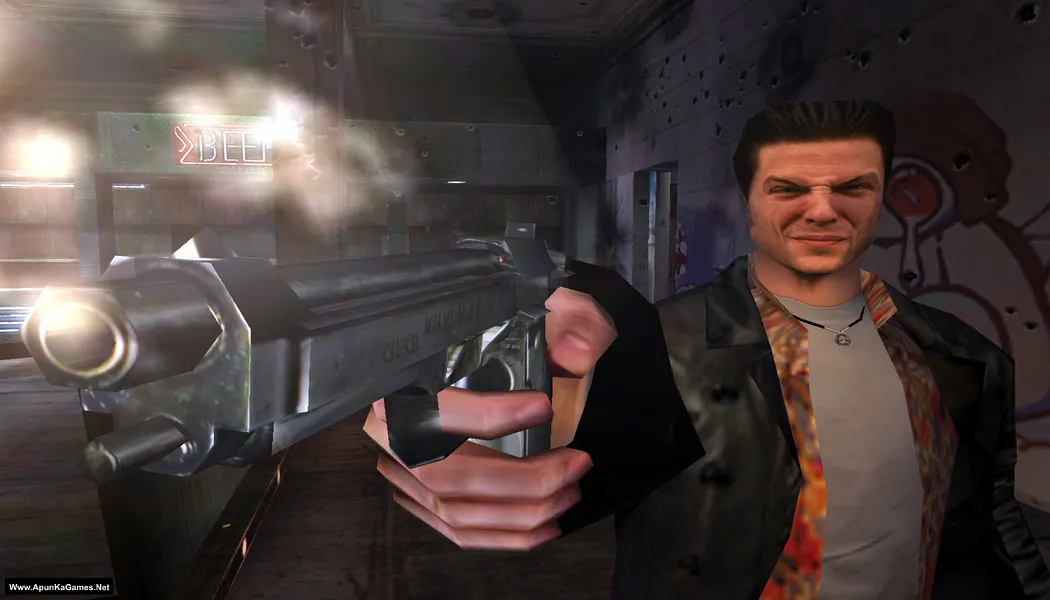
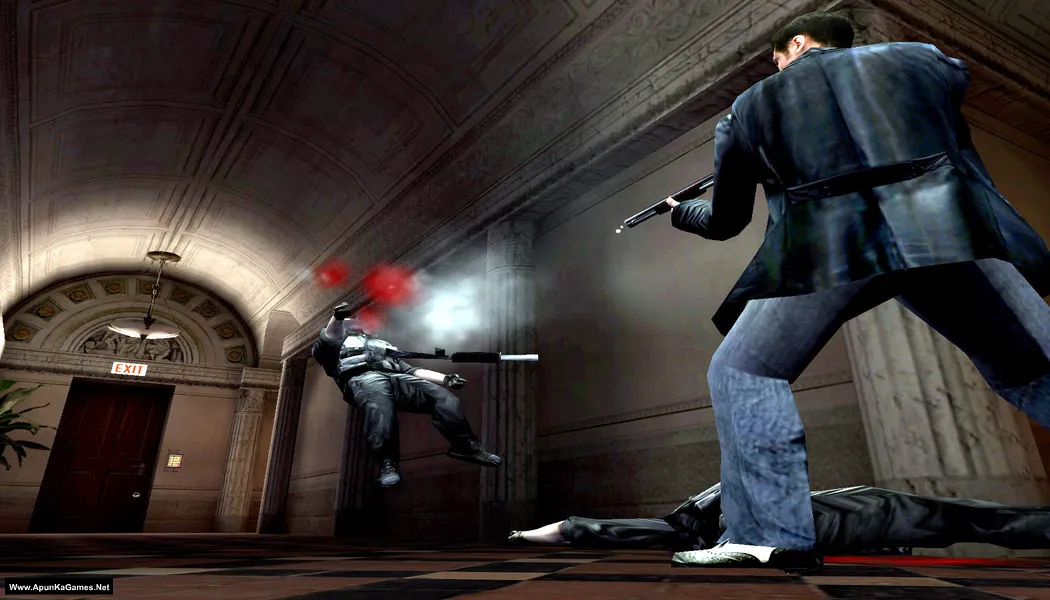
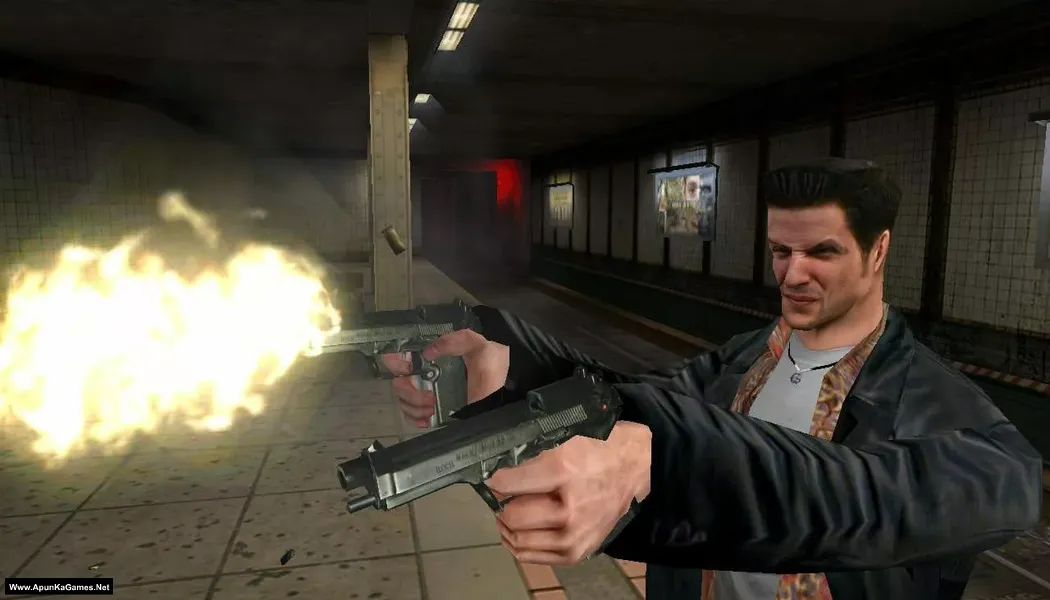
How to Install?
- Extract the file using Winrar. (Download Winrar)
- Open “Max Payne 1” >> “Game” folder.
- Double click on “MaxPayne” icon to play the game. Done!
How to Download?
If your don’t know how to Download this game, just Click Here!
Game Size: 628 MB
Password: www.apunkagames.net or apunkagames

kak
succesfully INSTALL the games
thanks bro
THANKS BRO .I SEARCH THIS GAME
after clicking on the game icon it is showing to login with administrative privilege. what to do admin
We check again. This game is 100% working setup. Please follow the instructions step by step: before extracting and installing the game, turn off your antivirus. After installation, you can turn it back on, as antivirus software may block DLL files.
01. Extract the file using Winrar.
02. Open “Max Payne 1” >> “Game” folder.
03. Double click on “MaxPayne.exe” to play the game. Done!