

Devil May Cry HD Collection Game – Overview – Free Download – PC – Compressed – Specs – Screenshots – Free
Type of game: Action
PC Release Date: March 13, 2018
Developer/Publishers: CAPCOM Co., Ltd.
Devil May Cry HD Collection (10.7 GB) is an action video game. Developed and published by CAPCOM Co., Ltd.. It was released on March 13, 2018 for Windows. The popular stylish action games Devil May Cry, Devil May Cry 2, and Devil May Cry 3 Special Edition return in one collection.
Type of game: Action
PC Release Date: March 13, 2018
Developer/Publishers: CAPCOM Co., Ltd.
Devil May Cry HD Collection (10.7 GB) is an action video game. Developed and published by CAPCOM Co., Ltd.. It was released on March 13, 2018 for Windows. The popular stylish action games Devil May Cry, Devil May Cry 2, and Devil May Cry 3 Special Edition return in one collection.
Before downloading make sure that your PC meets minimum system requirements.
Minimum System Requirements
- OS: Windows 7 (64bit)
- Processor: Intel Core i3 series (dual-core) or AMD equivalent or better
- RAM: 4 GB
- Hard Drive: 12 GB available space
- Video Card: NVIDIA GeForce GTX 760 or AMD Radeon R7 260x
- DirectX: Version 9.0
Screenshots
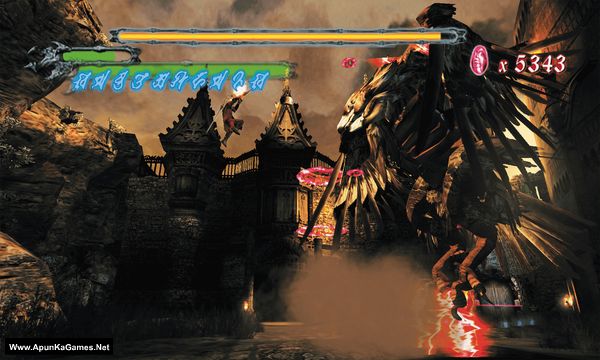
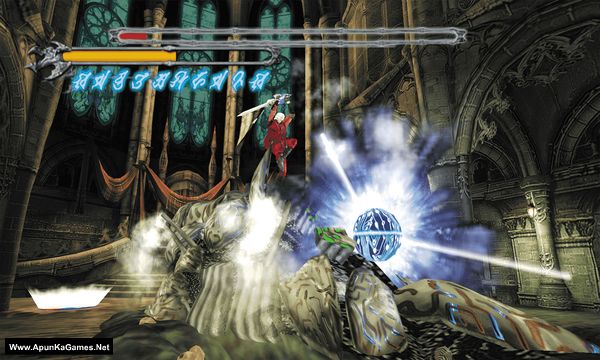
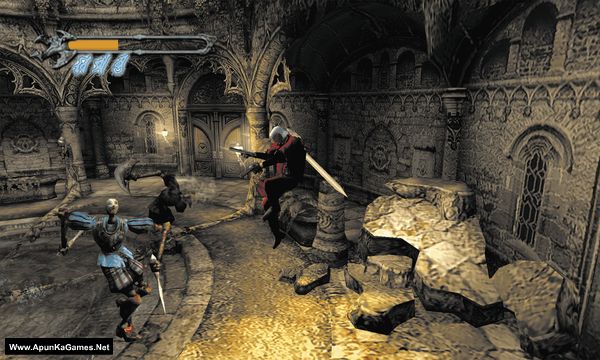
How to Install?
- Extract the file using Winrar. (Download Winrar)
- Open “Devil May Cry HD Collection” folder, double click on “Setup” and install it.
- After installation complete, go to the folder where you extract the game.
- Open “CODEX” folder, copy all files and paste it where you install the game.
- Then double click on “dmcLauncher” icon to play the game. Done!
How to Download?
If your don’t know how to Download this game, just Click Here!
If your don’t know how to Download this game, just Click Here!
Game Size: 10.7 GB
Password: www.apunkagames.net or apunkagames

fix the part 2 download
Does this game support gamepad I am asking because few games didn’t support gamepad like God of War 1, etc I was forced to play with keyboard
Yes it supports Xbox controllers
It’s game Is full version I mean cutscence voice complete
Can it work in win 10
Windows 7 (64bit)
The link is not working for part 1 and 2.Please fix it
download one by one all links are working fine if error still there refresh the page.
-Fix the part 3 download –
After clicking the ‘get download links’.
The next page doesn’t open and it says webpage not available
The other parts are fine
Please check the problem regarding it.
Regards
Cancel all the active downloads in IDM and then click on part 9. Wait 1st part to finish then start 2nd download. At one time 1 part. Thefilelocker can’t support multiple download so you have to download one by one! Try downloading the parts at a different time, such as late at night or during the day when website traffic is low.