
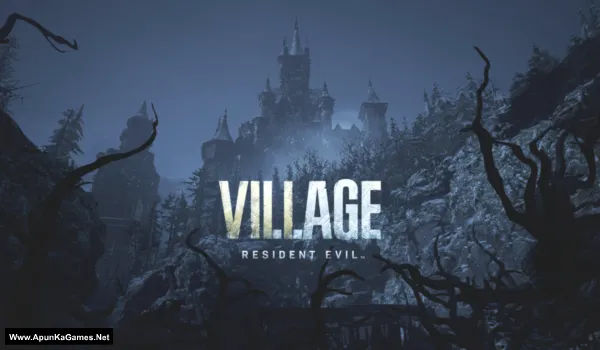
Resident Evil Village Game – Overview – Free Download – PC – Specs – Screenshots – Installation Video
Type of game: Action-adventure, Survival Horror
Type of game: Action-adventure, Survival Horror
PC Release Date: May 7, 2021
Developer/Publishers: CAPCOM Co., Ltd.
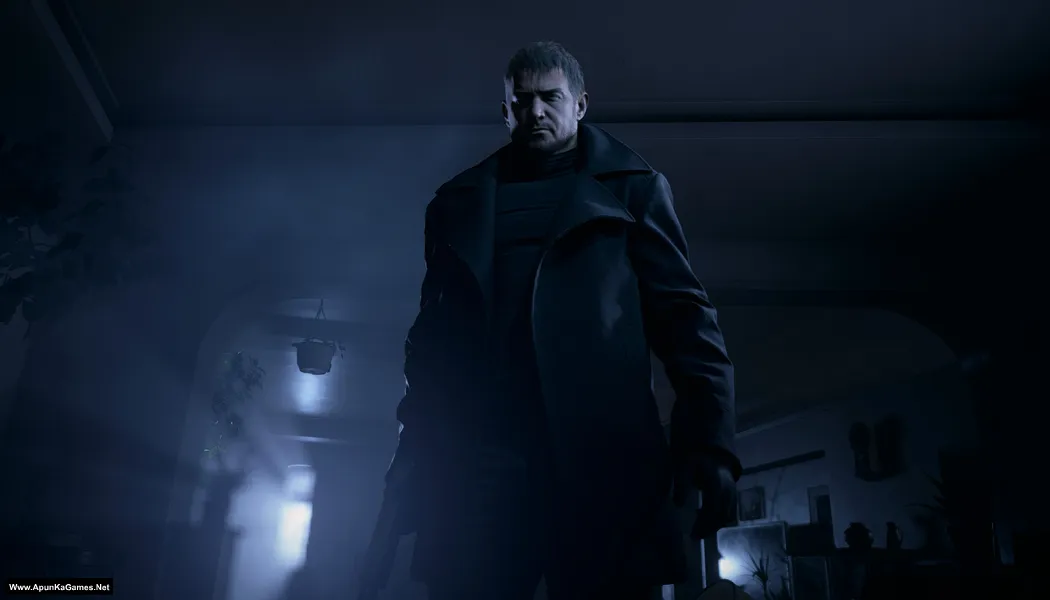
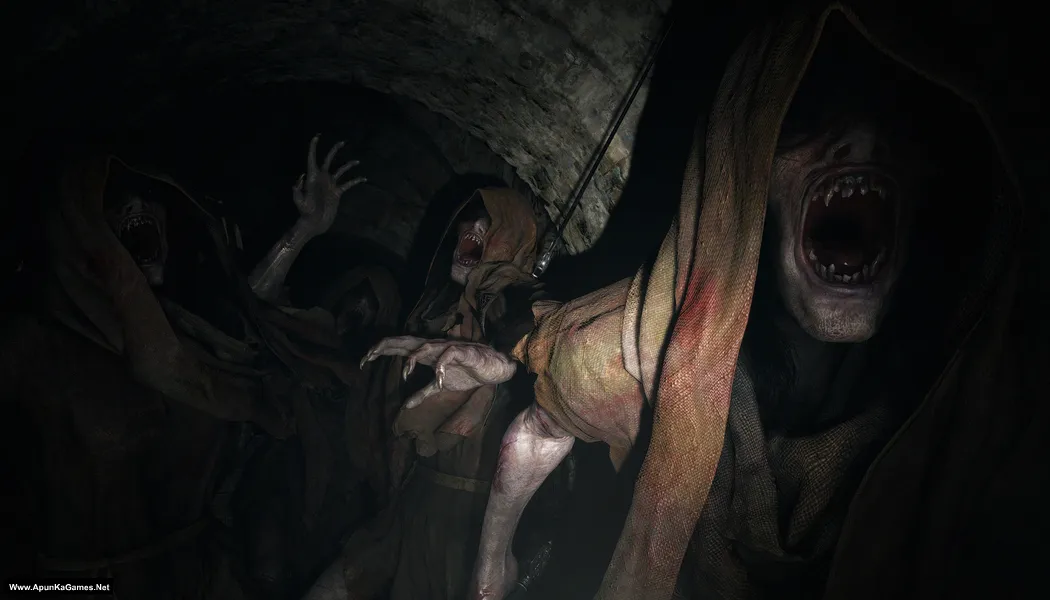
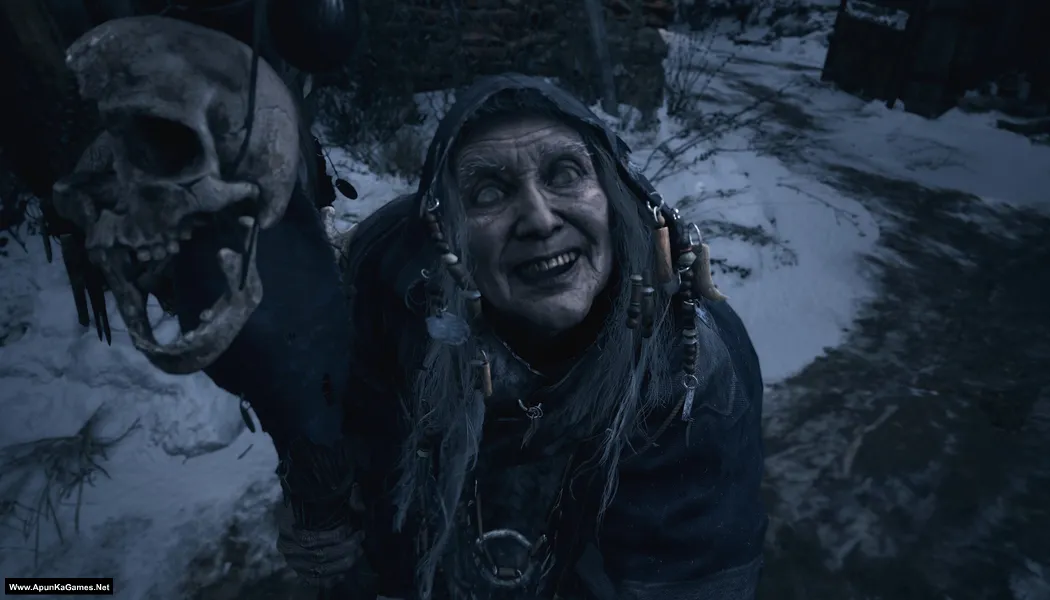
Resident Evil Village (26.5 GB) Resident Evil Village is a survival horror game developed and published by Capcom. It continues the story of Ethan Winters after the events of Resident Evil 7. Set in a mysterious European village, players must explore dark locations, solve puzzles, and fight terrifying creatures. The game introduces powerful enemies including the iconic Lady Dimitrescu. Combining survival horror, exploration, and action gameplay, Resident Evil Village delivers a tense and cinematic horror experience for PC players.
Developer/Publishers: CAPCOM Co., Ltd.
Resident Evil Village (26.5 GB) Resident Evil Village is a survival horror game developed and published by Capcom. It continues the story of Ethan Winters after the events of Resident Evil 7. Set in a mysterious European village, players must explore dark locations, solve puzzles, and fight terrifying creatures. The game introduces powerful enemies including the iconic Lady Dimitrescu. Combining survival horror, exploration, and action gameplay, Resident Evil Village delivers a tense and cinematic horror experience for PC players.
Before downloading make sure that your PC meets minimum system requirements.
Minimum System Requirements
- OS: Windows 10 (64-Bit)
- Processor: AMD Ryzen 3 1200 / Intel Core i5-7500
- RAM: 8 GB
- Hard Disk: 30 GB available space
- Graphics Card: 4 GB, AMD Radeon RX 560 / NVIDIA GeForce GTX 1050 Ti
- DirectX: Version 12
Screenshots
How to Install?
- Extract the file using Winrar. (Download Winrar)
- Open “Resident Evil Village” folder, double click on “Setup” and install it.
- After installation complete, go to the folder where you extract the game.
- Open “EMPRESS” folder, copy all files and paste it where you install the game.
- Then double click on “re8” icon to play the game. Done!
How to Download?
If your don’t know how to Download this game, just Click Here!
Game Size: 26.5 GB
Password: www.apunkagames.net or apunkagames

will it work in windows 11?
Yes
Resident Evil 4 Remake pls🙏
DOES IT HAS THIRD PERSON MODEEEE
Well i think yes! but not sure…
can you upload Resident Evil 4 remake.
Sure brother… Sooner we will upload this game. Stay tuned!
download pls
Click “Click Here to Download This Game” to start the download.
The files are hosted on the file locker in 6 parts (5 GB each).
Total game size: 26.5 GB
bro is there any crash report in it
does this include the rose dlc?
Not 100% sure but i think no.
Bro the game is not working after installation when i run the re8.exe nothing happens. I have tried running it as administrator and also i have did what you said in the Readme.txt file I turned off the Windows Defenders everything but still the game simply does not start
Sorry you’re facing this issue. It sounds like the game files may be incomplete, corrupted, or blocked by your system even after disabling Windows Defender. First, make sure all required files were extracted properly and that no crack or DLL file was deleted automatically. Try reinstalling the game in a simple folder like C:\Games\RE8, install/update Microsoft Visual C++ Redistributables, DirectX, and .NET Framework, then run re8.exe again as administrator. Also check your antivirus quarantine and Windows Event Viewer, because sometimes the game is blocked silently with no error message.