
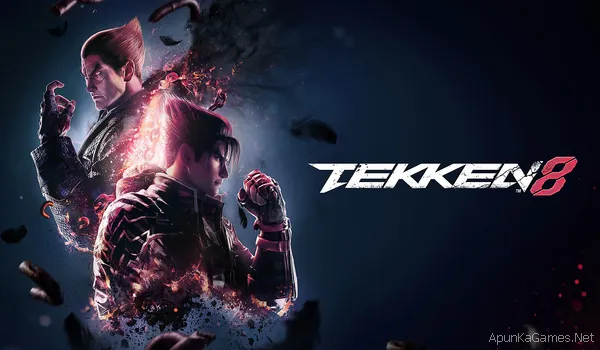
 Tekken 8 – Overview – Free Download – PC – Specs – Screenshots – Installation Video
Type of game: Action-Fighting
PC Release Date: January 26, 2024
Developer/Publishers: Bandai Namco Studios Inc, Bandai Namco Entertainment
Tekken 8 is a fighting game developed and published by Bandai Namco Entertainment and serves as the latest entry in the long-running Tekken series. The game continues the dramatic story of the Mishima family conflict, focusing on the battle between Jin Kazama and Kazuya Mishima. Featuring improved graphics, new combat mechanics like the Heat System, and a large roster of fighters, Tekken 8 delivers fast-paced battles, cinematic action, and competitive gameplay for fighting game fans.
Before downloading make sure that your PC meets minimum system requirements.
Minimum System Requirements
Minimum System Requirements
- OS:Windows 10 (64-Bit)
- Processor: Intel Core i5-6600K/AMD Ryzen 5 1600
- RAM: 8 GB
- Hard Disk: 100 GB available space
- Graphics Card: Nvidia GeForce GTX 1050Ti/AMD Radeon R9 380X
- Network: Broadband Internet connection
- DirectX: Version 12
Screenshots
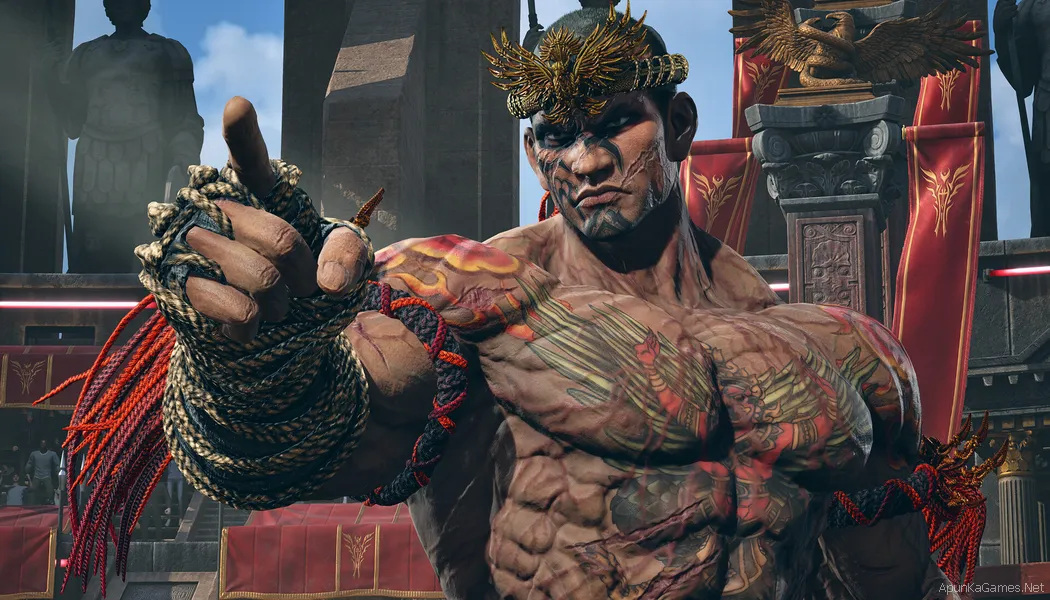
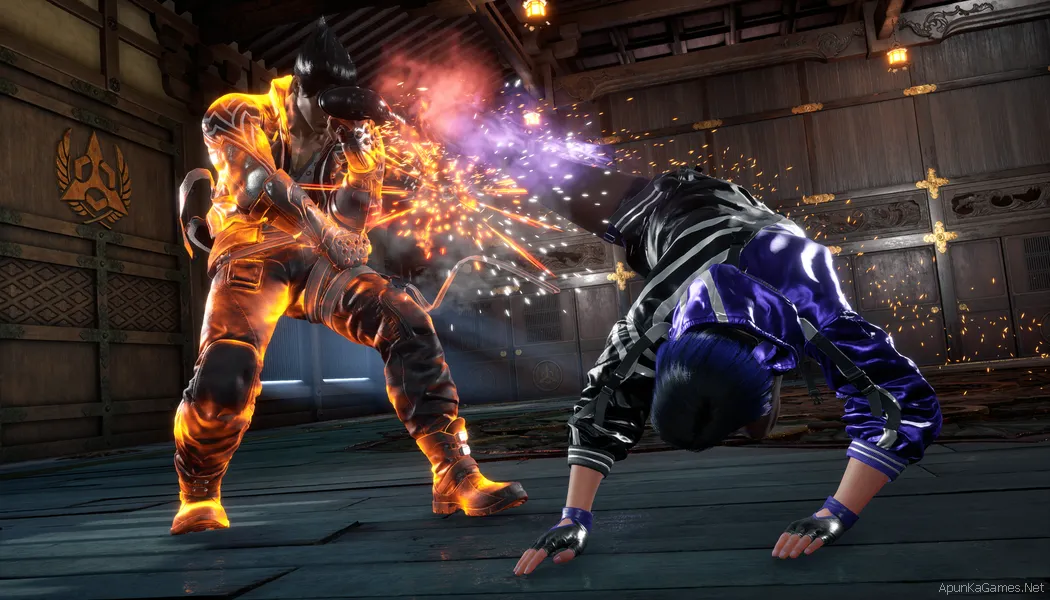
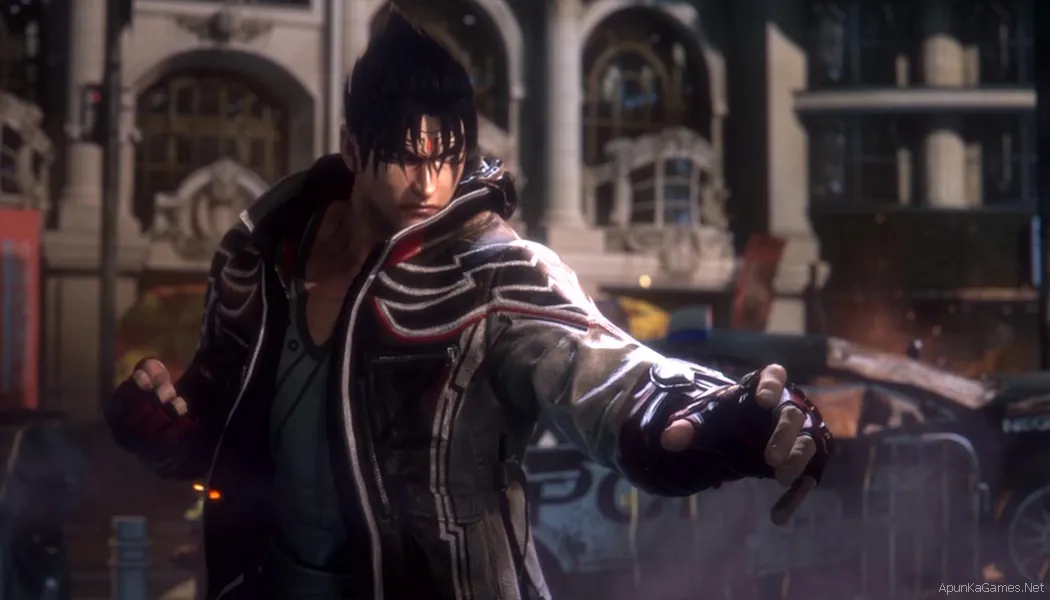
How to Install?
- Extract the file using Winrar. (Download Winrar)
- Open “Tekken 8” folder, double click on “Setup” and install it.
- After installation complete, go to the folder where you extract the game.
- Open “RUNE” folder, copy all files and paste it where you install the game.
- Then double click on “Game” icon to play the game. Done!
How to Download?
If your don’t know how to Download this game, just Click Here!
If your don’t know how to Download this game, just Click Here!
Tekken 8 Free Download
Click Here to Download This Game
Game Size: 77.8 GB
Password: www.apunkagames.net or apunkagames
Click Here to Download This Game
Game Size: 77.8 GB
Password: www.apunkagames.net or apunkagames

Does it work?
yes
part 4 not working
All links are working brother. Download the files one by one. TheFileLocker does not support multiple downloads at the same time, and downloading more than one file simultaneously may cause errors. Ensure each file is downloaded individually. Let the first download finish, then download the second one. Make sure no other parts are downloading in IDM.
It Working very well Thanks
Thank you for confirming that it’s working perfectly. Your feedback is appreciated and will be helpful for other users.
Please upload with all dlcs
Noted! we will add as soon as we can!
bro when you update the game ?
this version has only few characters not the latest characters
plz update it
The game is already updated to the latest version. On the TheFileLocker download page, just scroll below the download parts and click “Download TEKKEN 8 v3.01.01 + All DLCs for PC”. That package includes the latest version of TEKKEN 8 along with all available DLCs.
Please tekken 8 download on android mobile
bro there is no part 4, the part 4 contains part 5 and then continues to part 16, but there’re only 15 parts. that means you just misspelled part names and now it’s not extracting game just because there is not part 4 and if we rename part 5 by part 4 and rename all the other parts to make it 15 parts instead of 16. it still don’t works…… any update or solution?
(part 4 ki jagah part 5 likha howa hai or website pr 15 parts hai lekin mis’spell ki wajah sy 16 parts hogye hain mtlb 4 remove kr diya or 4 ka name 5 kr diya isliye 16 hogye ab sab ek ek krky download kr liye lekin wo part 4 maang rhy hain ab jab part 5 ka name 4 rakh rha hun or baki ky ek part pichy phir bhi error aa rha hai extract mein btao yr kya kiya jaye ab?
All parts are 100% working. You just need to check carefully and download them properly. 😊
IT ERRORS OF RUNE ISDONE.DLL WHAT I CAN I DO ?
The isdone.dll / RUNE error usually happens because of corrupted files, low virtual memory, or antivirus blocking setup files. First, turn off Microsoft Defender + any antivirus temporarily, then make sure all parts are fully downloaded and extracted correctly. Also run the setup as administrator and check that you have enough free disk space.
Bhai tekken 8 k Dlc bhi upload kro na ya game ko dlc k sath reupload kro heihachi , eddy and lidia jese characters etc mene download ki mgr mera favourite fighter eddy nahi tha mene wapis delete kar d
Please ya to reupload karo ya dlcs alag se upload kro Thanks
OK bro we can upload it as soon as we can find it.
NICE
there are some characters that this version does not contain plz update it as soon as possible
The game is already updated to the latest version. On the TheFileLocker download page, just scroll below the download parts and click “Download TEKKEN 8 v3.01.01 + All DLCs for PC”. That package includes the latest version of TEKKEN 8 along with all available DLCs.
the filelocker part 12 not available it 404 error fix it please
All links are working fine from our side you have to download one by one to avoid errors.
InitializeSequence error 1″ at the start of the game
The “InitializeSequence Error 1” in Tekken 8 is usually caused by missing game files, antivirus blocking files, or missing Microsoft Visual C++ Redistributables. Please turn off your antivirus/Windows Defender, add the game folder to Exclusions/Exceptions, install all the required Microsoft Visual C++ Redistributables (2005–2022) from the Microsoft/Redist folder, and then restart your PC. Also share your PC specifications.
Can I play Tekken 8 online?
Since it’s a cracked version, I don’t think you can play online with other players. It’s mainly intended for offline gameplay. However, you can play local multiplayer (2 players) on the same PC if you have two controllers.
Pls add jump to page to the siteso we can directly go to that page there are so many pages in games
Thanks for the suggestion, bro! ❤️ We’ll try our best to add a “Jump to Page” feature in the future. We really appreciate your feedback and support! 😊