
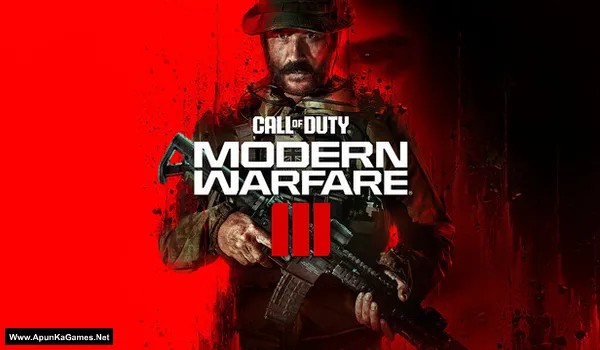
Call of Duty: Modern Warfare III (2023) v10.4 Game – Overview – Free Download – PC – Specs – Screenshots – Free
Type of game: Action, First-person shooter
PC Release Date: November 10, 2023
Developer/Publishers: Sledgehammer Games, Activision
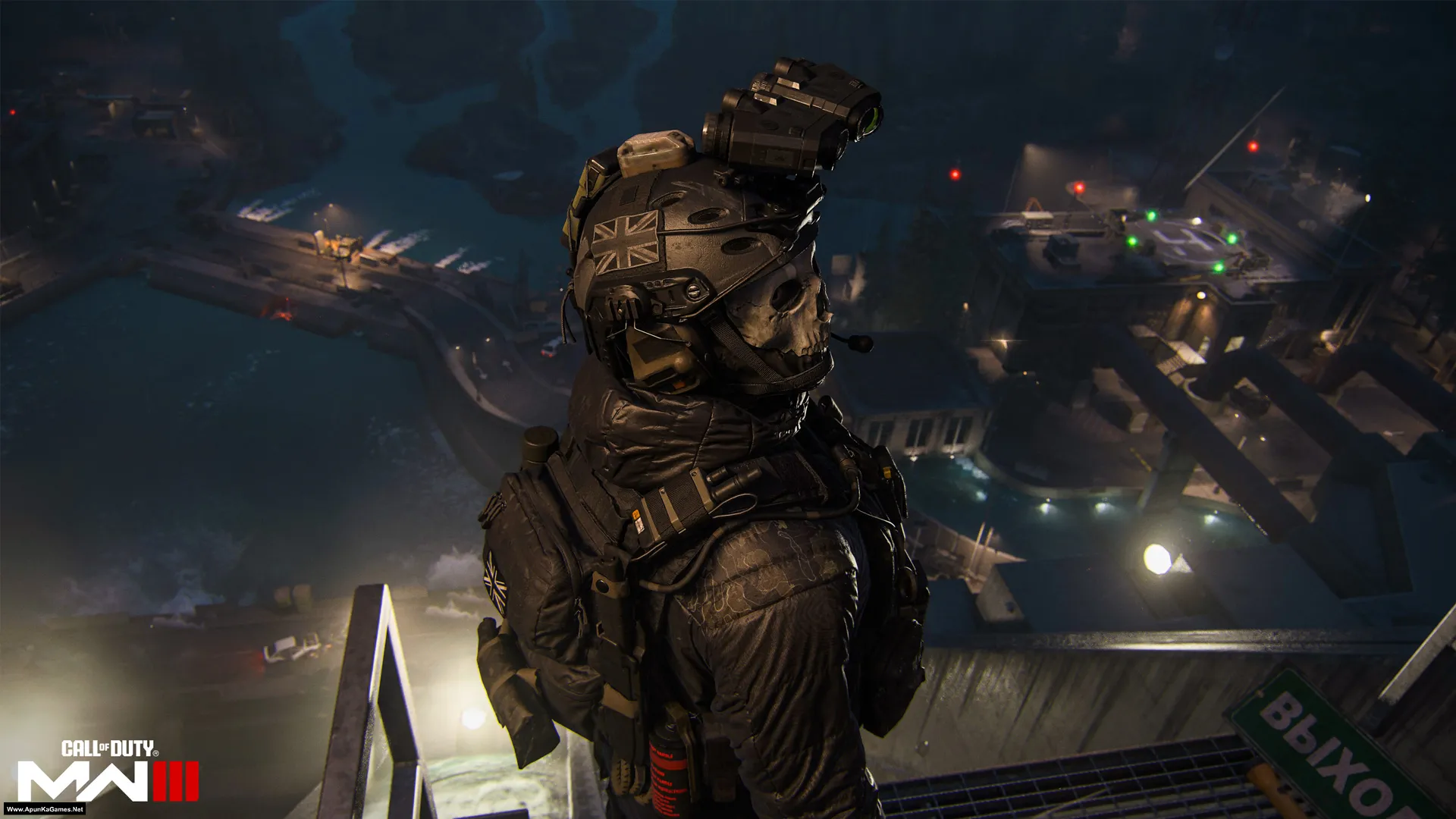
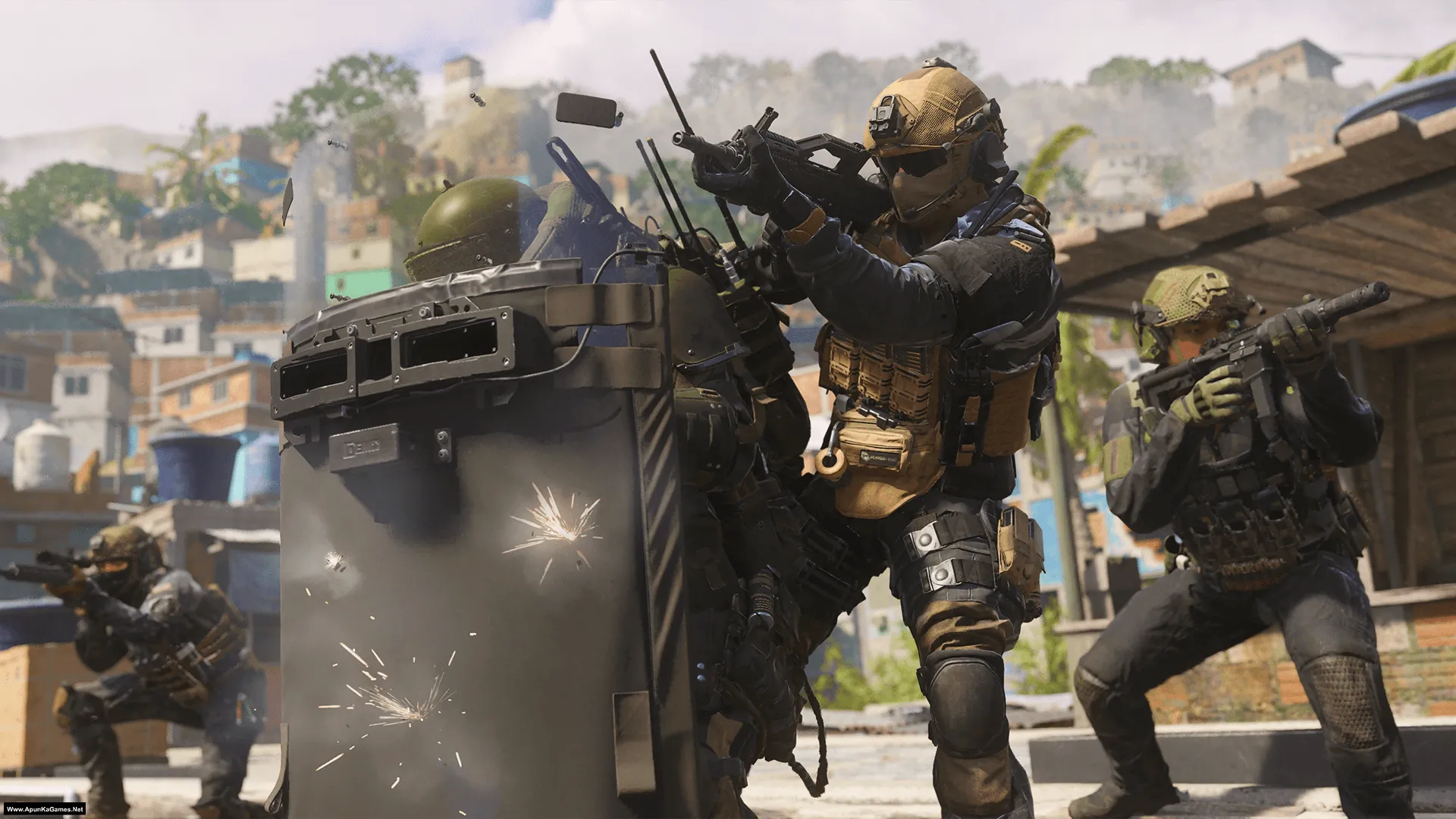
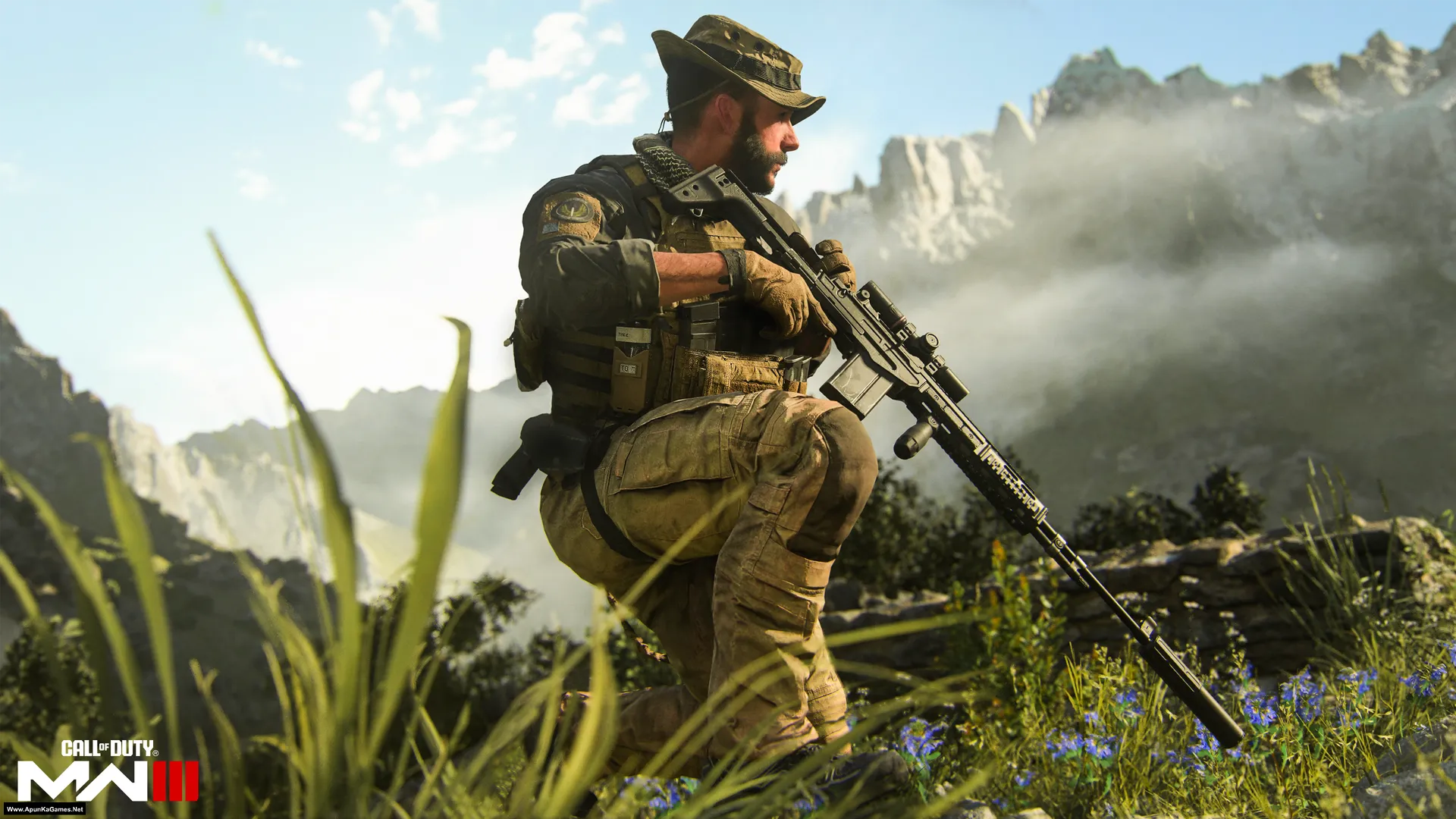
Call of Duty: Modern Warfare III (41.5 GB) is an Action-FPS video game. Developed and published by Sledgehammer Games, Activision. It was released on November 10, 2023 for Windows. COD: MW3 (2023) is a modern military shooter continuing the high-stakes global conflict. Gameplay features fast-paced gunfights, cinematic campaign missions, competitive multiplayer, and tactical movement with modern weapons and intense action.
Type of game: Action, First-person shooter
PC Release Date: November 10, 2023
Developer/Publishers: Sledgehammer Games, Activision
Call of Duty: Modern Warfare III (41.5 GB) is an Action-FPS video game. Developed and published by Sledgehammer Games, Activision. It was released on November 10, 2023 for Windows. COD: MW3 (2023) is a modern military shooter continuing the high-stakes global conflict. Gameplay features fast-paced gunfights, cinematic campaign missions, competitive multiplayer, and tactical movement with modern weapons and intense action.
Before downloading make sure that your PC meets minimum system requirements.
Minimum System Requirements
- OS: Windows 10 (64‑bit Latest update)
- Processor: Intel Core™ i5-6600 or AMD Ryzen™ 5 1400
- RAM: 8 GB
- Hard Disk: SSD with 102 GB
- Graphics Card: NVIDIA GeForce GTX 960 / GTX 1650 or AMD Radeon™ RX 470
- DirectX: Version 12
Screenshots
How to Install?
- Extract the file using Winrar. (Download Winrar)
- Open “Call of Duty MW III Campaign” folder, double click on “setup” and install it.
- After installation complete, go to the folder where you install the game.
- Open folder, double click on “Game” icon to play the game. Done!
Complete Installation Video Tutorial?
We provide complete game installation videos to guarantee that every game works perfectly. Unlike other websites where you download blindly and hope for the best, we show you real proof. Our step-by-step installation videos clearly demonstrate the game running successfully, so you know exactly what you’re getting. With us, there’s no guesswork—only verified, 100% working games you can trust.
Trust / Proof
- 100% Working – Tested by Us
- Game Verified Before Upload
- Working Gameplay Shown
- No Fake Files
- Installed Successfully on Our PC
How to Download?
If your don’t know how to Download this game, just Click Here!
If your don’t know how to Download this game, just Click Here!
Game Size: 41.5 GB
Password: www.apunkagames.net or apunkagames

YESSSSSSSSSSSSSS YOU FINALLY RELEASED IT
Yes! It’s finally out. Thanks for the excitement and support — enjoy!
brother i dont know where to find the extract files
Download and copy all parts in one new folder, then extract only part 1 and automatically all parts will be extracted. All setup files will show up!
Brother release resident evil requiem please
Soon as we cracked version available.
We want cod mw 3 2011 version!! 😿
Click Here to Download COD MW3 2011. It’s already uploaded!
hello broz does this run on i3 2nd gen,12 gb ddr3 ram,amd radeon r5 340x,please tell me fast
Minimum system requirements to run this game:
OS: Windows 10 64-bit (latest update)
CPU: Intel Core i5-6600 or AMD Ryzen 5 1400
RAM: 8 GB
GPU: NVIDIA GeForce GTX 960 / GTX 1650 or AMD Radeon RX 470
VRAM: 2 GB
Storage: SSD with ~78–149 GB free
so it will not run on my pc
I think yes but too low… you can try if you want!
thnx apunkagames i get this games from my bro he has downloaded it before me so i just copy it from there and its working fine i get 15-20 fps on low settings i would like to say that this is playable for me according to my pc specs once again team apunkagames for every game thnx a lot.
Thanks for your support! We’re glad the game is working fine for you. Even 15–20 FPS on low settings is playable depending on your PC specs. Enjoy the game, and thank you for supporting Apunkagames!
My specs
I 5 4gen
Ddr3 8gb ram
Vga 2gb gtx 960
Can run ?
You might be able to run the game, but you’ll likely need to play on low graphics settings at 720p or 900p. Expect lower frame rates, and some effects might be disabled.
bro getting error discord_game_sdk.dll not found
Brother Before installation just turned off your antivirus + windows defender. This error causes because of windows defender real time protection security. just turned it off when you play this game. It’s because of Windows Batch file.
I can’t believe it
when i open run the application that is a comd application and a pop up is shown that you sdk.dll file is missing what should i do
The game is 100% working — I played it myself. Before installation, make sure to turn off your antivirus. Also, Download and install the Microsoft Visual C++ Redistributable Package. After that, reinstall the game with antivirus still off. This will fix all errors caused by antivirus or missing Microsoft Visual C++ components.
i think they should be installing the multipack visual c++ it fixes every error u can find
Yes 100% right brother. installing the Visual C++ multipack is recommended. It fixes most common errors related to missing DLL files or runtime issues that users may encounter while installing or running games.
Download link is not working When I click on Proceed Now it does not go forward Please fix this issue Thanks
Please check now — the issue has been fixed. If it happens again, using a VPN should solve it.
part1 file got corrupted while extracting through winrar what to do/……
Download all 9 parts and place them together in one new folder.
Then extract only Part 1 — the rest will extract automatically.
Make sure all 9 parts have the correct names and matching file sizes.
If any part is missing, renamed, or a different size, the extraction will fail or become corrupted.
its just showing a screen where
“DODI repacks preset” is written 😭😔
Just press the ‘Up Arrow’ key on your keyboard to install the setup. Press “Up” arrow key on keyboard!
its still showing the same
Just click on setup with mouse and then Press “Up Arrow” key from your keyboard. Watch this video carefully and Follow step by step How to Install this Game without Error (Very Easy)
not download part 2 and other
Brother all parts are working fine… Just download all parts one by one from Thefilelocker. wait 1st part to finish then start 2nd download. At one time 1 part. Thefilelocker can’t support multiple download so you have to download one by one! Try downloading the parts at a different time, such as late at night or during the day when website traffic is low.
Thx bro , cod mw II me paise lag rahe hai
Ku lag rhy paisy bhai?
bro getting error discord_game_sdk.dll not found
Brother if you encounter the ‘discord_game_sdk.dll’ error, it may be because your antivirus removed some DLL files during installation. This usually happens when the antivirus is active while installing the game. To avoid this issue, you can temporarily disable your antivirus before running the setup. After installation, complete the registration first and then play the game. Alternatively, you can add the game folder to the antivirus ‘Exceptions’ list so that all files remain safe. You can search this error on google…. they will guide you in video.
Hi,
Bro the 4 part link is down
Cancel all active downloads in IDM, then download Part 4 again — it will complete 100%. All links are working; you just need to download them one by one. TheFilesLocker does not support multiple active downloads at the same time. Or you can download it from other available servers like MediaFire, 1Fichier, or PixelDrain.
hello when i try to download any game setup from this site every time when i click to download button it will just download opera setup not game setup
Watch this video and follow it step by step (How to Download and Install Call of Duty: Modern Warfare III 2023)
my game is not opening its just opens a command propmpt of jupiter then gets closed after few secs
If Call of Duty: Modern Warfare III is not opening and only a Jupiter command prompt appears for a few seconds before closing, the issue is usually related to corrupted game files, missing redistributables, or driver problems. First, update your graphics drivers and make sure Windows is fully updated. Install or repair Microsoft Visual C++ Redistributables and DirectX, and run the game as Administrator. Also disable antivirus, firewall, and any background overlays that may block the launcher. After completing these steps, restart your PC and try launching the game again.
Cant install stuck at 0.0 anti virus closed windef closed when installing check sum error even sfter following video to the letter. What to do vga 3070i rtx ram 32 1.34TB terrbites free im E drive i9 wimdows 11 wjat tovdo thanks for upload. But feel like uninstallimg.
Brother, don’t uninstall… Your PC specs are perfectly fine and this issue is usually caused by incomplete or corrupted files, not hardware. Checksum error mostly happens when one or more game parts are not downloaded properly. Please re-check all downloaded parts and re-download the part showing error. Also extract the game again using the latest WinRAR. Make sure antivirus and Windows Defender are fully disabled during extraction and installation. Install the game on SSD and run setup as Administrator. The game will install fine after re-downloading the corrupted part.
why the campaign isn’t saving after finishing more than 2 missions?
If your campaign isn’t saving after completing more than two missions, it’s usually due to permission or file issues. Try running the game as Administrator, disable Windows Defender or add the game folder to exclusions, and make sure you close the game properly instead of force-closing it. Also check that all required files are copied correctly and the game isn’t installed in Program Files, as that can block save data.
is this offline?
Yes (only Campaign).
done everything same as you have said in the video, still showing direct x encountered an unrecourabke error
Brother, yes—did you follow all the steps in the video? The first step is to install the Redist package. It includes all required gaming software like DirectX. You can also go to the Microsoft website and download the latest Visual C++ package and install it. It’s recommended for gaming because it includes the latest DLLs and software needed for most games, so you usually won’t need to install DirectX separately from game setups.
i did exactly same as you have told in the video , any solution please , i have been waiting for a long time to play this game, please help
Manually download the latest Microsoft Visual C++ package (2017–2026) from the Microsoft website and install it, then try again. BTW tell me you PC Specs?
my specs are 8gb ram 512 ssd , intel uhd graphics, its a low end pc but i have played cod mw 2 without any errors
With 8 GB RAM, 512 GB SSD, and Intel UHD Graphics, Call of Duty: Modern Warfare III (2023) will most likely NOT run properly. ❌
Reasons:
The game requires a dedicated GPU (like GTX 960 / RX 470 or better).
Intel UHD integrated graphics are too weak for this game.
8 GB RAM is also the minimum, while the game runs better with 16 GB.
✅ What might happen if you try:
Game may not launch
Very low FPS (5–15)
Crashes or heavy lag
minimum requirements still need a dedicated graphics card. For Call of Duty: Modern Warfare III (2023) the minimum GPU is around GTX 960 / RX 470. Your Intel UHD Graphics is much weaker than that.
I have also successfully played cod mw 2, by watching your guidance video, but mw 3 is showing direct x error
It’s not a setup problem. Just skip the DirectX installation in the game setup and install it manually on your Windows from the Microsoft website (latest DirectX 12). It should solve the error, but make sure you also install the Redist package. I also play this game myself—I know it’s a masterpiece! Tell me after this if it works!
Also the problem bro is sp23/sp23-cod.exe
Watch the video carefully. How to download, install and play this game.
Brother Please upload Train Simulator Classic – IndianTrainSim Addons Pack Reapck.. Many Indian highly detailed routes, content has been released, please combine them all together and upload them.
Please Provide Double Decker AC Chair Car, ITS Shunting WDS6 AD Shunting Loco, ITS WAP5, ITS Tejas Rajdhani Express (Sleeper Version), ITS LHB, AK TAIRNS ALL PACKS, FLG ALL PACKS, INDOSIM ALL PACKS, HRGAMEWORLD ALL PACKS, SRP RAIL ADDONE ALL PACKS.. Plz upload bro
Noted brother 😃… we will try our best to upload Train Simulator Classic soon as we can!
always error,”directx encountered an unrecoverable error” even i downloaded all the redist, can you helpme how to solve this error
This error usually happens because of DirectX. Make sure you download and install the latest Microsoft Redist packages (Visual C++ etc.). Also watch this video: How to Download, Install, and Play this Game Without Any Error!
no way the gaming is working fine 100 noooooooooooo waaaaaayyyyy
Haha really? 😄 Did you actually install this game and play it? If yes, then tell me who is the main villain in the game. Let’s see! 😉🎮
Excuse me bro I play every cod series and the main villain is Vladimir Makarov
Exactly, bro! 😄 In the Call of Duty series, the main villain is Vladimir Makarov. Now I trust you—you’re truly a Call of Duty games loving person! 🎮
Keep getting this error also had already installed Redistributable Packages also.
–
Error :
Call of Duty®: Modern Warfare® III – Crash handler
CALL OF DUTY HQ
DirectX Error
DirectX encountered an unrecoverable error
To contact customer service support, go to https://support.activision.com/modern-warfare-iii
Error Code: 0x887A0005 (0x887A0006) (0) D
Signature: 2FFAA006-71279DD9-E17D19AB-0CF70C72
Location: 0x00007FFE2AF7A294 (23098619)
Executable: sp23\sp23-cod.exe
Close
Bro this is a DirectX/GPU crash error. Try updating GPU drivers, verifying game files, finishing shader preload, and closing MSI Afterburner/Discord/NVIDIA overlays. Also remove any overclock.
i7 6th Gen HQ processor
16gb ram
GTX 950M
can my laptop run this
No bro, your laptop can run the old Modern Warfare 3 (2011), but it is not good enough for Modern Warfare III 2023. CPU and RAM are okay, but GTX 950M is below the minimum graphics requirement.
”Aapki image mein jo error likha hai, wo ye raha. Aap isay copy karke Google par mazeed solutions search karne ke liye ya support team ko bhejne ke liye use kar sakte hain:
Error Text:
Call of Duty®: Modern Warfare® III – Crash handler
All graphics adapters failed to initialize
Failed to initialise all graphics adapters. Please make sure your hardware meets the minimum requirements needed to run the game and that your drivers are up to date. A reboot may be required.
To contact customer service support, go to
support.activision.com/modern-warfare-iiiError Code: 0xC0000005 (0) N
Signature: 78E121C7-BACD64CC-EFD59B85-04321987
Location: 0x00007FF8E19B1A77 (23098619)
Executable: sp23\sp23-cod.exe”
This issue showing what to do????????
Bhai simple baat yeh hai — aapka GPU is game ke sath compatible hi nahi hai, isi wajah se
“All graphics adapters failed to initialize”
wala error aa raha hai.
Game ko DirectX 12 + high-end dedicated GPU chahiye hota hai, aur aapka GPU us requirement ko meet nahi karta.
Isliye game start nahi ho raha.
My always crash and the display will go off when am done with a mission. I have to force turn off the system unit and boot it again before I can continue
If your game always crashes and the display goes off after finishing a mission, it is usually caused by a graphics driver issue, corrupted game files, overheating, or missing system components. Try updating your graphics driver, lowering the game graphics settings, and installing all DirectX and Visual C++ Redistributables. Also check your PC temperature and verify that the game files are complete and not corrupted.
i installed. so game is working 100% recommended
My display goes off when a mission is complete
I have to turn of the unit and start it again before I can continue
Please is there a problem causing that…
Yes, that can happen because of a game crash, graphics driver issue, corrupted game files, or missing DirectX/Visual C++ components. If your display goes off right after a mission ends and you have to restart the unit, it usually points to a GPU/display problem rather than normal gameplay. Update your graphics driver, install all redistributables, lower the graphics settings, and verify the game files. If the issue still happens, the game build or your system stability may be the cause.
Am just curious to ask why is this website considered untrusted
I have downloaded some games and haven’t experienced any virus or form of malware yet
The website is marked “untrusted” mainly because it offers cracked games, not because of viruses. Browsers automatically flag such sites. We always test our uploads, and many users download without issues. Thanks for your support brother!
great work mate. very easy to download, every dumb people can download this.
I got stuck with other popular webs that are popular but no one compare to you. webs like nostream or igg-games are useless. very complicated and mostly they dont work.
why didnt i found you sooner ??!!!
i will share you web with all my friends.
you are the best.
you are saving lives here mate.
Thank you so much brother, this really means a lot to us ❤️ We’re glad you found our games easy to use and everything worked smoothly for you.
great job mate. very easy to play your COD games. Even a dumb person can use your games.
I was struggling with other famous sites but they were very difficult and didnt work. Sites like igg games and nosteam are useless compare to you.
keep up the good work.
I will share you site with all my friends.
You are the best mate. Very happy i found you.
Thank you so much brother, this really means a lot to us ❤️ We’re glad you found our games easy to use and everything worked smoothly for you. That’s exactly what we try to do—keep things simple and working without headaches. Really appreciate your support and for sharing our site with your friends 🙏 Stay connected, and if you ever need help, we’re always here for you!
Impressive Work done by apunkagames team, Really appreciate your work, just I want to know we can help you people by donating some small amount of donation , for the support..
Really appreciate your love ❤️ If you want to support us, you can donate using my Binance ID