

Minecraft: Java & Bedrock Edition Game – Overview – Free Download – PC – Specs – Screenshots – Free
Type of game: Adventure, Simulation
PC Release Date: June 7, 2022
Developer/Publishers: Xbox Game Studios, Mojang Studios
Minecraft: Java & Bedrock Edition (822 MB) offers the complete sandbox experience by combining both iconic versions of the game in one package. Players can enjoy limitless creativity, survival challenges, community servers, and cross-platform play across multiple devices. Java Edition brings advanced modding and classic PC features, while Bedrock Edition delivers smoother performance and broader multiplayer support. Together, they provide the ultimate way to explore, build, and craft within Minecraft’s endlessly imaginative world.
Type of game: Adventure, Simulation
PC Release Date: June 7, 2022
Developer/Publishers: Xbox Game Studios, Mojang Studios
Minecraft: Java & Bedrock Edition (822 MB) offers the complete sandbox experience by combining both iconic versions of the game in one package. Players can enjoy limitless creativity, survival challenges, community servers, and cross-platform play across multiple devices. Java Edition brings advanced modding and classic PC features, while Bedrock Edition delivers smoother performance and broader multiplayer support. Together, they provide the ultimate way to explore, build, and craft within Minecraft’s endlessly imaginative world.
Before downloading make sure that your PC meets minimum system requirements.
Minimum System Requirements
- OS: Windows 7 (64-bit) or newer
- Processor: Intel Core i3-3210 / AMD A8-7600
- RAM: 4 GB
- Hard Disk: 1.5 GB available space
- Graphics Card: Intel HD Graphics 4000 / AMD Radeon R5
- Graphics API: OpenGL 4.4 or higher
- DirectX: any
Screenshots
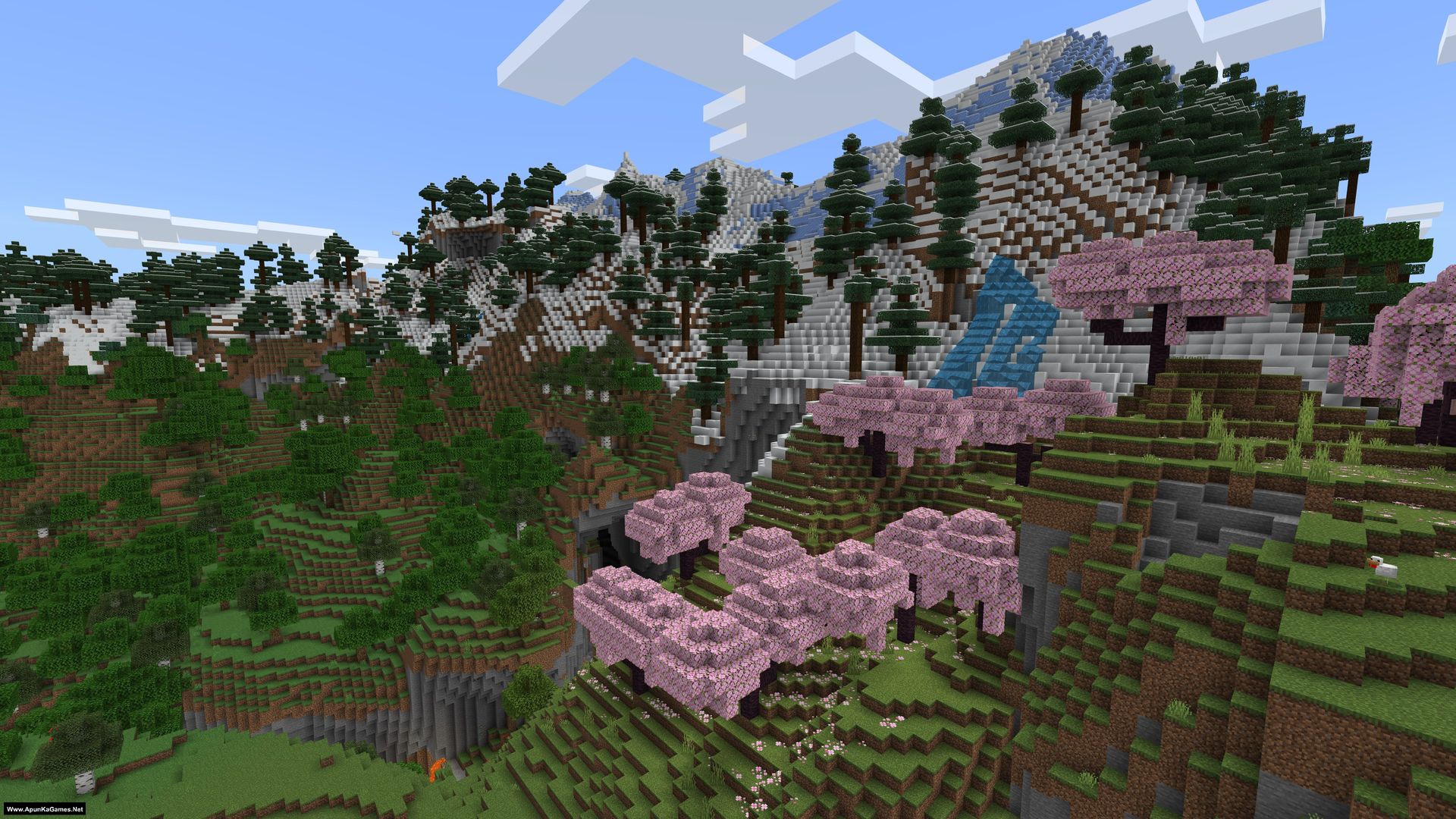
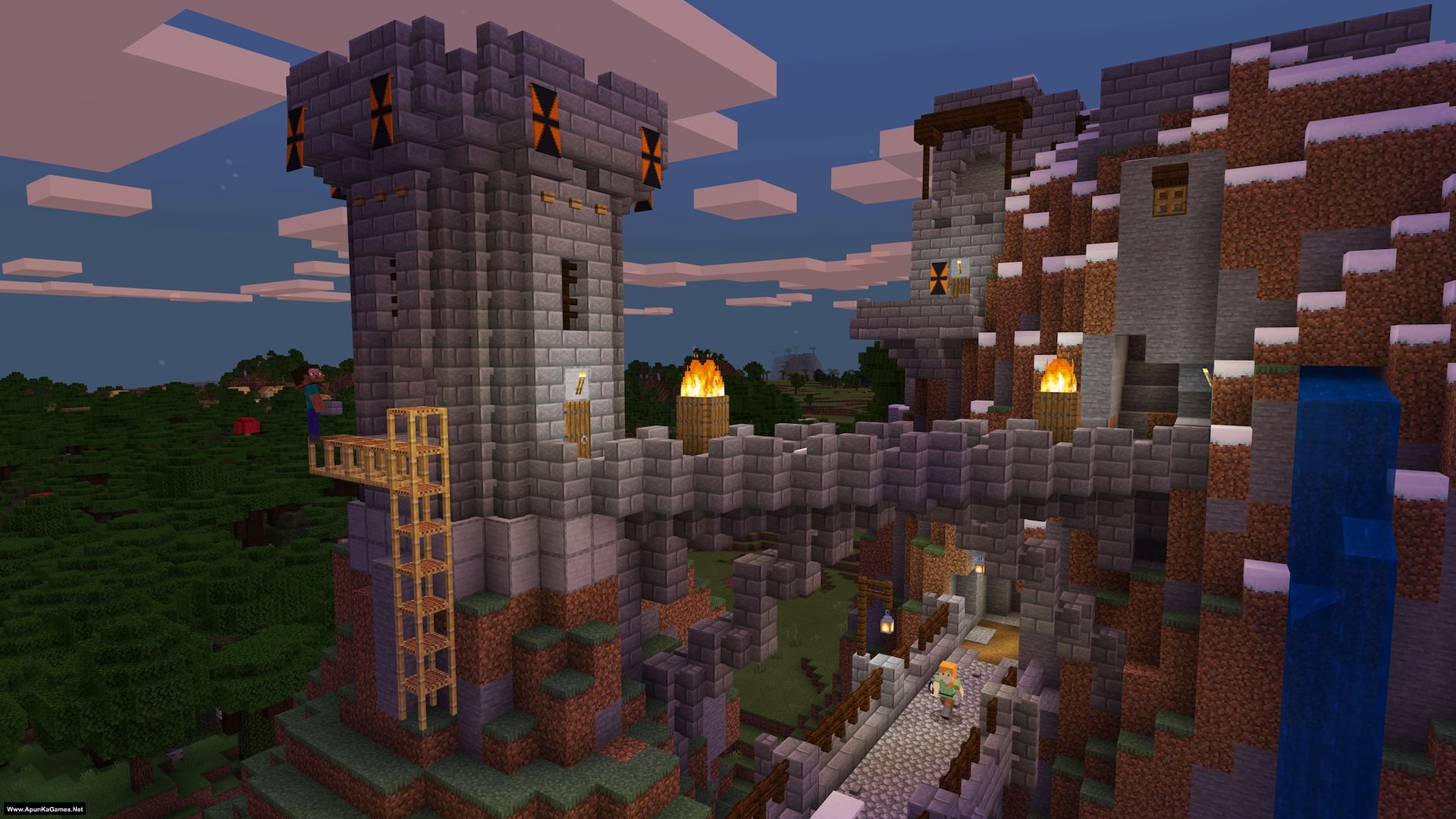
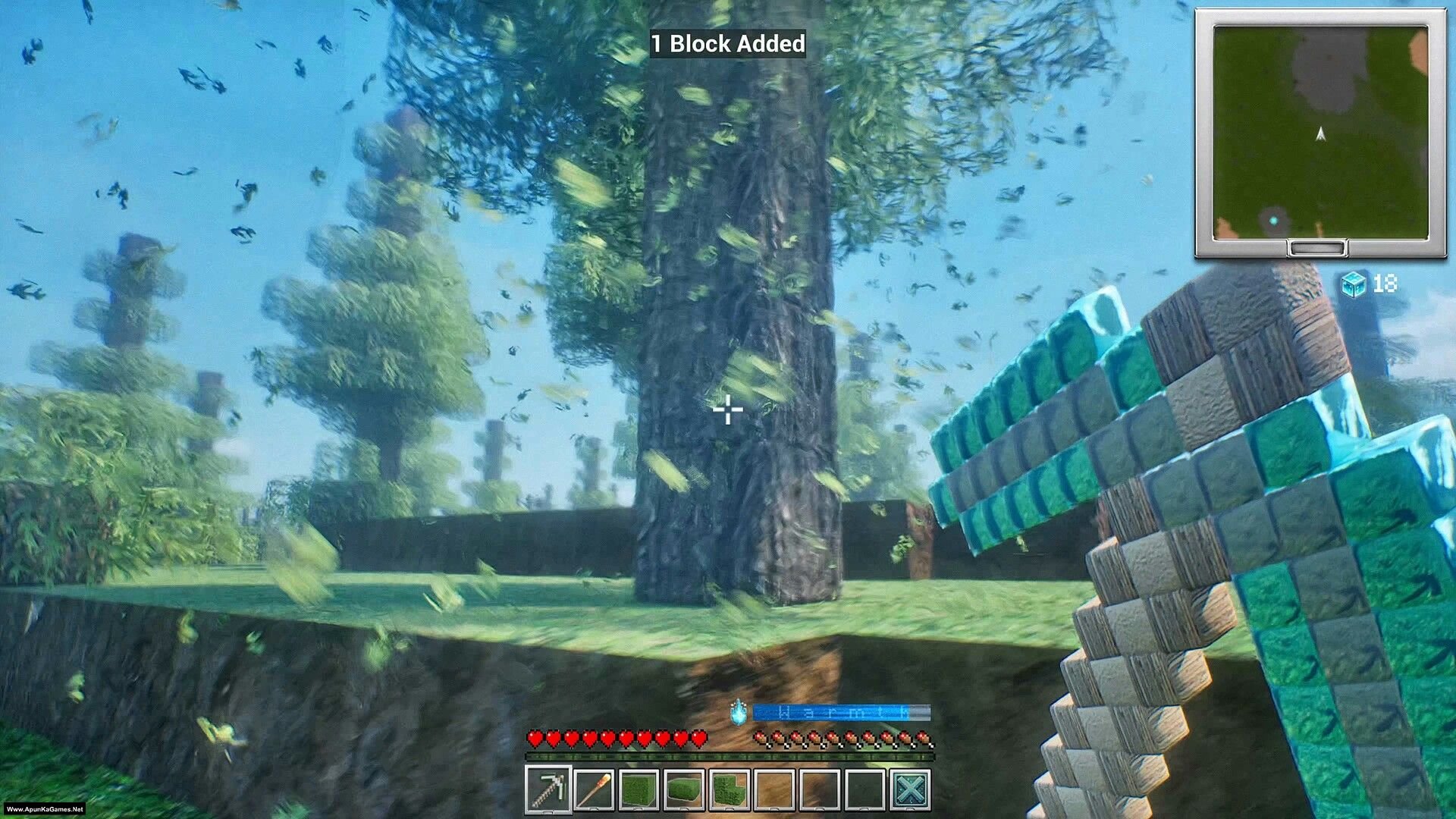
How to Install?
- Extract the file using Winrar. (Download Winrar)
- Open “Minecraft: Bedrock Edition” folder, double click on “Setup” and install it.
- After installation complete, go to the folder where you extract the game.
- Open “RUNE” folder, copy all files and paste it where you install the game.
- Then double click on “Minecraft.Windows.exe” to play the game. Done!
Complete Installation Video Tutorial?
We provide complete game installation videos to guarantee that every game works perfectly. Unlike other websites where you download blindly and hope for the best, we show you real proof. Our step-by-step installation videos clearly demonstrate the game running successfully, so you know exactly what you’re getting. With us, there’s no guesswork—only verified, 100% working games you can trust.
Trust / Proof
- 100% Working – Tested by Us
- Game Verified Before Upload
- Working Gameplay Shown
- No Fake Files
- Installed Successfully on Our PC
How to Download?
If your don’t know how to Download this game, just Click Here!
If your don’t know how to Download this game, just Click Here!
Game Size: 822 MB
Password: www.apunkagames.net or apunkagames

can i make my own multiplayer server in this minecraft
Yes i think soo
can we play donut smp in this version
no
But this is not the full version and i can’t lay online, i can’t Play with my friends why tell me apunkagame
minecraft game very best game
hey just wanted to drop a quick note to say how much i enjoyed this post. i am a new follower and i am already loving your content so much. u have a very clear and engaging voice that makes learning feel like fun rather than a chore. i am looking forward to exploring the rest of your site and seeing what else u have to offer us!
Thank you so much for the kind words! We’re really glad you enjoyed the post and found it helpful. Welcome aboard — hope you enjoy exploring more content on the site!
How can I play java?
How to Install this game step by step…
01. Extract the file using Winrar. (Download Winrar)
02. Open “Minecraft: Bedrock Edition” folder, double click on “Setup” and install it.
03. After installation complete, go to the folder where you extract the game.
04. Open “RUNE” folder, copy all files and paste it where you install the game.
05. Then double click on “Minecraft.Windows.exe” to play the game. Done!
Its not working
Watch this video and Follow step by step How to install and play this game Without error
These game very much good
Can I play any other server like unstable smp etc
why does the setup stuck on mid loading
Watch the video step by step how to download and install the game without error
Is This Latest Version of Game
After installation when i click on game nothing happens and from where i can get all rutime files as shown in video
Click here to download redistributable packages Also watch this video how to Download, extract, install and play the game without any error! 100% working setup!
Can I play this online? Please reply
Yes, you can play Minecraft: Java & Bedrock Edition online, but it depends on your version—if you have the official game, you can access full multiplayer features like servers and Realms, while in cracked versions, Java can only join cracked servers and Bedrock usually doesn’t support online play properly.
I downloaded it twice and it didn’t work
Watch this video guide carefully and follow step by step How to Download, extract, install and play the game without any error!
It says missing dill
These errors usually happen because you didn’t install Microsoft Visual C++ Redistributable, which is required for many games. Download the latest version from Microsoft’s official website and install it—it solves around 90% of common game errors. Also, while extracting or installing the game, temporarily turn off your antivirus or add an exception folder so it doesn’t disturb the setup files. You can download Redist from Microsoft’s website or use the link provided. Click here to download redistributable packages
hey i have downloaded minecraft bedrock succefully the problem is about playing multiplayer its showing me multiplayer has been disabled and when i try to click on sign in a name comes “Rune” i want to sign in with my microsoft account please tell me and will it work if i sign in with my account without having purchasing the game
Watch the video guide and follow all step how to install and play this game.
Which shader you use & How to install shaders
does this have online?
can you plz upload the original minecraft from MOJANG sir!!!
Bro it’s cracked games if you want to play full version buy game from steam and play it.