
Days Gone Remastered + Broken Road DLC Game – Overview – GOG – Free Download – PC – Specs – Screenshots – Free
Type of game: Survival Horror, Open world
PC Release Date: April 25, 2025
Developer/Publishers: Bend Studio, PlayStation Publishing LLC
Days Gone Remastered (60 GB) is an Action-adventure, Open world video game. Developed and published by Bend Studio, PlayStation Publishing LLC. It was released on April 25, 2025 for Windows. Days Gone Remastered with the Broken Road DLC delivers an enhanced open-world survival experience. Ride across a dangerous post-apocalyptic landscape, battle massive zombie hordes, and complete intense story missions. Improved visuals, expanded content, and brutal combat create a gripping and immersive adventure.
Type of game: Survival Horror, Open world
PC Release Date: April 25, 2025
Developer/Publishers: Bend Studio, PlayStation Publishing LLC
Days Gone Remastered (60 GB) is an Action-adventure, Open world video game. Developed and published by Bend Studio, PlayStation Publishing LLC. It was released on April 25, 2025 for Windows. Days Gone Remastered with the Broken Road DLC delivers an enhanced open-world survival experience. Ride across a dangerous post-apocalyptic landscape, battle massive zombie hordes, and complete intense story missions. Improved visuals, expanded content, and brutal combat create a gripping and immersive adventure.
Before downloading make sure that your PC meets minimum system requirements.
Minimum System Requirements
- OS: Windows 10 (64‑bit)
- Processor: Intel Core i5-2500K@3.3GHz or AMD FX 6300@3.5GHz
- RAM: 8 GB
- Hard Disk: 70 GB available space
- Graphics Card: Nvidia GeForce GTX 780 (3 GB) or AMD Radeon R9 290 (4 GB)
- DirectX: Version 11
Screenshots
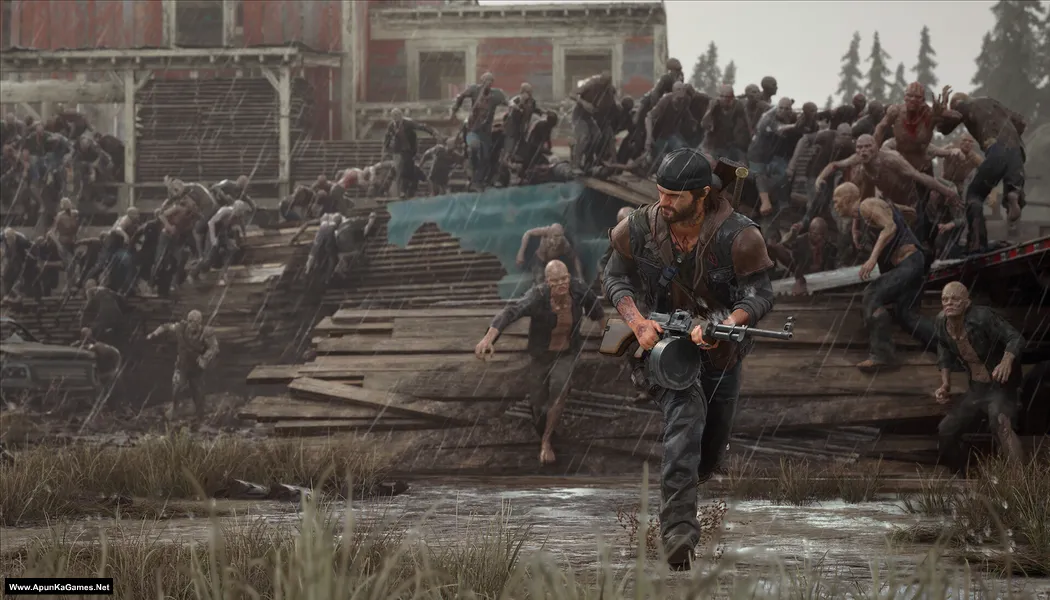
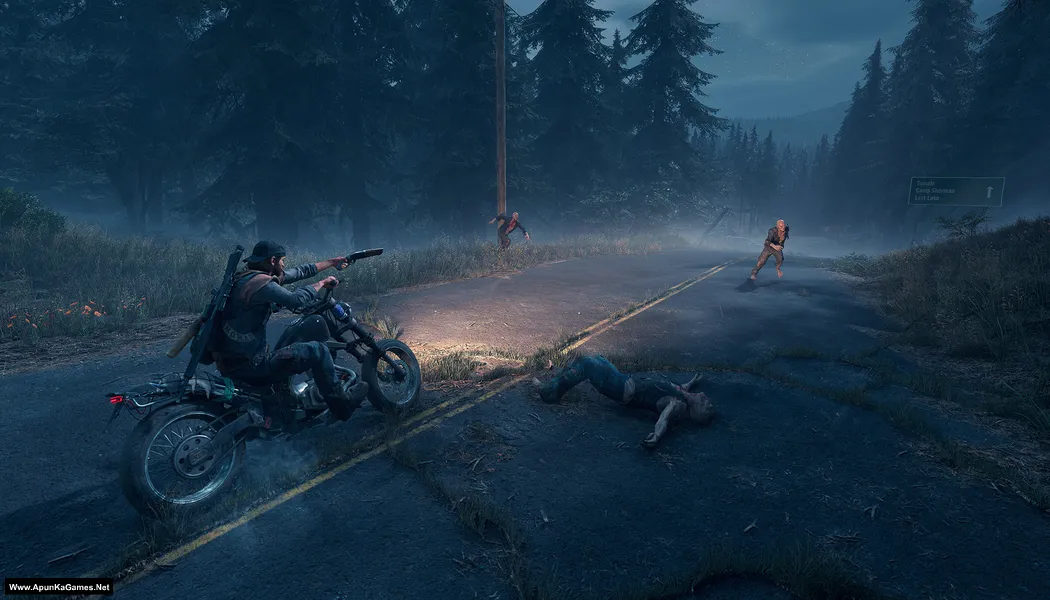
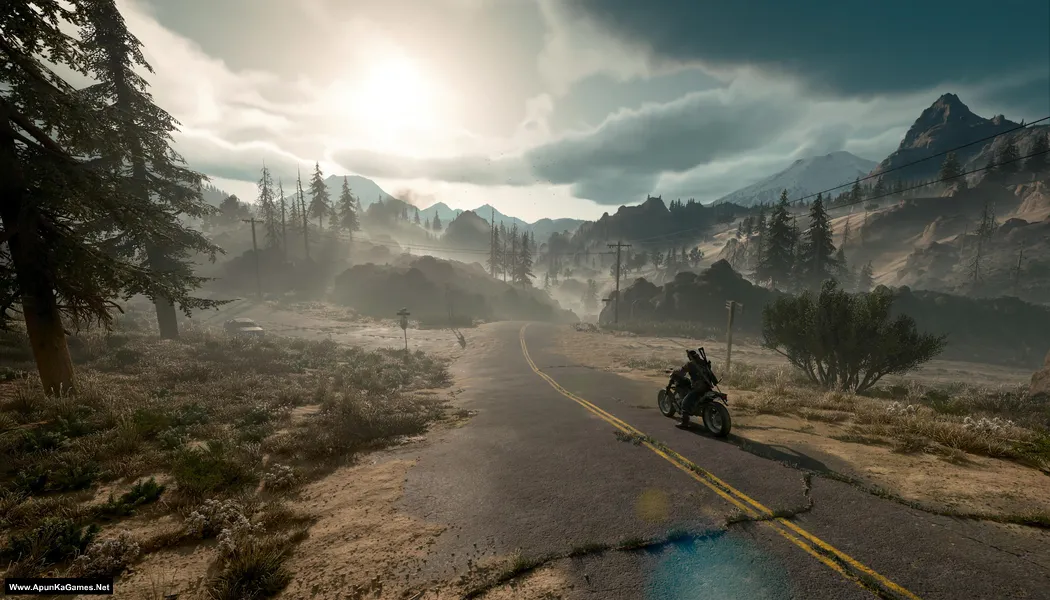
How to Install?
- Extract the file using Winrar. (Download Winrar)
- Open “Days Gone Remastered” folder, double click on “setup_days_gone_1.13_(83745)” and install it.
- Now go to the “DLC” folder and run the setup to install the “Broken Road” DLC.
- After installation complete, go to the “Installed Game” location.
- Then double click on “Game” icon to play the game. Done!
How to Download?
If your don’t know how to Download this game, just Click Here!
If your don’t know how to Download this game, just Click Here!
Game Size: 60 GB
Password: www.apunkagames.net or apunkagames

hi
Hi
is window 10 is better for gaming or window 11 now
Both Windows 10 and Windows 11 are great for gaming, but I personally use Windows 10 because you can play almost all games on it without issues. Also it depends on your setup:
Windows 10: Stable, compatible with almost every game, and works well on older hardware.
Windows 11: Has newer gaming features like Auto HDR, DirectStorage, and better optimization for modern CPUs, but some older games or software might have minor compatibility issues.
If you want maximum compatibility, Windows 10 is still solid. For future-proofing and latest features, Windows 11 is better.
what is your pc specs
or which windows do you actullay use on your pc
For Gaming Windows 10 Home!
or plz upload Nfs Heat on your website
Already Uploaded: Download NFS Heat
WHAT IS YOUR PC SPECS
TEL PLZ BRO
Processor: Ryzen 9950X 3D
Motherboard: MSI PRO X870 GAMING PLUS WIFI
Ram: Corsair Vengeance 96GB 6000MHZ Ram
Storage: Samsung 990 Pro 1 TB NVME
Power Supply: Superflower 850W 80+ Gold
Graphics Card: RTX 5080 Solid Triple Fan same like that
Can you upload World War Z with the latest Chapters?
Noted! We will try to upload World War Z with the latest Chapters soon as we can!
Pls can you upload until dawn ?
Noted, sir. We will upload this game as soon as possible. Stay tuned.
Thank you
You;re welcome brother!
only Part 1 available for download from 2 to 13 it show not available. please refresh it
All links are working fine—just download one by one. Cancel all active IDM downloads first, then click on Part 2 to start.
TheFileLocker server doesn’t support multiple downloads, so some links may not show. If you try downloading several parts at once, the others may fail due to the download limit.
Also, try downloading when website traffic is low—you’ll get better speed, like in the morning or afternoon. 🎮
I have i5 3rd gen, 10gb ram,or gtx750 ti,120 gb ssd can i play sniper elite 5.