
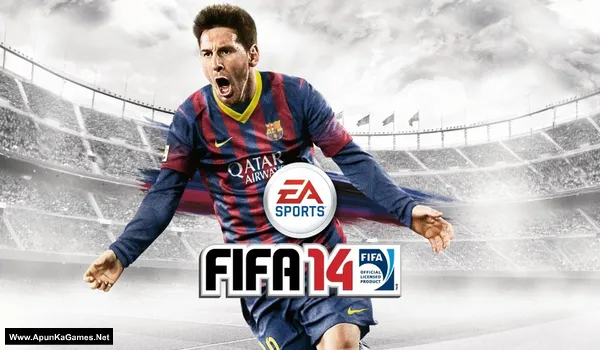
EA Sports FIFA 14 Game – Overview – Free Download – PC – Specs – Screenshots – Free
Type of game: Football, Sports
PC Release Date: September 24, 2013
Developer/Publishers: EA Canada, EA Sports
FIFA 14 (4.82 GB) is an Football, Sports video game. Developed and Published by EA Canada, EA Sports. It was released on September 24, 2013 for Windows. FIFA 14 PC is a thrilling football simulation where players control top clubs and national teams. Score goals, master passing, and dominate matches with realistic gameplay. With immersive stadiums, responsive controls, and tactical depth, it delivers the ultimate PC football experience for fans of sports and competitive gaming.
Type of game: Football, Sports
PC Release Date: September 24, 2013
Developer/Publishers: EA Canada, EA Sports
FIFA 14 (4.82 GB) is an Football, Sports video game. Developed and Published by EA Canada, EA Sports. It was released on September 24, 2013 for Windows. FIFA 14 PC is a thrilling football simulation where players control top clubs and national teams. Score goals, master passing, and dominate matches with realistic gameplay. With immersive stadiums, responsive controls, and tactical depth, it delivers the ultimate PC football experience for fans of sports and competitive gaming.
Before downloading make sure that your PC meets minimum system requirements.
Minimum System Requirements
- OS: Windows Vista SP1/7/8/10
- Processor: Intel Core 2 Duo @ 1.8 Ghz / AMD Athlon 64 X2 3800+
- RAM: 2 GB
- Hard Drive: 8 GB free
- Video Card: 256 MB, nVidia GeForce 7800 / ATI Radeon HD 3650
- Sound Card: DirectX Compatible
- DirectX: 9.0c
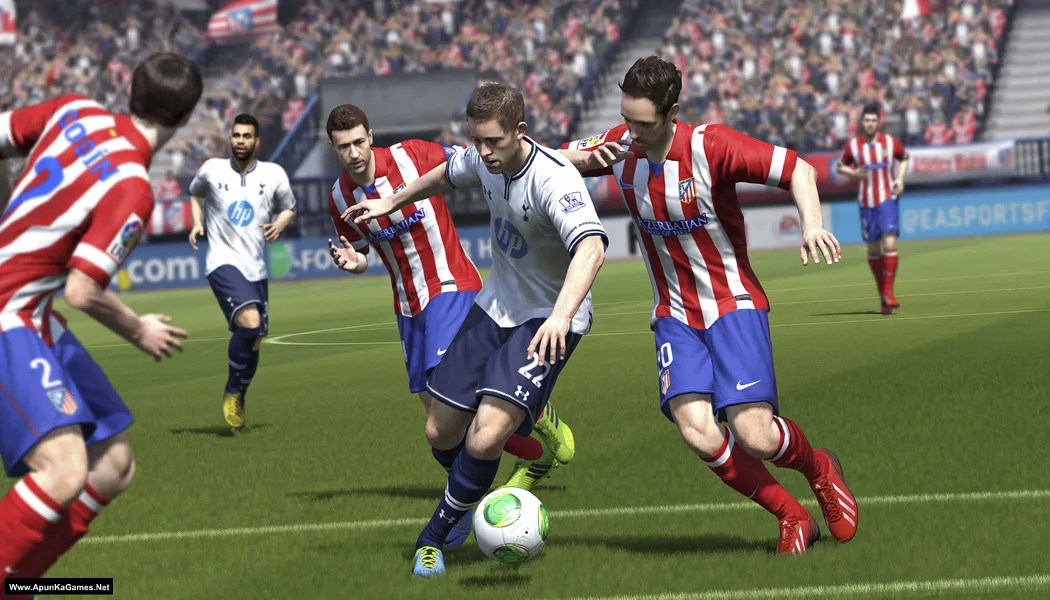
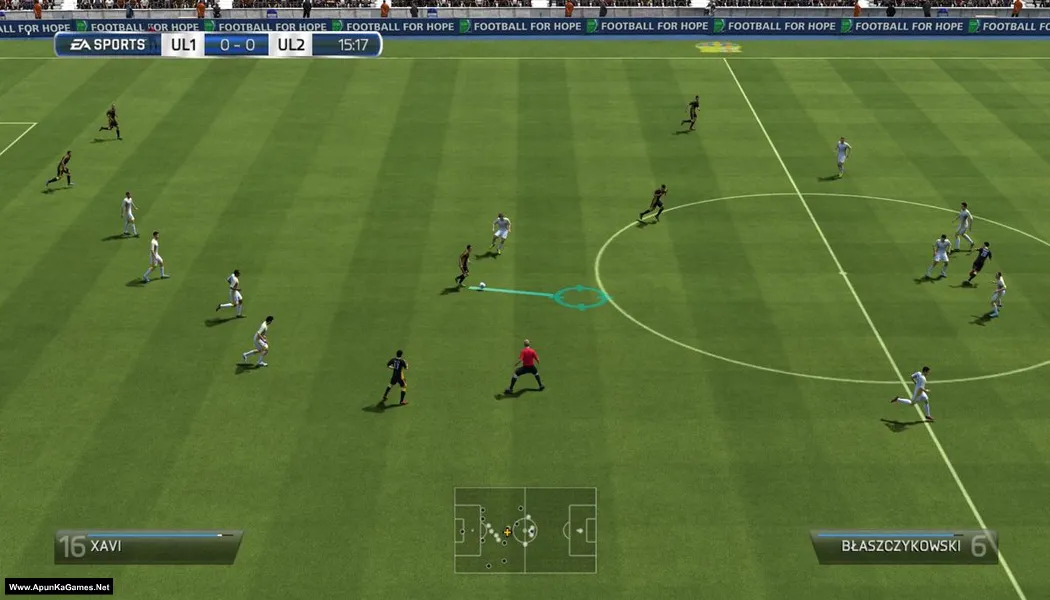
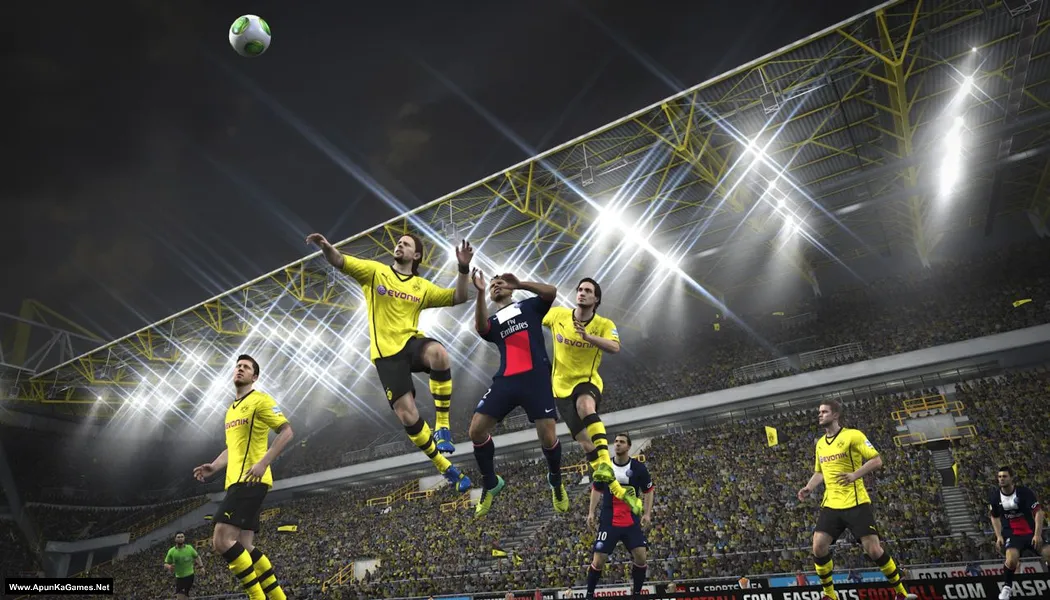
Screenshots
How to Install?
- Extract the file using Winrar. (Download Winrar)
- Open “FIFA 14” folder, double click on “setup” and install it.
- After installation complete, go to the folder where you install the game.
- Open “Game” >> “fifasetup” folder, double click on “fifaconfig.exe” to play the game. Done!
Complete Installation Video Tutorial?
We provide complete game installation videos to guarantee that every game works perfectly. Unlike other websites where you download blindly and hope for the best, we show you real proof. Our step-by-step installation videos clearly demonstrate the game running successfully, so you know exactly what you’re getting. With us, there’s no guesswork—only verified, 100% working games you can trust.
Trust / Proof
- 100% Working – Tested by Us
- Game Verified Before Upload
- Working Gameplay Shown
- No Fake Files
- Installed Successfully on Our PC
How to Download?
If your don’t know how to Download this game, just Click Here!
If your don’t know how to Download this game, just Click Here!
Game Size: 4.82 GB
Password: www.apunkagames.net or apunkagames

Does fifa 14 allow patching?
How can I update fifa 14 to fifa 21
Simply by uninstalling it ?
😔🙏
Forgive us, Miti… we are sinners in your world. Even FIFA developers can’t do this 😄.
Steps on how to install it please
You’re download in maintenance
password
www.apunkagames.comPermite instalar mods neste FIFA?
Sorry i don’t know!
Pls can someone tell the password
Type these passwords one by one (make sure Caps Lock is off) or just copy and paste it.
apunkagames
www.apunkagames.netwww.apunkagames.comPlease make it in parts
It’s only about 5 GB, brother. Do you want me to split it into parts? If yes, how many parts do you prefer?
password
Type these passwords one by one (make sure Caps Lock is off) or just copy and paste it.
www.apunkagames.netapunkagames
www.apunkagames.networking very well, thanks
You’re welcome, brother ❤️ Glad to hear it’s working very well for you. Enjoy the game and thank you for your support 👍🎮
does it have virus or malware
Nope!
This Is The Best Virus And Malware Free Website For Downloading Games !! I Download Each And Every Game From This Website And If u Dont Trust Me Check It Out For Yourself !! i lOVE iT …. BTW I am not a bot
😊🧡.
Guys pls does any one fine this FIFA 14 gameplay annoying cause it not good