

Max Payne 2 Game – Overview – Free Download – PC – Specs – Screenshots – Installation Video
Type of game: Action/Shooting
Type of game: Action/Shooting
PC Release Date: October 14, 2003
Developer/Publishers: Remedy Entertainment/Rockstar Games
Max Payne 2 (1.2 GB) is a third-person shooter developed by Remedy Entertainment and published by Rockstar Games. Set two years after the first game, it follows detective Max Payne as he becomes entangled in a dark conspiracy involving Mona Sax. The game is known for its film-noir tone, bullet-time gunplay, and story-driven action. It combines stylish combat, comic-book storytelling, and atmospheric levels across a gritty urban setting.
Developer/Publishers: Remedy Entertainment/Rockstar Games
Max Payne 2 (1.2 GB) is a third-person shooter developed by Remedy Entertainment and published by Rockstar Games. Set two years after the first game, it follows detective Max Payne as he becomes entangled in a dark conspiracy involving Mona Sax. The game is known for its film-noir tone, bullet-time gunplay, and story-driven action. It combines stylish combat, comic-book storytelling, and atmospheric levels across a gritty urban setting.
Before downloading make sure that your PC meets minimum system requirements.
Minimum System Requirements
- OS: Windows 98/ME/2000/XP
- CPU: Pentium 3 @ 1 GHz Processor
- Memory: 256 MB
- Hard Drive: 1.5 GB Free
- Video Memory: 32 MB AGP Graphics Card with HW T&L support
- Sound Card: DirectX Compatible
- DirectX: 9.0
Screenshots
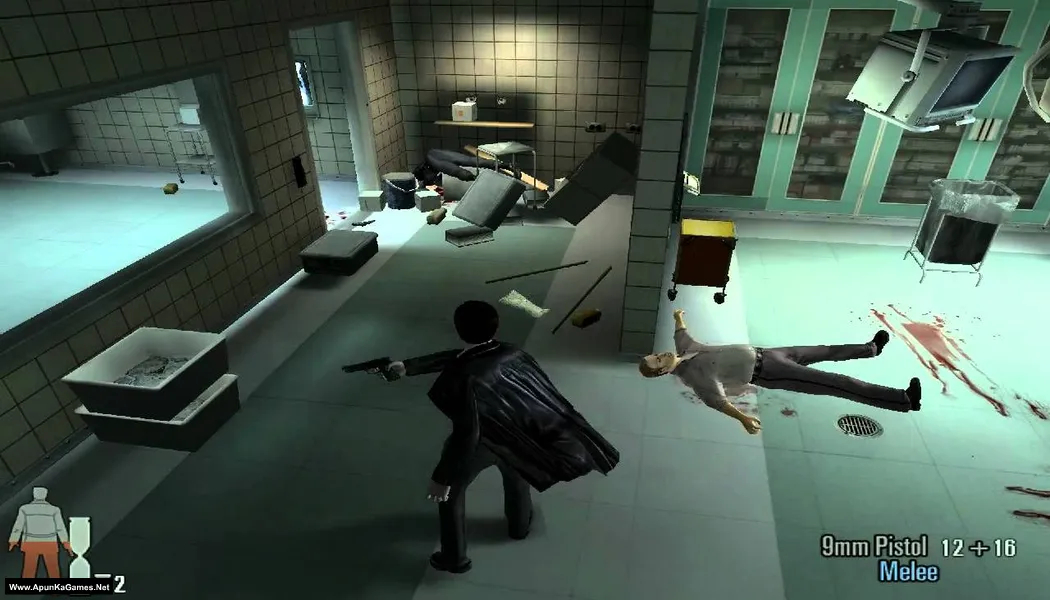
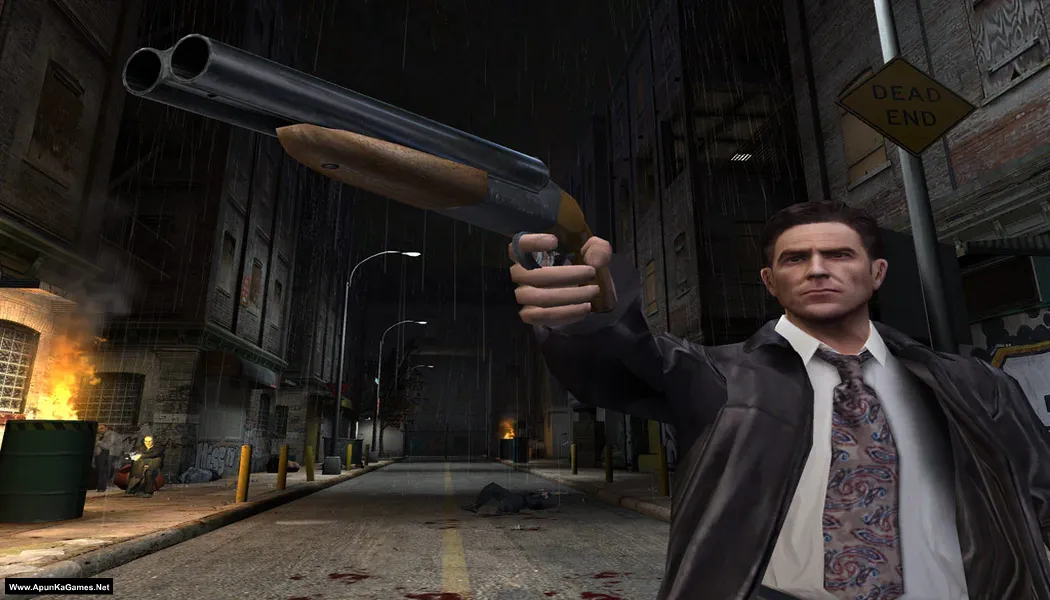
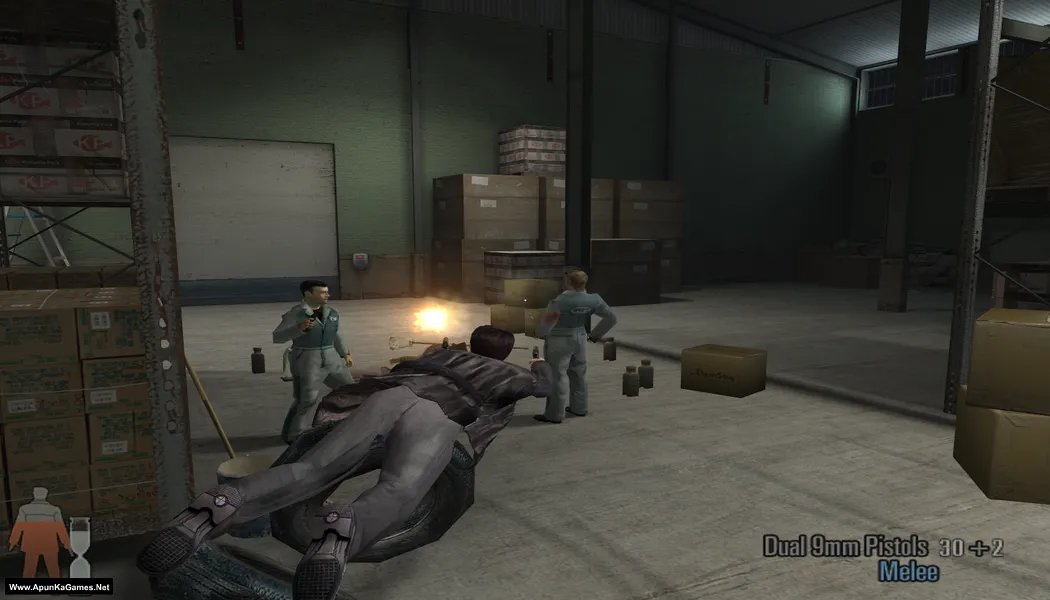
How to Install?
- Extract the file using Winrar. (Download Winrar)
- Open “Max Payne 2” >> “Game” folder.
- Then double click on “MaxPayne2” icon to play the game. Done!
How to Download?
If your don’t know how to Download this game, just Click Here!
Game Size: 1.2 GB
Password: www.apunkagames.net or apunkagames

Guys here’s how to fix when your game says that the data folder is missing
Rename game folder to “MaxPayne2TheFallOfMaxPayne” and place it into program files x86 in
Local Disk C:
then make a shortcut to your desktop then right click on the shortcut and click properties
On properties go to compatibilty and enable it by pressing on the box and setting the compatibilty to windows 95 And then click apply and then click done and boom! your done!
Thanks for the step , well I am downloading, if I will get any problem then your method help me
okay
can this game run on window 10
Yes, you can play Max Payne 2 on Windows 10, but it requires community-made fixes and patches to work correctly due to its age and reliance on older DirectX components, with popular solutions involving tools, upgrade DirectX (DX8 to DX11), and resolve CPU/performance issues, ensuring widescreen support and smoother gameplay on modern system.
is this demo version or full version?
Full Version!
Bjr apunka,
Serait-ce possible d’avoir le French patch ?
Yes. The language is usually selected during installation, so if it’s installed in another language, you’ll need to reinstall the game and choose English in the setup if that option is available.