
Call of Duty: Black Ops 2 Game – COD: BOII (2012) – Overview – Free Download – PC – Specs – Screenshots – Free
Type of game: First-person shooter
PC Release Date: November 12, 2012
Developer/Publishers: Treyarch, Activision
Call of Duty: Black Ops 2 (12.09 GB) is an Action, First-person shooter video game. Developed and published by Treyarch, Activision. It was released on November 12, 2012 for Windows. Call of Duty: Black Ops 2 immerses players in a futuristic global conflict with high-tech weapons and tactical combat. Complete fast-paced missions, engage in epic firefights, and experience cinematic storytelling. The gameplay combines campaign action, multiplayer battles, and strategic objectives for nonstop FPS excitement.
Type of game: First-person shooter
PC Release Date: November 12, 2012
Developer/Publishers: Treyarch, Activision
Call of Duty: Black Ops 2 (12.09 GB) is an Action, First-person shooter video game. Developed and published by Treyarch, Activision. It was released on November 12, 2012 for Windows. Call of Duty: Black Ops 2 immerses players in a futuristic global conflict with high-tech weapons and tactical combat. Complete fast-paced missions, engage in epic firefights, and experience cinematic storytelling. The gameplay combines campaign action, multiplayer battles, and strategic objectives for nonstop FPS excitement.
Before downloading make sure that your PC meets minimum system requirements.
Minimum System Requirements
- OS: Windows Vista SP2/7/10 (Windows XP is not supported)
- Processor: Intel Core2 Duo E8200 2.66 GHz or AMD Phenom X3 8750 2.4 GHz
- RAM: 2 GB for 32-bit OS or 4 GB for 64-bit OS
- Hard Disk: 16 GB available space
- Graphics Card: 512 MB, Nvidia GeForce 8800GT or ATI Radeon HD 3870
- Network: Broadband Internet Connection for Online Multiplayer
- DirectX: Version 9.0c
Screenshots
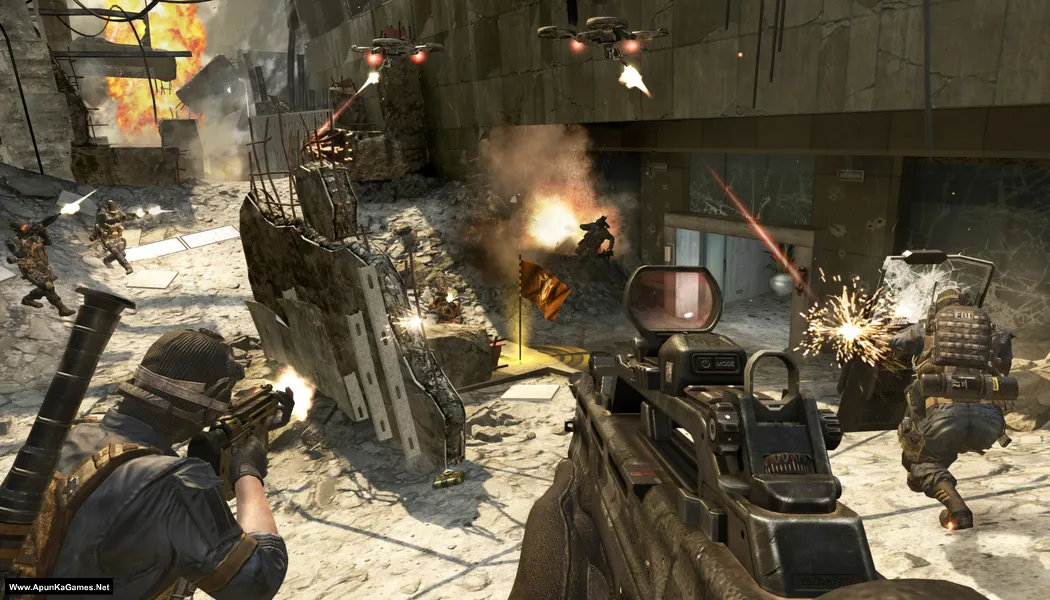
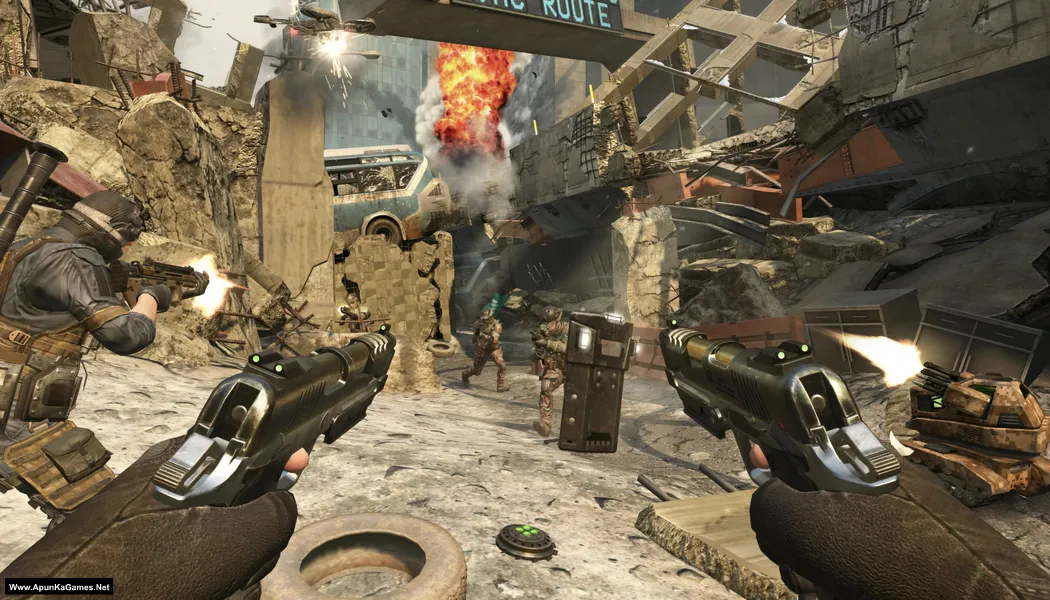
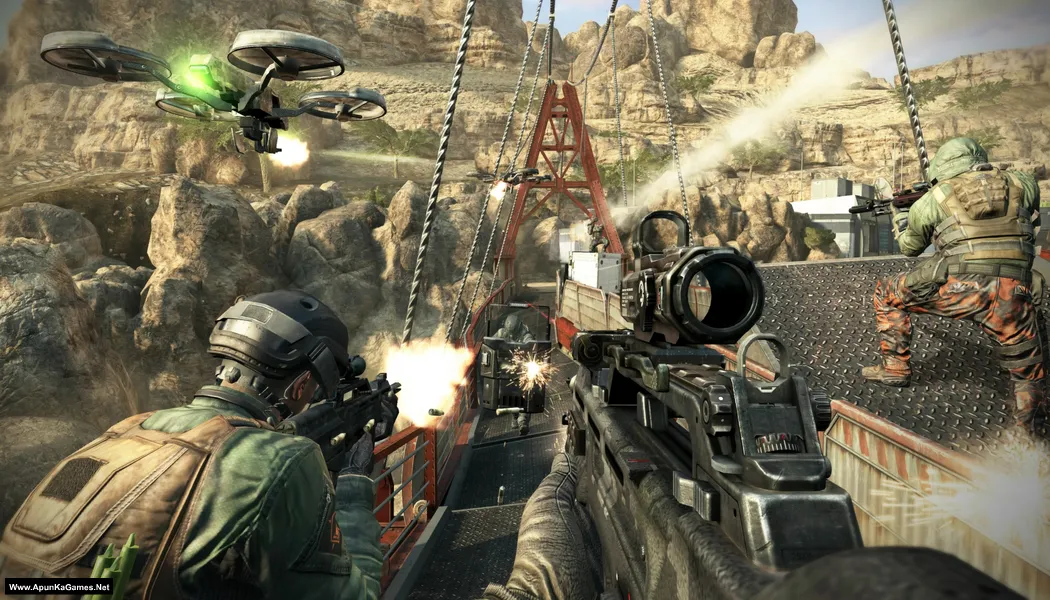
How to Install?
- Extract the file using Winrar. (Download Winrar)
- Open “Call of Duty: Black Ops 2” folder, double click on “setup” and install it.
- After installation complete, go to the folder where you install the game.
- Open folder, double click on “T6sp.exe” to play the game. Done!
Complete Installation Video Tutorial?
We provide complete game installation videos to guarantee that every game works perfectly. Unlike other websites where you download blindly and hope for the best, we show you real proof. Our step-by-step installation videos clearly demonstrate the game running successfully, so you know exactly what you’re getting. With us, there’s no guesswork—only verified, 100% working games you can trust.
Trust / Proof
- 100% Working – Tested by Us
- Game Verified Before Upload
- Working Gameplay Shown
- No Fake Files
- Installed Successfully on Our PC
How to Download?
If your don’t know how to Download this game, just Click Here!
Call of Duty: Black Ops 2 Free Download
Download in 5 GB Parts
Click Here
–
Download in 1 GB Parts
Click Here
Game Size: 12.09 GB
Password: www.apunkagames.net or apunkagames
Download in 5 GB Parts
Click Here
–
Download in 1 GB Parts
Click Here
Game Size: 12.09 GB
Password: www.apunkagames.net or apunkagames

bhai file 5 se download nahi ho rahii hai koi bhi file sahi karo jaldi
404 Not Found
bhai abhi fix nahi kiya kya
set up file missing in 5gb parts download
Bro does this have multiplayer available? please reply
no
Updated links…..
This game is not working. While launching the game it’s showing “cannot create steam_api.dll” so kindly tell me the solution gor this
This game is not working. While launching the game it’s showing “cannot create steam_api.dll” so kindly tell me the solution gor this
Bhai youtube pe dekh
It may be blocked by your antivirus program
No antivirus issue.
But steam_api.dll error still shows.
Any solution please.
just download steam_api.dll
404 file not found
900mb part 5
thanks for reporting. all parts will be re uploaded soon
off virus and hreat protection and vpn
Install steam
” cannot create steam_api.dll” error shows while launching the game.
Please provide a solution asap.
(No antivirus block issue)
how to install 5 gb parts
900mb file 5 404 not found
Call of duty black ops 2 part 3 file download error please sole this problem
will be fixed in few hours.
Does this have zombies plz reply
working fine but no sound please help
hi i had to ask can i use your website for games in videos? in this way i will get views and your webise will get popular?
sure
Bro it’s working but without sound I install all software like direct x and other but not fix please help
Not launching game..it shows nothing when I click on game icon..bruhhh help me with this..
Download and install steam on your PC. That’d solve the problem.
Which one is the new link plz tell a little confused
is this game working properly?
Bro when I click on the game it writes program not working, what should I do?
The language of game is in English or Russian ??
Tanks
Sir, I am getting problem of SKIDROW Entry Point not found How can I solve this issue
Try to reply me A.S.A.P…….. please
Download too slow
buddha.dll missing
disable antivirus and install again. add the game to antivirus exclusion list.
Working fine but not sounds please help me
Brother check in game Sound option… try to reset game audio setting! Setup is fine, in-game sound is working fine!
bro where is reset audio setting plz here send me link of youtube and i saw the video
Can it run without DVD ROM drive
It’s mentioned in system requirements but i think yes
read game requirements:
OS: Windows Vista/7
Processor: Intel Core 2 Duo @ 2.6 Ghz / AMD Phenom II X3 @ 2.4 GHz
RAM: 2 GB
Hard Drive: 16 GB free
Video Memory: 512 MB
Video Card: nVidia GeForce 8800 GT / ATI Radeon HD 3870
Sound Card: DirectX Compatible
Network: Broadband Internet Connection for Online Multiplayer
DirectX: 10
Keyboard and Mouse
DVD Rom Drive
APUNKAGAMES DOES IT HAVE ZOMBI OR MULTIPLAYER
Yes it’s have zombie mode i think but not sure!
Anyone how want to download this game note that you have steam to run this game if you don’t have then it will not work
Watch this Video (How to Download and Install Black OPS 2 Without any Error)
100 percent working game thanks apunkagames
Thanks brother! Glad to hear the game is working perfectly for you. Enjoy your gaming and thanks for supporting Apunkagames! 🎮
Les fichiers de 1Go ne sont plus disponibles dans le serveur svp.
Wait for 1st parts to finish then click on 2nd download. All links are fine just download one by one. cancel all the active downloads in IDM and then click Part 1 it will download 100%.
Brooo is multiplayer working and there are so many games working here keep up the good work and can you make the multiplayer work
Bro thanks ❤️ glad you’re enjoying it.
What is the password?
Make sure your capslock is off then type these passwords one by one or just copy and paste it.
apunkagames
www.apunkagames.netwww.apunkagames.comwhen ever i press zombies mood the game turns off and steam opens
is there a way to fix that? i downloaded the game to play zombies😅
If you want to play zombie mode you have to purchase this game from steam.
ok, thx
Does it have offline multiplayer,and zombies,apunka please replyme
I think yes, brother. 👍 It’s an old setup, so I’m not completely sure, but it should have.