
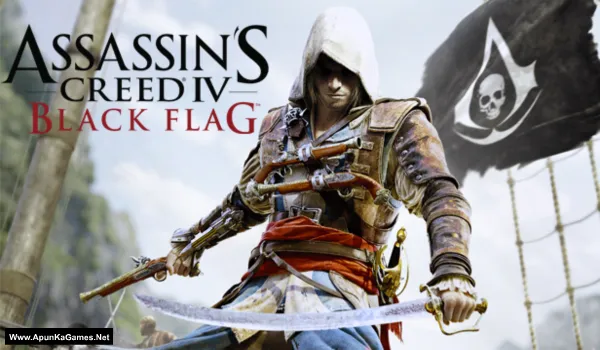
Assassin’s Creed IV: Black Flag Game – Overview – Free Download – PC – Specs – Screenshots – Installation Video
Type of game: Action, Adventure, Stealth
Type of game: Action, Adventure, Stealth
PC Release Date: October 29, 2013
Developer/Publishers: Ubisoft Montreal
Assassin’s Creed IV: Black Flag (6.09 GB) is an open-world action game developed by Ubisoft Montreal and published by Ubisoft. Players take on the role of Edward Kenway, a pirate and assassin navigating the Caribbean during the Golden Age of Piracy. The game features naval combat, exploration of islands, underwater diving, and stealth-based missions. With a vast open world, engaging story, and dynamic sea battles, Black Flag delivers an exciting pirate adventure experience.
Developer/Publishers: Ubisoft Montreal
Assassin’s Creed IV: Black Flag (6.09 GB) is an open-world action game developed by Ubisoft Montreal and published by Ubisoft. Players take on the role of Edward Kenway, a pirate and assassin navigating the Caribbean during the Golden Age of Piracy. The game features naval combat, exploration of islands, underwater diving, and stealth-based missions. With a vast open world, engaging story, and dynamic sea battles, Black Flag delivers an exciting pirate adventure experience.
Before downloading make sure that your PC meets minimum system requirements.
Minimum System Requirements
- OS: Windows Vista/7/8 (both 32/64bit versions)
- Processor: Intel Core2Quad Q8400 @ 2.6 GHz or AMD Athlon II X4 620
- RAM: 2 GB
- Hard Disk: 30 GB available space
- Video Card: Nvidia Geforce GTX 260 or AMD Radeon HD 4870, 512MB VRAM
- Sound Card: DirectX Compatible Sound Card with latest drivers
- DirectX Version: 10
Screenshots
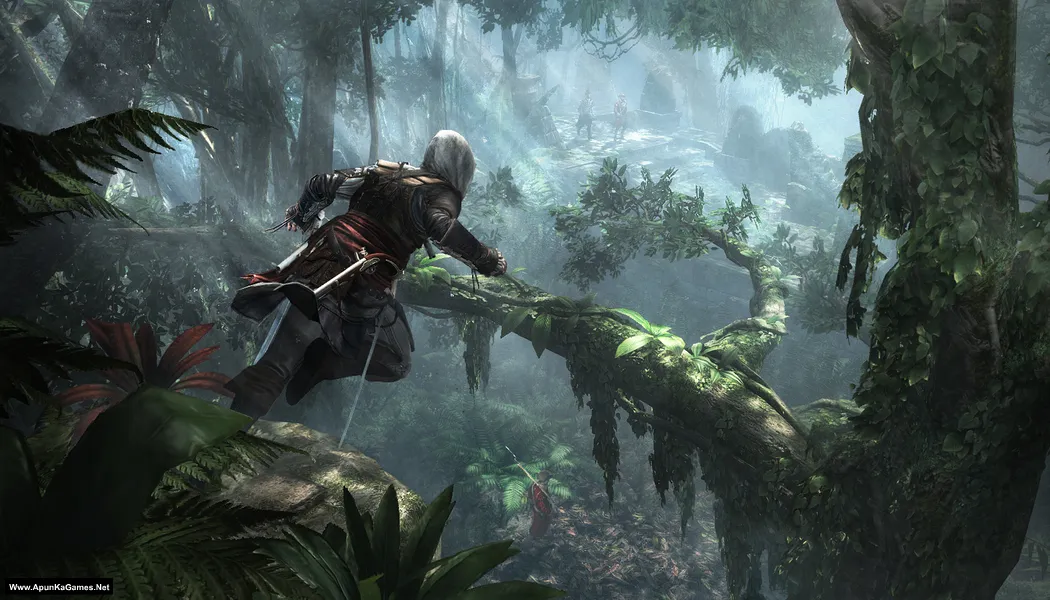
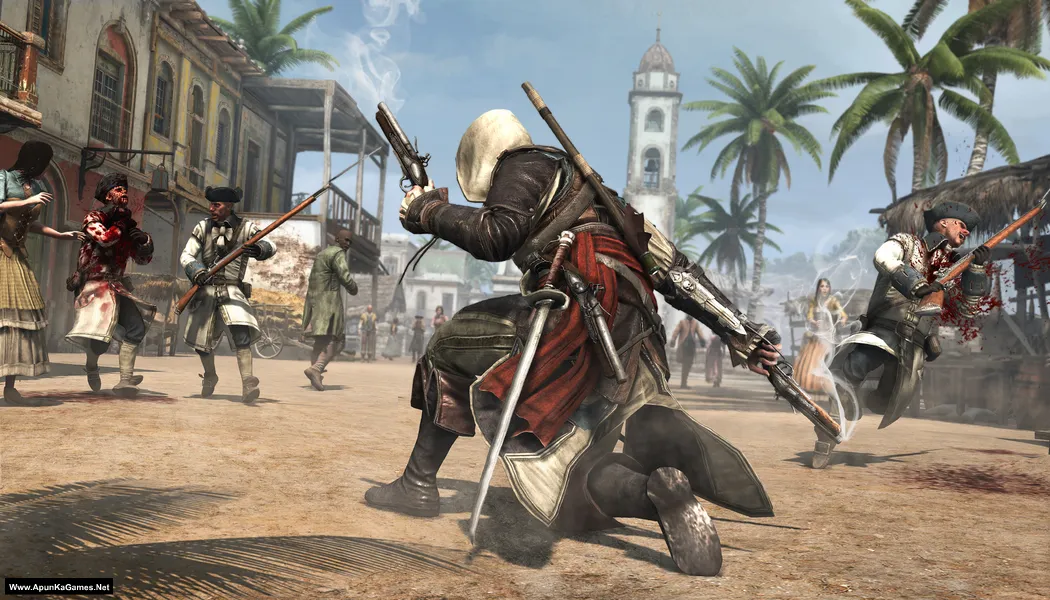
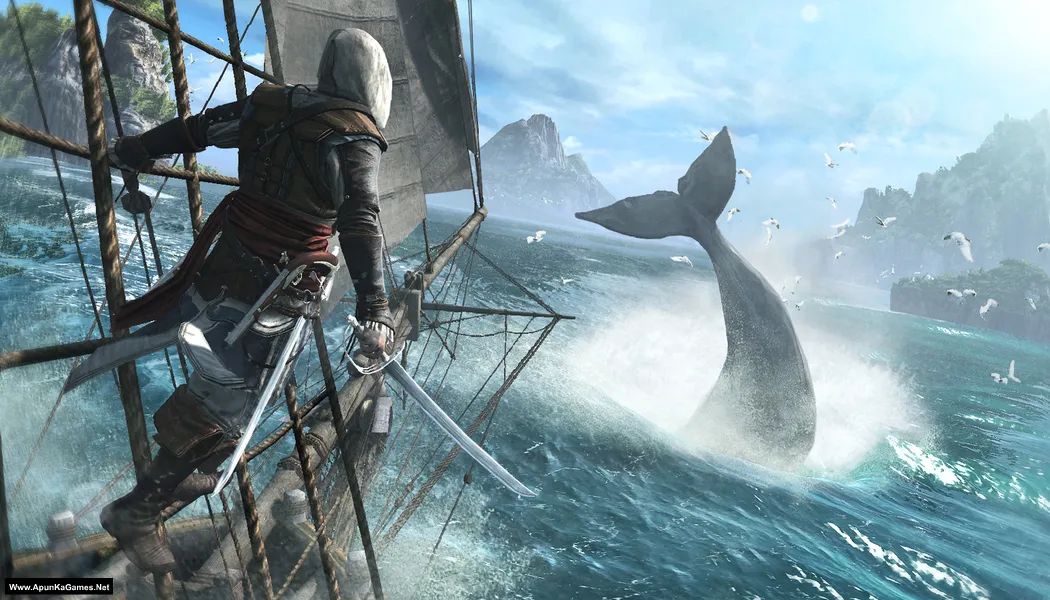
How to Install?
- Extract the file using Winrar. (Download Winrar)
- Open “AC4 – Black Flag” folder, double click on “Setup” and install it.
- After installation complete, go to the folder where you install the game.
- Open folder, double click on “AC4BFSP.exe” to play the game. Done! (100% working)
Complete Installation Video Tutorial?
We provide complete game installation videos to guarantee that every game works perfectly. Unlike other websites where you download blindly and hope for the best, we show you real proof. Our step-by-step installation videos clearly demonstrate the game running successfully, so you know exactly what you’re getting. With us, there’s no guesswork—only verified, 100% working games you can trust.
Trust / Proof
- 100% Working – Tested by Us
- Game Verified Before Upload
- Working Gameplay Shown
- No Fake Files
- Installed Successfully on Our PC
How to Download?
If your don’t know how to Download this game, just Click Here!
Assassin’s Creed IV: Black Flag Download
Download in Single Link
Click Here
–
Download in 700MB Parts
Click Here
Game Size: 6.09 GB
Password: www.apunkagames.net or apunkagames
Download in Single Link
Click Here
–
Download in 700MB Parts
Click Here
Game Size: 6.09 GB
Password: www.apunkagames.net or apunkagames

Red lines on opening new game itself
Assassin’s creed black flag download part 7 is not working, please check.
it does just try different browser like edge
Part 7 download link on fileslocker is blocked in some countries I guess, I tried opening the part 7 fileslocker link with two different ISPs but both didn’t work then I used VPN & it started working
This app can’t run on your pc
Why ??
run in compatibility mode.
Upgrade your potato.
how to fix application error 0xc00007b
Please tell bro
https://www.youtube.com/watch?v=-SyCEc4J1bQ
Is it compatible to window 10?
This game was not running on my Dell latitude e6430 windows 10 , i try to run it in compablity mode but still it not run , does it require any crack to run. Plz help me.
Bro, turn off protection mode or antivirus before installation of setup. It will work
Sir game not open
Double click on game but it’s not open
I tried different ways to open this.0xc00007b error cannot fix.are there any dll files recommended or any solution?
install microsoft visual c++ all versions
Delete all files (dll and ini files) starting from ‘steam’, they contain a virus. Game works normally after that.
I deleted steam api ext dll give me back bro
Please some help … When I opened the game it gave me this message
(AC4BFSP.exe – application error)
…,……………..(0xc000007b)
Please help me
https://www.youtube.com/watch?v=-SyCEc4J1bQ
When I opened the game the mouse just round and nothing happened please solution
Finally it works.. but I have a question. Where is the save game folder pls I need it
How it work plz tell me i have the same issue. I also click on icon but nothing to show. Plz solution?
When i double click on icon it shows nothing no errors, whats the problem how i can play the game. Plz any solution
I downloaded this game in 800 mb mode and the data 1.bin is corrupted pls fix it i want to play it
link download maintance, pleasee
This game is 100% working on my PC ….thank you..
Help
I just download Assassin’s creed IV: Black Flag, But i’m facing a issue of Msvcr100.dll problem , I Download all the msvcr100.dll verions of 64-bit and install in the game setup but it not working plz help me as soon as possible.
Bro where part 6 please upload bro??????
Bro it says there is a trogan virus in setup
uplayr1,dll not found problem
Peut on mettre le jeu en français
yes
pls give me steam api dlll file of 2014
Bro when I open it nothing is openning pls help
Iam poor
We will resolve your issue with video guide as soon as we can.🧡
bro i tried extracting and i get a checksum error
Brother, checksum errors usually mean one of the downloaded parts is corrupted or incomplete. Delete the part that shows the error and download it again completely without resuming. Make sure all parts are in the same folder, then extract again from Part 1 using WinRAR or 7-Zip. Also disable antivirus during extraction, as it can sometimes block files and cause checksum errors 👍 Watch this Video
Part 6 download link not working
All links are working fine from our side download one by one to avoid errors. Wait for 1st part to finish then click on 2nd to start download. Thefilelocker can’t support multiple downloads.
Work perfectly
Glad to hear it’s working perfectly now 👍🎮 Enjoy the game!
Download in Single Link
Click Here
This is downloading the setup of Wrar, not the game
It’s add brother just cancel the tab when winrar tab open, then click again on download link to open game real download link.
does this include dlcs
Nope!
Do anyone where to find the save file location i got a damaged save so i want to backup a new save
Its can’t download how to download it’s have many things such as download in a single link, download in 700 parts and download setup what I take to download pls tell me 😭😭
Brother, if you’re confused, just download the single Setup version 👍 It’s the easiest option for most users. If you have a fast and stable internet connection, you can also download the Single Link version. The 700MB Parts option is for users with slower internet or limited data, but you must download all parts before extracting. If you still have any issues, let us know and we’ll help you. 😊
Game not running ..saying code execution can’t proceed because uplay_r1.DLL was not found …please help
100% working game. Watch this video guide and follow step by step
After clicking on download setup it only redirects to ads not to the download link i tried over 500 times but still can’t find download link. Please fix your website
Watch the video guide carefully how to download, install and play this game.
Yo bro it’s not running on keyboard or mouse but it’s running on controller only, it’s their any solution??