
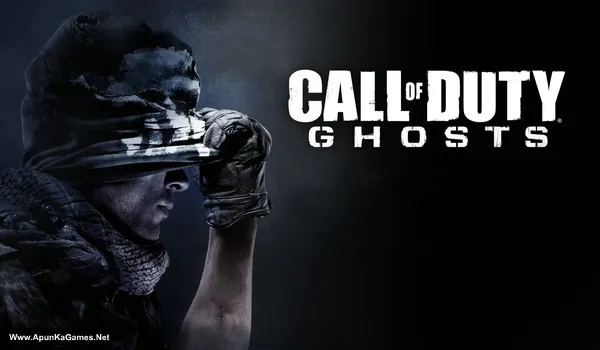
Call of Duty: Ghosts Game – Overview – Free Download – PC – Specs – Screenshots – Installation Video
Type of game: Action/Shooting
Type of game: Action/Shooting
PC Release Date: March 25, 2014
Developer/Publishers: Infinity Ward/Activision
Call of Duty: Ghosts (Size: 19.6 GB) is a first-person shooter developed by Infinity Ward and published by Activision. Set in a near-future world where the United States has been weakened after a massive orbital strike, players join the elite Ghosts unit to fight against a powerful enemy federation. The game features an intense single-player campaign, competitive multiplayer modes, and the cooperative Extinction mode. With cinematic storytelling, dynamic maps, and modern combat mechanics, it delivers a thrilling military shooter experience.
Developer/Publishers: Infinity Ward/Activision
Call of Duty: Ghosts (Size: 19.6 GB) is a first-person shooter developed by Infinity Ward and published by Activision. Set in a near-future world where the United States has been weakened after a massive orbital strike, players join the elite Ghosts unit to fight against a powerful enemy federation. The game features an intense single-player campaign, competitive multiplayer modes, and the cooperative Extinction mode. With cinematic storytelling, dynamic maps, and modern combat mechanics, it delivers a thrilling military shooter experience.
Before downloading make sure that your PC meets minimum system requirements.
Minimum System Requirements
- OS: Windows 7 64-Bit / Windows 8 64-Bit
- Processor: Intel Core™ 2 Duo E8200 2.66 GHZ /AMD Phenom™ X3 8750 2.4 GHZ or better
- RAM: 6 GB
- Hard Drive: 40 GB available space
- Video Card: NVIDIA GeForce™ GTS 450 / ATI® Radeon™ HD 5870 or better
- DirectX: 11
- Internet: Broadband Internet connection for Steam and Online Multiplayer
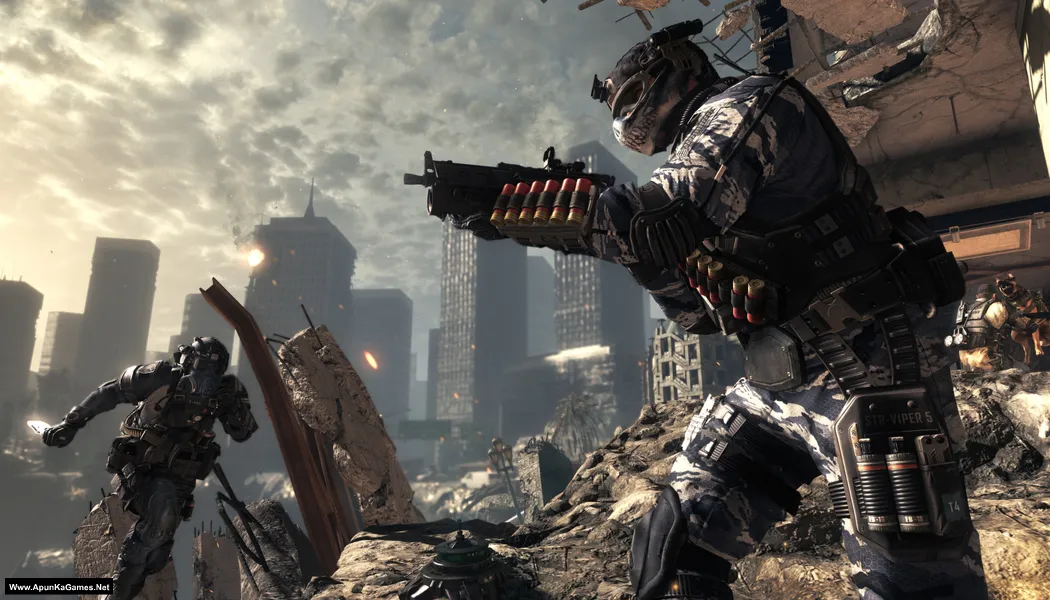
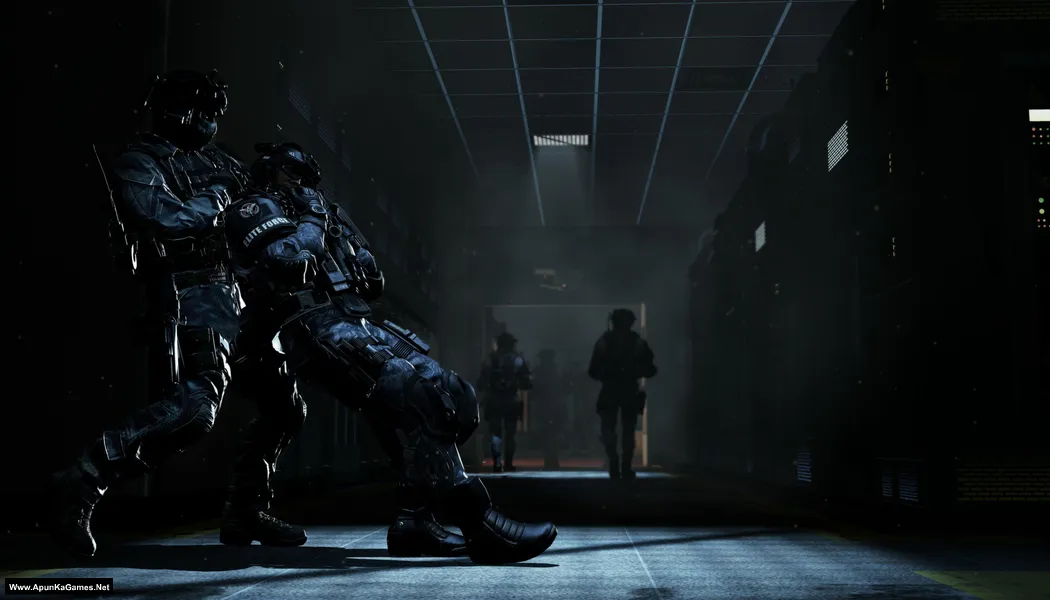
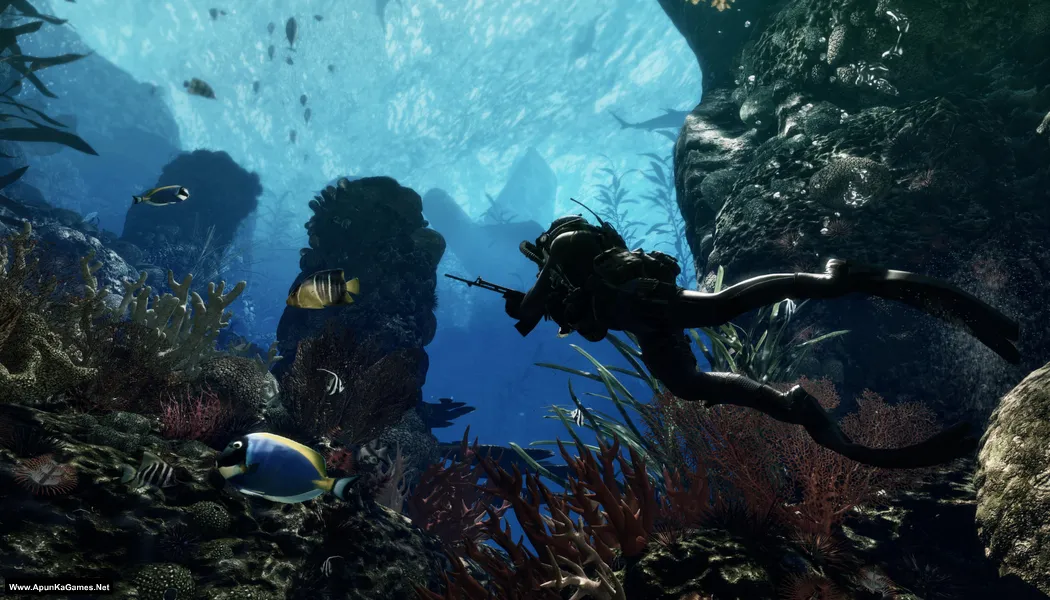
Screenshots
How to Install?
- Extract the file using Winrar. (Download Winrar)
- Open “Call of Duty: Ghosts” folder, double click on “Setup” and install it.
- After installation complete, go to the folder where you install the game.
- Open folder, double click on “iw6sp64_ship” icon to play the game. Done!
How to Download?
If your don’t know how to Download this game, just Click Here!
Call of Duty: Ghosts Download
Download in 5 GB Parts
Click Here
–
Download in 900 MB Parts
Click Here
Game Size: 19.6 GB
Password: www.apunkagames.net or apunkagames
Download in 5 GB Parts
Click Here
–
Download in 900 MB Parts
Click Here
Game Size: 19.6 GB
Password: www.apunkagames.net or apunkagames

Good game
Part 28 hai kya tere pass
mere paas hai, but part 26 nahi hai bc.
Sir please fix part 3 of 4.7gb it says error 404 not found
Pixeldrain main cod ghosts ka part 3 nhi hai rakhdo yarr wo to
Part 1 showing error 404 form 4.7 gb
Pls fix admin!!
FIxed check again
I installed Call of duty Ghost from this website, but game stick on select difficulty, admin please guide me.
same, did you fix it?
Yes you are right it freezes
All parts are smooth except for part 5. Why from 2.5GB capped to 500KB?! This has to be a bug right??? Plz fix.
Oops I meant 2.5MB download speed.
Part 3 showing expired file form 4.7 gb
Pls fix admin!!
will be fixed in few hours.
Not yet
Sir 4.7 gb k sary parts k link expired Hain please upload it quickly
Sory sir,file 1 from link download 900 mb is corrupt
Sir 4.7 gb k sary parts k link expired Hain please upload it quickly
https://www.youtube.com/watch?v=tj86PZjAqcI
Sir game install nahi hori hai
sir the game is running smoothly but when i run the game the first part of game is running smoothly but when next part come the loading is not happen and do not go further
sir the game is running smoothly but after the very first part of game the loading below not happen and do not go further ……….the game is not lagging and the very first part runs very smoothly but the second part is not loading
sir plz answer me …..im waiting for your reply
Mine says disc read error ‘Common’
Any help please
same plz helppppp
Can anybody provide crc for 900mb parts
Please help me 28part link is error showing
will be live in few hours
Plz sir send me CRCs for 900mb parts.I have downloaded the game but it is corrupted and i dont know which part is corrupt.Kindly send me CRCs so that i may download the corrupt file.I hope you’ll help me.I dont wanna redownload whole game
If anyone else can do it.I’ll be thanful
Bahi for 4gb parts download speed is very slow please help regarding that
2 gb ram 3 Ghz pc m chal jayega kya ye game?
Plz upload part 5
4.7 gb file
will it work
Part 4 of the 4gb file, link needs to be fixed
Part 4 file link not work pls can you fixed it
download one by one all links are working fine if error still there refresh the page..
bro reupload this repack please, it dont work
the game is great and works thanks of uploading
Thanks, brother! 😊 Glad to hear the game is working great for you. Enjoy your gaming! 🎮
part 3 download eror problem fix this issu
Now check the issue is fixed! you can download also, when downloading games in parts, try to download them one by one. Wait for the first part to finish completely before starting the second part. TheFileLocker does not support multiple simultaneous downloads properly, which is why it can show errors. If you are using IDM, cancel all active downloads first, then click on Part 10 to start it again, and it should download without issues 👍
I tried playing the homecoming mission but i get disk error why
Same
DISC READ ERROR ‘PROLOGUE’.FF HOW TO FIX IT
The DISC READ ERROR ‘PROLOGUE’.FF usually means the game file is corrupted, missing, or blocked during extraction/installation. Re-extract the game again and make sure your antivirus is turned off because it may have deleted some files. If the error still appears, re-download the part containing the “PROLOGUE.FF” file and extract again using WinRAR or 7-Zip 👍
Link is not working. Unable to download
All links are working fine you should download one by one to avoid errors.
Patch code pst gfx error
how to solve it
The “Patch Code PST GFX Error” in Call of Duty: Ghosts is usually caused by corrupted game files, outdated graphics drivers, or missing game updates. Try updating your GPU drivers, verify or reinstall the game files, install the latest game update if available, and run the game as Administrator.
5GB part 3 is missing. it says 404. Plz fix it
All links are working fine 👍 Before downloading, temporarily turn off your antivirus because sometimes it blocks downloads from TheFileLocker due to full-version game files.
Also, download from TheFileLocker and make sure to download the parts one by one. For example, wait for Part 2 to finish downloading completely, then click Part 3, complete the captcha, and start the next download. If you try downloading multiple parts at the same time with IDM, the next part may show an error. If still not opening try to open it with VPN. it will work!
Works fine, thanks.
You’re welcome, bro! 😊 Enjoy the game. Happy gaming! 🎮
Bro, please help—I’ve got a problem. When I start the “Homecoming” mission, the game crashes and shows this error :
“fatal error”
“disk read error ‘homecomming’ ”
How to fix ?, thanks.
A fatal error is a critical problem that prevents a program or game from continuing to run. When it occurs, the application usually crashes or closes immediately because it cannot recover from the issue. Fatal errors can be caused by missing or corrupted files, incompatible software, outdated drivers, or system-related problems.
disk error homecoming
Brother, if you’re getting a Disk Error in Call of Duty: Ghosts, first make sure you have enough free storage space and that the game files aren’t corrupted. Re-extract the setup, check the RAR parts for errors, and try running the game as Administrator. Also check that your antivirus/Windows Defender hasn’t removed any game files. If it still happens, send us a screenshot of the exact error and your PC specs. 👍