
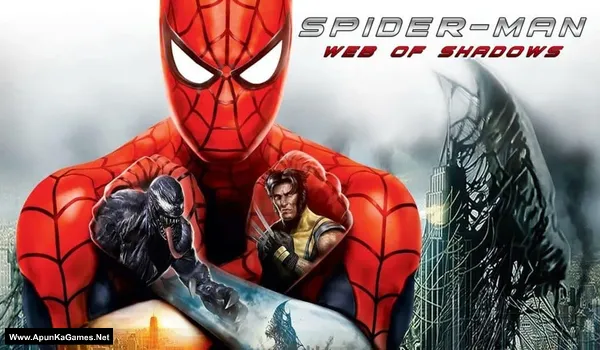
Spider-Man: Web of Shadows Game – Overview – Download – Free – PC – Specs – Screenshots – Installation Guide
Type of game: Action-adventure
Type of game: Action-adventure
PC Release Date: October 21, 2008
Developer/Publishers: Shaba Games, Treyarch, Aspyr Media, Activision
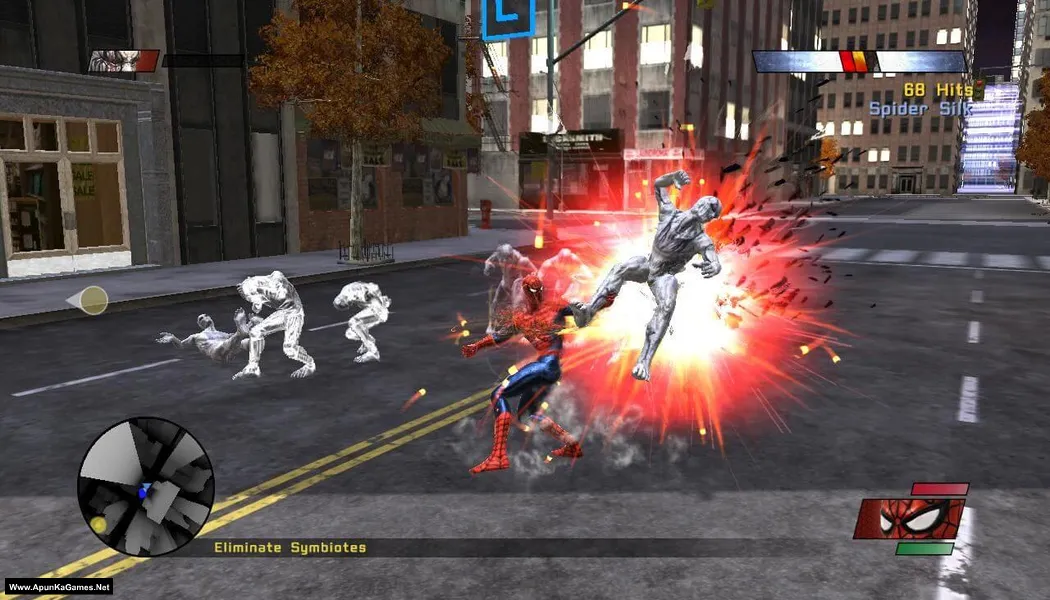
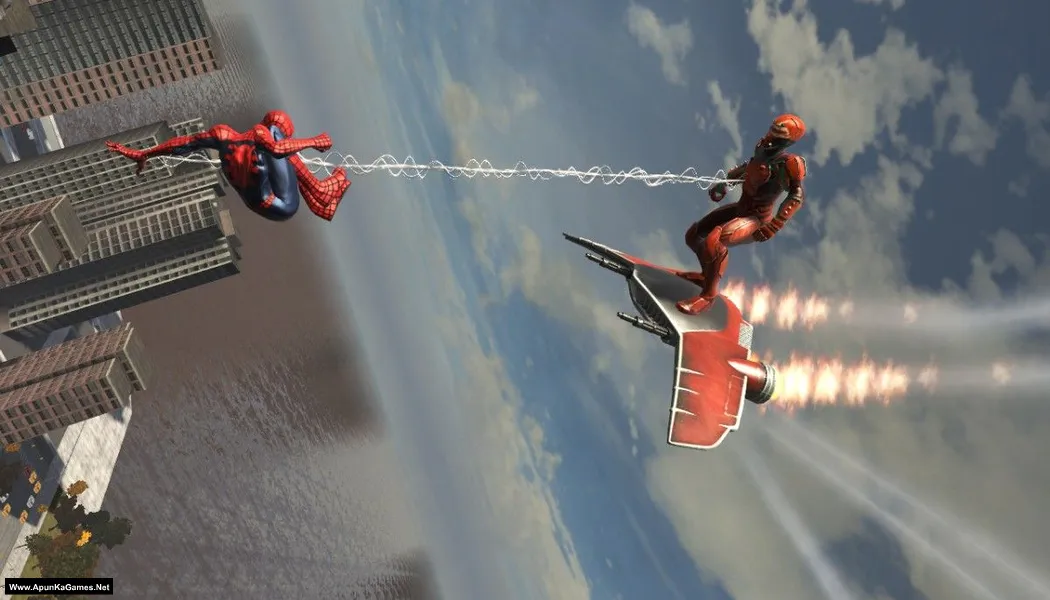
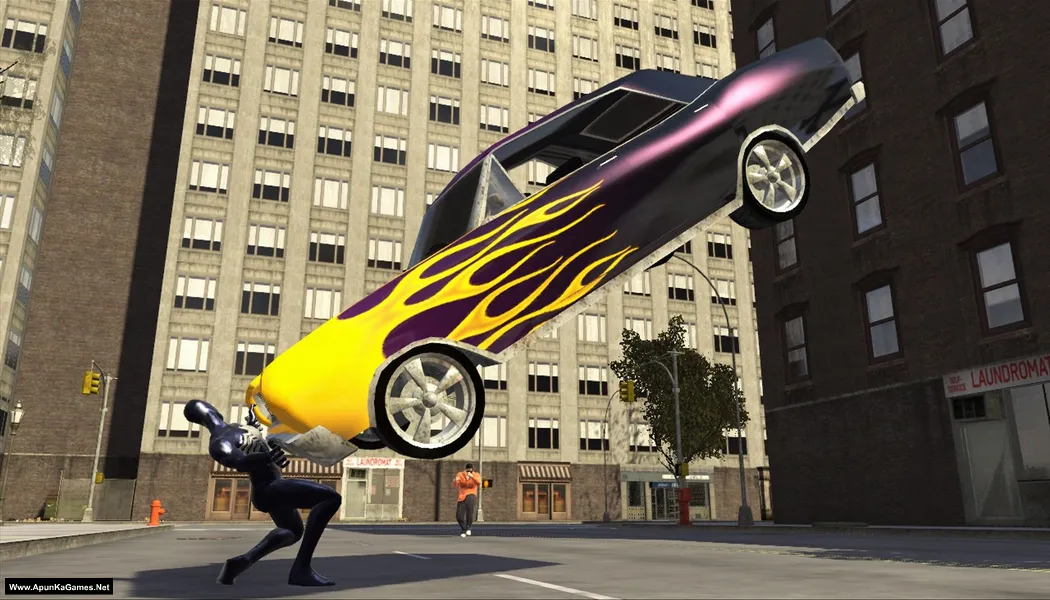
Spider-Man Web of Shadows (1.07 GB) is an action-packed superhero game where players swing across New York City while battling a dangerous symbiote invasion. Control Spider-Man as you switch between the classic red suit and the powerful black symbiote suit, each with unique abilities. Explore the open city, fight powerful enemies, and make story choices that affect the ending. The gameplay focuses on fast combat, aerial battles, and web-swinging, delivering an exciting PC superhero action experience.
Developer/Publishers: Shaba Games, Treyarch, Aspyr Media, Activision
Spider-Man Web of Shadows (1.07 GB) is an action-packed superhero game where players swing across New York City while battling a dangerous symbiote invasion. Control Spider-Man as you switch between the classic red suit and the powerful black symbiote suit, each with unique abilities. Explore the open city, fight powerful enemies, and make story choices that affect the ending. The gameplay focuses on fast combat, aerial battles, and web-swinging, delivering an exciting PC superhero action experience.
Before downloading make sure that your PC meets minimum system requirements.
Minimum System Requirements
- OS: Windows XP/Vista
- Processor: Intel Core 2 Duo 2.13 GHz or Athlon X2 4600+.
- RAM: 2 GB
- Hard Drive: 8 GB free
- Video Card: 512 MB 3D hardware accelerator (NVIDIA GeForce 7900GTX / ATI Radeon X1900XT)
- Sound Card: DirectX Compatible
- DirectX: 9.0c
Screenshots
How to Install?
- Extract the file using Winrar. (Download Winrar)
- Open “Spider-Man Web of Shadows” >> “image” >> “pc” folder.
- Double click on “setup.bat” to install the game. wait for 20 min.
- After installation 100% complete, double click on “Spider-Man Launcher.exe” to play the game. Done!
Complete Installation Video Tutorial?
We provide complete game installation videos to guarantee that every game works perfectly. Unlike other websites where you download blindly and hope for the best, we show you real proof. Our step-by-step installation videos clearly demonstrate the game running successfully, so you know exactly what you’re getting. With us, there’s no guesswork—only verified, 100% working games you can trust.
Trust / Proof
- 100% Working – Tested by Us
- Game Verified Before Upload
- Working Gameplay Shown
- No Fake Files
- Installed Successfully on Our PC
How to Download?
If your don’t know how to Download this game, just Click Here!
Spider-Man Web of Shadows Download
Download in Single Link
Click Here
–
Download in 600MB Parts
Click Here
Game Size: 1.07 GB
Password: www.apunkagames.net or apunkagames
Download in Single Link
Click Here
–
Download in 600MB Parts
Click Here
Game Size: 1.07 GB
Password: www.apunkagames.net or apunkagames

download riuscito ma, appena installato, mancava il luncher
lot of page
nice gameplay
plz help
Open “image” >> “pc” folder, double click on Spider-Man Launcher” icon to play the game. Done!
plz help i do not under stand this
can this game run on window 10
Yes, you can run on Windows 10, but it’s an older game (originally for XP/Vista) that often needs tweaks like setting CPU affinity in its config file to avoid freezes on modern multi-core PCs, requiring you to find the game files and potentially use compatibility settings or community patches for a smooth experience. Thanks!
I launched spiderman launcher but it says download required files
Watch the video how to download, install and play the game.
Le jeu est en français
Spider-Man: Web of Shadows doesn’t have an in-game language option. The language is usually selected during installation, so if it’s installed in another language, you’ll need to reinstall the game and choose English in the setup if that option is available.
Does it have full audio??? Plz reply
It’s highly compressed but i think yes.