
Counter Strike: Global Offensive Game – Overview – Free Download – PC – Specs – Screenshots – Installation Video
Type of game: Shooting
Type of game: Shooting
PC Release Date: August 21, 2012
Developer/Publishers: Valve
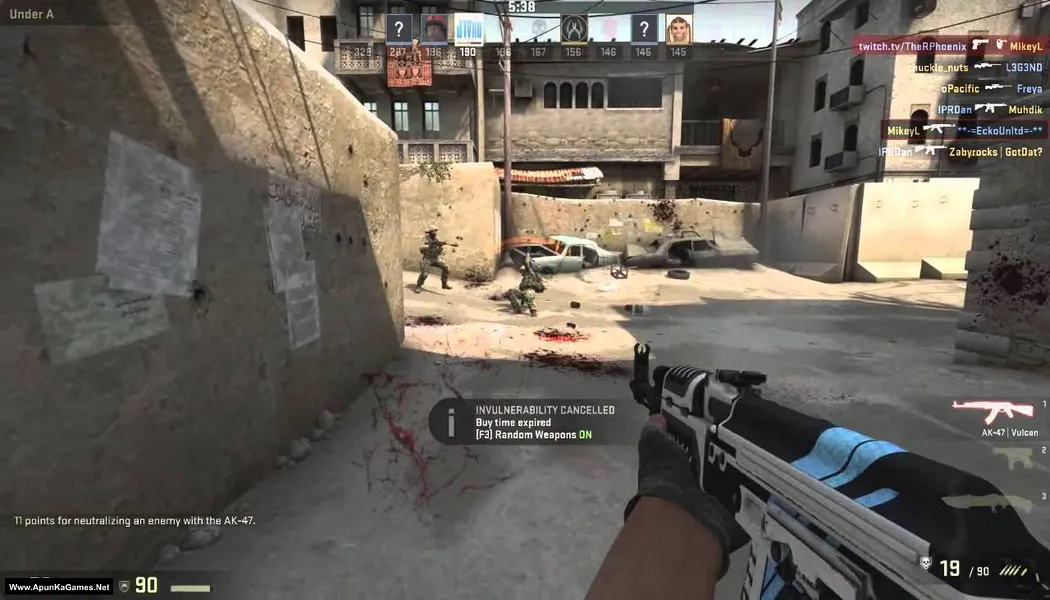
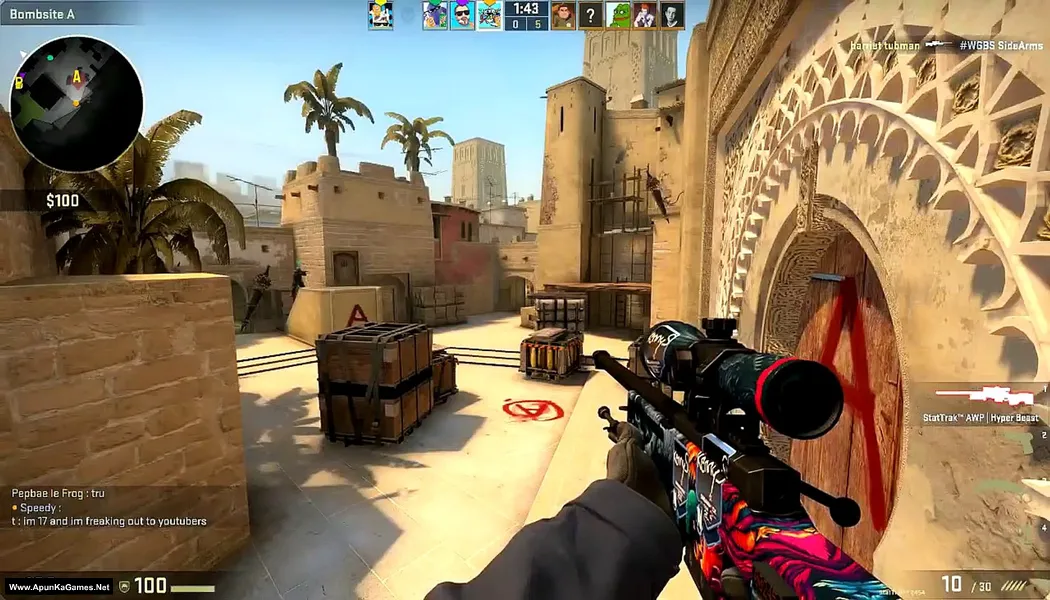
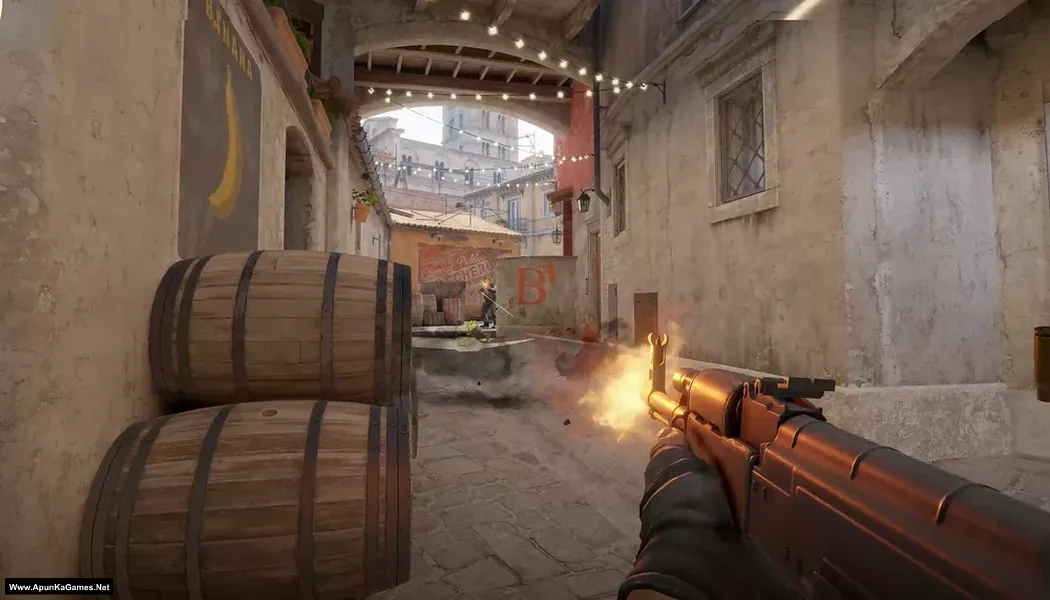
Counter Strike: Global Offensive (4 GB) is a team-based first-person shooter that expanded the classic Counter-Strike formula on Steam in August 2012. It features over 45 weapons, multiple maps, new game modes, updated visuals, leaderboards, and Steam achievements. Matches pit Terrorists against Counter-Terrorists in objective-based rounds that reward accuracy, teamwork, and strategy. Valve later made the game free to play in December 2018, and it was eventually replaced on Steam by Counter-Strike 2.
Developer/Publishers: Valve
Counter Strike: Global Offensive (4 GB) is a team-based first-person shooter that expanded the classic Counter-Strike formula on Steam in August 2012. It features over 45 weapons, multiple maps, new game modes, updated visuals, leaderboards, and Steam achievements. Matches pit Terrorists against Counter-Terrorists in objective-based rounds that reward accuracy, teamwork, and strategy. Valve later made the game free to play in December 2018, and it was eventually replaced on Steam by Counter-Strike 2.
Before downloading make sure that your PC meets minimum system requirements.
Minimum System Requirements
- OS: Windows® 7/Vista/XP.
- Processor: Intel® Core™ 2 Duo E6600 or AMD Phenom™ X3 8750 processor or better.
- Memory: 2 GB RAM.
- Graphics: Video card must be 256 MB or more and should be a DirectX 9-compatible with support for Pixel Shader 3.0.
- DirectX: Version 9.0c.
Screenshots
How to Install?
- Extract the file using Winrar. (Download Winrar)
- Open “Counter Strike: Global Offensive” >> “Setup” folder, double click on “Counter-Strike_GO_nosTEAM” and install it.
- After installation complete, go to the folder where you install the game.
- Open folder, double click on “csgo” icon to play the game. Done!
Complete Installation Video Tutorial?
We provide complete game installation videos to guarantee that every game works perfectly. Unlike other websites where you download blindly and hope for the best, we show you real proof. Our step-by-step installation videos clearly demonstrate the game running successfully, so you know exactly what you’re getting. With us, there’s no guesswork—only verified, 100% working games you can trust.
Trust / Proof
- 100% Working – Tested by Us
- Game Verified Before Upload
- Working Gameplay Shown
- No Fake Files
- Installed Successfully on Our PC
How to Download?
If your don’t know how to Download this game, just Click Here!
If your don’t know how to Download this game, just Click Here!
Counter Strike: Global Offensive Download
Download in Single Link
Click Here
–
Download in 600 MB Parts
Click Here
Game Size: 4 GB
Password: www.apunkagames.net or apunkagames
Download in Single Link
Click Here
–
Download in 600 MB Parts
Click Here
Game Size: 4 GB
Password: www.apunkagames.net or apunkagames

Can we play online csgo?
just create a steam account and play csgo online its free to play this is pirated version
bruh thats so large to download lol
no only 48 gb i downloaded in 3 days cause my wifi speed like shit about 500kbps but after playing 10-15 hours i get bored
Can we?
Yes Bro
no
hey you can not run this game with 2gb ram fake
dont look at the ram only check the cpu also because even u have a 2 gb ram u still need a compatible cpu so u have pretty much a super low end laptop
Can I run
Intel i3 4000u
4Gb ram DDR3
Intel HD graphics 4000
Yes
No
Do We Have Skins In This?
all skins are unlocked
We are providing you with the best information about CSGO gaming. Do visit and check out.
Link Ko Update Kro Download Nhi Ho Rha h
Can I play multiplayer via Lan
Yes SURE!!!
is this working because this is a very short file of counter strike
Some parts of the game is deleted ,part one is deleted please fix it
The download link for Counter Strike Global Offensive is working or not?? Please reply
Please ?
can play offline
piease can offline
Can we play online please tell me?
Can we play online please tell me i have core i5 and 1Gb amd graphic card?
U cannot play online but can play on LAN
Can I play offline this game
yes
I install this game but it won’t work
After the installation is complete, go to the desktop and run “Counter-Strike Global Offensive [7L]”. Select the game name “CS:GO (Legacy)” to download the updated version. Once the update is complete, you can start the game using the desktop icon. It will work correctly.
Can we play on online servers please 🙏🥺 tell me
After installation when i tried to play with bots it says you are in insecure mode or playing outside the steam. And disconnects it.
Watch this Video 100% working setup!
Yes the setup is working and it did run well after installation but when it runs it shows an in-game message of valve anti-cheat and says i am playing out side of the steam. And whenever i try to play an offline match it disconnects the server and shows this message.
Brother Hasnain, if this setup is not working for you, please download the other one below. We have updated a new setup version v1.36.6.3, available on TheFilesLocker link. Download and install it — it should work for you.
apunkagames oyunun toplam boyutu kaç gb acaba kurulumdan sonra
The installed size is larger because it is a repack version. The download files are highly compressed to reduce size, but during installation they are extracted to their original full size. That’s why the game takes more storage after installation compared to the download size. 👍
Can i play online or with lan
Yes, you can play Counter-Strike: Global Offensive (CS:GO) online and on LAN, but it depends on your version. If you have the official version (via Steam), you can play full online matchmaking and community servers. If you’re using a cracked version, online official servers won’t work, but you can still play on LAN or join some non-official/cracked servers.
the application was unable to start correctly (0xc000007b). Click OK to close the application. what is the problem bro?
Watch this Video Guide
Hey there mate i dont really know what to say but i like to thank you for providing us free games my cousin introduced me this website years ago and now i have decent job but i still pirate games to keep the legacy alive i love you man you are Hero Of Mankind
Thank you so much for your kind words and support! ❤️ It truly means a lot to us. We’re really happy to hear you’ve been with us for so many years and that your cousin introduced you to the site. Congratulations on your job, and we appreciate you being part of our community. Enjoy your games, and thank you for keeping the spirit alive. Wishing you all the best, mate! 😊🎮