
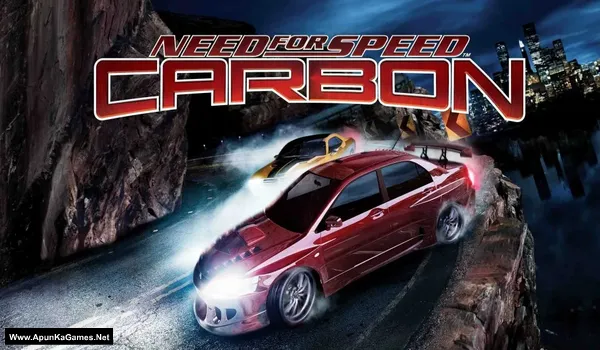
Need for Speed: Carbon v1.4 Game – Overview – NFS Carbon – Free Download – PC – Specs – Screenshots – Free
Type of game: Racing
PC Release Date: October 31, 2006
Developer/Publishers: EA Black Box, Electronic Arts
Need for Speed: Carbon (3.25 GB) is an Racing video game. Developed and published by EA Black Box, Electronic Arts. It was released on October 30, 2006 for Windows. Need for Speed: Carbon is an intense street racing game set in a neon-lit city where crews battle for territory. Players customize cars with deep tuning options and recruit teammates for strategic race advantages. High-speed canyon duels, drift events, and police chases deliver fast, adrenaline-filled gameplay.
Type of game: Racing
PC Release Date: October 31, 2006
Developer/Publishers: EA Black Box, Electronic Arts
Need for Speed: Carbon (3.25 GB) is an Racing video game. Developed and published by EA Black Box, Electronic Arts. It was released on October 30, 2006 for Windows. Need for Speed: Carbon is an intense street racing game set in a neon-lit city where crews battle for territory. Players customize cars with deep tuning options and recruit teammates for strategic race advantages. High-speed canyon duels, drift events, and police chases deliver fast, adrenaline-filled gameplay.
Before downloading make sure that your PC meets minimum system requirements.
Minimum System Requirements
- OS: Windows 2000 Service Pack 4 / Windows XP Service Pack 2
- Processor: Intel Pentium 4 or equivalent, 1.7 GHz
- RAM: 512 MB
- Hard Disk: 5.3 GB available space
- Graphics Card: 64 MB, (NVIDIA Geforce4 Ti+/ATI Radeon 8500+)
- DirectX: Version 9.0c
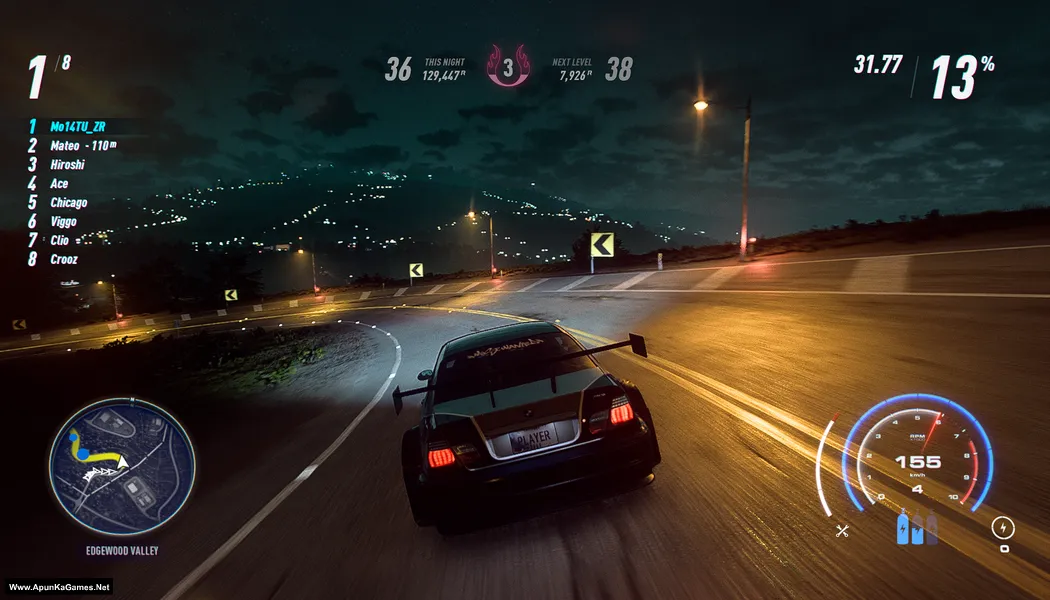
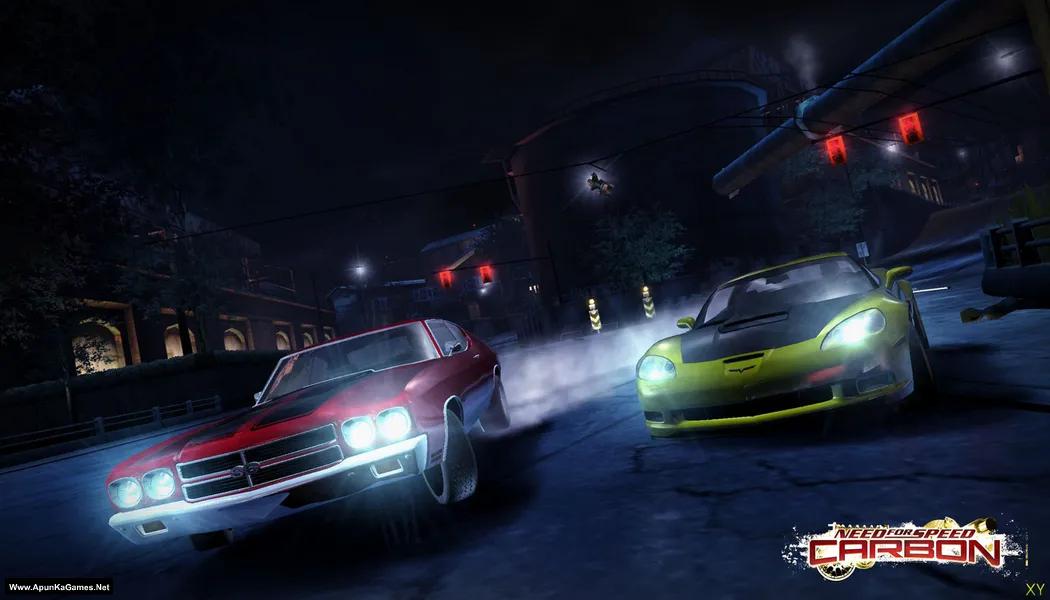
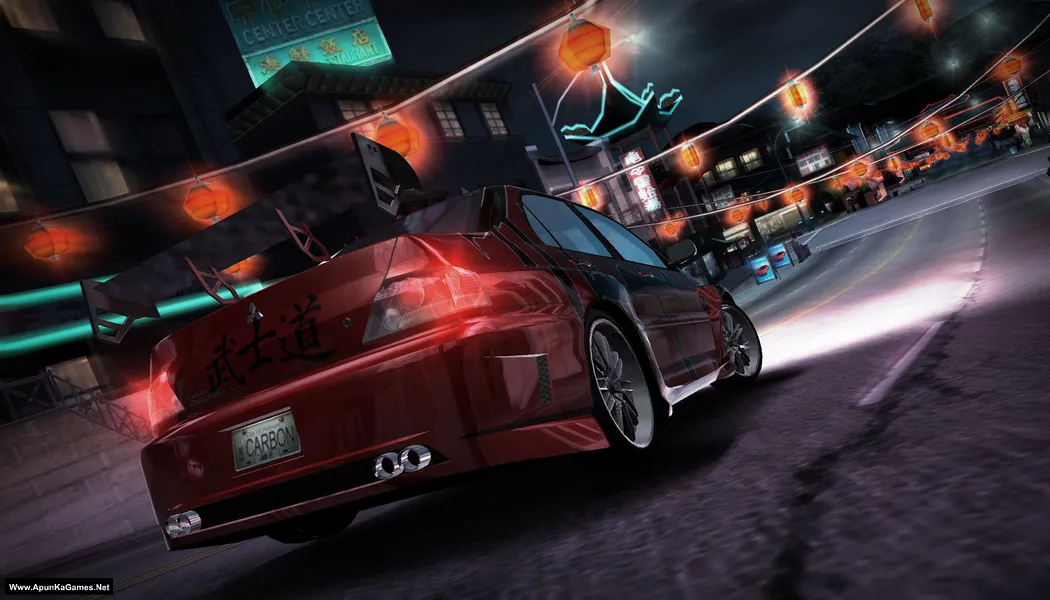
Screenshots
How to Install?
- Extract the file using Winrar. (Download Winrar)
- Open “Need for Speed: Carbon” folder, double click on “setup” and install it.
- After installation complete, go to the folder where you install the game.
- Open folder, double click on “NFSC.exe” to play the game. Done!
How to Download?
If your don’t know how to Download this game, just Click Here!
If your don’t know how to Download this game, just Click Here!
Game Size: 3.25 GB
Password: www.apunkagames.net or apunkagames

I am getting the ‘dat02.exe has stopped’ window continuously,then installer stopped at 16 percent.
Mine too
First it said d3dx9 was missing so i got that, then tried launching it again, now the screen just goes black then back to normal again. Tried all compatibility settings. Nothing works
install direct x
My game stuck in the loading screens
This game is 100% working. Please follow the instructions step by step: before extracting and installing the game, turn off your antivirus. After installation, you can turn it back on, as antivirus software may block DLL files.
01. Extract the file using Winrar. (Download Winrar)
02. Open “Need for Speed: Carbon” folder, double click on “setup” and install it.
03. After installation complete, go to the folder where you install the game.
04. Open folder, double click on “NFSC.exe” to play the game. Done!