
James Cameron’s Avatar: The Game PC Download
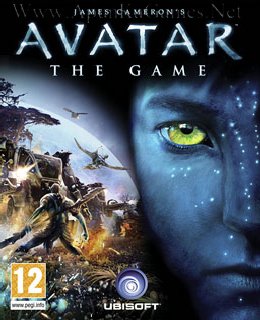
Before downloading make sure that your PC meets minimum system requirements.
Minimum System Requirements
- OS: Windows XP/Vista/7
- CPU: Intel Pentium 4 @ 3.2 GHz Processor
- RAM: 2 GB
- Hard Drive: 4 GB Free
- Video Memory: 256 MB DirectX 9.0-compliant card with Shader Model 3.0
- DirectX: 9.0
Screenshots
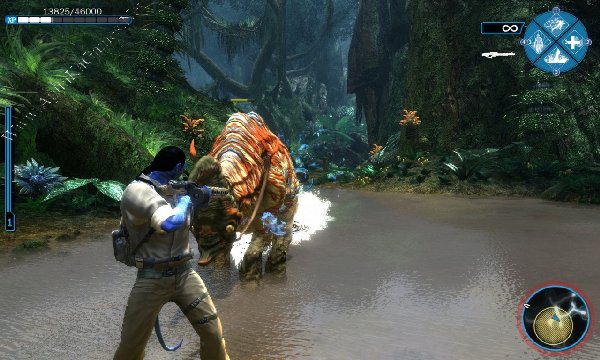
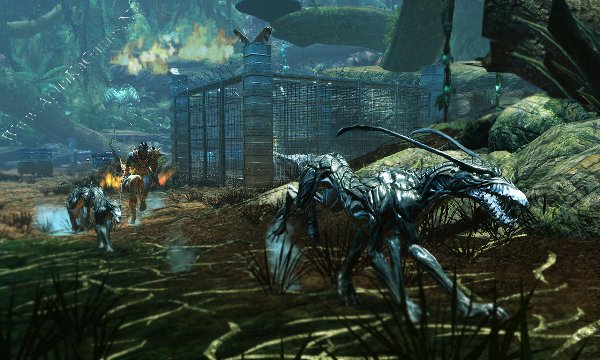
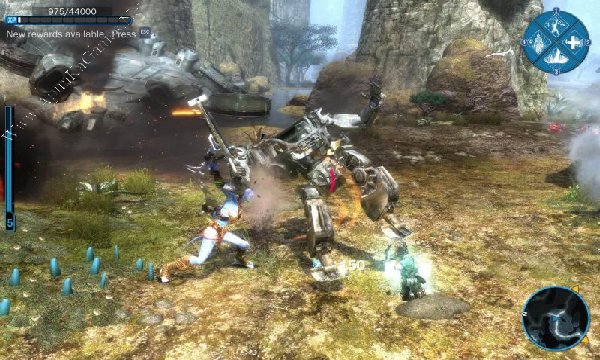
How to Install?
- Extract the file using Winrar. (Download Winrar)
- Open “James Cameron’s Avatar – TG” folder, double click on “Setup” and install it.
- After installation complete, go to the folder where you install the game.
- Open the “bin” folder and run “AvatarLauncher”. Select “Manual” from the Method dropdown and copy the Hardware ID.
- Then, run the keygen, paste the Hardware ID into the “Hardware ID:” field, and click “Generate”.
- Copy the Activation Key, run “Avatar.exe”, and paste the key into the key section. Enjoy!
How to Download?
If your don’t know how to Download this game, just Click Here!
If your don’t know how to Download this game, just Click Here!
James Cameron’s Avatar: The Game Download
Download in Single Link
Click Here
–
Download in 600MB Parts
Download in Single Link
Click Here
–
Download in 600MB Parts
Game Size: 2.20 GB
Password: www.apunkagames.net or apunkagames

please
where is the video >>>> “””Watch this video and learn how to insert key to play this game. Done!””
Thanks me later..
Video have been removed
After installation complete, go to the folder where you install the game. Open the “bin” folder and run “AvatarLauncher”. Select “Manual” from the Method dropdown and copy the Hardware ID. Then, run the keygen, paste the Hardware ID into the “Hardware ID:” field, and click “Generate”. Copy the Activation Key, run “Avatar.exe”, and paste the key into the key section. Enjoy!
fix file dosent download
Brother, the link is working fine. 👍 Before downloading, temporarily turn off your antivirus because sometimes it blocks downloads from TheFileLocker due to the full-version game files. Then click the link—on the first click you’ll see an ad, just close it. Click the link a second time, and the original game setup link will open. Complete the CAPTCHA and start the download.