
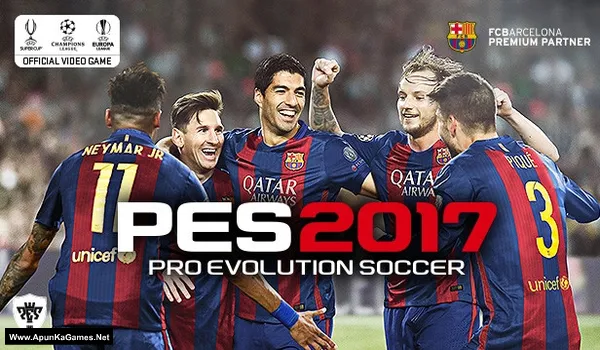
Pro Evolution Soccer 2017 Game – PES 2017 Overview – Free Download – PC – Specs – Screenshots – Free
Type of game: Sports, Football
PC Release Date: September 13, 2016
Developer/Publishers: PES Productions, Konami
Pro Evolution Soccer 2017 (3.40 GB) is an Sports, Football video game. Developed and published by PES Productions, Konami. It was released on September 13, 2016 for Windows. Pro Evolution Soccer 2017 is a realistic football simulation where players control teams, execute tactics, and compete in global leagues. Experience precise passing, skill moves, and strategic gameplay in dynamic matches. With immersive gameplay, detailed player animations, and authentic stadiums, it delivers a top PC experience for football and sports game fans.
Type of game: Sports, Football
PC Release Date: September 13, 2016
Developer/Publishers: PES Productions, Konami
Pro Evolution Soccer 2017 (3.40 GB) is an Sports, Football video game. Developed and published by PES Productions, Konami. It was released on September 13, 2016 for Windows. Pro Evolution Soccer 2017 is a realistic football simulation where players control teams, execute tactics, and compete in global leagues. Experience precise passing, skill moves, and strategic gameplay in dynamic matches. With immersive gameplay, detailed player animations, and authentic stadiums, it delivers a top PC experience for football and sports game fans.
Before downloading make sure that your PC meets minimum system requirements.
Minimum System Requirements
- OS: Windows 10/8.1/8/7 SP1/Vista SP2 (32/64-bit)
- Processor: Intel Core 2 Duo E4300 1.8 GHz or Athlon II X2 240 2.8 GHz
- RAM: 1 GB
- Hard Drive: 8 GB available space
- Video Card: 512MB, Nvidia GeForce 8800 GS or AMD Radeon X1600 XT
- Network: TCP/IP 512 kbps or higher
- DirectX: 9.0c
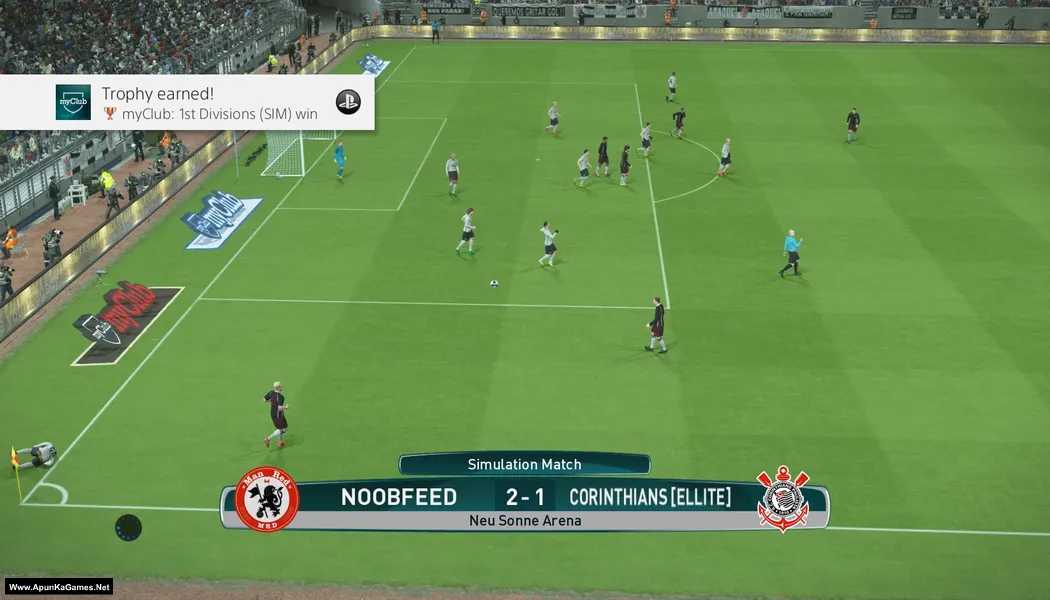
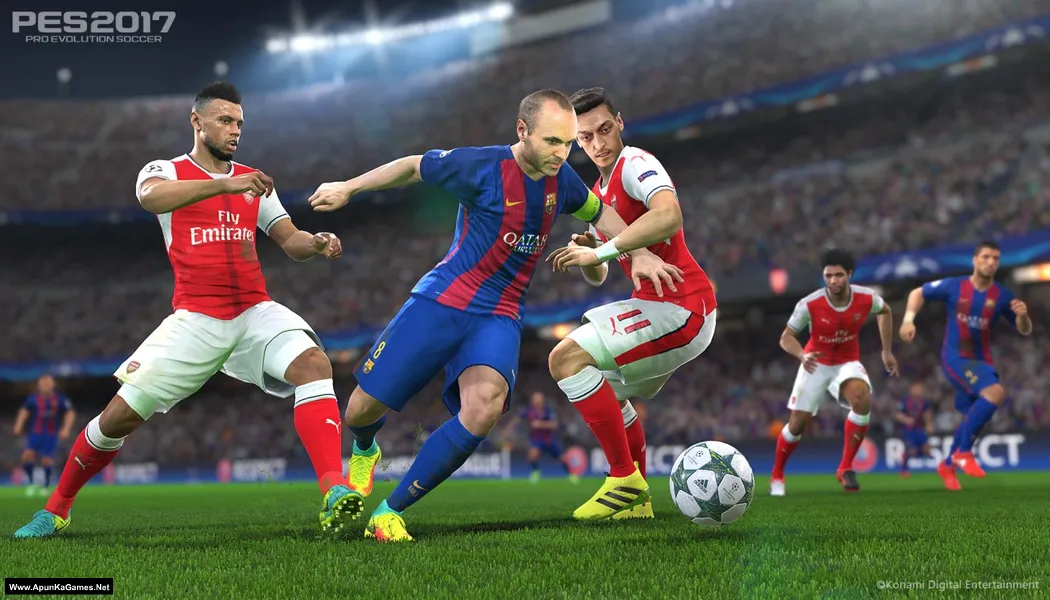
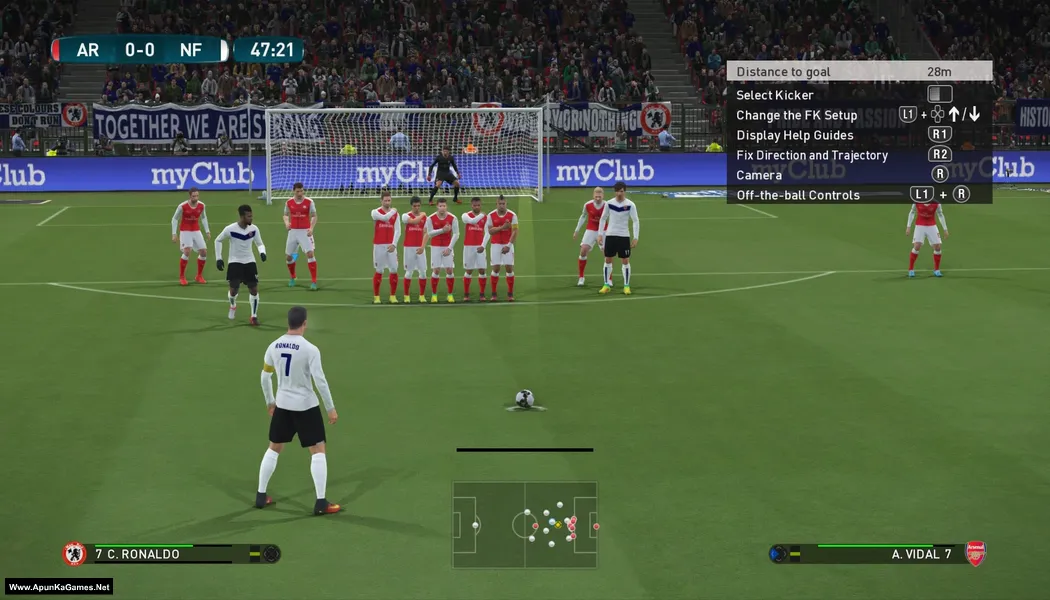
Screenshots
How to Install?
- Extract the file using Winrar. (Download Winrar)
- Open “Pro Evolution Soccer 2017” folder, double click on “Install.exe” to run setup.
- After installation complete, go to the folder where you install the game.
- Open folder, double click on “PES2017.exe” to play the game. Done!
Complete Installation Video Tutorial?
We provide complete game installation videos to guarantee that every game works perfectly. Unlike other websites where you download blindly and hope for the best, we show you real proof. Our step-by-step installation videos clearly demonstrate the game running successfully, so you know exactly what you’re getting. With us, there’s no guesswork—only verified, 100% working games you can trust.
Trust / Proof
- 100% Working – Tested by Us
- Game Verified Before Upload
- Working Gameplay Shown
- No Fake Files
- Installed Successfully on Our PC
How to Download?
If your don’t know how to Download this game, just Click Here!
Pro Evolution Soccer 2017 Free Download
Download in Single Link
Click Here
–
Download in 600MB Parts
Click Here
Game Size: 3.40 GB
Password: www.apunkagames.net or apunkagames
Download in Single Link
Click Here
–
Download in 600MB Parts
Click Here
Game Size: 3.40 GB
Password: www.apunkagames.net or apunkagames

Please does your games support patching
yes
Does it need a product key?
Pls can you play it offline
Yes you can play offline so you do not need to worry when you go offline.
hi
when i click on download setup it opens to different site
see how to download
PC Gamer, could you drop a video on how to install fifa 16.
Please the game can’t be extracted
How to install pes 17 it’s says something about lsdone.dll error
https://www.youtube.com/watch?v=FrWgMshR4i4
CAN IT RUN INTEL CELERON R 3050 160GHZ
The Intel hd graphics 4000 is it a graphics card or a driver. And how can I update my graphics driver it is Intel 4 series express chipset family should I download latest version of my driver or of the Intel 4000. The 512mb in video card is it VRAM or total video memory
It worked perfectly
Pls show me how u did it
nao consigo baixar
can i play in 2 players
yes
Yes
Can I play online??
offline
the settings file is missing please help me
just type what s missing in google or any search engine and add download. click on the first site that appears
Can i play it on intel hd graphics?
Why are you ignoring questions on Intel graphics?
We need to know before wasting data?
When I click on setup it gives me a error of isdone DLL and unarc dill returned error code 11 and 14
https://www.youtube.com/watch?v=FrWgMshR4i4
yes
Is it the full version ?
Yes
how do you connect controllers
should i downlode in parts or in one link
single or parts both are available its your choice that you download single or parts
https://fs72.thefileslocker.com/d/kngdk3j4gygmyaashzxeeeipryinzw4i4wbnnrpmnipt5j3crsylmqpfa7kbsqv5ksfp73qx/Pro%20Evolution%20Soccer%202017%20-%20(Www.ApunKaGames.Net).part1.rar
Pls after installation mine shows the code execution cannot proceed because d3d*9_43.dll was not found. I have reinstalled the program 5 times
This error happens because of your antivirus. Before installation, turn off your antivirus, as it can block DLL files needed for the setup. Also, download and install the Microsoft Visual C++ Redistributable Package.
It’s slow in installation so what should you do
this thing is still loading
100% working setup just watch and follow this video step by step