
Just Cause 3, PC download, free version game, free pc game, for PC
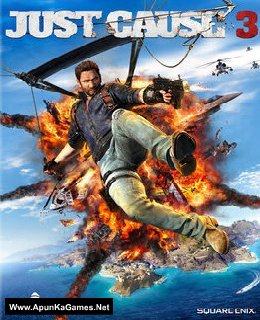
Before downloading make sure that your PC meets minimum system requirements.
Minimum System Requirements
- OS: Windows 7/Vista/8.1 (64-bit Required)
- Processor: Intel Core i5-2500k, 3.3GHz / AMD Phenom II X6 1075T 3GHz
- RAM: 8 GB
- Hard Drive: 54 GB available space
- Video Card: NVIDIA GeForce GTX 670 (2GB) / AMD Radeon HD 7870 (2GB)
- DirectX: Version 11
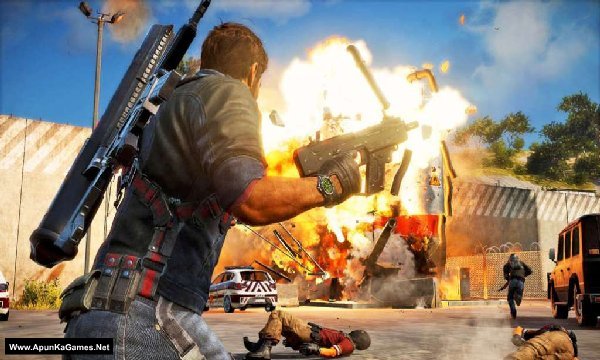
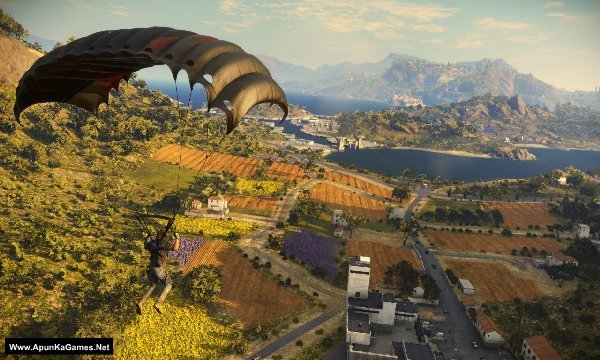
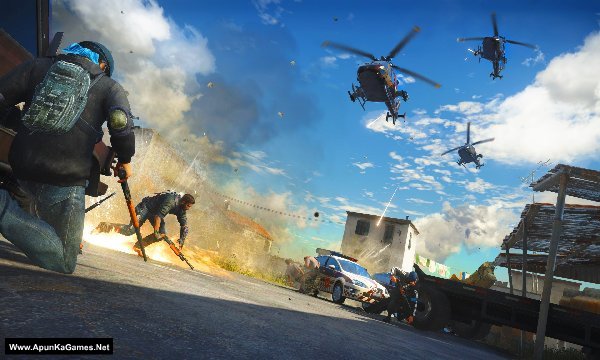
Screenshots
How to Install?
- Extract the file using Winrar. (Download Winrar)
- Open “Just Cause 3” folder, double click on “Setup” and install it.
- After installation complete, go to the folder where you extract the game.
- Open “MD5” folder, copy all files and paste it where you install the game.
- Then double click on “Game” icon to play the game. Done!
How to Download?
If your don’t know how to Download this game, just Click Here!
If your don’t know how to Download this game, just Click Here!
Game Size: 23.9 GB
Password: www.apunkagames.net or apunkagames

It sticks on loading screen, and keeps loading, please fix this
reinstall with antivirus off. add the game to antivirus exclusion list.
hey bro plis change the game to original not xl edition plis….
I downloaded 700 mb all 31 parts . But the parts are not extracting .In fact parts are not open with winrar.how I fix this problem.??
Those parts are corrupted by antivirus
Solution for it.
Part 31 link not working anymore. File not found 😥
We will upload soon as possible. Thanks!
this is second game I downloaded from this site but this also crash during the installion after 0.5%
Reinstall this game but first of all disable all antivirus and Windows security first before extract and installation… then copy all files in one new folder and extract just only part 1… after extraction complete then install!
you must disable antivirus and windows security before installation… otherwise it will stuck!
part one have checksum error bin.1 file
All parts are ok (Link and extraction both) we checked it twice… First of all download all (4.3GB) 5 parts and paste it into one new folder (make sure that all parts are downloaded completely otherwise it will give you error) then right click on only part 1 and select here or extract files if you want to extract the game in other drive. it will work 100%!
Help please apunkagames team
5gb Part 4 is not working please fix it
And also Devil may cry 5
5gb part 3 is not working please fix it too
You mean links or during extraction? we checked all the links, they are working fine… you just have to download one by one. If error is coming during extraction then make sure that you have download all parts completely.