
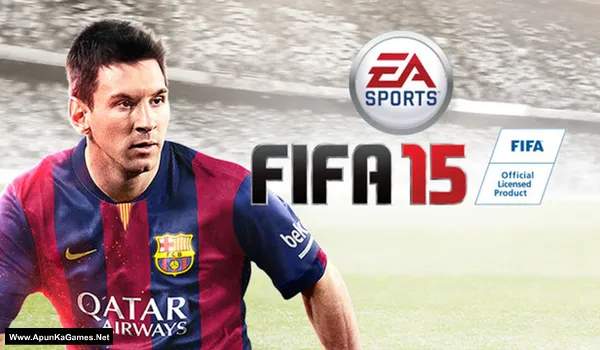
EA Sports FIFA 15 Game – Overview – Free Download – PC – Specs – Screenshots – Free
Type of game: Football, Sports
PC Release Date: September 23, 2014
Developer/Publishers: EA Canada, EA Sports
FIFA 15 (6.85 GB) is an association Football (Soccer) Simulation video game. Developed and published by EA Canada, EA Sports. It was released September 23, 2014 for Windows. FIFA 15 is a realistic football simulation where players control top clubs and national teams in authentic matches. Master passing, shooting, and tactical play while competing in leagues, tournaments, and online modes. The gameplay delivers immersive PC soccer gameplay with realistic player physics, animations, and stadium atmospheres, perfect for football fans.
Type of game: Football, Sports
PC Release Date: September 23, 2014
Developer/Publishers: EA Canada, EA Sports
FIFA 15 (6.85 GB) is an association Football (Soccer) Simulation video game. Developed and published by EA Canada, EA Sports. It was released September 23, 2014 for Windows. FIFA 15 is a realistic football simulation where players control top clubs and national teams in authentic matches. Master passing, shooting, and tactical play while competing in leagues, tournaments, and online modes. The gameplay delivers immersive PC soccer gameplay with realistic player physics, animations, and stadium atmospheres, perfect for football fans.
Before downloading make sure that your PC meets minimum system requirements.
Minimum System Requirements
- OS: Windows 7/Vista/8 (64-Bit)
- CPU: Intel Q6600 Core2 Quad @ 2.4Ghz
- RAM: 4 GB
- Hard Drive: 15 GB available space
- Video Card: ATI Radeon HD 5770, NVIDIA GTX 650
- DirectX: Version 11
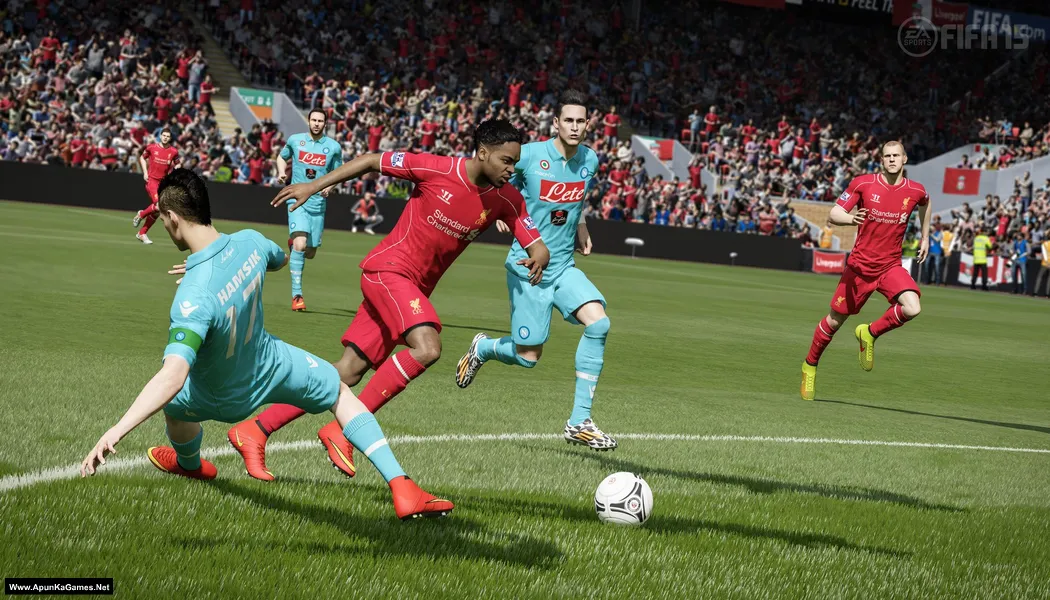
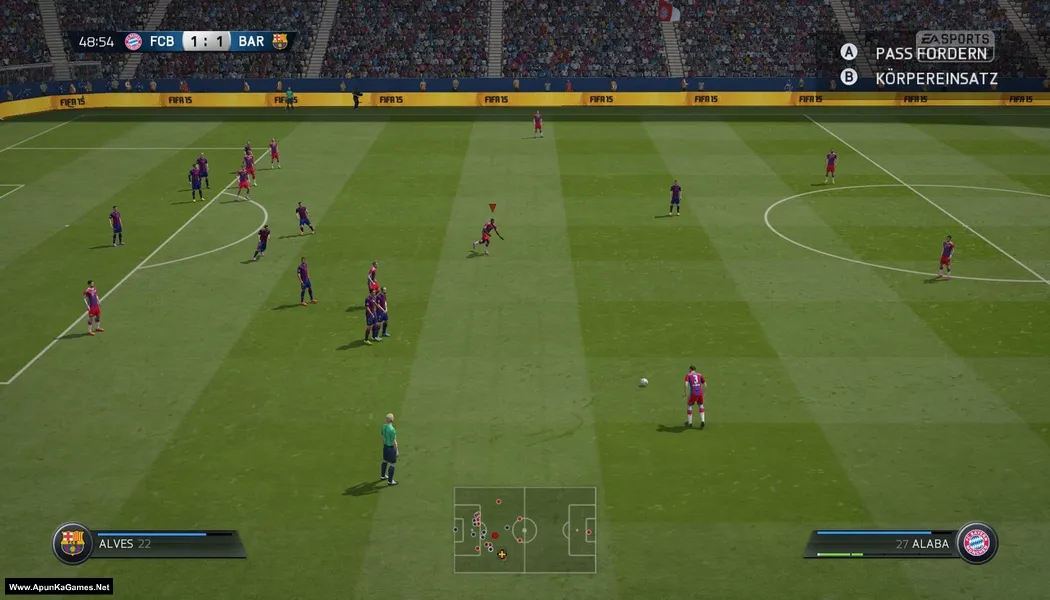
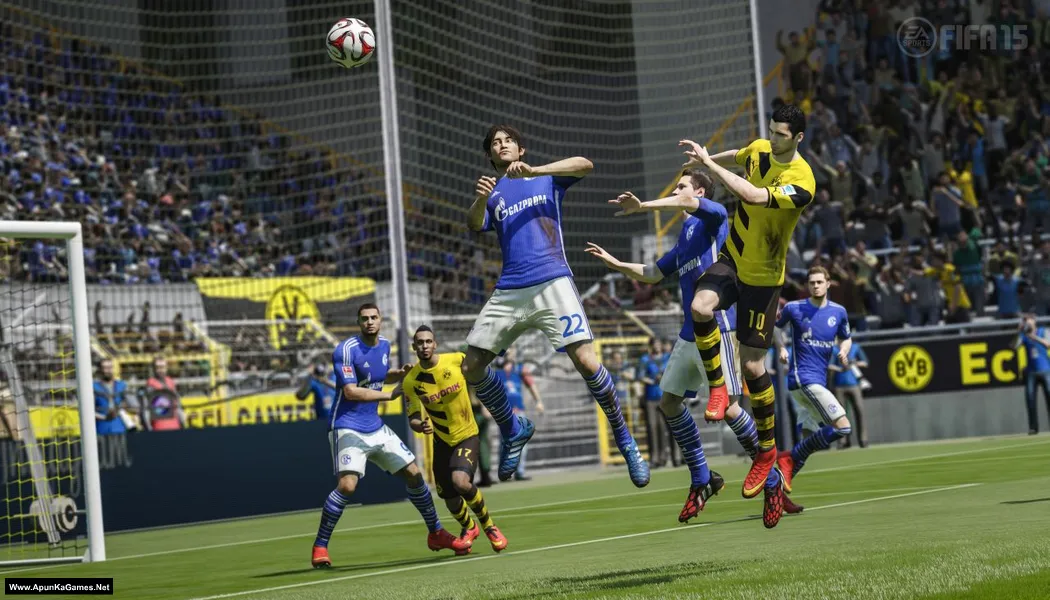
Screenshots
How to Install?
- Extract the file using Winrar. (Download Winrar)
- Open “FIFA 15” folder, double click on “Setup” and install it.
- After installation complete, go to the folder where you install the game.
- Open folder, double click on “fifa15.exe” to play the game. Done!
Complete Installation Video Tutorial?
We provide complete game installation videos to guarantee that every game works perfectly. Unlike other websites where you download blindly and hope for the best, we show you real proof. Our step-by-step installation videos clearly demonstrate the game running successfully, so you know exactly what you’re getting. With us, there’s no guesswork—only verified, 100% working games you can trust.
Trust / Proof
- 100% Working – Tested by Us
- Game Verified Before Upload
- Working Gameplay Shown
- No Fake Files
- Installed Successfully on Our PC
How to Download?
If your don’t know how to Download this game, just Click Here!
FIFA 15 Download
Download in Single Link
Click Here
–
Download in 600MB Parts
Click Here
Game Size: 6.85 GB
Password: www.apunkagames.net or apunkagames
Download in Single Link
Click Here
–
Download in 600MB Parts
Click Here
Game Size: 6.85 GB
Password: www.apunkagames.net or apunkagames

How to Instal in parts link? Please help mee
https://youtu.be/dCofFKANVQ8
Installation gets stuck at 5.5%….It’s been half an hour like this..The remaining time shows 1h 45m from beginning and at this point it is also stuck…Help!!!
same with me plz help
Same too
Same with me. Pls how do we fix it
Download DirecX and VC++ , or download other game driver
the game has commentry legs and does not play well plss help fix
Is the game working bro ?
yes
how to install in parts
Download speed is very slow in parts.
Is the game working guys please tell me cause form here I downloaded Fifa 16 and it didn’t work is this working or not please tell me
May u pliz fix fifa 15 part 10 600mb download
I can’t find part 9 for it it’s showing 10 on the link
reload the page your issue is resolved.
You gave me an image for the icon, why did you do such , you didnt add the real icon application in the file , now i have instal the setup but no icon to lauch the game
Watch this video guide. It’s 100% working setup!
it shows the EA logo but the game doesn’t start. What do I do?
100% working setup. Watch and follow this video guide step by step
The EA icon comes and crashes and the game doesn’t open…how to fix?
100% working setup. Watch this video guide and follow step by step