
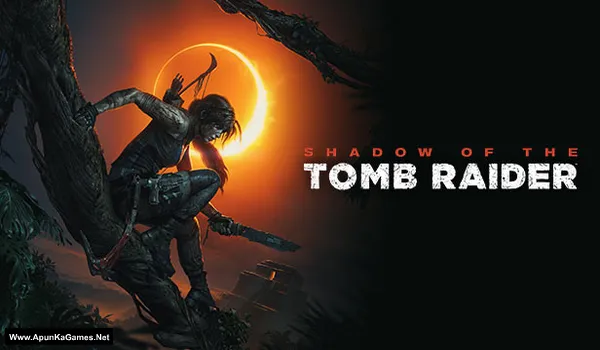
Shadow of the Tomb Raider (2018) Game – Overview – Download – Free – PC – Specs – Screenshots – Installation Guide
Type of game: Action-adventure
Type of game: Action-adventure
PC Release Date: September 14, 2018
Developer/Publishers: Eidos-Montréal, Square Enix
Shadow of the Tomb Raider (27.2 GB) is an action-adventure game that follows Lara Croft on her most dangerous journey as she races to stop a global apocalypse. Players explore ancient tombs, solve challenging puzzles, survive deadly environments, and engage in stealth-based combat. Set across beautiful jungles and hidden civilizations, the game offers stunning visuals and immersive storytelling. Shadow of the Tomb Raider is perfect for PC players who enjoy exploration, action, and cinematic adventures.
Developer/Publishers: Eidos-Montréal, Square Enix
Shadow of the Tomb Raider (27.2 GB) is an action-adventure game that follows Lara Croft on her most dangerous journey as she races to stop a global apocalypse. Players explore ancient tombs, solve challenging puzzles, survive deadly environments, and engage in stealth-based combat. Set across beautiful jungles and hidden civilizations, the game offers stunning visuals and immersive storytelling. Shadow of the Tomb Raider is perfect for PC players who enjoy exploration, action, and cinematic adventures.
Before downloading make sure that your PC meets minimum system requirements.
Minimum System Requirements
- OS: Windows 7 64-bit or higher
- Processor: i3-3220 INTEL or AMD Equivalent
- RAM: 8 GB
- Hard Drive: 40 GB available space
- Video Card: Nvidia GTX 660/GTX 1050 or AMD Radeon HD 7770
- DirectX: Version 11
Screenshots
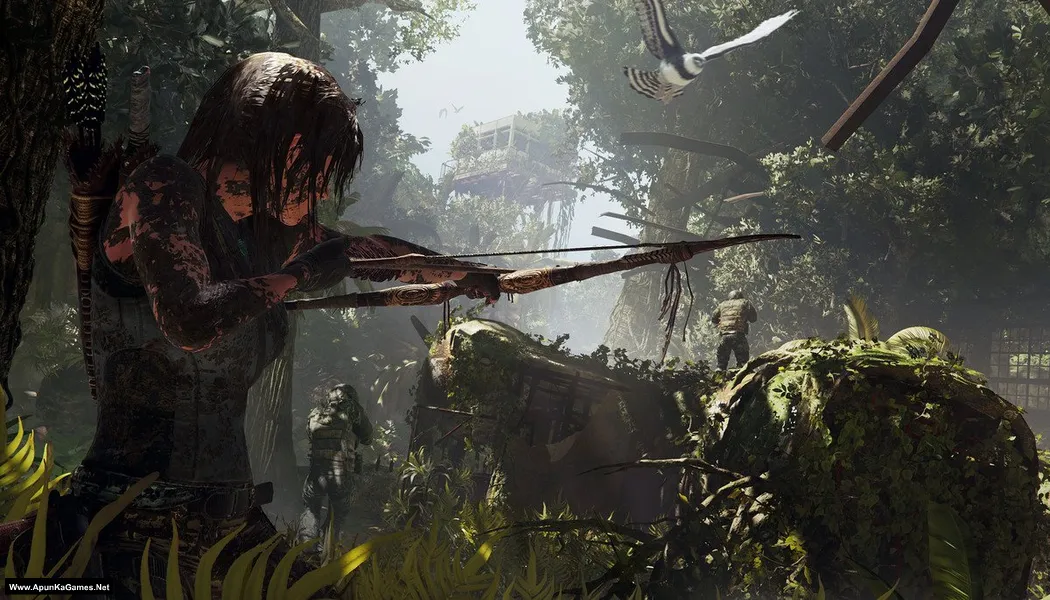
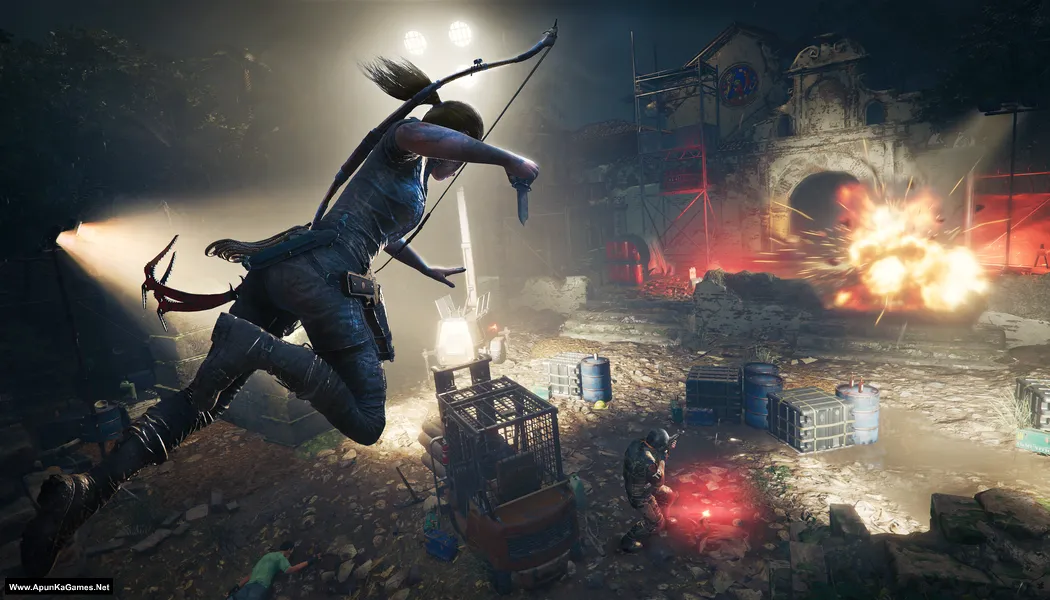
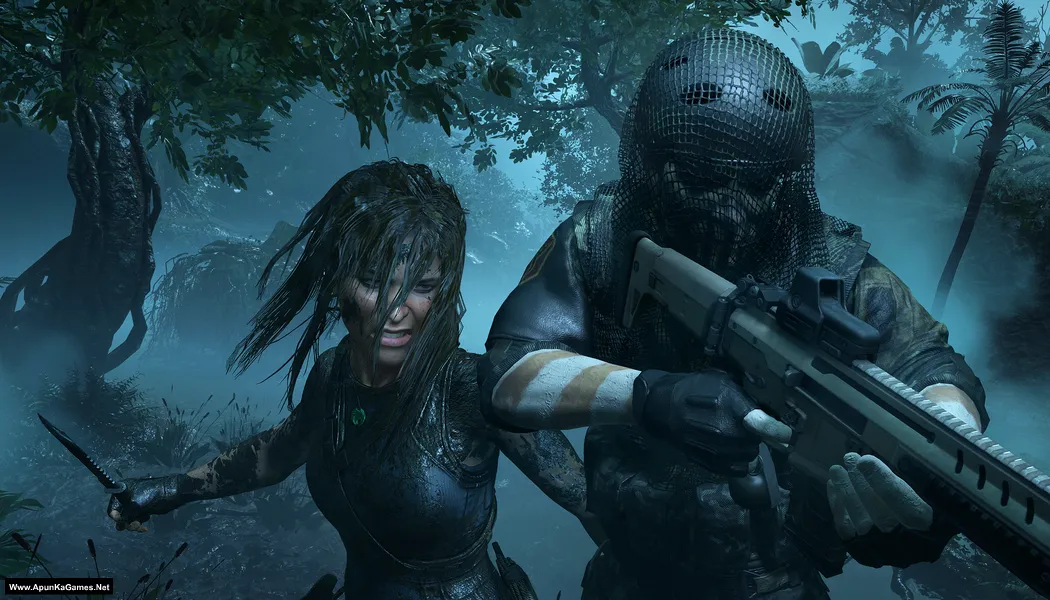
How to Install?
- Extract the file using Winrar. (Download Winrar)
- Open “Shadow Of The Tomb Raider” >> “Game” folder, double click on “Setup” and install it.
- After installation complete, go to the folder where you extract the game.
- Open “Crack” folder, copy all files and paste it where you install the game.
- Double click on “SOTTR.exe” to play the game. Done!
Complete Installation Video Tutorial?
We provide complete game installation videos to guarantee that every game works perfectly. Unlike other websites where you download blindly and hope for the best, we show you real proof. Our step-by-step installation videos clearly demonstrate the game running successfully, so you know exactly what you’re getting. With us, there’s no guesswork—only verified, 100% working games you can trust.
Trust / Proof
- 100% Working – Tested by Us
- Game Verified Before Upload
- Working Gameplay Shown
- No Fake Files
- Installed Successfully on Our PC
How to Download?
If your don’t know how to Download this game, just Click Here!
Shadow of the Tomb Raider Download
Download in 5GB Parts
Click Here
–
Download in 1GB Parts
Click Here
Game Size: 27.2 GB
Password: www.apunkagames.net or apunkagames
Download in 5GB Parts
Click Here
–
Download in 1GB Parts
Click Here
Game Size: 27.2 GB
Password: www.apunkagames.net or apunkagames

I have a problem in shadow of tomb raider game. After installation of this game when I start this game it’s work and start properly.
But after showing message “the connection to the network has been lost. Please check the connection or visit www tombrider.com” after this message I click on enter than it’s stop working and closed.
Can anyone have any solution
Am trying to open Shadow of the tomb raider but ist showing me you need a new app to open this steam link
Please I need Solution please 🙏🥺
Did you copy and paste the Crack files from the Crack folder where you extracted the game? After the installation is complete, go to the folder where the game is installed. Open the Crack folder, copy all the files, and paste them into the game’s installation directory. Finally, double-click the SOTTR icon to start the game. Done! try it and tell me if this work?
No bro I try it didn’t work go to the steam and no license how to solve
We will check it first then resolve your issue come back soon we will resolve it as soon as we can.
bro! same license issue here
Watch this Video Guide how to Download, extract, install and play without any error
Bro voice nhi chl rhi pehle thi lkn bdme sb deaf hogye
Brother, if the voice was working before but suddenly stopped, first check the in-game audio settings and make sure Voice Volume is not muted. Also verify your Windows playback device, update your audio drivers, and restart the game. If the issue still remains, reinstall the game with your antivirus turned off and follow the video guide available in the post. 👍
shadow of the tomb raider cannot be started while steam is not running
Watch the video guide step by step how to install and play this game.