

WWE 2K19 Game – Overview – Free Download – PC – Specs – Screenshots – Installation Video
Type of game: Simulation, Sports
Type of game: Simulation, Sports
PC Release Date: October 9, 2018
Developer/Publishers: Yuke’s, Visual Concepts, 2K Sports
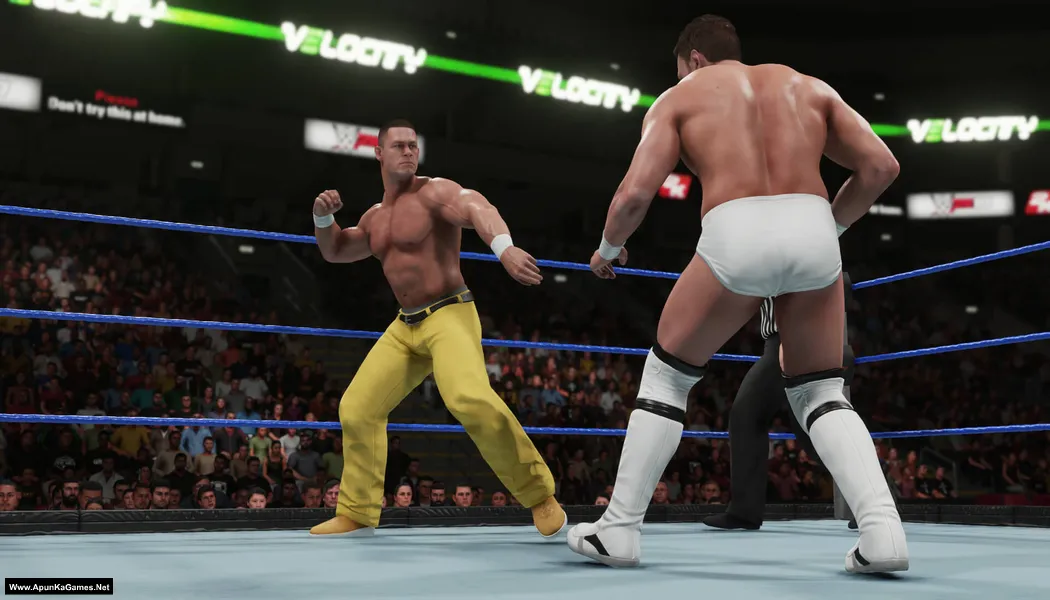
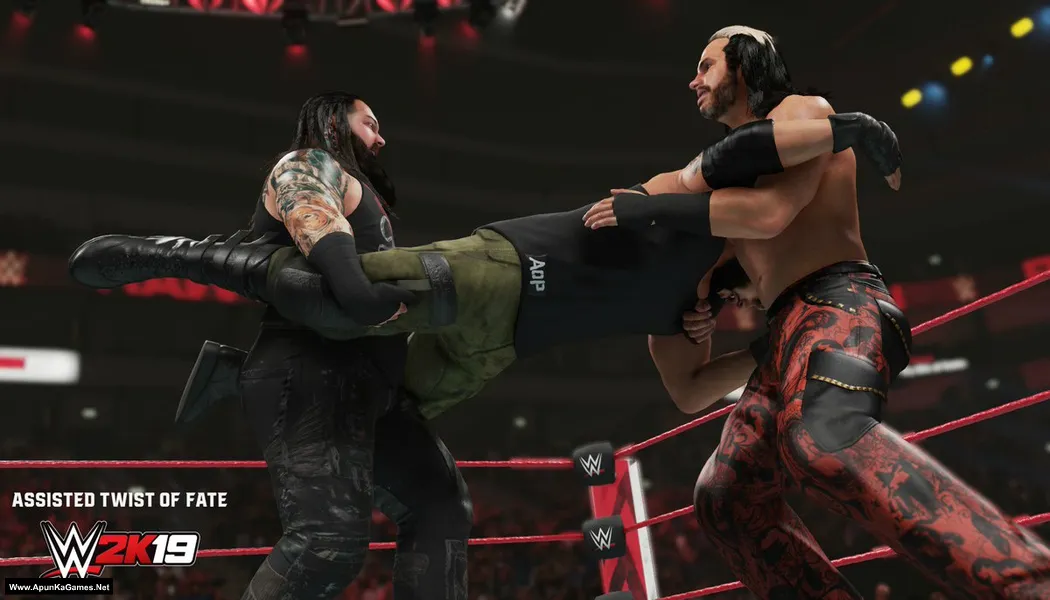
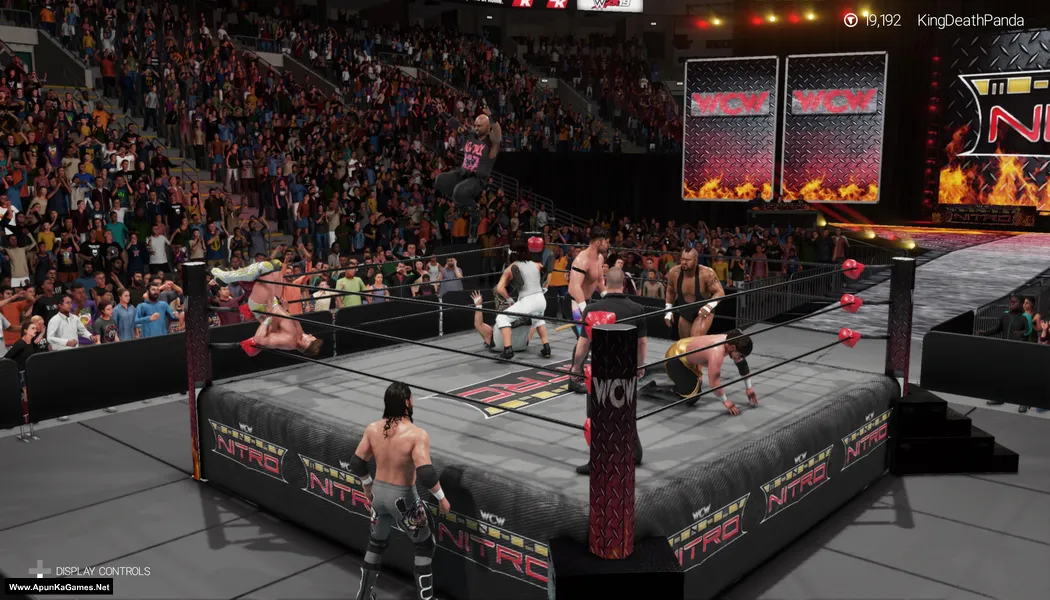
WWE 2K19 (42.8 GB) is a professional wrestling simulation game developed by Yuke’s and published by 2K Sports. It features a large roster of WWE Superstars, Legends, and NXT stars, offering authentic wrestling action with improved gameplay mechanics and smoother animations. The game includes multiple modes such as MyCareer, Universe Mode, and Showcase Mode featuring Daniel Bryan’s career. Players can create custom wrestlers, arenas, and storylines while competing in various match types in a realistic WWE experience.
Developer/Publishers: Yuke’s, Visual Concepts, 2K Sports
WWE 2K19 (42.8 GB) is a professional wrestling simulation game developed by Yuke’s and published by 2K Sports. It features a large roster of WWE Superstars, Legends, and NXT stars, offering authentic wrestling action with improved gameplay mechanics and smoother animations. The game includes multiple modes such as MyCareer, Universe Mode, and Showcase Mode featuring Daniel Bryan’s career. Players can create custom wrestlers, arenas, and storylines while competing in various match types in a realistic WWE experience.
Before downloading make sure that your PC meets minimum system requirements.
Minimum System Requirements
- OS: Windows 7 (64-bit)
- Processor: Intel Core i5-3550 / AMD FX 8150
- RAM: 4 GB
- Hard Drive: 50 GB available space
- Video Card: GeForce GTX 670 / Radeon HD 7850
- Sound Card: DirectX 9.0c compatible sound card
- DirectX: Version 11
Screenshots
How to Install?
- Extract the file using Winrar. (Download Winrar)
- Open “WWE 2K19” folder, double click on “Setup” and install it.
- After installation complete, go to the folder where you extract the game.
- Open “CODEX” folder, copy all files and paste it where you install the game.
- Then double click on “WWE2K19_x64” icon to play the game.Done!
How to Download?
If your don’t know how to Download this game, just Click Here!
WWE 2K19 Download
Download in 5GB Parts
Click Here
–
Download in 1GB Parts
Click Here
Game Size: 42.8 GB
Password: www.apunkagames.net or apunkagames
Download in 5GB Parts
Click Here
–
Download in 1GB Parts
Click Here
Game Size: 42.8 GB
Password: www.apunkagames.net or apunkagames

Can,t Download Part 6 & 7
Did you get the file?
hi zubair This download compelete
done
Bro, part 6 isn’t downloading please fix it ?
Bhai game chala tumhara
farcry 6 plzzz
farcry 6 plzzz
Please fix the Part 6 in 5GB parts.It is broken.
Thank you.
Meharbani karo yar 6 parts upload karo
Tum kar liye 6 part
6 no part missing
vai 6 no part miss hai
Bro file 6 can’t download
thanks for reporting. we will soon reupload the game.
Can you just give me CODEX File download link pls i accidentally delete it
Can you please fix part 6, I’m begging you ????
do u get download link of part 6?
when will wwe 2k 22 come?
Its saying Part 32 to 41 is corrupted or archived in another format ….What to do? Can’t extract
! D:\Games\WWE (2K19) parts (Unchecked)\WWE 2K19 – (Www.ApunKaGames.Net).part32.rar: The archive is either in unknown format or damaged
Its showing this for every part from 32 to 43
Bro volume 29 is absent show kar raha ha extraction ke time iska kya solution ha
Please update it. The steamclient64.dll is showing error
We check again. This game is 100% working setup. Please follow the instructions step by step: before extracting and installing the game, turn off your antivirus. After installation, you can turn it back on, as antivirus software may block DLL files.
01. Extract the file using Winrar part 1 and automatically all parts will extracted.
02. Open “WWE 2K19” folder, double click on “Setup” and install it.
03. After installation complete, go to the folder where you extract the game.
04. Open “CODEX” folder, copy all files and paste it where you install the game.
T05. hen double click on “WWE2K19_x64.exe” to play the game.Done!
Gaming error game launched successfully but whenever I press any button in game’s starting manu. Game again throws me on that page when you tap any button and start the game..this cycle continues running how to fix..
If WWE 2K19 keeps returning to the “Press Any Button” screen, make sure you’ve installed the latest Microsoft Visual C++ Redistributables, DirectX, and the All-in-One Runtime Package. Also, try running the game as Administrator and make sure your antivirus hasn’t quarantined any game files.
Before starting the game, did you copy the crack files and paste them into the game folder, then replace the existing files? If not, please do that first.
If the issue still persists, please share your PC specifications, let us know whether you’re using a keyboard or controller.