
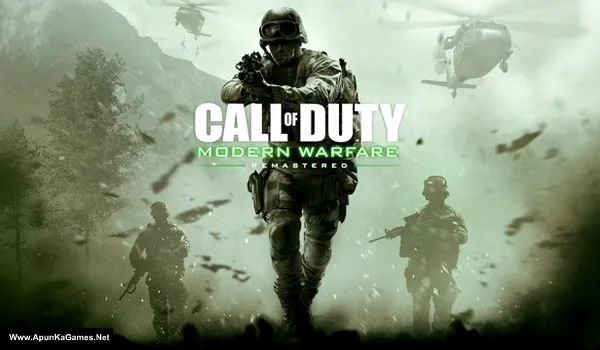
Call of Duty 4: Modern Warfare Remastered Game – COD4 MWR (2016) – Overview – Free Download – PC – Specs – Screenshots – Free
Type of game: First-person shooter
PC Release Date: November 4, 2016
Developer/Publishers: Raven Software, Activision
Call of Duty: Modern Warfare Remastered (37 GB) is an First-person shooter video game. Developed and Published by Raven Software, Activision. It was released on November 4, 2016 for Windows. Call of Duty: Modern Warfare Remastered is a classic first-person shooter delivering intense, cinematic combat. Players engage in tactical missions, multiplayer battles, and realistic firefights across iconic war zones. With immersive gameplay, updated graphics, and strategic combat mechanics, it provides a top PC FPS experience for fans of action and military shooters.
Type of game: First-person shooter
PC Release Date: November 4, 2016
Developer/Publishers: Raven Software, Activision
Call of Duty: Modern Warfare Remastered (37 GB) is an First-person shooter video game. Developed and Published by Raven Software, Activision. It was released on November 4, 2016 for Windows. Call of Duty: Modern Warfare Remastered is a classic first-person shooter delivering intense, cinematic combat. Players engage in tactical missions, multiplayer battles, and realistic firefights across iconic war zones. With immersive gameplay, updated graphics, and strategic combat mechanics, it provides a top PC FPS experience for fans of action and military shooters.
Before downloading make sure that your PC meets minimum system requirements.
Minimum System Requirements
- OS: Windows 7/Vista/8/10 (64-Bit)
- Processor: Intel Core i3-3225 @ 3.30GHz or equivalent
- RAM: 8 GB
- Hard Drive: 55 GB available space
- Video Card: 1 GB, NVIDIA GeForce GTS 450 / ATI Radeon HD 7850
- Network: Broadband Internet connection
- DirectX: Version 11
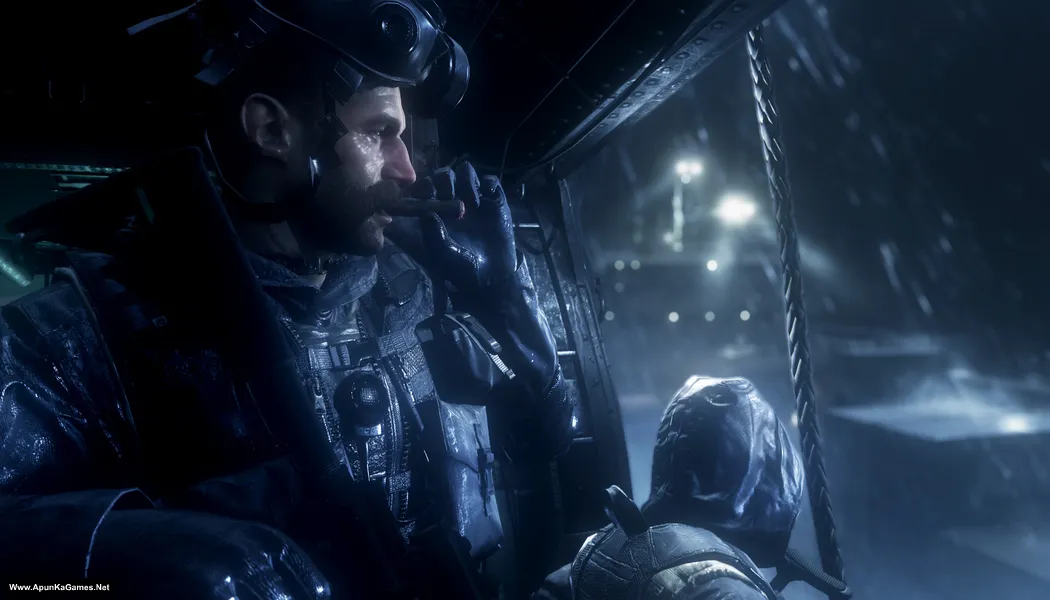
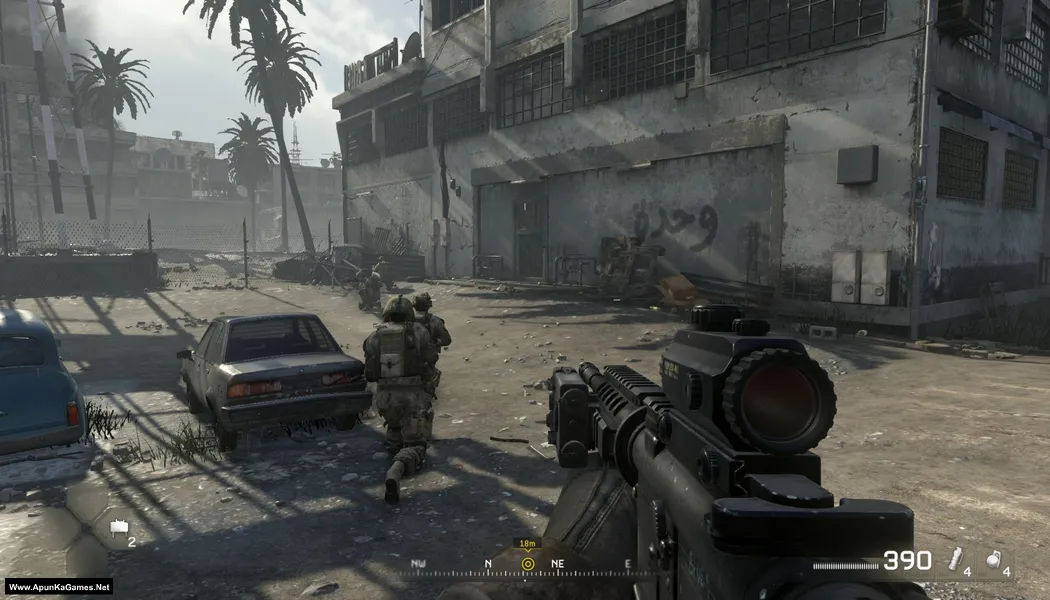
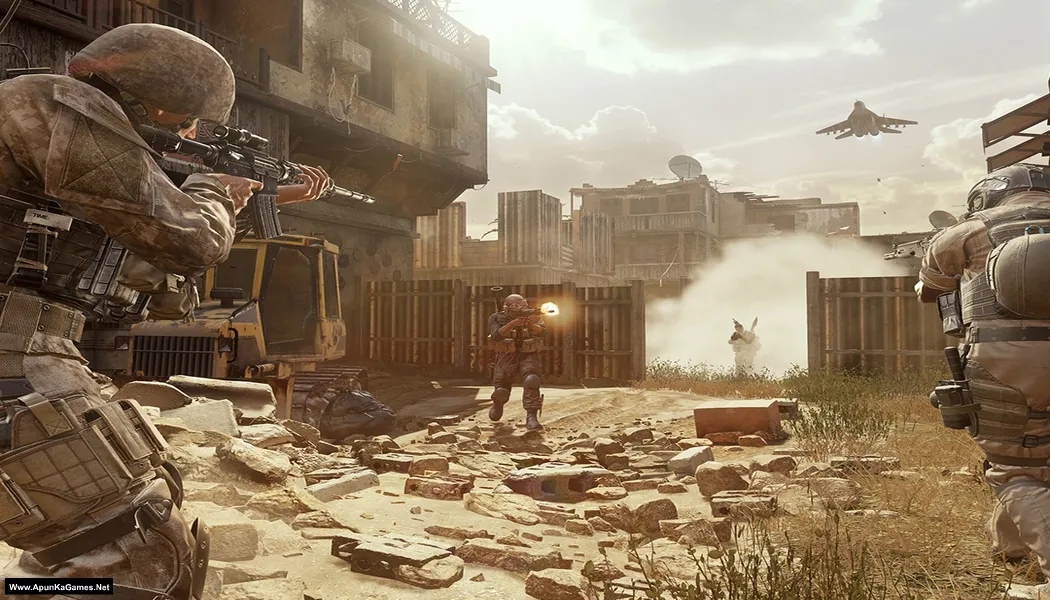
Screenshots
How to Install?
- Extract the file using Winrar. (Download Winrar)
- Open “Call of Duty: MW Remastered” folder, double click on “Setup” and install it.
- After installation complete, go to the folder where you extract the game.
- Open “CODEX” folder, copy all files and paste it where you install the game.
- Then double click on “h1_sp64_ship.exe” to play the game. Done!
Complete Installation Video Tutorial?
We provide complete game installation videos to guarantee that every game works perfectly. Unlike other websites where you download blindly and hope for the best, we show you real proof. Our step-by-step installation videos clearly demonstrate the game running successfully, so you know exactly what you’re getting. With us, there’s no guesswork—only verified, 100% working games you can trust.
Trust / Proof
- 100% Working – Tested by Us
- Game Verified Before Upload
- Working Gameplay Shown
- No Fake Files
- Installed Successfully on Our PC
How to Download?
If your don’t know how to Download this game, just Click Here!
If your don’t know how to Download this game, just Click Here!
Call of Duty: Modern Warfare Remastered Download
Click Here to Download This Game
Game Size: 37 GB
Password: www.apunkagames.net or apunkagames
Click Here to Download This Game
Game Size: 37 GB
Password: www.apunkagames.net or apunkagames

Its showing that “you are low on hard disk space”. But i am already having 350gb space available in my ssd. What to do now?
please upload part 6
please upload part 6!!!
Re upload part 2 error in downloading
is that game really worked??
because i have problem with the instalation .
please let me know
please upload part 2 please please please please please please please please ??????????????
please upload call of duty warfare 2022
thank you
whre call of duty warfare 2019
Sir,COD MW Remastered me ye error aata he
“An error occured while unpacking: unable to read data!
Unarch.dil returned an error code:6
Error file read operation failed”
Please help me to fix it
https://www.youtube.com/watch?v=FrWgMshR4i4
Heloo admin.. I have problem to download Link part 1 To part 4..part 5 Its okay but when i download part 4 its start slow the internet.. Can you please fix this.. Hope you notice
We’re fixing the server download speed issue. Until then, you can download when website traffic is low, such as late night or early morning, for better speed.
Thankss sirr 🙏🏼
You’re Welcome brother.
ZIp is only 5 MB how small this game is
This is Fake Ads bro… (Don’t download it) Original setup size is (29.3 GB). Click on “Click Here to Download This Game” and use Thefilelocker links to download the game.
Brother, I am having trouble downloading part5 five that you Uploaded
Sorry for my mistake also 😊 I accidentally put the wrong links — in Part 1 I added the Part 5 link, and in Part 5 I added the Part 1 link. But now it’s fixed.
You can download Part 5 now. Thanks for reporting the wrong links!
Please email me the solution for this🥲🙏🏻
✉️ srajendransrajendran952@gmail.com
Setup and link both updated and we posted installation video too. 100% working New (CODEX setup + DLCs Update v1.13)
brother the setup app is raising an error of missing setup1.bin file or something and also part 6,7,8 are having different names than parts 1-5 so that’s causing an issue to winrar too. I have to extract first part 1-5, break the extraction and then part 6-8
Watch this video to learn how to download and install the game properly. Please watch the full guide carefully to avoid any errors during installation.
Test
part 2 404 please, thanks best regards
All links are working fine from our side download one by one to avoid the errors.
please which repack is this?
It’s Codex latest Setup. 100% working you can watch in this video
Bro is it necessary to turn off the antivirus?
Yes brother, it’s recommended to temporarily turn off antivirus during extraction and installation because sometimes it falsely deletes or blocks important game files, which can cause DLL errors, checksum errors, or game crashes. After installation is complete, you can turn the antivirus back on and add the game folder to exclusions 👍
Part 6,7 and 8 archive is corrupt , when I was extracting using Winrar , the checksum error appeared
If Parts 6, 7, and 8 show checksum or archive corrupt errors, then those parts did not download properly or got corrupted during download. Just delete Parts 6, 7, and 8 and re-download them again completely without pausing or resuming. After that, keep all parts in the same folder and extract again using WinRAR 👍 Watch this video guide How to Download, extract, install and play this game without any error. 100% working setup!
Not Found
The requested URL was not found on this server. part 4 5gb size
Check it again i’ve already check it all links are working fine.
after install game. play game and pop up and show error amd_ags_x64.dll and driver extensions dx11 init and last error filesyscheck not found help
This error is usually caused by missing or outdated graphics drivers, corrupted game files, or missing DirectX/Visual C++ components. Please update your GPU drivers, install the latest DirectX and Microsoft Visual C++ Redistributables, verify that your antivirus hasn’t quarantined any game files (especially amd_ags_x64.dll), and try reinstalling the game if needed.