
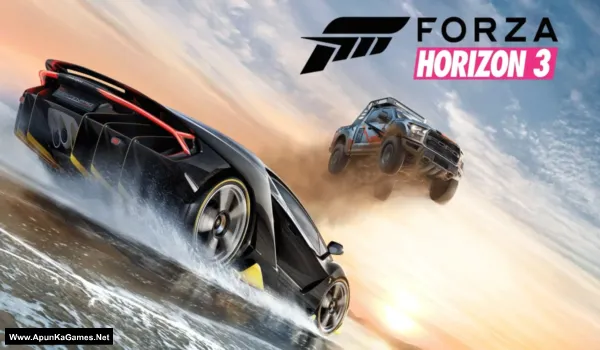
Forza Horizon 3 Game – Overview – Free Download – PC – Specs – Screenshots – Installation Video
Type of game: Racing
Type of game: Racing
PC Release Date: September 27, 2016
Developer/Publishers: Playground Games, Microsoft Studios
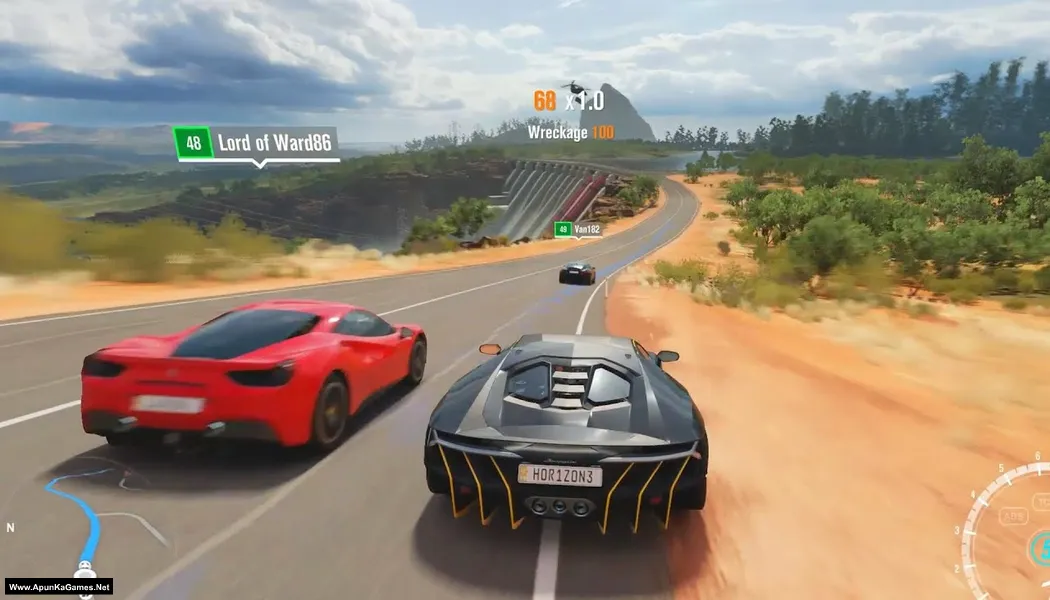
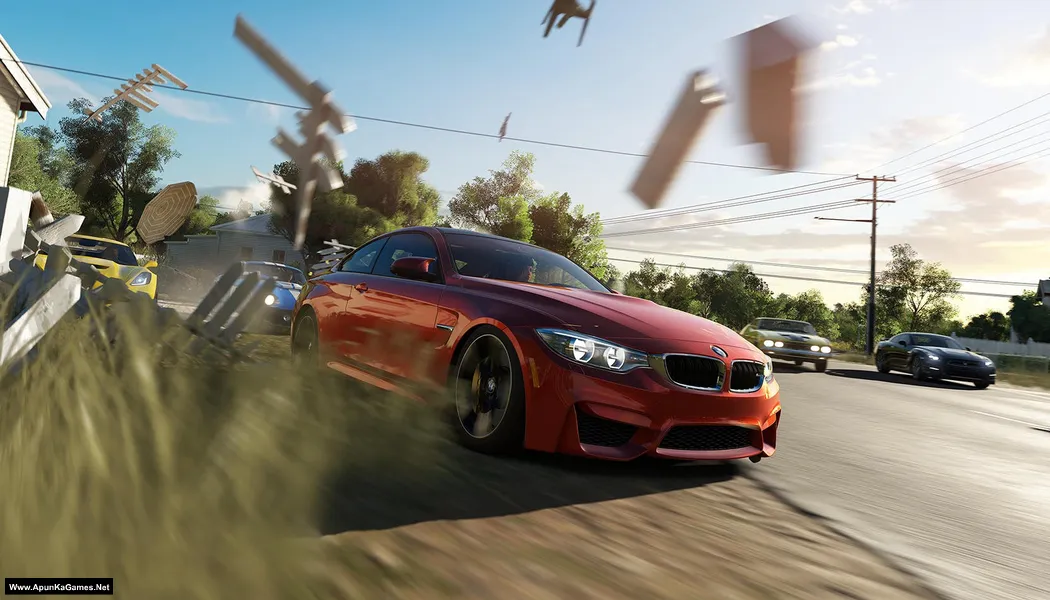
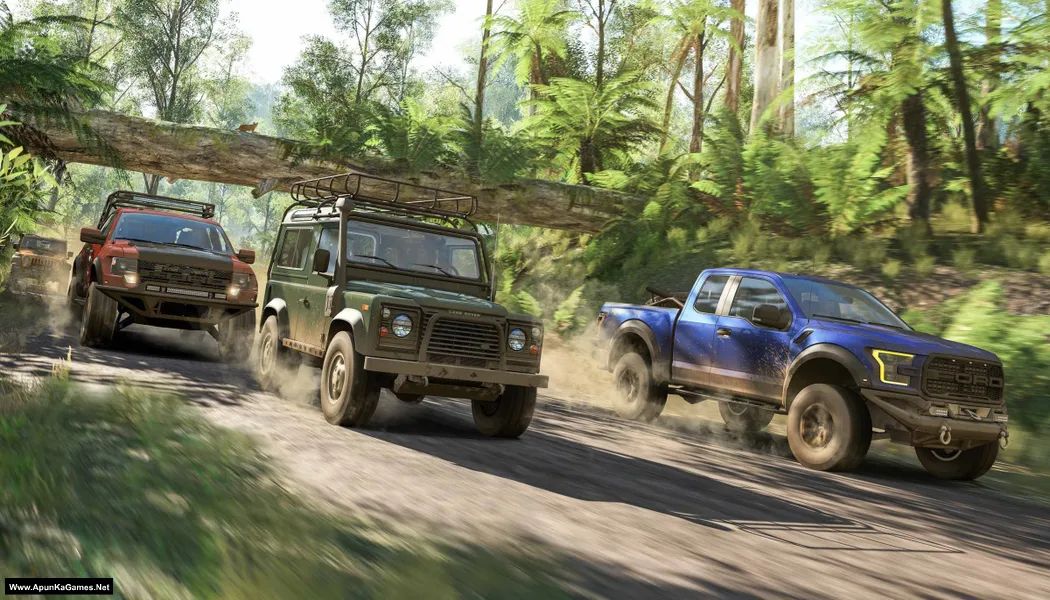
Forza Horizon 3 (59.8 GB) is an open-world racing game developed by Playground Games and published by Microsoft Studios. Set in a beautiful recreation of Australia, players explore diverse environments including beaches, deserts, forests, and cities. The game features hundreds of cars, dynamic weather, and the Horizon Festival where players can organize events and races. With stunning graphics, smooth driving mechanics, and multiplayer modes, Forza Horizon 3 delivers one of the most exciting racing experiences.
Developer/Publishers: Playground Games, Microsoft Studios
Forza Horizon 3 (59.8 GB) is an open-world racing game developed by Playground Games and published by Microsoft Studios. Set in a beautiful recreation of Australia, players explore diverse environments including beaches, deserts, forests, and cities. The game features hundreds of cars, dynamic weather, and the Horizon Festival where players can organize events and races. With stunning graphics, smooth driving mechanics, and multiplayer modes, Forza Horizon 3 delivers one of the most exciting racing experiences.
Before downloading make sure that your PC meets minimum system requirements.
Minimum System Requirements
- OS: Windows Anniversary Edition 64-bit 14393.101
- Processor: Intel Core i7 3820 @ 3.6GHz
- RAM: 12 GB
- Hard Drive: 55 GB
- Video Card: NVIDIA GTX 970 or NVIDIA GTX 1060,AMD/R9 290X or AMD RX 480, 4GB VRAM
- DirectX: Version 12.0c
Screenshots
How to Install?
- Extract the file using Winrar. (Download Winrar)
- Open “Forza Horizon 3” folder, double click on “SetFH3” and install it.
- After installation complete, go to the folder where you extract the game.
- Open “Crack” >> folder, copy all files and paste it where you install the game.
- Then double click on “ForzaHorizon3” icon and play. Done!
How to Download?
If your don’t know how to Download this game, just Click Here!
Forza Horizon 3 Download
Download in 5GB Parts
Click Here
–
Download in 900MB Parts
Click Here
Game Size: 59.8 GB
Password: www.apunkagames.net or apunkagames
Download in 5GB Parts
Click Here
–
Download in 900MB Parts
Click Here
Game Size: 59.8 GB
Password: www.apunkagames.net or apunkagames

Please can you upload ‘Forza horizon 1’ free fo PC …..quickly
use xenia
at night or afternoon download speed is 72kb/s plz fix it
Bro wth at night or evening download speed is 72kb/s cn u fix it plz
bro just download driver sanfrancisco or nfs MW 2015
they are much better
bro just download driver sanfrancisco or nfs MW 2015
they are much better.
Man please help I can’t find my launch icon
Please, would it run on dx11
Where is the launch icon?
ohh bro you didnt reply my question
Program doesn’t support version windows ????
Which windows?
how do i launch?
Bro website is not opening where we download all the parts please fix it
We’re currently working on the file locker server issue. For now, please use a VPN to open the link — it should work. Thanks for your patience!
Is forza Horizon 3 working 100%now
Do you want the installation video proof or gameplay? 😄🎮
Yes
Ok Soon as we can!
bro where is launch icon?
Brother, for Forza Horizon 3, the launch icon is usually created on the Desktop after installation. If it’s not there, open the game installation folder and look for the main game executable (Forza Horizon 3.exe) or check the Start Menu. If you still can’t find it, please tell us where you installed the game and we’ll help you further 👍
Bro after extraction the folder does not contain the setup what should I do now ?
If the Setup.exe is missing after extraction, it’s most likely because your Windows Defender or antivirus quarantined or deleted it. Please restore the file from your antivirus quarantine, or temporarily disable your antivirus, extract the files again, and add the game folder as an exclusion before extracting. Also, make sure you’ve downloaded all parts, copied them into one new folder, and extract Part 1 only. The setup will appear automatically after a successful extraction. 🙂
Do I need to install the “All-in-One Runtime Installer” first?
Yes, you should download and install the Redist package before installing any game. It includes the required components needed for the game to run properly.