
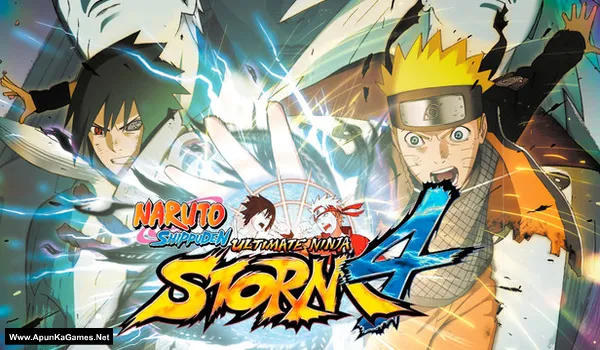
Naruto Shippuden: Ultimate Ninja Storm 4 Game – Overview – Free Download – PC – Specs – Screenshots – Free
Type of game: Fighting
PC Release Date: February 5, 2016
Developer/Publishers: CyberConnect2 Co. Ltd. BANDAI NAMCO Entertainment
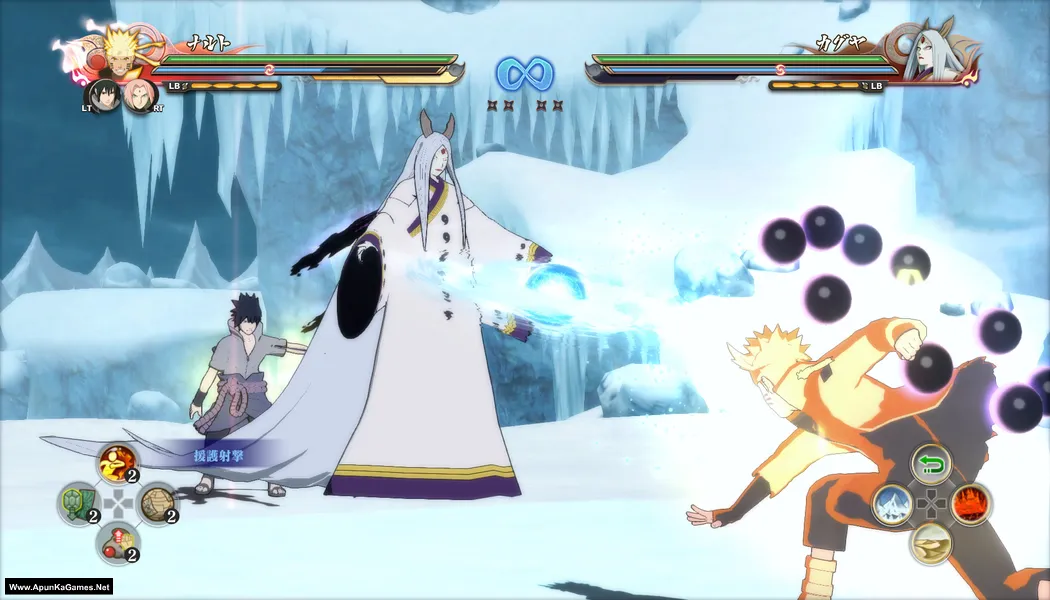
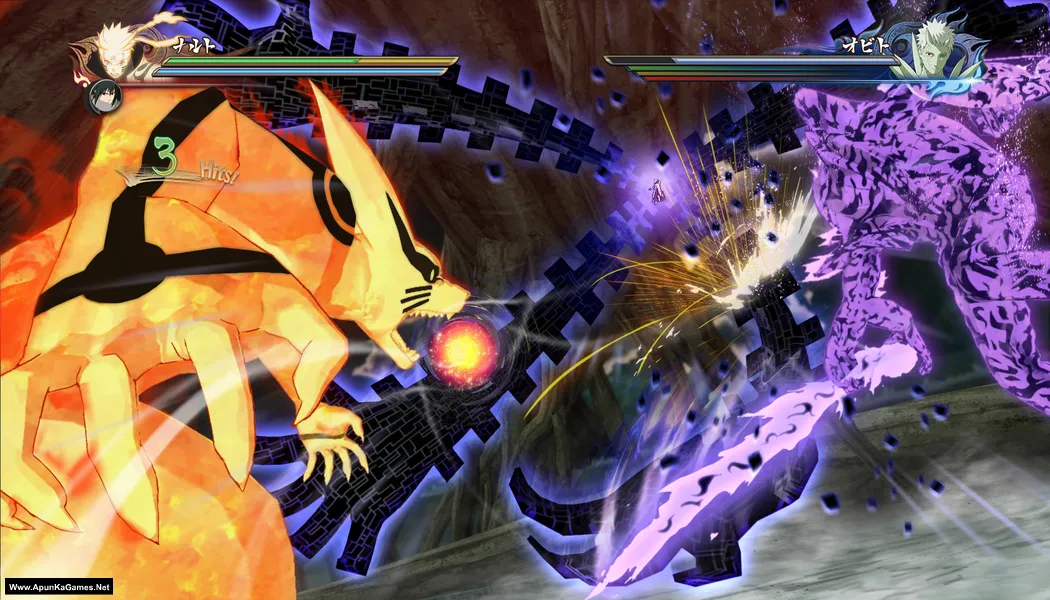
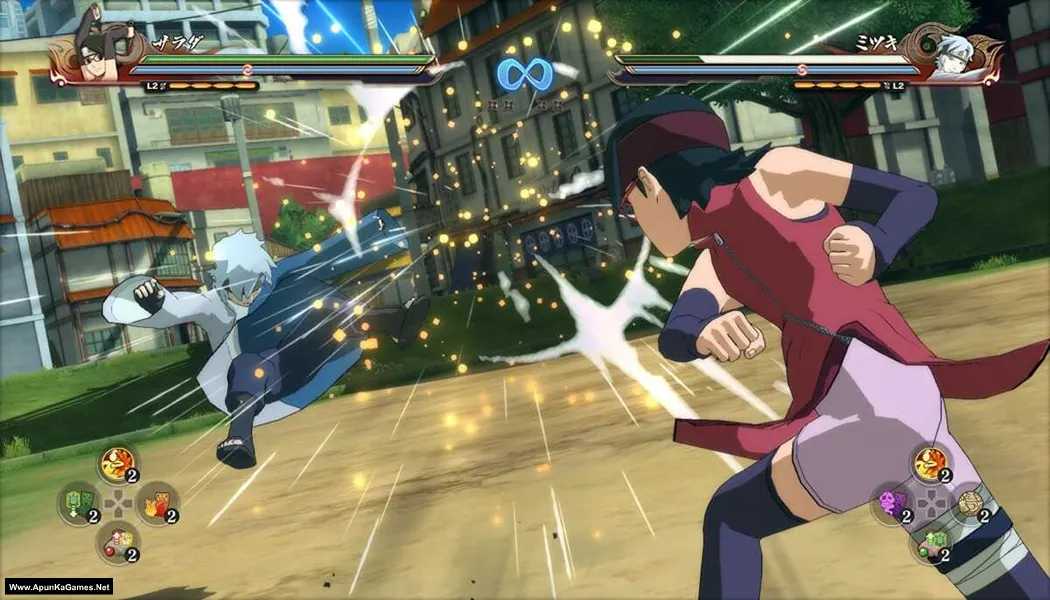
Naruto Shippuden: Ultimate Ninja Storm 4 (31.7 GB) is an Fighting video game. Developed and published by CyberConnect2 Co. Ltd, BANDAI NAMCO Entertainment. It was released on February 5, 2016 for Windows. Naruto Shippuden: Ultimate Ninja Storm 4 delivers the final chapter of Naruto’s epic ninja war with cinematic anime battles. Players unleash powerful jutsu, awaken transformations, and fight massive boss battles across dynamic arenas. The gameplay combines fast-paced combat, story-driven missions, and stunning visuals for an intense ninja fighting experience.
Type of game: Fighting
PC Release Date: February 5, 2016
Developer/Publishers: CyberConnect2 Co. Ltd. BANDAI NAMCO Entertainment
Naruto Shippuden: Ultimate Ninja Storm 4 (31.7 GB) is an Fighting video game. Developed and published by CyberConnect2 Co. Ltd, BANDAI NAMCO Entertainment. It was released on February 5, 2016 for Windows. Naruto Shippuden: Ultimate Ninja Storm 4 delivers the final chapter of Naruto’s epic ninja war with cinematic anime battles. Players unleash powerful jutsu, awaken transformations, and fight massive boss battles across dynamic arenas. The gameplay combines fast-paced combat, story-driven missions, and stunning visuals for an intense ninja fighting experience.
Before downloading make sure that your PC meets minimum system requirements.
Minimum System Requirements
- OS: Windows 7 or higher Up to Date (64-bit)
- Processor: Intel Core2 Duo, 3.0GHz – AMD Athlon 64 X2 Dual Core 6400+ 3.2GHz
- RAM: 2 GB
- Hard Drive: 40 GB available space
- Video Card: 1024 MB
- DirectX: Version 11
Screenshots
How to Install?
- Extract the file using Winrar. (Download Winrar)
- Open “Naruto Shippuden Ultimate Ninja Storm 4” folder, double click on “Setup” and install it.
- After installation complete, go to the folder where you extract the game.
- Open “CODEX” folder, copy all files and paste it where you install the game.
- Double click on “NSUNS4.exe” to play the game. Done!
How to Download?
If your don’t know how to Download this game, just Click Here!
If your don’t know how to Download this game, just Click Here!
Naruto Shippuden: Ultimate Ninja Storm 4 Download
Download in 5 GB Parts
Click Here
–
Download in 1.2 GB Parts
Download in 5 GB Parts
Click Here
–
Download in 1.2 GB Parts
Game Size: 31.7 GB
Password: www.apunkagames.net or apunkagames

When will you guys update Road to boruto
Will it work on Intel g41 chipset
Windows 10
E5700 3.20ghz dual core
I hope to get reply
please check like this: https://www.youtube.com/watch?v=KfhN1MlMB90
Which version is this ?
Is that includes road to baruto?
Full dlc?
the game is crashing whta should i do
When I opened they said direct x11 failed to form
should i extracte all the files at once or just the first one ?
can you please fix the 5gb file number 3 and 4 . it shows 404 error. i really want to play naruto.
thanks for reporting we will soon fix.
bro plz fix this plz plz immediately
only upto 27 parts are available ?
1 gb each
The 600mb parts have changed to 1.20 and I have been downloading the 600mb parts ,if I add it to the 1.20gb will it still extract
perfect
Am using 8gp ram but this game running slowly and loading late how to solve the problem
Pls update to 1.09 version road to boruto
number four is working pls fix number 3
Naruto Shippuden: Ultimate Ninja Storm 4 Download 5gig part 3 is missing please reupload, I have downloaded the remaining parts please I really love this game, please reupload missing part 3 5gig download link. please.
Did you get the part 3
Part 3 of the 5GBs Is missing
Part 18 to 27 says 404 error part 3 in the bigger files also says the same. How Can I solve this
we can fix it
the 3rd part in 5 gb size has an error of 404
All links are working brother. Download the files one by one. TheFileLocker does not support multiple downloads at the same time, and downloading more than one file simultaneously may cause errors. Ensure each file is downloaded individually. Let the first download finish, then download the second one. Make sure no other parts are downloading in IDM.
Can anyone tell me how to connect the controller?
I’m being redirected to Steam, and I’m being told that I don’t have a license. Is there a video for setup guide
Did you apply the crack files after installation finished? this is important step to run the game follow this guide:
01. After installation complete, go to the folder where you extract the game.
02. Open “CODEX” folder, copy all files and paste it where you install the game. (Click Replace)
03. Double click on “NSUNS4.exe” to play the game. Done!
How to add existing savedata?
D:\storm4\Naruto Shippuden Ultimate Ninja Storm 4 – (Www.ApunKaGames.Net).part2 (1).rar…..i tried extracting and this is what they said
Brother, Naruto Shippuden: Ultimate Ninja Storm 4 has 7 parts. Please make sure you’ve downloaded all 7 parts, placed them in one folder, and extract Part 1 only. Also, don’t use a file like part2 (1).rar—the (1) usually means it’s a duplicate or renamed file. Use the original Part 2 along with the other parts.