
Pro Evolution Soccer 2019 Game – Overview – Free Download – PC – Specs – Screenshots – Installation Video
Type of game: Sports, Football, Simulation
Type of game: Sports, Football, Simulation
PC Release Date: August 30, 2018
Developer/Publishers: Konami Digital Entertainment
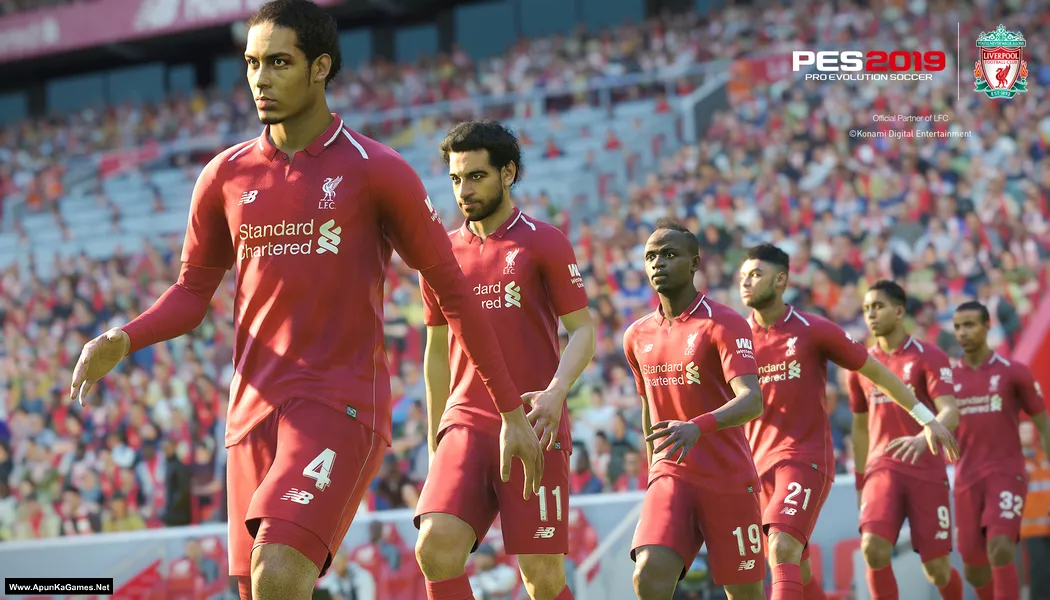
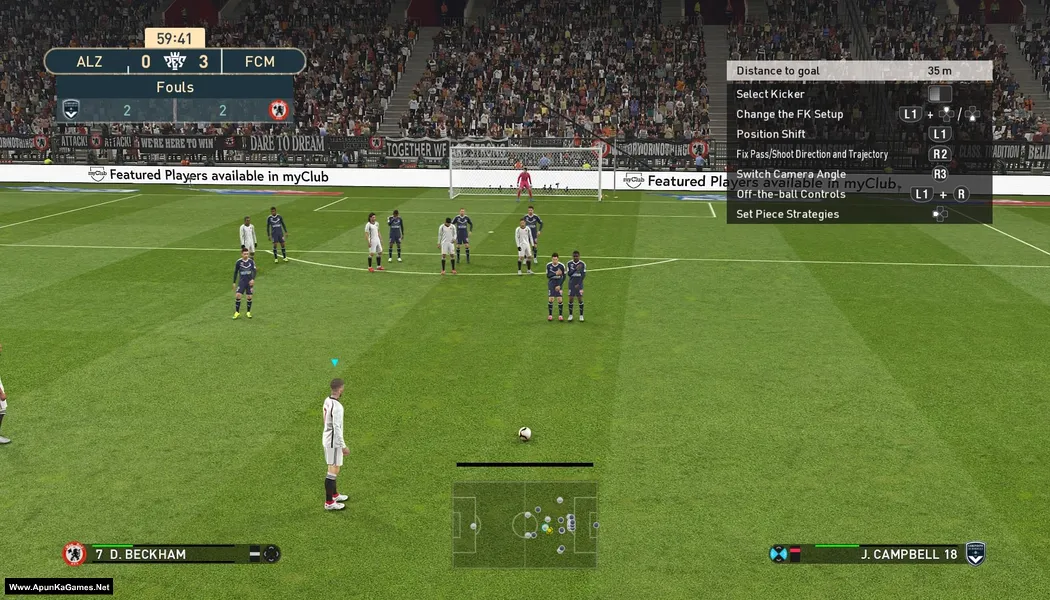
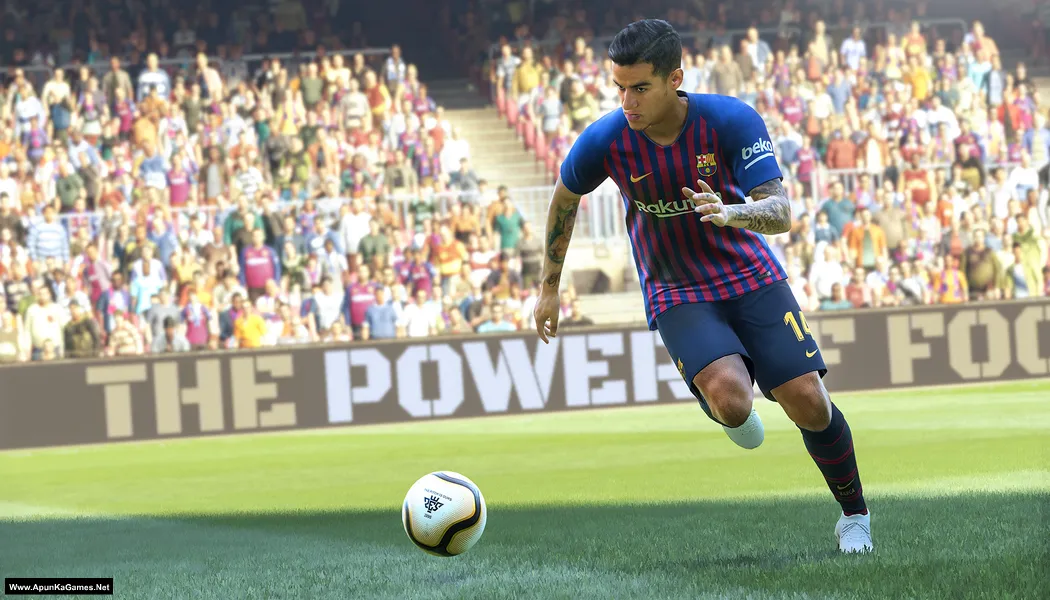
Pro Evolution Soccer 2019 (24.9 GB) is a football simulation developed and published by Konami. The game features improved player animations, enhanced ball physics, and realistic stadium atmospheres for a more authentic football experience. Players can compete in various modes including Master League, myClub, and online multiplayer matches. With licensed leagues, detailed player models, and tactical gameplay, PES 2019 delivers exciting football action where skillful passing, strategy, and teamwork play a key role in winning matches.
Developer/Publishers: Konami Digital Entertainment
Pro Evolution Soccer 2019 (24.9 GB) is a football simulation developed and published by Konami. The game features improved player animations, enhanced ball physics, and realistic stadium atmospheres for a more authentic football experience. Players can compete in various modes including Master League, myClub, and online multiplayer matches. With licensed leagues, detailed player models, and tactical gameplay, PES 2019 delivers exciting football action where skillful passing, strategy, and teamwork play a key role in winning matches.
Before downloading make sure that your PC meets minimum system requirements.
Minimum System Requirements
- OS: Windows 7 SP1/8.1/10 (64-bit)
- Processor: Intel Core i5-3470 / AMD FX 4350
- RAM: 4 GB
- Hard Drive: 30 GB available space
- Video Card: NVIDIA GTX 670 / AMD Radeon HD 7870
- DirectX: Version 11
Screenshots
How to Install?
- Extract the file using Winrar. (Download Winrar)
- Open “Pro Evolution Soccer 2019” folder, double click on “Setup” and install it.
- After installation complete, go to the folder where you extract the game.
- Open “Crack” folder, copy all files and paste it where you install the game.
- Then double click on “PES2019” icon to play the game. Done!
How to Download?
If your don’t know how to Download this game, just Click Here!
Pro Evolution Soccer 2019 Download
Download in 5GB Parts
Click Here
–
Download in 900MB Parts
Click Here
Game Size: 24.9 GB
Password: www.apunkagames.net or apunkagames
Download in 5GB Parts
Click Here
–
Download in 900MB Parts
Click Here
Game Size: 24.9 GB
Password: www.apunkagames.net or apunkagames

Were is part 6????
Link Updated and Fixed Part 6 link… You can download now. Thanks for reporting missing part!
not working part 4 or 5.6
Brother all parts are working fine… Just download all parts one by one from Thefilelocker. wait 1st part to finish then start 2nd download. At one time 1 part. Thefilelocker can’t support multiple download so you have to download one by one!
There is no part 6 ( the 5gb part)
This game have only 5 Parts… we will update the size in post soon. (This Setup Today Size is 24.9 GB).
HI , once i run setup it says insert disk10 to continue
How many parts did you download? This error usually occurs if some parts were missed during extraction or not fully downloaded.
Download speed is very low, I hope its worth the wait.
Thank you for your feedback.
We’re actively working to improve download speeds.
Can you please add efootball 26
efootball 26 not cracked yet!
The game works wonderfully well,I downloaded it via the media Fire link with 5 parts and everything run smoothly.My only issue is that I need to get better graphics card as my pes19 runs slowly even when I change settings to 30Frps(frames per seconds).Apart from that, everything is good. Good job, well done and God bless
Thank you for your feedback! 😊 We’re glad to hear that the game downloaded successfully from the MediaFire links and is working well on your PC. If PES 2019 is running slowly, upgrading your graphics card will definitely help improve performance and give you smoother gameplay. Apart from that, it’s great to know everything else is running smoothly. Enjoy the game, and God bless you too! 🎮
My part 1 2 3 and 4 are not extracting only part 5 is extracting
fix the problem
My 24 GB are wasted completely
After extracted part 5 what size of game setup is shown in your pc. Make sure your winrar is updated and also make sure you have download all parts one by one carefully.