
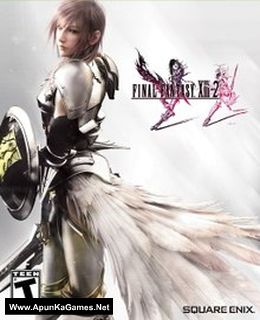
Final Fantasy XIII-2 Game – Overview – Free Download – PC – Compressed – Specs – Screenshots – Free
Type of game: RPG
PC Release Date: December 11, 2014
Developer/Publishers: Square Enix
Final Fantasy XIII-2 (13.4 GB) is a rpg video game. Developed and published by Square Enix. It was released on December 11, 2014 for Windows. It is no longer about facing destiny. Create a new future and change the world! Now enhanced for Windows PC.
Type of game: RPG
PC Release Date: December 11, 2014
Developer/Publishers: Square Enix
Final Fantasy XIII-2 (13.4 GB) is a rpg video game. Developed and published by Square Enix. It was released on December 11, 2014 for Windows. It is no longer about facing destiny. Create a new future and change the world! Now enhanced for Windows PC.
Before downloading make sure that your PC meets minimum system requirements.
Minimum System Requirements
- OS: Windows XP SP2 or later
- Processor: 2GHz Dual Core CPU
- RAM: 1500 MB RAM
- Hard Drive: 30 GB available space
- Video Card: NVIDIA Geforce 8 Series/ ATI Radeon HD 4000 series VRAM 256MB or later
- DirectX: Version 9.0c
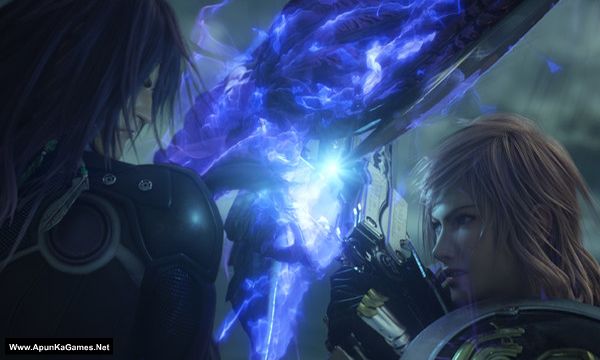
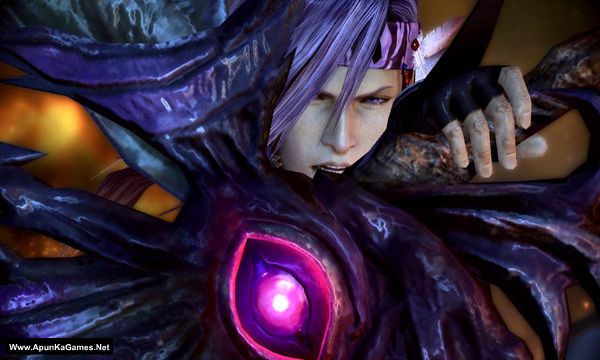
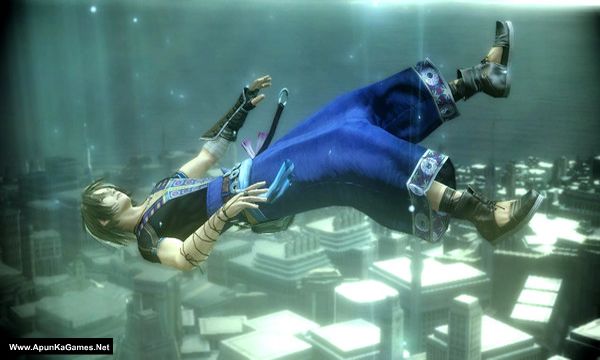
Screenshots
How to Install?
- Extract the file using Winrar. (Download Winrar)
- Open “Final Fantasy XIII 2” folder, double click on “setup-intl” and install it.
- After installation complete, go to the folder where you install the game.
- Double click on “FFXiii2Launcher” icon to play the game. Done!
How to Download?
If your don’t know how to Download this game, just Click Here!
If your don’t know how to Download this game, just Click Here!
Game Size: 13.4 GB
Password: www.apunkagames.net or apunkagames

Hi admin, is this english version?
broken link
File Not Found
The file you were looking for could not be found, sorry for any inconvenience.
Possible causes of this error could be:
The file expired
The file was deleted by its owner
The file was deleted by administration because it didn’t comply with our Terms of Use
Thanks for reporting the issue. The broken link has been fixed and is working properly now.