
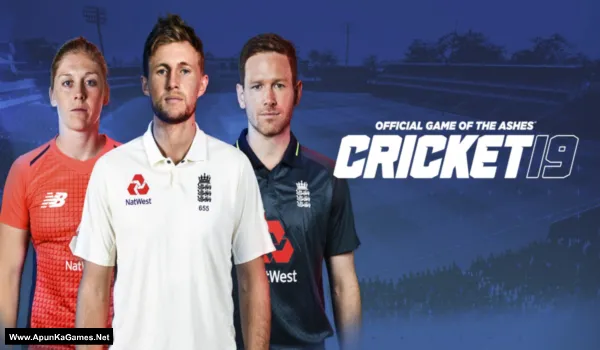
Cricket 19 Game – Overview – Free Download – PC – Specs – Screenshots – Installation Video
Type of game: Sports,Simulation
Type of game: Sports,Simulation
PC Release Date: July 30, 2019
Developer/Publishers: Big Art Studios
Cricket 19 (25.1 GB) is a realistic cricket simulation developed by Big Ant Studios and published by Maximum Games. The game features officially licensed teams and tournaments including The Ashes, along with a deep career mode where players can rise from local cricket to international level. With improved batting, bowling, and fielding mechanics, the gameplay feels authentic and immersive. Players can also create teams, customize players, and enjoy online multiplayer matches for a complete cricket experience.
Developer/Publishers: Big Art Studios
Cricket 19 (25.1 GB) is a realistic cricket simulation developed by Big Ant Studios and published by Maximum Games. The game features officially licensed teams and tournaments including The Ashes, along with a deep career mode where players can rise from local cricket to international level. With improved batting, bowling, and fielding mechanics, the gameplay feels authentic and immersive. Players can also create teams, customize players, and enjoy online multiplayer matches for a complete cricket experience.
Before downloading make sure that your PC meets minimum system requirements.
Minimum System Requirements
- OS: Windows 7 (x64) or higher
- Processor: Intel Core i3-3210 / AMD Athlon II X4 555
- RAM: 4 GB RAM
- Hard Drive: 25 GB available space
- Video Card: Radeon HD 6670 or NVIDIA Geforce GT710 with Min 2GB Memory
- DirectX: Version 11
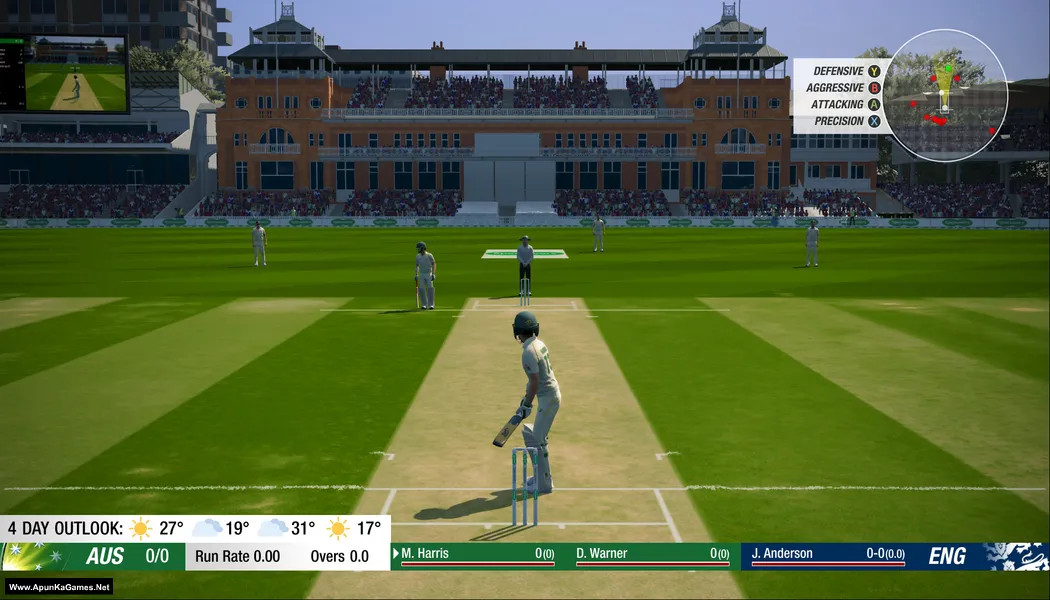
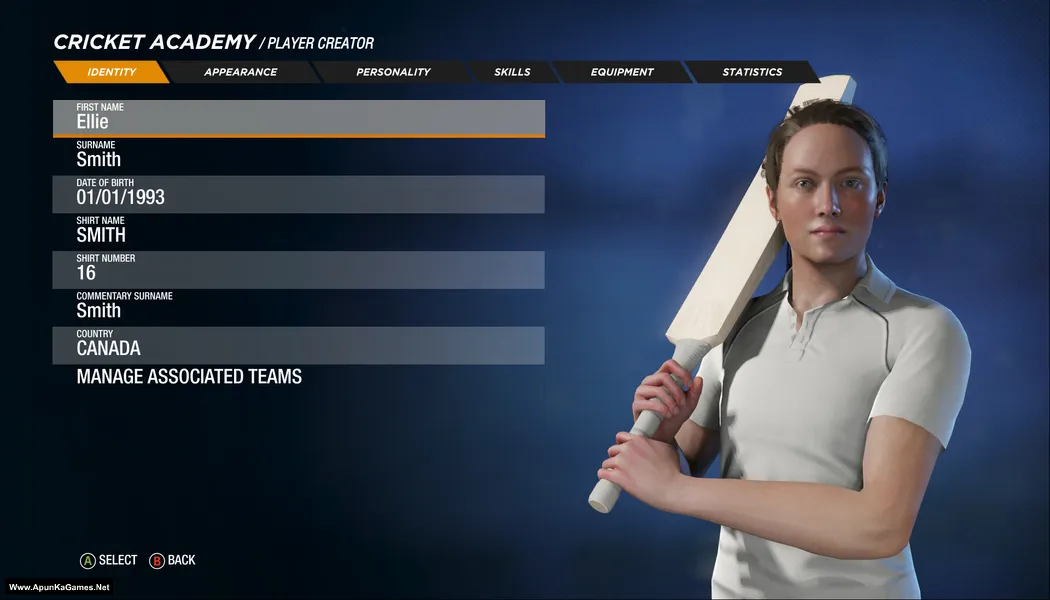
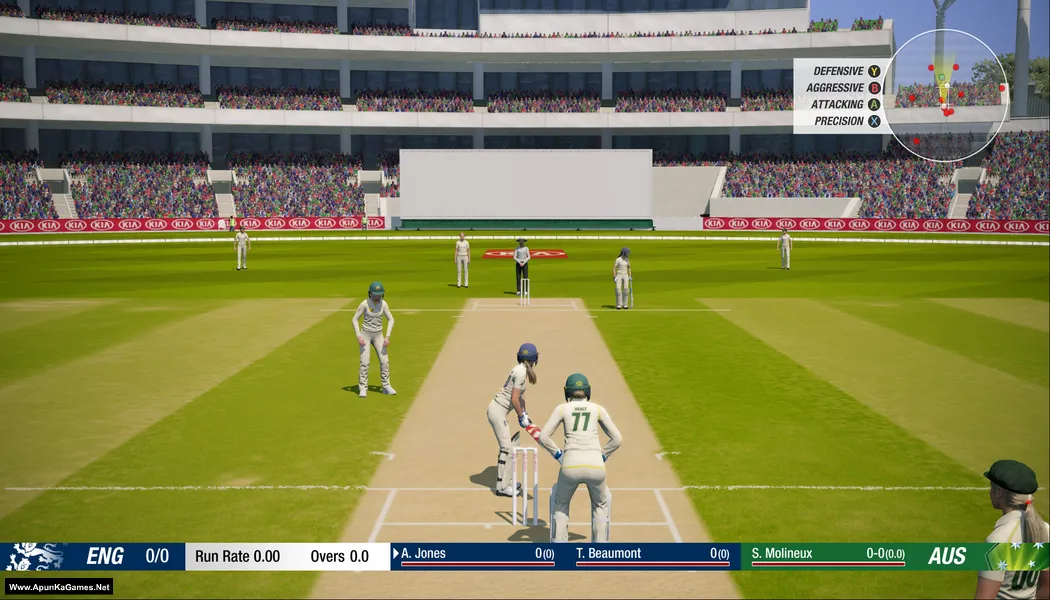
Screenshots
How to Install?
- Extract the file using Winrar. (Download Winrar)
- Open “Cricket 19” >> “Game” folder.
- Then double click on “ashes” icon to play the game. Done!
How to Download?
If your don’t know how to Download this game, just Click Here!
Cricket 19 Download
Download in 5GB Parts
Click Here
–
Download in 900MB Parts
Click Here
Game Size: 25.1 GB
Password: www.apunkagames.net or apunkagames
Download in 5GB Parts
Click Here
–
Download in 900MB Parts
Click Here
Game Size: 25.1 GB
Password: www.apunkagames.net or apunkagames

I want to play cricket 19 game
nice game
can I play it with keyboard
i don’t think so
can i play in low end pc without graphic card
on low settings may be
yes you can. use keyboard suppliter
Whenever Cricket 22 launch few weeks from now. Promise me you will upload it 🙂
Bro The Files Locker has become old link for downloading games, maybe it is reliable, but high speed downloading is the need in todays world, so please make available games in google drive links and latest torrent !
Update the game (Cricket 19)
Is this working?
Cricket community accdemy not login
iis it working now or not
After downlod this game showing login issues.how can i salve this issue
part 30 was say server on maintaince can not downloaded plz solve this
plz upload part 30 900mb file
What is the version ?
Does this need a controller to play?
how much time installation take
Is it fitgirl repack?
Please reply
Bhai game to open horha hai lekin alert wala issue aarha hai offline mode se chal hi nahi rha hai iska solution dona plz
Link not working bro
Brother all parts are working fine… Just download all parts one by one from Thefilelocker. wait 1st part to finish then start 2nd download. At one time 1 part. Thefilelocker can’t support multiple download so you have to download one by one! Try downloading the parts at a different time, such as late at night or during the day when website traffic is low.
bro i cant extract the fileeeeeeeeeee
Please make sure to use 7-Zip or WinRAR to extract the files. Keep all parts in the same folder and start extracting from Part 1 only.
it is not working, just starting and after the logo of cricket 19 comes up, it is automatically getting shut down
Sorry to hear that. If the game starts and then closes automatically after the Cricket 19 logo appears, it is usually caused by missing redistributables, outdated graphics drivers, antivirus interference, or corrupted game files. Please make sure your antivirus is disabled, install all required Microsoft Visual C++ and DirectX packages, update your GPU driver, and run the game as Administrator. If it still crashes, try reinstalling the game properly. Also we will make video guide of this game.
I have given 3 days to download this game one by one 900mb parts properly but when I extract it says files are corrupted and doesn’t even extract but in mobile it’s extracted but the mobile file isn’t coming in my laptop
Please tell me I have used my most data
If your internet connection gets interrupted due to any issue, the downloaded files may become corrupted, which can cause game file corruption or extraction problems. Make sure you download all parts carefully, one by one, because FilesLocker does not support downloading multiple files at the same time.
This game is working properly.
I play this game in pc.
I love it.
Glad to hear the game is working properly for you brother ❤️ Enjoy the game and thanks for your support 🎮👍
bro which 5gb part or 900mb worked
and your pc spec
5 GB Parts works!
Bro I download all 5 parts of the game what I can do to play the game
We check again. This game is 100% working setup. Please follow the instructions step by step: before extracting and installing the game, turn off your antivirus. After installation, you can turn it back on, as antivirus software may block DLL files.
First cut and paste all parts in one new folder.
01. Extract the file using Winrar part 1 and automatically all parts will extracted.
02. Open “Cricket 19” >> “Game” folder.
03. Then double click on “ashes.exe” to play the game. Done!
Bro I download all 5 parts of the game now what I can do to play the game
We check again. This game is 100% working setup. Please follow the instructions step by step: before extracting and installing the game, turn off your antivirus. After installation, you can turn it back on, as antivirus software may block DLL files.
First cut and paste all parts in one new folder.
01. Extract the file using Winrar part 1 and automatically all parts will extracted.
02. Open “Cricket 19” >> “Game” folder.
03. Then double click on “ashes.exe” to play the game. Done!