
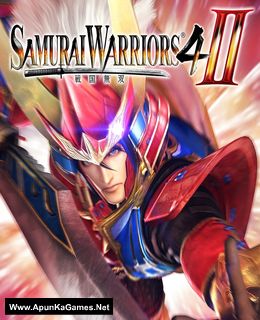
Samurai Warriors 4-II Game – Overview – Free Download – PC – Compressed – Specs – Screenshots – Free
Type of game: Action
PC Release Date: September 29, 2015
Developer/Publishers: KOEI TECMO GAMES CO., LTD.
Samurai Warriors 4-II (8.3 GB) is an Action video game. Developed and published by KOEI TECMO GAMES CO., LTD.. It was released on September 29, 2015 for Windows. The latest iteration of the 10th anniversary “SAMURAI WARRIORS” series is here at last! Naomasa Ii appears as a playable character for the first time, and the various personalities of the age are explored in more depth in “Story Mode”, which is now focused on individual characters.
Type of game: Action
PC Release Date: September 29, 2015
Developer/Publishers: KOEI TECMO GAMES CO., LTD.
Samurai Warriors 4-II (8.3 GB) is an Action video game. Developed and published by KOEI TECMO GAMES CO., LTD.. It was released on September 29, 2015 for Windows. The latest iteration of the 10th anniversary “SAMURAI WARRIORS” series is here at last! Naomasa Ii appears as a playable character for the first time, and the various personalities of the age are explored in more depth in “Story Mode”, which is now focused on individual characters.
Before downloading make sure that your PC meets minimum system requirements.
Minimum System Requirements
- OS: Windows Vista/7/8/8.1
- Processor: Core2 DUO 2.4GHz or better
- Memory: 1 GB RAM
- Graphics: 640*480 pixel over, High Color
- DirectX: Version 9.0c
- Network: Broadband Internet connection
- Storage: 11 GB available space
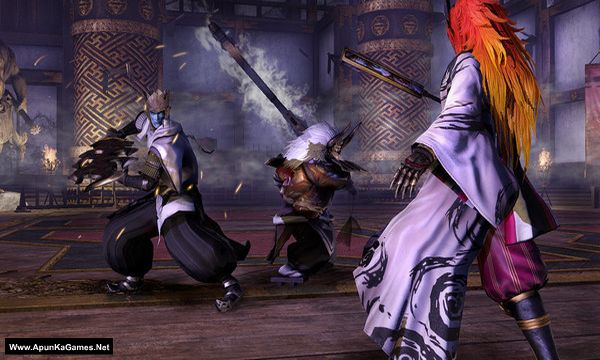
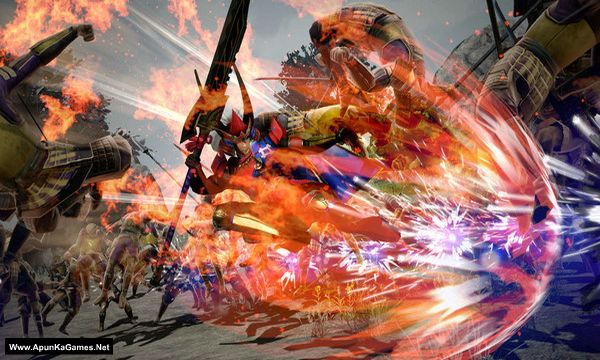
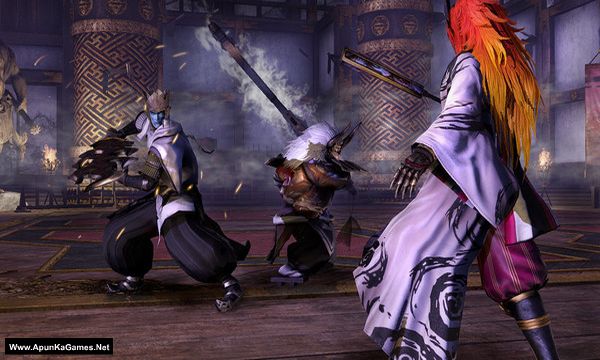
Screenshots
How to Install?
- Extract the file using Winrar. (Download Winrar)
- Open “Samurai Warriors 4-II” >> “Game” folder.
- Then double click on “SW4II” icon to play the game. Done!
How to Download?
If your don’t know how to Download this game, just Click Here!
If your don’t know how to Download this game, just Click Here!
Game Size: 8.3 GB
Password: www.apunkagames.net or apunkagames

Link rusak
We will upload soon as we can thanks for reporting.
Password kedua nya tidak bisa
Type these passwords one by one (make sure Caps Lock is off) or just copy and paste it.
apunkagames
www.apunkagames.netwww.apunkagames.comcara fix how to fix save failed due to insufficient space on hardisk giman ya
The error “Save failed due to insufficient space on hard disk” usually means there isn’t enough free storage available. Try deleting unnecessary files, emptying the Recycle Bin, moving large files to another drive, and making sure the game is installed on a drive with enough free space. If the issue continues, run Disk Cleanup and check the drive for errors.