
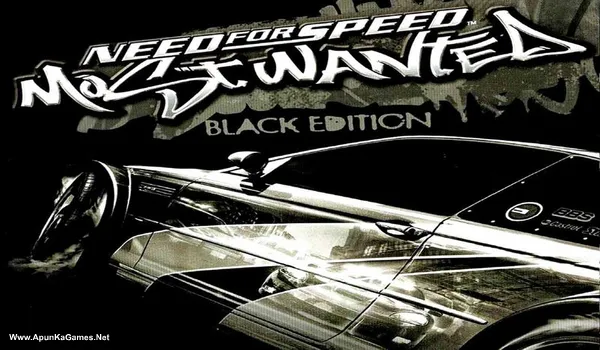
Need for Speed: Most Wanted 2005 Black Edition (Video Game) – Overview – Free Download – PC – Specs – Screenshots – Free
Type of game: Racing
PC Release Date: November 15, 2005
Developer/Publishers: Electronic Arts
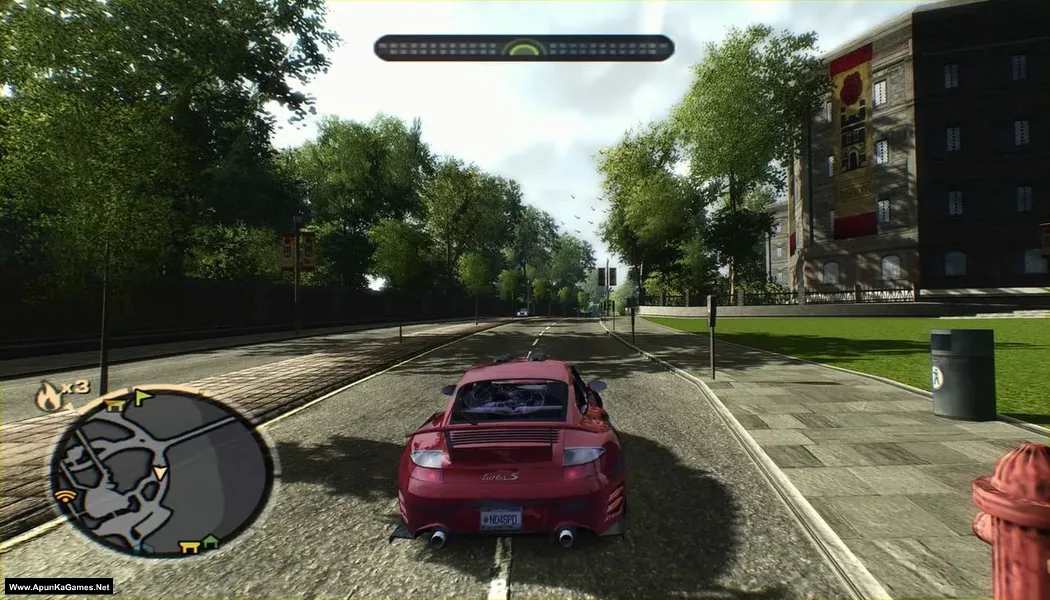
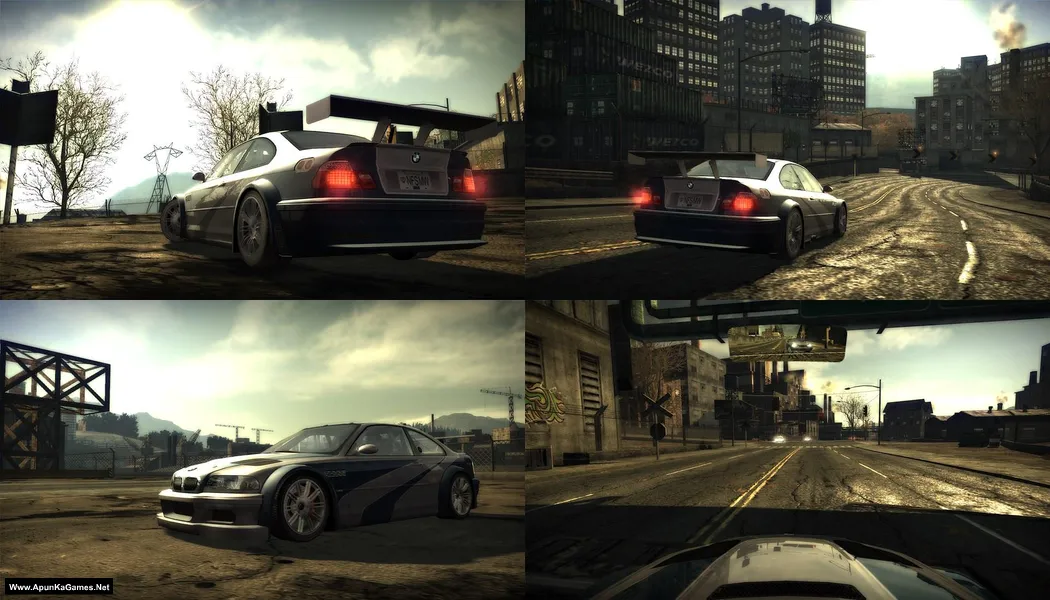
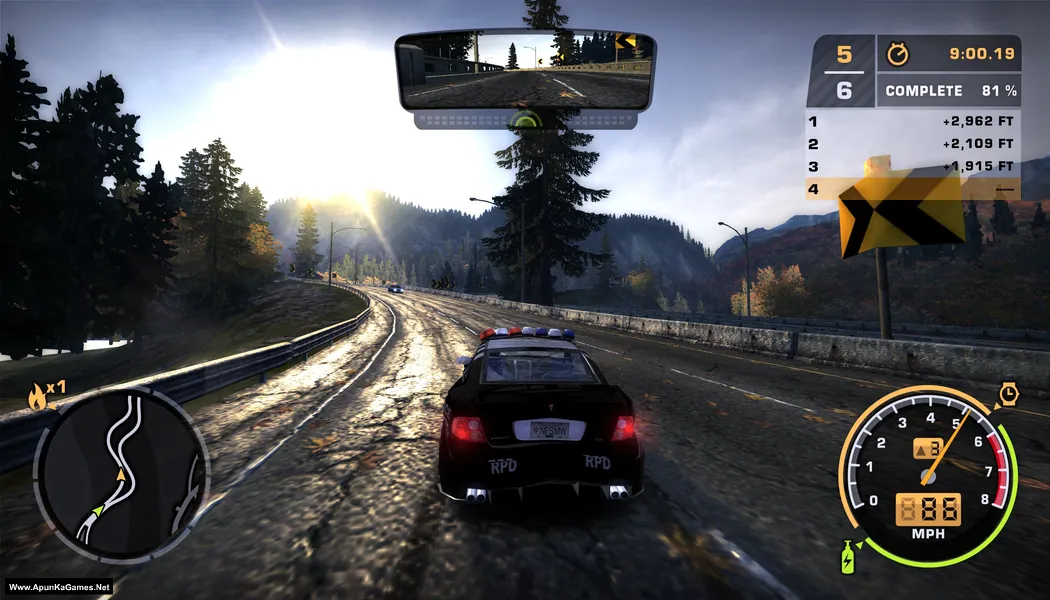
Need for Speed: Most Wanted Black Edition (2.54 GB) is an Racing video game. Developed and published by Electronic Arts. It was released on November 15, 2005 for Windows. Need for Speed: Most Wanted Black Edition is an intense street racing game where players compete to become the most wanted driver in Rockport City. Race high-speed cars, escape aggressive police chases, and defeat rivals on the Blacklist. The gameplay combines arcade racing, car upgrades, and open-city pursuits, delivering a thrilling PC racing experience for speed fans.
Type of game: Racing
PC Release Date: November 15, 2005
Developer/Publishers: Electronic Arts
Need for Speed: Most Wanted Black Edition (2.54 GB) is an Racing video game. Developed and published by Electronic Arts. It was released on November 15, 2005 for Windows. Need for Speed: Most Wanted Black Edition is an intense street racing game where players compete to become the most wanted driver in Rockport City. Race high-speed cars, escape aggressive police chases, and defeat rivals on the Blacklist. The gameplay combines arcade racing, car upgrades, and open-city pursuits, delivering a thrilling PC racing experience for speed fans.
Before downloading make sure that your PC meets minimum system requirements.
Minimum System Requirements
- OS: Windows XP/Vista/7
- Processor: Intel Pentium 4 1.60GHz / AMD Athlon XP 1600+
- RAM: 256 MB
- Hard Disk: 3 GB available space
- Graphics Card: 64 MB, (NVIDIA GeForce2 MX+ / ATI Radeon 7500+ / Intel 915+)
- DirectX: Version 9.0c
Screenshots
How to Install?
- Extract the file using Winrar. (Download Winrar)
- Open “Need for Speed: MW Black Edition” folder, double click on “setup” and install it.
- After installation complete, go to the folder where you install the game.
- Open folder, double click on “speed.exe” to play the game. Done!
Complete Installation Video Tutorial?
We provide complete game installation videos to guarantee that every game works perfectly. Unlike other websites where you download blindly and hope for the best, we show you real proof. Our step-by-step installation videos clearly demonstrate the game running successfully, so you know exactly what you’re getting. With us, there’s no guesswork—only verified, 100% working games you can trust.
Trust / Proof
- 100% Working – Tested by Us
- Game Verified Before Upload
- Working Gameplay Shown
- No Fake Files
- Installed Successfully on Our PC
How to Download?
If your don’t know how to Download this game, just Click Here!
If your don’t know how to Download this game, just Click Here!
Game Size: 2.54 GB
Password: www.apunkagames.net or apunkagames

I want this game for pc
is this support multiplayer via lan??
Please upload Need for Speed Unbound PC Game Full Version for PC Please Admin
File not available of this game
link is updated you can check it now
When i download the full version of NSF Most Wanted Black Edition and extract the zip file the setup file is not there its missing.
Disable internet and firewall before installation..
The setup file or the installation file is not there after extracting the zip file. I did the following steps to ensure safe extraction like disabled the windows defender real time protection and all and used the winrar application to extract the zip file and i even used the recommanded winrar application version 5.00. Still the set up file is missing. All im getting is some folders named CD1, CD2, CD3 and CD4
And inside those folders i m getting files named “rld-nmwa.bin” in all folders and a video file named “rld-nmwa” of 1KB.
me too same problem setup file is itself missing directly from zip
It’s CD setup… first you have to download and install DAEMON Tools Lite from google. Then install it after that go to the game folder open “CD1′ folder and right click on “rld-nmwa.bin” and select mount. Then go to Cd Room drive and install it (there you will find the setup). Run the setup, when they want CD2 select CD2 then CD3 and CD4… after instillation completed, Copy all files from crack folder and paste it directory where you install the game and then play!
Note: You must install DAEMON Tools Lite first otherwise you can’t see the setup.
Where can i get the code to install the application man?
THE PROCESS IS A BIT VEXING. CAN YOU ELABORATE STEP BY STEP AND WHAT TO DO AFTER EACH STEP. I JUST EXTRACTED A TON OF FIES AND INSTALLED THE APP BUT SOMETHING ABOUT INSERTING CD/DVD 1 IN DRIVE C. WHAT AM I TO DO EXACTLY
Note: You must install DAEMON Tools Lite first otherwise you can’t see the setup.
01. It’s CD setup… first you have to download and install DAEMON Tools Lite from google.
02. Then install it after that go to the game folder open “CD1′ folder and right click on “rld-nmwa.bin” and select mount.
03. Then go to Cd Room drive and install it (there you will find the setup).
04. Run the setup, when they want CD2 select CD2 then CD3 and CD4…
05. After instillation completed, Copy all files from crack folder and paste it directory where you install the game and then play!
It is asking for a code
After instillation completed, Copy all files from crack folder and paste it directory where you install the game and then play!
Note: You must install DAEMON Tools Lite first otherwise you can’t see the setup.
The setup file or the installation file is not there after extracting the zip file. I did the following steps to ensure safe extraction like disabled the windows defender real time protection and all and used the winrar application to extract the zip file and i even used the recommanded winrar application version 5.00. Still the set up file is missing. All im getting is some folders named CD1, CD2, CD3 and CD4
And inside those folders i m getting files named “rld-nmwa.bin” in all folders and a video file named “rld-nmwa” of 1KB
The setup file or the installation file is not there after extracting the zip file. I did the following steps to ensure safe extraction like disabled the windows defender real time protection and all and used the winrar application to extract the zip file and i even used the recommanded winrar application version 5.00. Still the set up file is missing. All im getting is some folders named CD1, CD2, CD3 and CD4
And inside those folders i m getting files named “rld-nmwa.bin” in all folders and a video file named “rld-nmwa” of 1KB
Please fix the issues
Please upload a complete guide video of steps to install this game please