
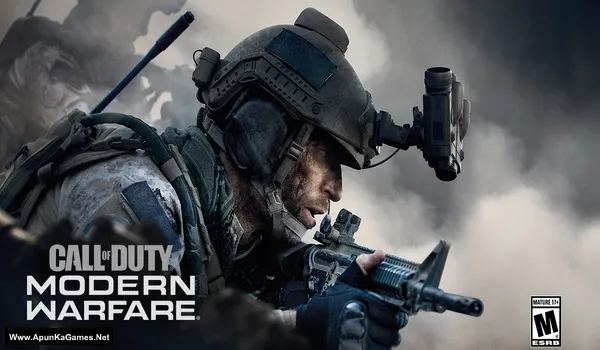
Call of Duty: Modern Warfare 2019 (Campaign Only) v1.38 Game – Overview – COD: MW 2019 Free Download – PC – Specs – Screenshots – Free
Type of game: Action, First-person shooter
PC Release Date: October 25, 2019
Developer/Publishers: Infinity Ward, Activision
Call of Duty: Modern Warfare 2019 (Campaign) (76.3 GB) is an Action-FPS video game. Developed and published by Infinity Ward, Activision. It was released on October 25, 2019 for Windows. COD: MW (2019) Campaign blends cinematic storytelling with realistic modern warfare, offering varied missions, tactical decision-making, and intense, immersive gameplay.
Type of game: Action, First-person shooter
PC Release Date: October 25, 2019
Developer/Publishers: Infinity Ward, Activision
Call of Duty: Modern Warfare 2019 (Campaign) (76.3 GB) is an Action-FPS video game. Developed and published by Infinity Ward, Activision. It was released on October 25, 2019 for Windows. COD: MW (2019) Campaign blends cinematic storytelling with realistic modern warfare, offering varied missions, tactical decision-making, and intense, immersive gameplay.
Before downloading make sure that your PC meets minimum system requirements.
Minimum System Requirements
- OS: Windows 10 (64‑bit)
- Processor: Intel Core™ i3-4340 or AMD FX-6300
- RAM: 8 GB
- Hard Disk: 100 GB available space
- Graphics Card: NVIDIA GeForce GTX 670 / NVIDIA GeForce GTX 1650 or AMD Radeon™ HD 7950
- Network: Broadband Internet connection
- DirectX: Version 12
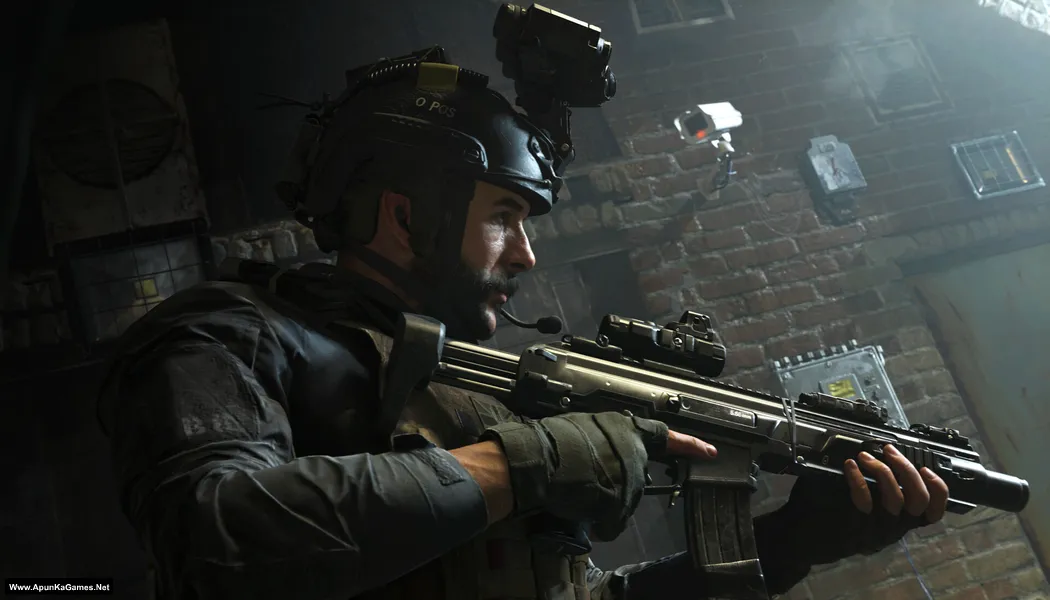
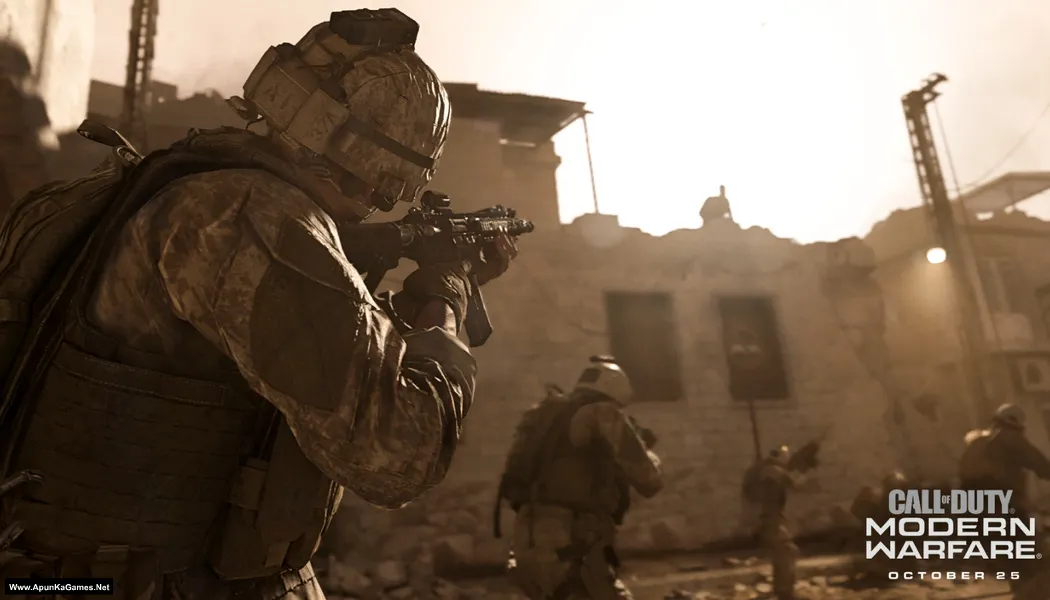
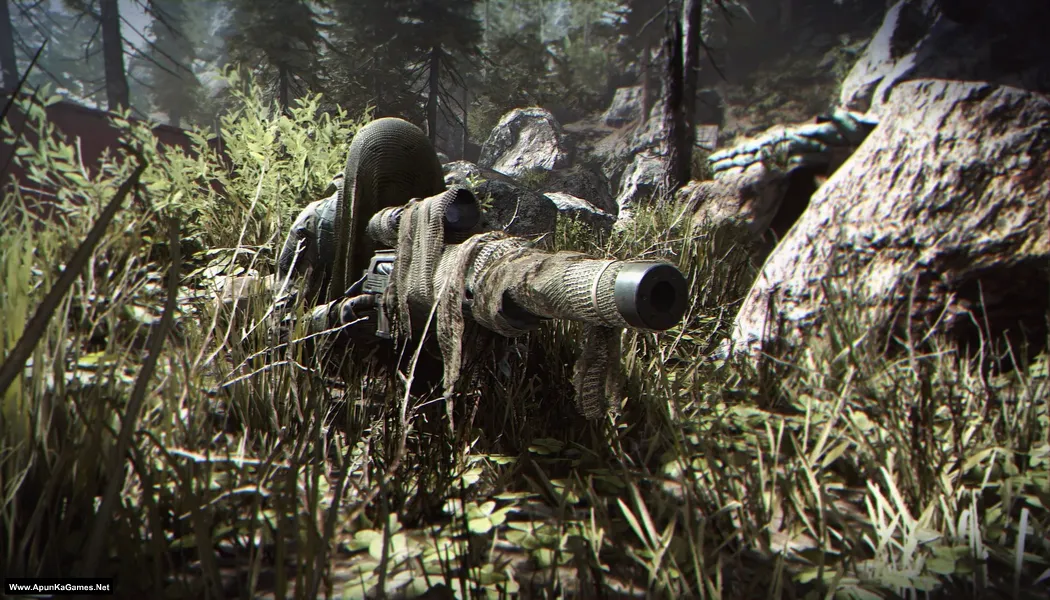
Screenshots
How to Install?
- Extract the file using Winrar. (Download Winrar)
- Open “Call of Duty MW 2019 Campaign” folder, double click on “setup” and install it.
- After the installation is complete, go to the folderwhere you installed the game.
- Open folder, Run “_!registry.reg” (first time running only) and complete the registry.
- Then launch the game using “ModernWarfare.exe” to start playing. Done!
Important Notes:
- Do not skip the intro video, as this may cause issues.
- Disable Windows Defender before proceeding.
- Wait until the shader compilation completes (100%).
Complete Installation Video Tutorial?
We provide complete game installation videos to guarantee that every game works perfectly. Unlike other websites where you download blindly and hope for the best, we show you real proof. Our step-by-step installation videos clearly demonstrate the game running successfully, so you know exactly what you’re getting. With us, there’s no guesswork—only verified, 100% working games you can trust.
Trust / Proof
- 100% Working – Tested by Us
- Game Verified Before Upload
- Working Gameplay Shown
- No Fake Files
- Installed Successfully on Our PC
How to Download?
If your don’t know how to Download this game, just Click Here!
If your don’t know how to Download this game, just Click Here!
Game Size: 76.3 GB
Password: www.apunkagames.net or apunkagames

To anyone that has downloaded and installed this version how big is the final size of the game
85
Where is the game
I can’t install
Unarc.dll error code 12
The unarc.dll error code -12 usually means insufficient disk space, often on the C: drive, or a corrupted download, but can also point to missing Visual C++ Redistributables or antivirus interference, common with game repacks, requiring you to clear temp files, ensure space, install Visual C++ packages, disable antivirus, or re-download the archive.
Plz try to upload 50/50 gb separate if game size is 100gb
We will try in future!
it is not found for any file specified for ISArcExtract – how to solve this
Download ISDone_x86 , unarc_x86 (DLL) and extract it. Then Copy and paste the “ISDone_x86” and “unarc_x86” files into both of these folders:
C:\Windows\System32
C:\Windows\SysWOW64
and then install.
Mera naam Khan hai aur Main Call of Duty khelna chahta hun Kyunki yah mujhe bahut acchi lagti hai aur jab mujhe koi chij acchi Lagti Hai To Main use khelna chahta hun agar aap mujhe yah call off duty khelne Denge to mujhe bahut Achcha lagega aur aapki Jo college duty hai yah bahut tarkki Karegi Ab Mujhe khelne Den to main is game ko thoda sa enjoy karunga Jab Main enjoy karunga to aapko tarkki Hogi isiliye main is game ko khelna Pasand Kar Raha Hun aapko bhi achcha lagega
its showing dev error 1121
gfesdk dll
How to solve please help
Download Microsoft Visual C++ Redistributable Package and install it… This will solve your problem.
Dear
I download complete 16parts
15 parts of 5gb each and 1.3somthing
Now please guide
First of all I have to extract all winRar parts or only first one
Bcz it’s showing nothing in other parts
Plz guide how to install
I complete my downloading
Brother download all 16 parts not 15… there is 16 parts of this setup. Then copy all of them into one new folder and extract only part 1 all parts will be extracted automatically (make sure you have minimum 150 GB free). This game is 100% working. Please follow the instructions step by step: before extracting and installing the game, turn off your antivirus. After installation, you can turn it back on, as antivirus software may block DLL files.
01. Open “Call of Duty MW 2019 Campaign” folder, double click on “setup” and install it.
02. After the installation is complete, go to the folder where you installed the game.
03. Open folder, Run “_!registry.reg” (first time running only) and complete the registry.
04. Then launch the game using “ModernWarfare.exe” to start playing. Done!
Important Notes:
Do not skip the intro video, as this may cause issues.
Disable Windows Defender before proceeding.
Wait until the shader compilation completes (100%).
Hey admin, Just installed the game setup and extracted using winrar but when I open the setup it stucks on the image saying dodo repack presents nothing more…. any help resolve this? thanks u guyss are amazing:)
Brother Just press “Up” arrow keyboard button to start the setup. Just press Up Arrow from keyboard!
Thank you soo much bro appreciate that:)
Bro, please upload a video on installation of this game, give me detailed steps, for installing this in the meanwhile, do i have to i only understand downloading all parts, and if we extract part 1 how can the other parts will be extracted automatically?
Yes, you need to download all parts because each file is just a piece of one complete archive. After downloading, place all parts in the same folder and extract only the first file (usually part1). When you extract part1 using WinRAR or 7-Zip, the program automatically reads and combines the other parts in order, so you don’t need to extract them one by one. Just make sure none of the parts are missing, renamed, or placed in different folders, otherwise the extraction will fail. also we will make video of installation soon as we can!
what is the size of each part? i downloaded part 1 and part 2 which are 5MB’s but now i noticed thoes were wrong files and part 1 and 2 are 5GB? correct? and when i try to download part 1 and 2 it gives me error, says “Not Found The requested URL was not found on this server.”, what can be the issue here, please help..
and also, can u help on discord? i can add you and share my screen so u can help? please that’d be possible?
Yes brother Each Part size is (5 GB). Brother all parts are working fine… Just download all parts one by one from Thefilelocker. Cancel all the active downloads in IDM and then click on part 1. Wait 1st part to finish then start 2nd download. At one time 1 part. Thefilelocker can’t support multiple download so you have to download one by one! Try downloading the parts at a different time, such as late at night or during the day when website traffic is low.
I love you
having an issue running it.It says dev error 6036 mm_comms_mp_ff
This error usually appears when some game files are missing or corrupted. First, make sure your antivirus or Windows Defender did not delete any crack or game files, because sometimes it blocks them during installation. If that happened, temporarily disable the antivirus and re-extract or reinstall the game again. Also make sure you copied the crack files correctly into the game directory and replaced the existing files. If the issue still continues, try redownloading the game or the missing part, because the setup may be incomplete or damaged.
Why is the picture Call of Duty Warzone, is that normal?
Why is the picture Call of Duty Warzone, is that normal?
Yes, it’s normal. I used a Call of Duty: Warzone picture even though it’s only Campaign of (Call of Duty: Modern Warfare 2019), just for a different visual choice.
como traduzi pra ptBR
Hi there, any settings to make it run smoothly please, it’s lagging on my pc.. I know some settings or tweaking somethings can make all the difference.. Thanks for sharing the beautiful game
Hi Babs! We appreciate it🙌 If Call of Duty: Modern Warfare (2019) is lagging on your PC, you can tweak some settings to make it run much smoother. Lower graphics settings like textures, shadows, and particle effects, disable ray tracing, turn off motion blur, and use fullscreen mode. Also, make sure your GPU drivers are updated, background apps are closed, and your PC power plan is set to High Performance.
🎮 In-Game Graphics Settings (Best for Low/Mid PC)
Display Mode: Fullscreen
Render Resolution: 90–100 (lower to 85 if needed)
Texture Resolution: Low or Normal
Texture Filter Anisotropic: Low
Shadow Map Resolution: Low
Cache Spot & Sun Shadows: Disabled
Particle Quality: Low
Ray Tracing: Disabled
Anti-Aliasing: SMAA 1X or Off
Film Grain & Motion Blur: Disabled
⚙️ Extra Performance Tips
Update GPU drivers
Close background apps (Chrome, Discord, etc.)
Set Power Plan to High Performance
Enable AMD FSR / NVIDIA DLSS (if available)
Lower resolution to 1600×900 or 1280×720 if FPS is still low
Can I play this offine
Yes, this is an offline game. Watch the video carefully, and it will answer your questions and solve your issue. Click here to watch the video
its showing sys_error DEV ERROR 1121 and the game is not opening
If you are getting SYS_ERROR DEV ERROR 1121 in Call of Duty: Modern Warfare (2019) and the game is not opening, try updating your graphics drivers and make sure your Windows is fully updated. If you are using Battle.net, verify or repair the game files. You can also delete the “players” folder from Documents > Call of Duty Modern Warfare so the game can create new files. Run the game as administrator and disable any background overlays like Discord or GeForce Experience. After trying these steps, restart your PC and launch the game again.
I’m finished download parts All is normal…
Thank you for it’s work ,
I’m said Thank you very much…
That’s awesome brother! 🙌 Glad all parts downloaded fine and the game is working perfectly. Thank you very much for your support — enjoy the game! 🎮
I just downloaded it,but when I started to run the game it shows only the starting intro of the game(Credits,studio name(Logos)etc) after that nothing will appear on the screen a black screen with only game title music and nothing else…How to solve it ??
Watch the video guide step by step how to download, install and play the game.
Estoy intentando abrir el juego pero me sale DEV ERROR 1121 alguien sabe como solucionarlo ya desactive el antivirus y nd aún 🙁
DEV ERROR 1121 usually happens because of corrupted game files, missing components, or driver-related issues. Try updating your graphics driver, run the game as administrator, disable overlays, and make sure all Visual C++ Redistributables and DirectX are installed. If the issue still continues, reinstall the game or verify the game files if that option is available.
hey bother @ApunKaGames i experience black screen when i open the game what should i do??
If you are experiencing a black screen when opening Call of Duty: Modern Warfare (2019) Campaign, try running the game as administrator, update your graphics drivers, install all Visual C++ Redistributables, and make sure DirectX is properly installed. Also disable overlays and background apps, then restart your PC and try again.
I can’t play it’s say
sys_error dev error 1121 can’t load nvidia aftermath library
How to fix it?
This error usually happens in Call of Duty 2019 when your NVIDIA drivers are outdated or missing the Aftermath library. Just update your NVIDIA graphics driver to the latest version, install all Visual C++ Redistributables, then restart your PC. After that, the game should run fine. 👍 Brother, the setup is 100% working. You can also watch the installation video available in the post to follow all the steps correctly. 🎮✅
[2026-03-29 17:37:16] [NGXCheckIfSupportedOnHW:275] error: unsupported hw detected
The error [NGXCheckIfSupportedOnHW:275] error: unsupported hw detected occurs when an application, often a game or GPU-related software, tries to use NVIDIA NGX features like DLSS or AI denoising on hardware that doesn’t support them. This usually happens if you’re using an older NVIDIA GPU (pre-Turing architecture like GTX 10xx series) or a non-NVIDIA GPU, such as AMD or Intel. While the game or software may still run, NGX-dependent features won’t work, and some apps may even crash if these features are mandatory. To fix this, you can check GPU compatibility, update your NVIDIA drivers, or disable NGX-dependent features like DLSS in the application settings, which will allow the program to fall back to standard rendering.
Header Info
NGX 1.10 OFFLINE by …
2026-04-10T20:10:52.294[I] 113Main.cpp:22 Attached GfXSDK.dll
Can’t load Nvidia Aftermath library
Can’t load Nvidia Aftermath library
Can’t load Nvidia Aftermath library
Log Details
[2026-04-10 20:11:21] [ngx: uti1::setLogFileName:301] Logging to requested file (C:\Users\shahi\OneDrive\Documents\Call of Duty Modern Warfare\report\gpudvsnngx.log) enabled successfully
[2026-04-10 20:11:21] [NGXLoadCoreLibrary:597] NGXCore not found next to the application
[2026-04-10 20:11:21] [NGXGetPathUsingQA1:327] Checking for path to NGX using QueryAdapterInfo
[2026-04-10 20:11:21] [NGXGetPathUsingQA1:327] Path to driverstore found using QAI: C:\WINDOWS\System32\DriverStore\FileRepository\nvlti.inf_amd64_f561b60d4f19706e\
[2026-04-10 20:11:21] [NGXLoadLibrary:231] loaded NGXCore from path (C:\WINDOWS\System32\DriverStore\FileRepository\nvlti.inf_amd64_f561b60d4f19706e\nvngx.dll)
[2026-04-10 20:11:22] [ngx: uti1::openLogFilePath:252] Logging to requested file (C:\Users\shahi\OneDrive\Documents\Call of Duty Modern Warfare\report\gpudvsnngx.log) enabled successfully
[2026-04-10 20:11:22] [NGXCheckArchitectureSupport:229] Found matching adapter with NVAPI physical GPU handle: 0x100 and LUID: ( 0x0, 0xe47c )
[2026-04-10 20:11:22] [NGXGetPathUsingQA1:327] Checking for path to NGX using QueryAdapterInfo
[2026-04-10 20:11:22] [NGXGetPathUsingQA1:512] Path to driverstore found using QAI: C:\WINDOWS\System32\DriverStore\FileRepository\nvlti.inf_amd64_f561b60d4f19706e\
[2026-04-10 20:11:22] [NGXGetPath:588] using path for models: C:\ProgramData/NVIDIA/NGX/models/
[2026-04-10 20:11:22] [NGXGetPath:588] using path for models: C:\ProgramData/NVIDIA/NGX/models/
[2026-04-10 20:11:22] [CreateSecurityDescriptor:84] security attributes generated successfully
[2026-04-10 20:11:22] [CreateFoldersIfNotEx:154] using generated security descriptor for creating folder at: C:\ProgramData/NVIDIA/NGX/models/
[2026-04-10 20:11:22] [ModifyExistingFolderDACL:233] updated access control list for NGX cache (NGX cache should now be usable by all authenticated users)
[2026-04-10 20:11:22] [NGXCreateModelsFolder:1001] model folder created: C:/ProgramData/NVIDIA/NGX/models/
[2026-04-10 20:11:22] [NGXLoadConfig:1155] [alias]
Model Loading Configuration (Snippet)
The log then lists numerous app IDs being loaded into the configuration:
[2026-04-10 20:11:22] [NGXLoadConfig:1159] app_D158702-0.0.0
[2026-04-10 20:11:22] [NGXLoadConfig:1159] app_D158701-0.0.0
[2026-04-10 20:11:22] [NGXLoadConfig:1159] app_E6FD81A-1.0.180
[2026-04-10 20:11:22] [NGXLoadConfig:1159] app_66FF4BC-1.0.180
What should I do I have re install it repeated time
This issue is related to NVIDIA NGX and GPU features, not a problem with installation, so reinstalling won’t fix it. Your system is trying to use features like DLSS or NVIDIA Aftermath, which may not be supported by your GPU, especially if you’re using an older card like a GT or non-RTX series. To fix it, update your NVIDIA drivers with a clean install, disable DLSS and other NVIDIA features in the game settings, and make sure you have the latest DirectX and Visual C++ installed. Also, move the game out of the OneDrive folder to a simple directory like C:\Games, as this can sometimes cause issues.
I downloaded it but it shows a poster warzone when starting and the screen goes black
Watch this video guide and follow step by step. Click Here to Watch Video Guide
there is a black screen
Watch this video guide and follow.
Hello kind people, i just followed the installation guide and the game run perfectly fine. but every 10 to 20 minutes the game crash for no reason. i updated my gpu driver to the latest version (RTX 2060), it did nothin. i’ve tried sollutions from another user, like opening event viewer on the backround, limit the fps to 60, and still crashes. does anyone have any other sollution? i’d be so grateful if someone can help me 🙂 – Friendly Guy
i have i5 4th gen gtx650 1GB 8GB ram ca i even play this game
Brother, your i5 4th Gen and 8GB RAM meet the minimum requirements, but your GTX 650 1GB is below the game’s minimum GPU requirement. The game may not launch or, if it does, the performance will be very poor with heavy lag and stuttering. A graphics card with at least 2GB VRAM (preferably 4GB+) is recommended for a playable experience. 👍
getting ” it is not found for any file specified for ISArcExtract” – extracted all files again by turning off antivirus and rechecked still same error
Turn off Anti-Virus + Windows defender before installation. Also Download ISDone_x86 , unarc_x86 (DLL) and extract it. Then Copy and paste the “ISDone_x86” and “unarc_x86” files into both of these folders:
C:\Windows\System32
C:\Windows\SysWOW64
and then install.
hii pls solve this – it is not found for any file specified for ISArcExtract”
Turn off Anti-Virus + Windows defender before installation. Also Download ISDone_x86 , unarc_x86 (DLL) and extract it. Then Copy and paste the “ISDone_x86” and “unarc_x86” files into both of these folders:
C:\Windows\System32
C:\Windows\SysWOW64
and then install.
I installed the game but it’s not call of duty modern warfare it is Call of Duty Warzone. Now what I will do
Watch the video guide carefully how to install and play this game.
No i installed the game correctly but when I play it’s warzone not modern warfare. I know how to install game
Bro, it’s not Warzone. It’s just the cover. I’ve already checked it and played the game.
Hello Dear Sir,
I just haved installed the Modern warfare 2019 game and I do all the same setup process as you told in the video. But, when i launch I got this error.
Sys Error DEV ERROR 1121
Can’t load NVidia Aftermath library
How i can fix it
This error is usually caused by outdated graphics drivers, corrupted game files, or missing NVIDIA components. Update your NVIDIA driver, install the latest Visual C++ Redistributables, disable any overlays, and make sure your antivirus hasn’t removed any game files. If the issue still persists, perform a clean reinstall of your NVIDIA driver.
the game worked for me.thnks buddy
You’re welcome, brother! ❤️ Glad it worked. Happy gaming! 🎮
Hey , i need some clarity on how much disk space it would require to install the game after downloading all the parts.
Hi! Yes, it’s recommended to have at least 100 GB of free disk space available before installing the game to ensure the installation completes without any issues. You can watch in this video guide
[2026-07-13 00:14:01] [NGXCheckHardwareSupportUsingINF:339] error: failed GPU Architecture check
How can I solve this issue please
This error usually means the installer or game couldn’t detect a supported GPU architecture. Make sure your graphics driver is updated from the NVIDIA or AMD website, verify that your GPU meets the game’s minimum requirements, and force the game to use your dedicated GPU.