
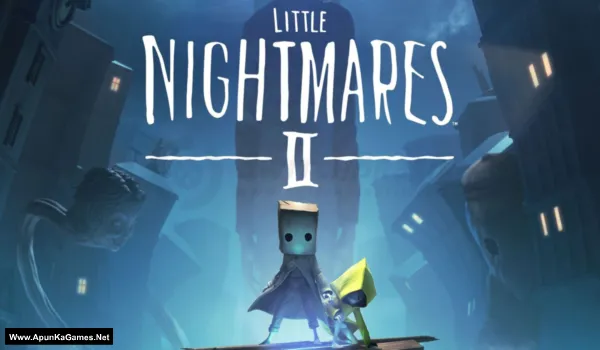
Little Nightmares II Game – Overview – Free Download – PC – Specs – Screenshots – Installation Video
Type of game: Adventure, Puzzle, Horror
Type of game: Adventure, Puzzle, Horror
PC Release Date: February 11, 2021
Developer/Publishers: Tarsier Studios, BANDAI NAMCO Entertainment
Little Nightmares II (6.5 GB) is a suspenseful puzzle-platformer developed by Tarsier Studios and published by Bandai Namco Entertainment. Players control Mono, a young boy trapped in a distorted world, accompanied by Six as they navigate eerie environments filled with danger. The game features stealth, puzzles, and exploration while avoiding terrifying enemies. With its dark atmosphere, haunting visuals, and emotional storytelling, Little Nightmares II delivers a chilling and unforgettable horror adventure experience.
Developer/Publishers: Tarsier Studios, BANDAI NAMCO Entertainment
Little Nightmares II (6.5 GB) is a suspenseful puzzle-platformer developed by Tarsier Studios and published by Bandai Namco Entertainment. Players control Mono, a young boy trapped in a distorted world, accompanied by Six as they navigate eerie environments filled with danger. The game features stealth, puzzles, and exploration while avoiding terrifying enemies. With its dark atmosphere, haunting visuals, and emotional storytelling, Little Nightmares II delivers a chilling and unforgettable horror adventure experience.
Before downloading make sure that your PC meets minimum system requirements.
Minimum System Requirements
- OS: Windows 10 (64-Bit)
- Processor: Intel Core i5-2300 | AMD FX-4350
- RAM: 4 GB
- Hard Disk: 5 GB available space
- Graphics Card: Nvidia GeForce GTX 570, 1 GB | AMD Radeon HD 7850, 2 GB
- DirectX: Version 11
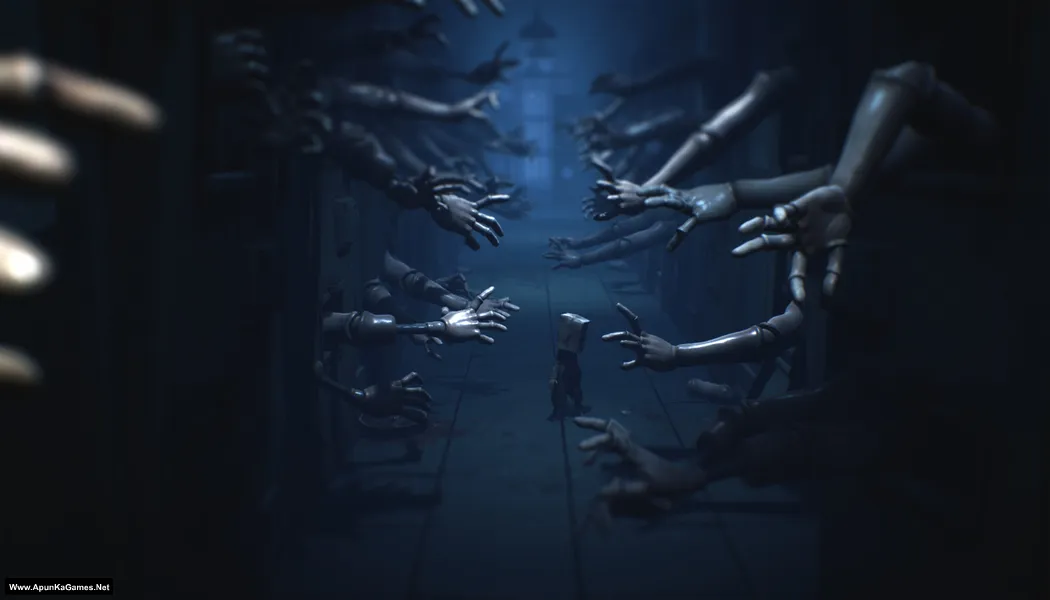
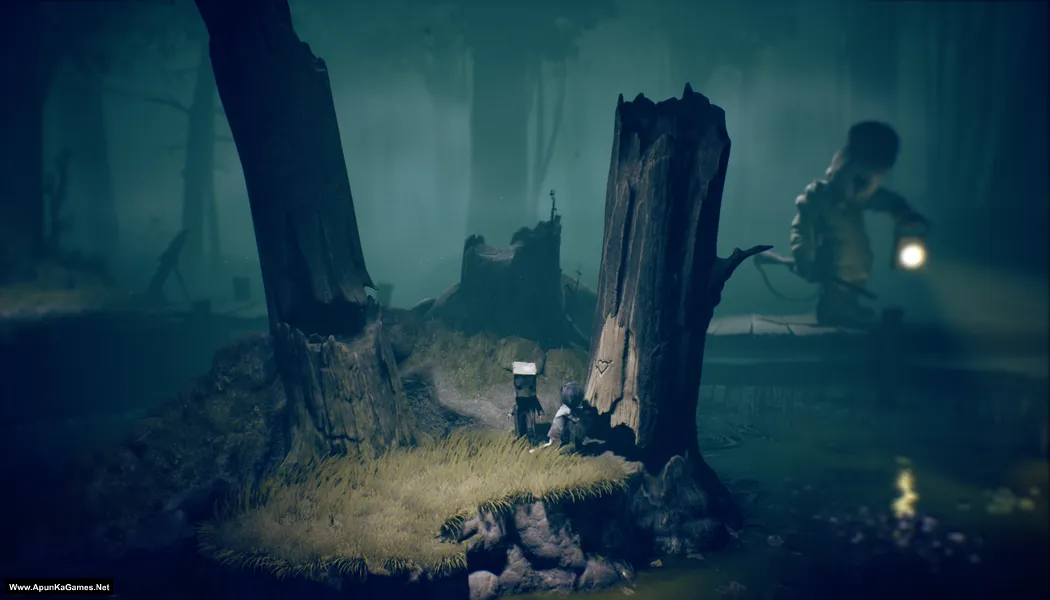
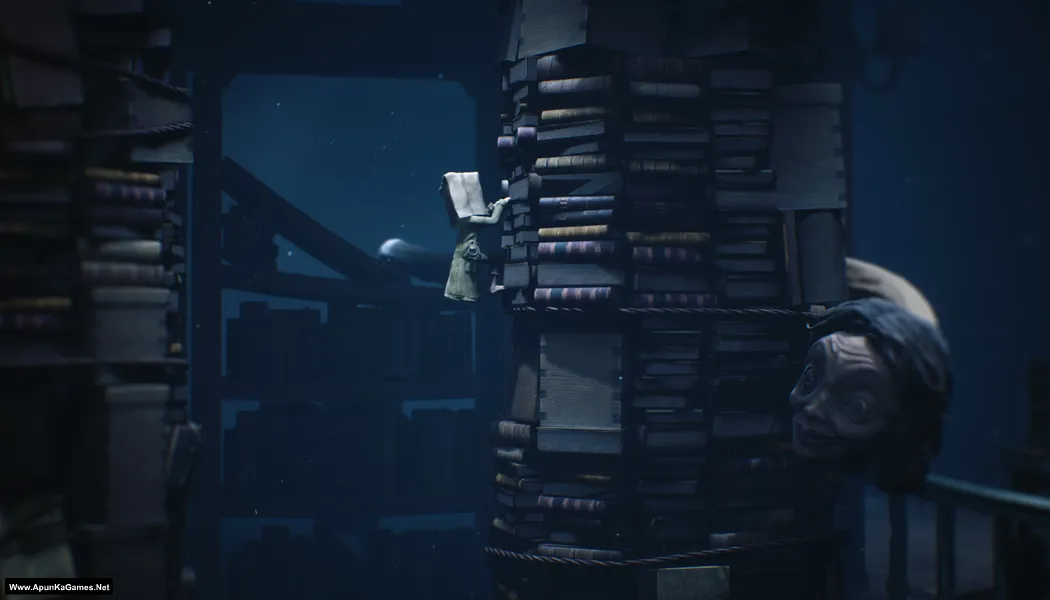
Screenshots
How to Install?
- Extract the file using Winrar. (Download Winrar)
- Open “Little Nightmares 2” folder, double click on “setup_little_nightmares_ii_1160_(64bit)_(49215)” and install it.
- After installation complete, go to the folder where you install the game.
- Then double click on “Game” icon to play the game. Done!
Note: It’s a Digital Deluxe Edition. You have to install base game first and then install the remaining setups, as they are the DLCs.
How to Download?
If your don’t know how to Download this game, just Click Here!
Game Size: 6.5 GB
Password: www.apunkagames.net or apunkagames

Please upload the game file in parts
If you don’t mind
is it worked ?
codex folder not found
Brother it’s GOG setup not CODEX… Just install and play—that’s it. No need for the CODEX folder. First, install “setup_little_nightmares_ii_1160_(64bit)_(49215)”, which is the base game. Then install the remaining setups, as they are the DLCs.