

Far Cry 5 Game – Overview – Free Download – PC – Specs – Screenshots – Installation Video
Type of game: Action, First-person shooter, Open World
Type of game: Action, First-person shooter, Open World
PC Release Date: March 27, 2018
Developer/Publishers: Ubisoft Montreal, Ubisoft
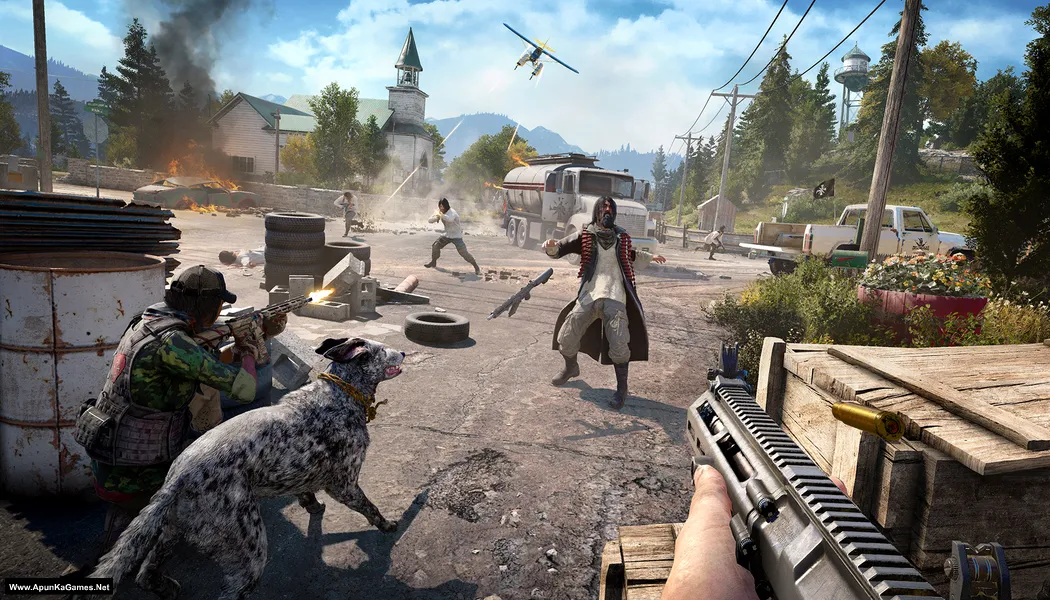
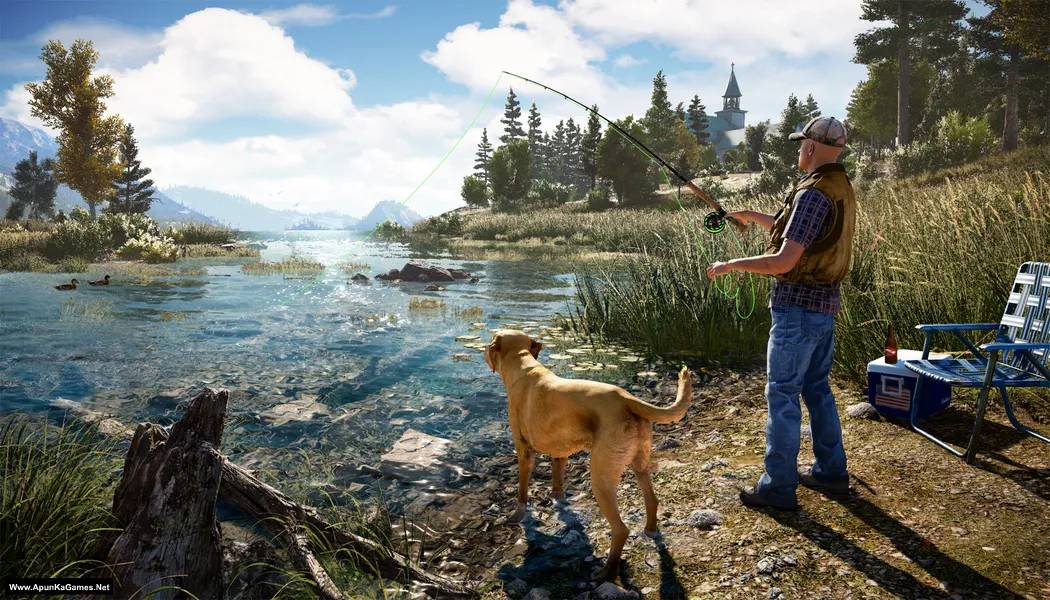
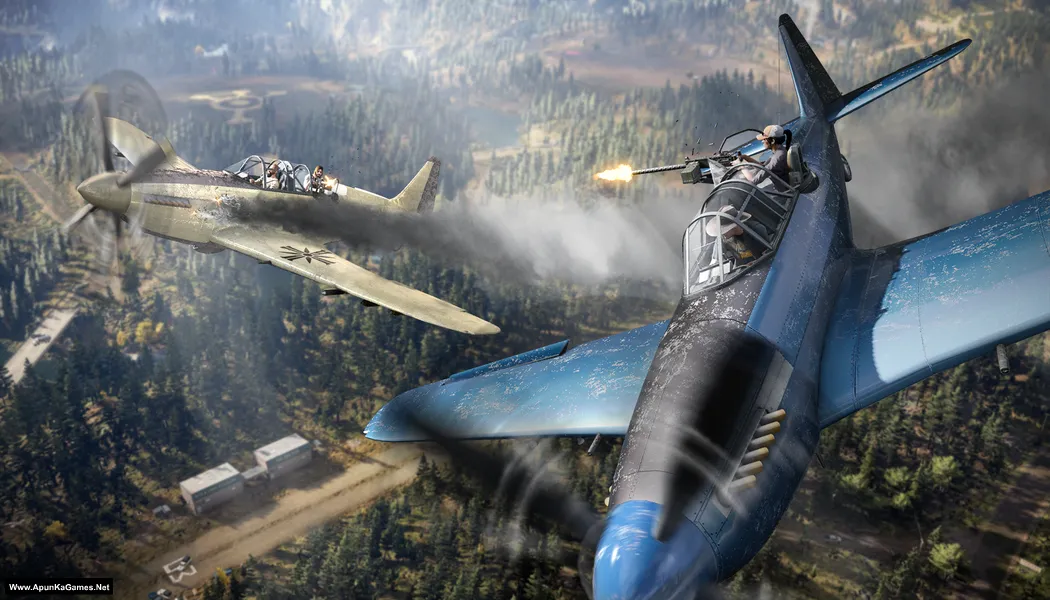
Far Cry 5 (38.7 GB) is an open-world action shooter developed by Ubisoft Montreal and published by Ubisoft. Set in Hope County, Montana, players take the role of a deputy fighting against a dangerous cult known as Eden’s Gate led by Joseph Seed. The game features a large open world, diverse weapons, vehicles, and cooperative gameplay. With dynamic missions, exploration, and intense combat, Far Cry 5 delivers an exciting and immersive action-packed adventure.
Developer/Publishers: Ubisoft Montreal, Ubisoft
Far Cry 5 (38.7 GB) is an open-world action shooter developed by Ubisoft Montreal and published by Ubisoft. Set in Hope County, Montana, players take the role of a deputy fighting against a dangerous cult known as Eden’s Gate led by Joseph Seed. The game features a large open world, diverse weapons, vehicles, and cooperative gameplay. With dynamic missions, exploration, and intense combat, Far Cry 5 delivers an exciting and immersive action-packed adventure.
Before downloading make sure that your PC meets minimum system requirements.
Minimum System Requirements
- OS: Windows 7/8.1/10 (64-bit versions only)
- Processor: Intel Core i5-2400 @ 3.1 GHz or AMD FX-6300 @ 3.5 GHz or equivalent
- RAM: 8 GB
- Hard Drive: 40 GB available space
- Video Card: 2 GB, NVIDIA GeForce GTX 670 or AMD R9 270 (Shader Model 5.0 or better)
- Network: Broadband Internet connection
- DirectX: Version 9.0c
Screenshots
How to Install?
- Extract the file using Winrar. (Download Winrar)
- Open “Far Cry 5” folder, double click on “Setup” and install it.
- After installation complete, go to the folder where you extract the game.
- Open “Crack” folder, copy all files and paste it where you install the game.
- Then double click on “FarCry5” icon to play the game. Done!
How to Download?
If your don’t know how to Download this game, just Click Here!
Far Cry 5 Download
Download in 5GB Parts
Click Here
–
Download in 900MB Parts
Click Here
Game Size: 38.7 GB
Password: www.apunkagames.net or apunkagames
Download in 5GB Parts
Click Here
–
Download in 900MB Parts
Click Here
Game Size: 38.7 GB
Password: www.apunkagames.net or apunkagames

Will it work on windows 11?
2022 if 4 years ago😪😪
Work?? Please reply brother…. Can I download in windows 11
Yes, it work on windows 11
bro not working i will open the game and then shows
unable to detect uplay insatallation. please make sure uplay is installed.
and i after install uplay , uplay asking for activation key help me bro
Did paste the crack files and replaced it where you install the game after installation? Must paste crack files otherwise the game will not run.
What is the password
Does it have all the dlcs?
i mean part 7
PASSWORD????????????????????????????????????????????????
pass is “apunkagames” or “www.apunkagames.net”
it is not
Why dude show password up
Brother crash aa raha hai.
Jab play karty hain thori der loading k bad game band ho jati hai..
working now
It is working !?
Please upload halo games
It was working fine for about a week but now every time I press continue it crashes to desktop
i think antivirus deleted your game files
Password?
http://www.apunkagames.com/
THE PART 3 IS NOT DOWNLOADING PLEASE FIX IT
check your internet connection and then try it
MY INTERNET CONNECTION IS OK BUT THE PART 3 IS NOT DOWNLOADING PLEASE FIX IT
PART 3 is not downloading
This server is in maintenance mode. Refresh this page in some minutes
please fix it
Bro all 7 parts downloaded except the 5th part. What to do
bro 5th part not downloading
All links are working properly download one by one
Part 5 not downloading. Plz fix it
All links are working download one by one..
Bro it’s really not working, I am trying from 2 hr
Try now.. We re uploaded Part 5!
part 5 not opening ???????
All links are working you should download one by one part…
Bro, 5gb 5th part is not downloadable, pls fix it bro.
Part 5 fix… Try now!
After installing it is saying to download uplay , after downloading and login to uplay account(ubisoft connect) it is asking for activation code what to do now bro?
No need to create any account, bro. Just copy the files from the ‘Crack’ folder and paste them into the directory where you installed the game, then replace/overwrite the files. After that, run the game using FarCry5.exe. The game will run 100% — the setup has been checked and is fully working.”
Thanks so much brother
Welcome brother!
IT SAYS PART 3 IS MISSING LOCATE IT WHEN I TRIED T INSTALL.
All parts are working properly. Make sure you download all the parts of the game one by one because FilesLocker does not support multiple file downloads at the same time.
Apunka this game ubisoft activation key err please fix brdh 😪 pls pls reply 💔
We check again. This game is 100% working setup. Please follow the instructions step by step: before extracting and installing the game, turn off your antivirus. After installation, you can turn it back on, as antivirus software may block DLL files.
Also did you cracked the game after installation is finished? Must follow last 3 steps:
01. Extract the file using Winrar part 1 and automatically all parts will extracted.
02. Open “Far Cry 5” folder, double click on “Setup” and install it.
03. After installation complete, go to the folder where you extract the game.
04. Open “Crack” folder, copy all files and paste it where you install the game.
05. Then double click on “FarCry5.exe” to play the game. Done!
(copy all files ) there is only bin file pls give a exeat Location where file past pls reply
Yes, copy everything from the Crack folder and paste it into the folder where you installed the game. When prompted, click Replace for all files. After that, launch the game and it should work properly. 👍
yes u are right
uplay need a CD Key or activation code i need a code
We check again. This game is 100% working setup. Please follow the instructions step by step: before extracting and installing the game, turn off your antivirus. After installation, you can turn it back on, as antivirus software may block DLL files.
Also did you cracked the game after installation is finished? Must follow last 3 steps:
01. Extract the file using Winrar part 1 and automatically all parts will extracted.
02. Open “Far Cry 5” folder, double click on “Setup” and install it.
03. After installation complete, go to the folder where you extract the game.
04. Open “Crack” folder, copy all files and paste it where you install the game.
05. Then double click on “FarCry5.exe” to play the game. Done!
cant extract the game theres an error called cyclic redundancy how to fix downloaded from files locker 5GB parts
A Cyclic Redundancy Check (CRC) error usually means one or more downloaded parts are corrupted or incomplete. Please check all the downloaded parts by opening them one by one. The corrupted part will usually show an error as soon as you open it. Delete that corrupted part and download it again. Make sure all 5 GB parts are in the same folder, then extract Part 1 only using the latest version of WinRAR or 7-Zip. Also, temporarily disable your antivirus before extracting, as it can sometimes interfere with the files.
Bro is there add ons packs
Bhai iska 5 part download hi nhi ho rha or sare ho gye bata sakte ho kiya karoo bhai
All links are working fine you should have to download one by one to avoid errors.