
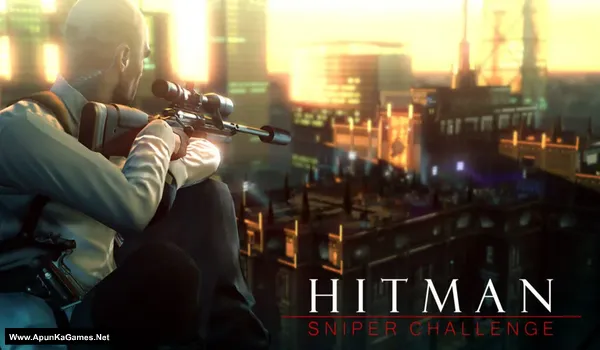
Hitman: Sniper Challenge Game – Overview – Free Download – Specs – Free – Screenshots – PC
Type of game: Action-Stealth
PC Release Date: May 15, 2012
Developer/Publishers: IO-Interactive, Square Enix
Hitman: Sniper Challenge (1.10 GB) is a Action-Stealth video game. Developed by IO Interactive and published by Square Enix Inc. It was released on May 15, 2012. Hitman: Sniper Challenge is a standalone sniper experience that gives players a quick hit of the exhilirating Hitman franchise. Players can don the suit of Agent 47 as he takes on an exclusive assassination assignment. From a balcony overlooking a rooftop gathering, players will be tasked with taking out Richard Strong, Jr., CEO of Stallion Armaments, along with his entire staff of bodyguards.
Type of game: Action-Stealth
PC Release Date: May 15, 2012
Developer/Publishers: IO-Interactive, Square Enix
Hitman: Sniper Challenge (1.10 GB) is a Action-Stealth video game. Developed by IO Interactive and published by Square Enix Inc. It was released on May 15, 2012. Hitman: Sniper Challenge is a standalone sniper experience that gives players a quick hit of the exhilirating Hitman franchise. Players can don the suit of Agent 47 as he takes on an exclusive assassination assignment. From a balcony overlooking a rooftop gathering, players will be tasked with taking out Richard Strong, Jr., CEO of Stallion Armaments, along with his entire staff of bodyguards.
Before downloading make sure that your PC meets minimum system requirements.
Minimum System Requirements
- OS: Windows Vista/7
- Processor: Intel Core 2 Duo @ 2.0 GHz / AMD Athlon 64 X2 4200+
- RAM: 2 GB
- Hard Drive: 1.6 GB free
- Video Card: 512 MB, nVidia GeForce 8800 / ATI Radeon HD 3850
- DirectX: 10
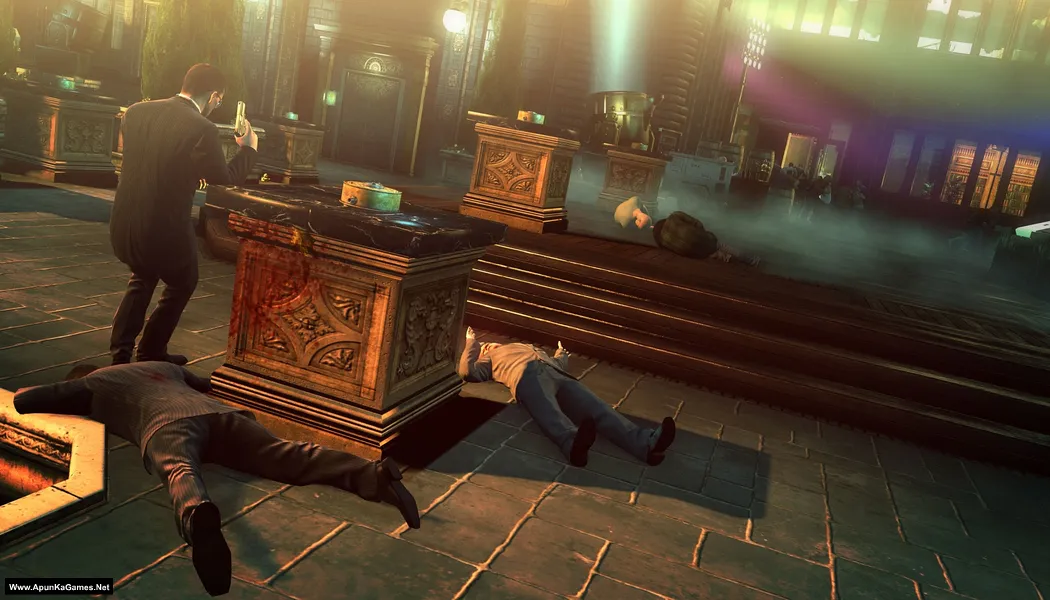
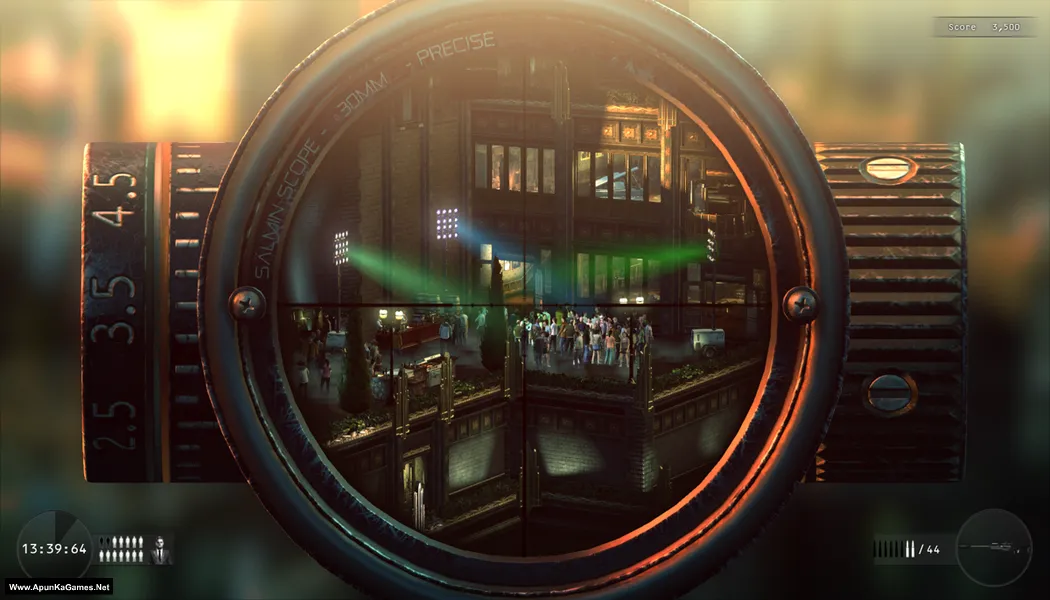
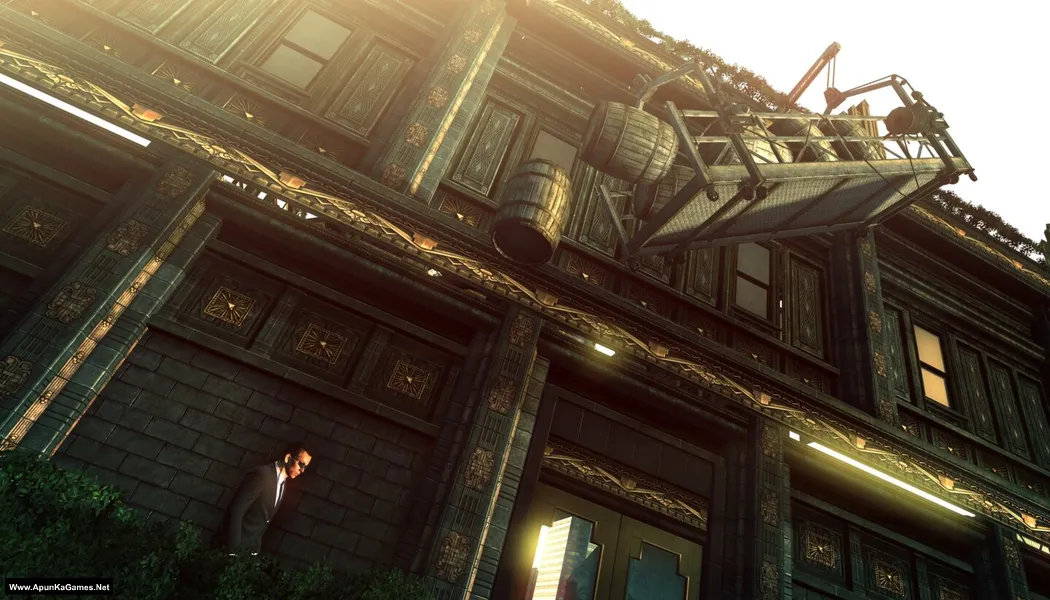
Screenshots
How to Install?
- Extract the file using Winrar. (Download Winrar)
- Open “Hitman Sniper Challenge” folder, double click on “Setup” and install it.
- After installation complete, go to the folder where you extract the game.
- Open “CRACK FIX” folder, copy all files and paste it where you install the game.
- Then double click on “HMSC.exe” to play the game. Done!
- Note: If the game gives you an error on Windows 10, go to Compatibility mode, select ‘Windows 95,’ click OK.
Complete Installation Video Tutorial?
We provide complete game installation videos to guarantee that every game works perfectly. Unlike other websites where you download blindly and hope for the best, we show you real proof. Our step-by-step installation videos clearly demonstrate the game running successfully, so you know exactly what you’re getting. With us, there’s no guesswork—only verified, 100% working games you can trust.
Trust / Proof
- 100% Working – Tested by Us
- Game Verified Before Upload
- Working Gameplay Shown
- No Fake Files
- Installed Successfully on Our PC
How to Download?
If your don’t know how to Download this game, just Click Here!
If your don’t know how to Download this game, just Click Here!
Hitman: Sniper Challenge Download
Click Here to Download This Game
Game Size: 1.10 GB
Password: www.apunkagames.net or apunkagames
Click Here to Download This Game
Game Size: 1.10 GB
Password: www.apunkagames.net or apunkagames

Is this game compitable with windows 11
Can I play this game without graphics card
When we launched the game the show an error “ buddha .dll not found ” how do i solve this.
disable antivirus and install again
Does not open in Windows 10. Solve this
Note: If the game gives you an error on Windows 10, go to Compatibility mode, select ‘Windows 95,’ click OK, and then start the game!
This game is 100% working. Please follow the instructions step by step: before extracting and installing the game, turn off your antivirus. After installation, you can turn it back on, as antivirus software may block DLL files.
01. Extract the file using Winrar. (Download Winrar)
02. Open “Hitman Sniper Challenge” folder, double click on “Setup” and install it.
03. After installation complete, go to the folder where you extract the game.
04. Open “CRACK FIX” folder, copy all files and paste it where you install the game.
05. Then double click on “HMSC.exe” to play the game. Done!
This game is 100% working. Please follow the instructions step by step: before extracting and installing the game, turn off your antivirus. After installation, you can turn it back on, as antivirus software may block DLL files.
01. Extract the file using Winrar. (Download Winrar)
02. Open “Hitman Sniper Challenge” folder, double click on “Setup” and install it.
03. After installation complete, go to the folder where you extract the game.
04. Open “CRACK FIX” folder, copy all files and paste it where you install the game.
05. Then double click on “HMSC.exe” to play the game. Done!
Note: If the game gives you an error on Windows 10, go to Compatibility mode, select ‘Windows 95,’ click OK, and then start the game!
I’m using Windows 11. I did all that. It didn’t work. I got 0xc0000906.
Note: If the game gives you an error on Windows 10, go to Compatibility mode, select ‘Windows 95,’ click OK, and then start the game!
01. After installation complete, go to the folder where you extract the game.
02. Open “CRACK FIX” folder, copy all files and paste it where you install the game.
03. Then double click on “HMSC.exe” to play the game. Done
same is happening with me also.
I did everything as told by admin
pls help @admin
Did everything including the compatibly stuff , still not working
BRO JAISA TUM NA KAHA MA NA SETUP KIYA CRACK FILE KO WAHA RAKHA LIKIN KOI ERROR A GYA PHIR MANA SKID WALA FOLDER WAHA PASTE KIYA TU INTRO CHAL GYA LIKIN JAB MA NA DCROOL ON KR KA GMAE START KI KUCH BHI NI HUA NA KOI ERROR NA KUCH
Watch this video guide carefully step by step how to install and play this game.
The game crashes when I start the story
Watch the video step by step how to install and play this game.
Crashes after playing 5 mins
I have set setting to low even after that
Watch the video step by step how to install and play this game.
Hey the game crashes after every 5 min. Solution?
Watch the video step by step how to install and play this game.