
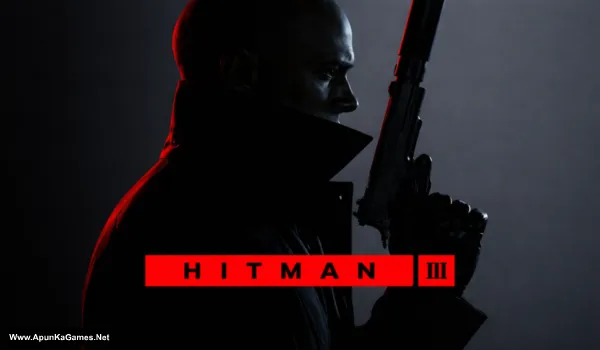
Hitman 3 Game – Overview – Free Download – PC – Specs – Screenshots – Installation Video
Type of game: Action-adventure, Stealth
Type of game: Action-adventure, Stealth
PC Release Date: January 20, 2022
Developer/Publishers: IO Interactive A/S
Hitman 3 (50.2 GB) is a stealth action game developed and published by IO Interactive. Players step into the role of Agent 47, a professional assassin completing high-profile missions around the world. The game features large open levels where players can eliminate targets using stealth, disguises, and creative strategies. With detailed environments, multiple mission approaches, and cinematic storytelling, Hitman 3 concludes the World of Assassination trilogy with challenging missions and immersive gameplay.
Developer/Publishers: IO Interactive A/S
Hitman 3 (50.2 GB) is a stealth action game developed and published by IO Interactive. Players step into the role of Agent 47, a professional assassin completing high-profile missions around the world. The game features large open levels where players can eliminate targets using stealth, disguises, and creative strategies. With detailed environments, multiple mission approaches, and cinematic storytelling, Hitman 3 concludes the World of Assassination trilogy with challenging missions and immersive gameplay.
Before downloading make sure that your PC meets minimum system requirements.
Minimum System Requirements
- OS: Windows 10 (64-Bit)
- Processor: Intel CPU Core i5-2500K 3.3GHz / AMD CPU Phenom II X4 940
- RAM: 8 GB
- Hard Disk: 60 GB available space
- Graphics Card: NVIDIA GeForce GTX 660 / Radeon HD 7870
- DirectX: Version 12
Screenshots
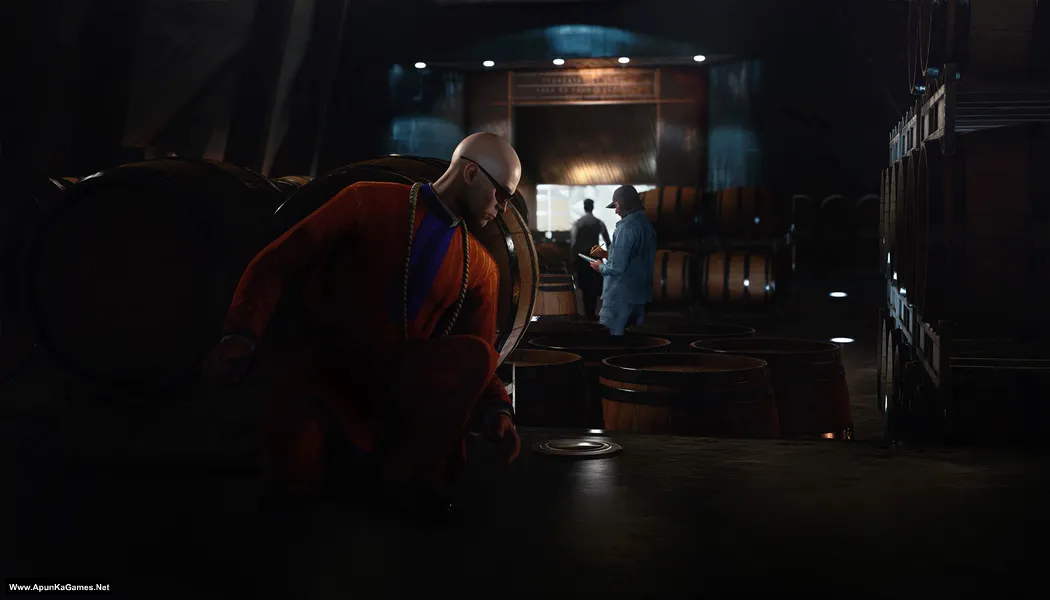
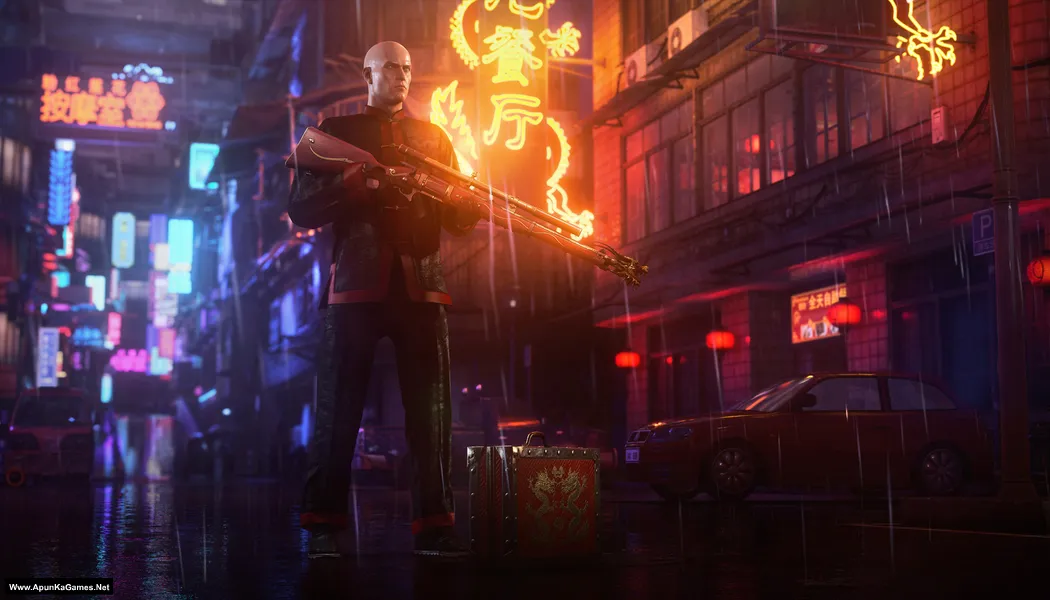
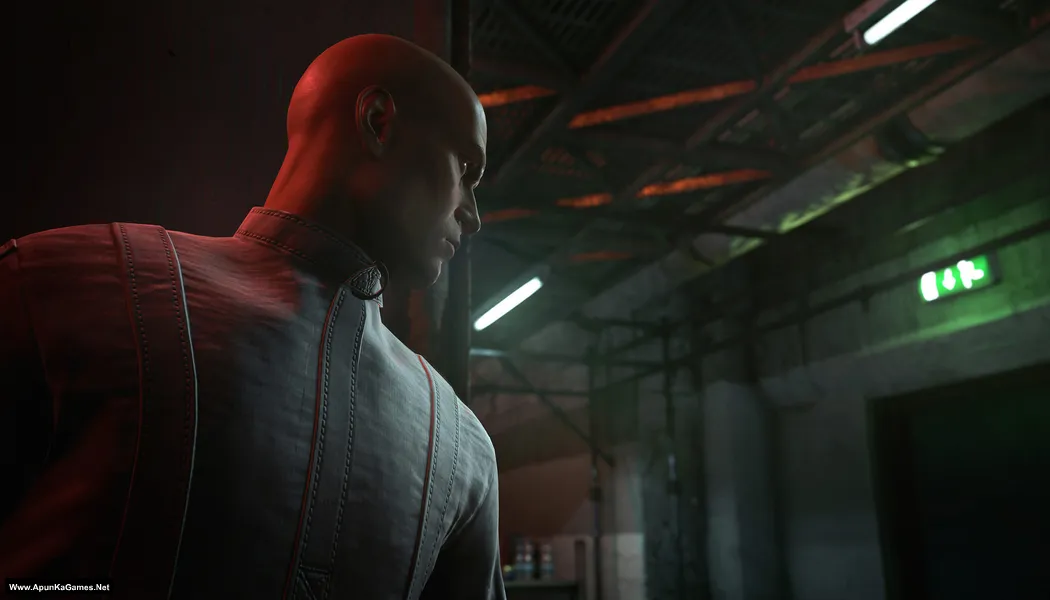
How to Install?
- Extract the file using Winrar. (Download Winrar)
- Open “Hitman 3” folder, double click on “Setup” and install it.
- After installation complete, go to the folder where you extract the game.
- Open “CODEX” folder, copy all files and paste it where you install the game.
- Then double click on “Launcher” icon to play the game. Done!
How to Download?
If your don’t know how to Download this game, just Click Here!
Game Size: 50.2 GB
Password: www.apunkagames.net or apunkagames

Thanks for new game uploads.
I thought apunkagames was dead in updatings.
Please make 900mb folders in parts please
can u give me full download setup link it open another page
Yes
Game is working
its working yeahhhhh
Pls provide us the single link to download the whole game ( no parts )…
Download game setup link is ad. It opens an ad always. Pls provide the genuine link .
Pls
When it opens an ad close it and open the link again then it will work fine
Does it include Dlcs?
I think nope.
It is working thanks
Thank you for your feedback! We’re glad to hear the game is working perfectly.
can u give me full download setup link it open another page
This setup has 15 parts (3.5 GB each), with a total size of 50.2 GB. Click here to Download
fileslocker download links are not working
please resolve it
All links are working 100% from our side you should download one by one to avoid errors.
forced close when saving game automatically, how to fix it
If Hitman 3 force closes while saving automatically, it’s usually caused by corrupted save files, missing game files, or Windows/driver issues. Try deleting the latest autosave/manual save, then verify or reinstall the game files. Also update your GPU drivers, disable antivirus temporarily, and run the game as administrator. Some players also fixed save crashes by deleting cache files or reinstalling the game completely.
Hitman 3 – (Www.ApunKaGames.Biz).part14
Is corrupted file check. When you extract
Brother, if Part 14 shows as corrupted during extraction, it usually means that part wasn’t downloaded completely or got corrupted during the download. Please re-download Part 14 only, place it in the same folder with the other parts, and then extract Part 1 again. It should work fine. 👍
how can i run the game because it says it needs epic game launcher to run
After installation finished? did you paste the crack file? follow this instruction: before extracting and installing the game, turn off your antivirus. After installation, you can turn it back on, as antivirus software may block DLL files.
01. After installation complete, go to the folder where you extract the game.
02. Open “CODEX” folder, copy all files and paste it where you install the game.
03. Then double click on “Launcher.exe” to play the game. Done!
when i run the game after the menu when i press start it just quits and nothing shows up what is wrong
If Hitman 3 closes after you press Start, it’s usually caused by missing game files, outdated graphics drivers, missing Visual C++/DirectX components, or antivirus interference. Please install the latest Microsoft Visual C++ Redistributables and DirectX, update your graphics driver, and make sure your antivirus hasn’t quarantined any game files. If the issue still persists, please share your PC specifications and any error message so we can help further.