
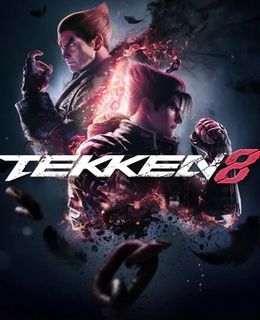
Tekken 8 Game – Overview – Free Download – PC – Compressed – Specs – Screenshots – Free
Type of game: Action-Fighting
PC Release Date: January 26, 2024
Developer/Publishers: Bandai Namco Studios Inc, Bandai Namco Entertainment
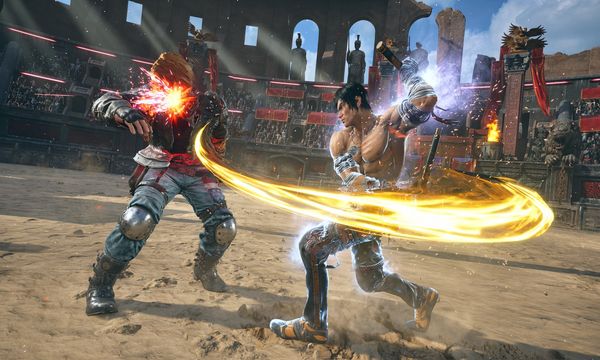
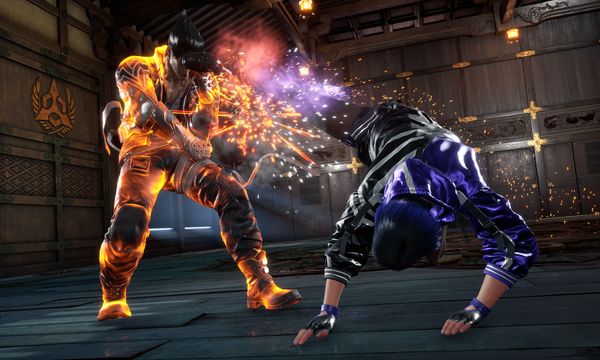
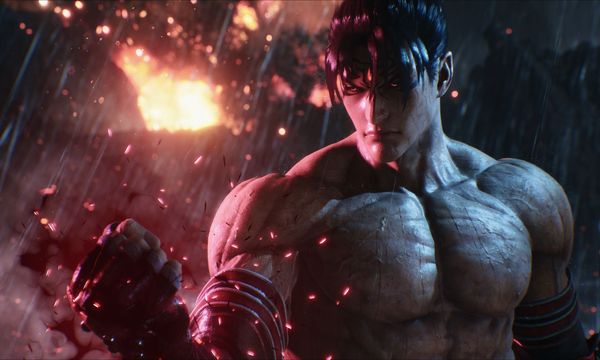
Tekken 8 (77.8 GB) is an Action-Fighting video game. Developed and published by Bandai Namco Studios Inc, Bandai Namco Entertainment. It was released on January 26, 2024 for Windows. Completely redesigned character visuals. Elaborate, highly-detailed models built from the ground and high-fidelity graphics break the limits of new-generation hardware by adding a new weight and atmosphere to TEKKEN’s signature battles. Vivid environments and destructible stages combine to create an overwhelming sense of immersion, creating the ultimate play experience.
Type of game: Action-Fighting
PC Release Date: January 26, 2024
Developer/Publishers: Bandai Namco Studios Inc, Bandai Namco Entertainment
Tekken 8 (77.8 GB) is an Action-Fighting video game. Developed and published by Bandai Namco Studios Inc, Bandai Namco Entertainment. It was released on January 26, 2024 for Windows. Completely redesigned character visuals. Elaborate, highly-detailed models built from the ground and high-fidelity graphics break the limits of new-generation hardware by adding a new weight and atmosphere to TEKKEN’s signature battles. Vivid environments and destructible stages combine to create an overwhelming sense of immersion, creating the ultimate play experience.
Before downloading make sure that your PC meets minimum system requirements.
Minimum System Requirements
-
-
- OS: Windows 10 (64-Bit)
- Processor: Intel Core i5-6600K/AMD Ryzen 5 1600
- RAM: 8 GB
- Hard Disk: 100 GB available space
- Graphics Card: Nvidia GeForce GTX 1050Ti/AMD Radeon R9 380X
- Network: Broadband Internet connection
- DirectX: Version 12
-
Screenshots
How to Install?
- Extract the file using Winrar. (Download Winrar)
- Open “Tekken 8” folder, double click on “Setup” and install it.
- After installation complete, go to the folder where you extract the game.
- Open “RUNE” folder, copy all files and paste it where you install the game.
- Then double click on “Game” icon to play the game. Done!
How to Download?
If your don’t know how to Download this game, just Click Here!
If your don’t know how to Download this game, just Click Here!
Game Size: 77.8 GB
Password: www.apunkagames.net or apunkagames

Does it work?
yes
part 4 not working
All links are working brother. Download the files one by one. TheFileLocker does not support multiple downloads at the same time, and downloading more than one file simultaneously may cause errors. Ensure each file is downloaded individually. Let the first download finish, then download the second one. Make sure no other parts are downloading in IDM.
It Working very well Thanks
Thank you for confirming that it’s working perfectly. Your feedback is appreciated and will be helpful for other users.