
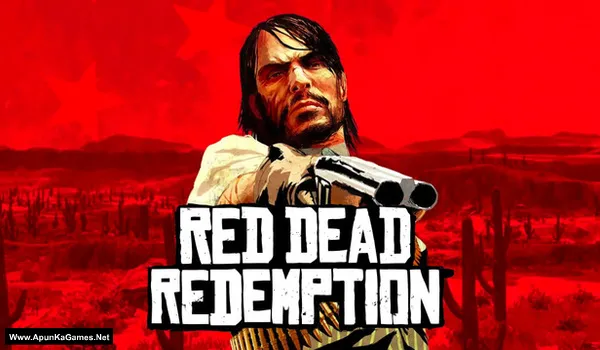
Red Dead Redemption 1 Game – Overview – Free Download – PC – Specs – Screenshots – Free
Type of game: Action-adventure, Open World
PC Release Date: October 29, 2024
Developer/Publishers: Rockstar Games, Double Eleven
Red Dead Redemption (8.23 GB) is an Action-adventure, Open World FPS video game. Developed and published by Rockstar Games, Double Eleven. It was released on October 29, 2024 for Windows. RDR 1 and its iconic zombie-horror companion story, Undead Nightmare, can now be enjoyed on PC in stunning detail together in one stellar package. Red Dead Redemption includes new features to bring the game to life on PC, with HDR lighting, native 4K resolution at up to 144hz on supported hardware, monitor support for Ultrawide (21:9) and Super Ultrawide (32:9), adjustable draw distances, shadow quality settings, and more.
Type of game: Action-adventure, Open World
PC Release Date: October 29, 2024
Developer/Publishers: Rockstar Games, Double Eleven
Red Dead Redemption (8.23 GB) is an Action-adventure, Open World FPS video game. Developed and published by Rockstar Games, Double Eleven. It was released on October 29, 2024 for Windows. RDR 1 and its iconic zombie-horror companion story, Undead Nightmare, can now be enjoyed on PC in stunning detail together in one stellar package. Red Dead Redemption includes new features to bring the game to life on PC, with HDR lighting, native 4K resolution at up to 144hz on supported hardware, monitor support for Ultrawide (21:9) and Super Ultrawide (32:9), adjustable draw distances, shadow quality settings, and more.
Before downloading make sure that your PC meets minimum system requirements.
Minimum System Requirements
- OS: Windows 10 (64-Bit)
- Processor: Intel Core™ i5-4670 / AMD FX-9590
- RAM: 8 GB
- Hard Disk: 12 GB available space
- Graphics Card: NVIDIA GeForce GTX 960 / AMD Radeon R7 360
- DirectX: Version 12
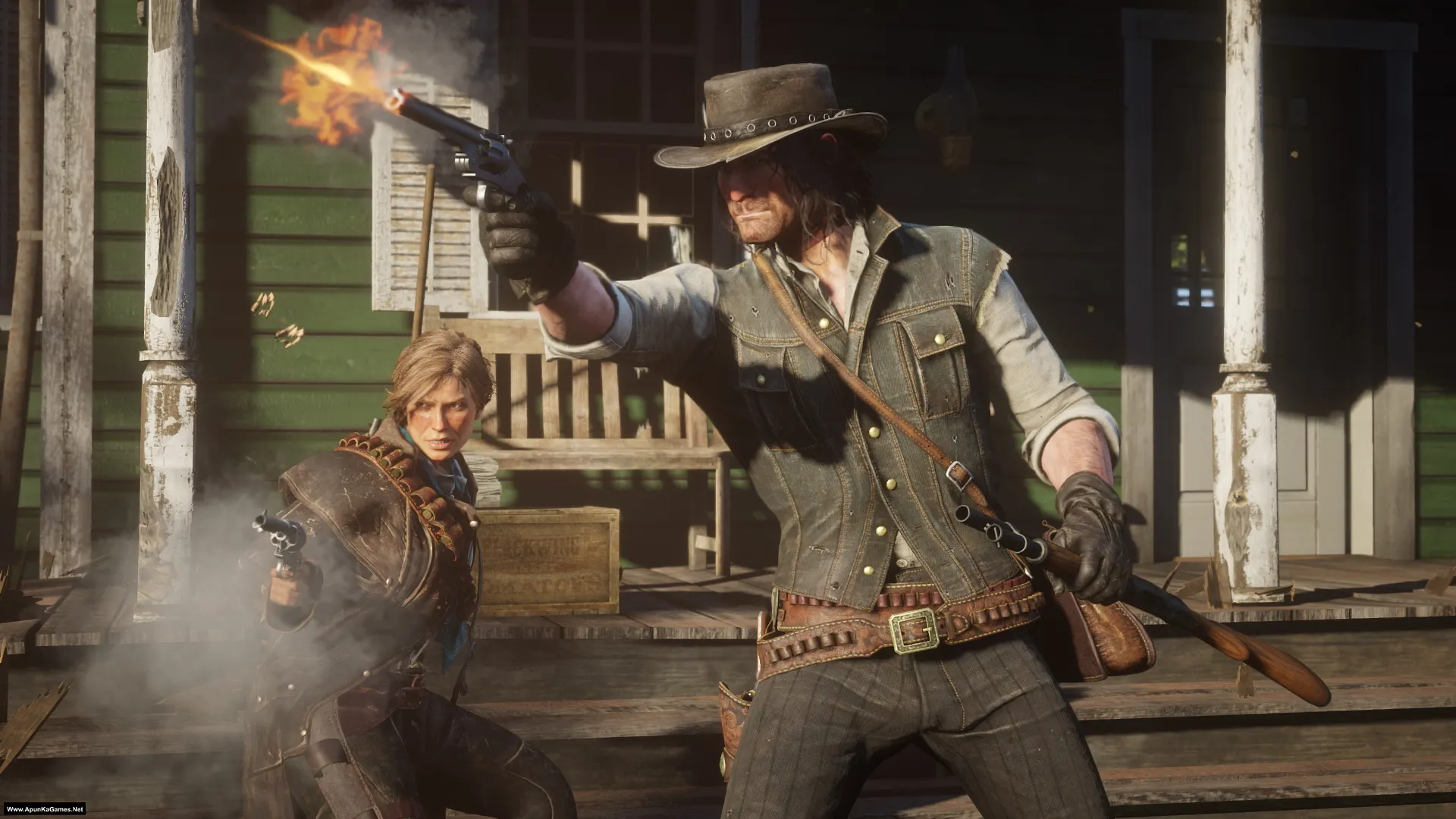
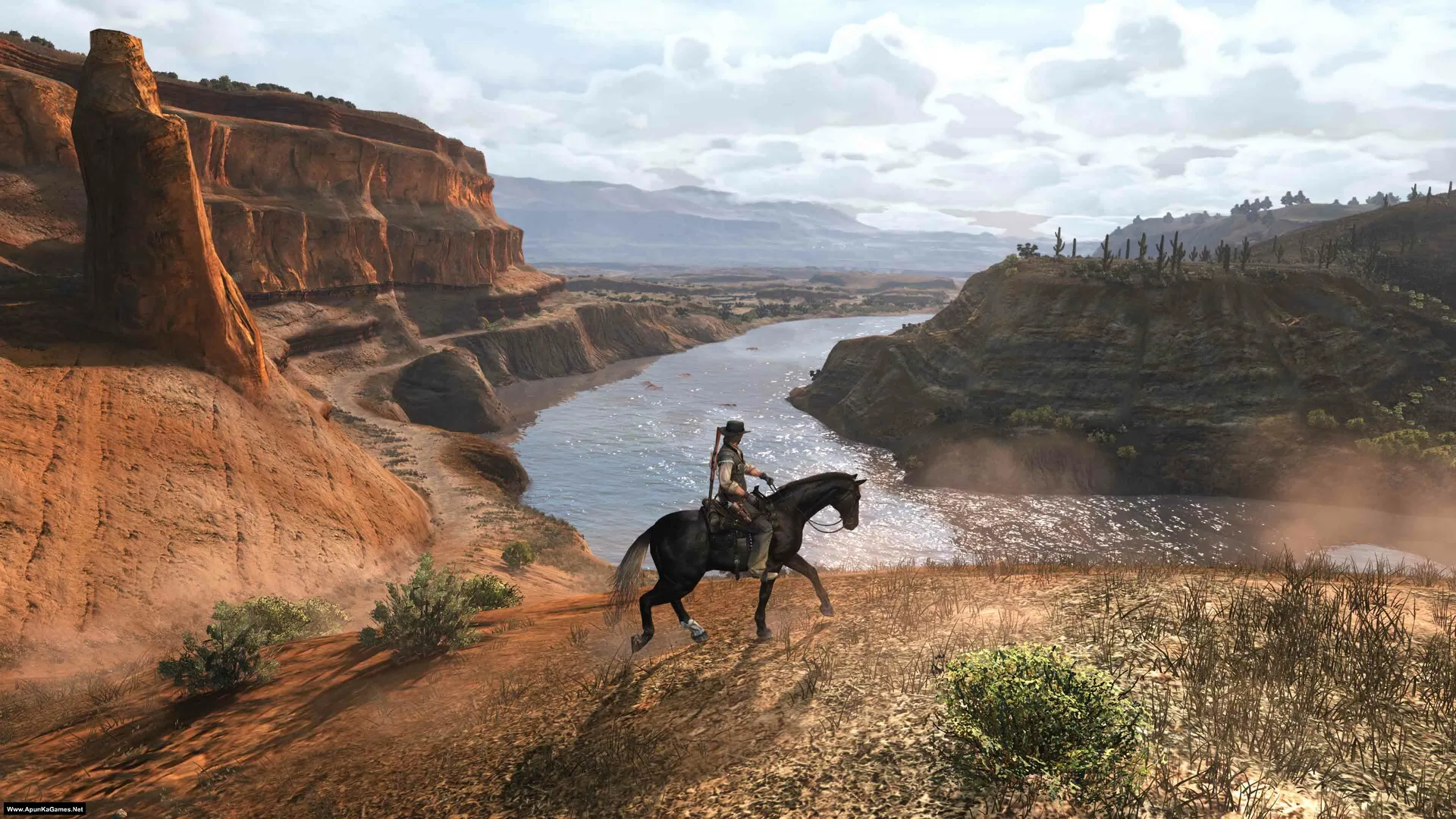
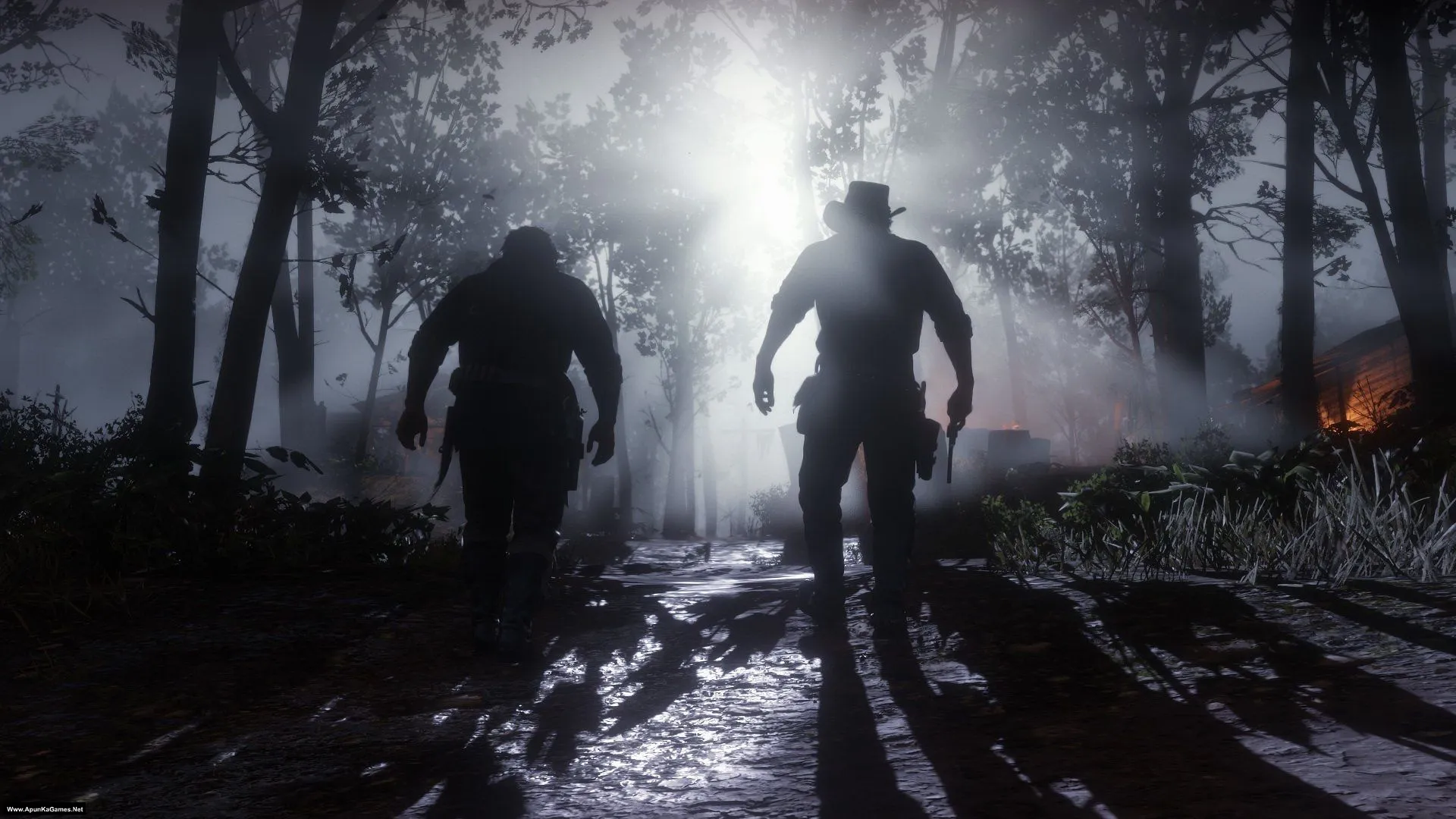
Screenshots
How to Install?
- Extract the file using Winrar. (Download Winrar)
- Open “Red Dead Redemption” folder, double click on “Setup” and install it.
- After installation complete, go to the folder where you extract the game.
- Open “Razor1911” folder, copy all files and paste it where you install the game.
- Then double click on “RDR.exe” to play the game. Done!
Complete Installation Video Tutorial? We provide complete game installation videos to guarantee that every game works perfectly. Unlike other websites where you download blindly and hope for the best, we show you real proof. Our step-by-step installation videos clearly demonstrate the game running successfully, so you know exactly what you’re getting. With us, there’s no guesswork—only verified, 100% working games you can trust.
Trust / Proof
- 100% Working – Tested by Us
- Game Verified Before Upload
- Working Gameplay Shown
- No Fake Files
- Installed Successfully on Our PC
How to Download?
If your don’t know how to Download this game, just Click Here!
If your don’t know how to Download this game, just Click Here!
Game Size: 8.23 GB
Password: www.apunkagames.net or apunkagames

part 2 wont download
download one by one all links are working fine if error still there refresh the page..
Is it okay part 1 be downloaded?
Yes brother 👍 Part 1 should be downloaded completely first. After that, download the remaining parts and keep all of them in the same folder before extracting.
The code execution cannot proceed because VCRUNTIME140_1.dill cannot be found
Brother, this error means the Microsoft Visual C++ Redistributables are missing or not installed correctly. Download and install the latest Microsoft Visual C++ Redistributables (x64 and x86) from Microsoft’s official website, then restart your PC and try launching the game again. This fixes most VCRUNTIME140_1.dll errors. 👍 Also Watch this video guide and follow step by step How to Download, extract, install and play this game without any error.
I download all the parts of red dead redemption 1 and install in my PC but in cause some error like rdr 1 exe entry are not found and the procedure setdiscription are not found In dynamic link library and not found many dll fil
Please make sure that all required game software is installed on your PC, such as DirectX, Microsoft Visual C++, and .NET Framework.
👉 Visual C++ Redistributable (All-in-One): Download Link
This is a 100% working setup. If you are facing issues, please reinstall the game and carefully follow the instructions below.
Important Checks Before Installation:
01. Ensure the game is extracted properly
02. Check the game size after extraction
03. If any part is not downloaded completely, the setup may appear but the game will not work
⚠️ Important:
Before extraction, disable all antivirus software, including Windows Defender. Antivirus programs often block or delete third-party setup or crack files.
Correct Extraction Method:
Copy both parts into one new folder
Extract only Part 1
(The other part will extract automatically)
Installation Guide (Step by Step):
01. Open the “Red Dead Redemption” folder
02. Double-click “Setup” and complete the installation
03. After installation is complete, open the game installation directory
04. Open the “Razor1911” folder, copy all files, and paste them into the installed game folder
05. Double-click the “RDR” icon to start the game ✅ Done!
Works fine,,, thanx for all your hard work, appreciate it bro👍
Glad it worked for you, brother 👍 Thanks for the support — really appreciate it. Enjoy the game!
Access Violation (c0000005) Error
how ??
It’s 100% working setup you can see this in Installation Video. Try to re-install this game and must turn off Anti-Virus before installation and extraction. Follow this video instruction step by step and Download Microsoft Redist Package and install it.
i faced it too. update your graphics drivers it’ll work.
Part 1 and 2 are same or different i downloaded both but both are same
Please check the size of both parts (Part 1 is 5 GB and Part 2 is 3.2 GB). The total game size is 8.23 GB. Download both parts and paste them into a new folder. Then extract only Part 1 — Part 2 will be extracted automatically.
Part 1 and 2 are same or different i downloaded both but both are same
Please check the size of both parts (Part 1 is 5 GB and Part 2 is 3.2 GB). The total game size is 8.23 GB. Download both parts and paste them into a new folder. Then extract only Part 1 — Part 2 will be extracted automatically.
BRO, IM GETTING THAT EXITED UNEXPECTEDLY ACESS CODE VIOLATION ERROR PLS HELP
Watch the video how to download and install the game without error
thank you very much
You’re Welcome keep enjoying!
Apunkagames where can I get de old version of this red Dead redemption on ur website.
The old version is not working properly, so please download the new version of this game from our website. It is about 8.23 GB.
Bro mene apse jo bhi game download kiya sab chal gayi like farcry2 resident evil 4 ultimate or maxpayne 1,2 dono chal Gaye or ye rdr1 game me ye error aya hai or me apka installation video bhi deka or all in one runtime installer bhi download kiya or pir bhi ye error ha raha hai
Red Dead Redemption
Red Dead Redemption exited unexpectedly.
Error Code: ACCESS_VIOLATION (C0000005)
Session ID: 724d20be-56f6-4a1a-9615-1d8cc8048fce
If you continue to have problems playing the game, please contact Rockstar Games Support at:
https://support.rockstargames.com/
Please me bro 😎
Bro, this ACCESS_VIOLATION (C0000005) error usually comes from overlay apps, bad/corrupted game files, or old graphics drivers. Please close MSI Afterburner/RivaTuner or any overlay, verify the game files, update your GPU driver, and run the game as Administrator. After that restart your PC and try again. Also watch the video guide how to download, install and play this game.
—————————
Red Dead Redemption
—————————
Red Dead Redemption exited unexpectedly.
Error Code: ACCESS_VIOLATION (C0000005)
Session ID: 6274ad98-6aa2-4765-a84b-f7b5be5fefe7
If you continue to have problems playing the game, please contact Rockstar Games Support at support.rockstargames.com
—————————
OK
—————————
Watch and follow this video step by step how to Download, extract, install and play the game without any error! 100% working setup!
Bro this violation (C0000005) error is coming every time , I performed all activities to solve it but it don’t start help please
It’s 100% working setup. Watch this video guide and follow step by step How to install this game without any error! The C0000005 error usually appears when the game can’t access required files due to missing components, blocked files, or driver issues. To fix it, run the game as administrator, install the latest Visual C++ redistributables, update your graphics drivers, and disable any overlays like Discord or Xbox Game Bar. If the issue continues, try a clean reinstall because some files may not have installed correctly. Let me know your PC specs and the game name so I can guide you better.
This site can’t be reached
Check if there is a typo in fs22.thefileslocker.com.
If spelling is correct, try running windows network Diagnostics.
DNS_PROBE_FINISHED_NXDOMAIN
HEY APUNKA PLS FIX THIS ERROR IN FILES LOCKER
Link is fixed now you can download also, when downloading games in parts, try to download them one by one. Wait for the first part to finish completely before starting the second part. TheFileLocker does not support multiple simultaneous downloads properly, which is why it can show errors. If you are using IDM, cancel all active downloads first, then click on Part 10 to start it again, and it should download without issues 👍
This game is really work
Yes the game is 100% working.
Yes. The game works very well. Excellent Job by Admin!!
Plays perfectly 👌. Thanks brother
Welcome.😊
The Game Works Perfectly!!!!!!!!!. Thank You for Uploading!!
Can you share a guide on how to connect a Controller to play it and what type of controller works best. I struggle using Mouse.
Thanks!. Admin!!!
Glad to hear the game is working perfectly 👍🎮 For controllers, I don’t know much, brother—I’ve used mouse for gaming my whole life 😁
Yes. The game works very well. Excellent Job by Admin!!
My pleasure.😊
thank you for all the games in ur website bro 💓
You’re welcome.
You said FPS does it now work as a first person mode game?
Please reply
I’ve been waiting for this game my whole thanks for dropping but the only problem I have is I have storage problems on my phone I’d really really appreciate if maybe U could also provide 900,700,600mbs parts thanks for Ur time and I’d really appreciate if U give me a feed 😊🙏
Thank you, brother ❤️ We’re glad you’re excited for the game 😊
We understand the storage issue on phones. We’ll keep your suggestion in mind and try to provide smaller parts (900MB, 700MB, 600MB) whenever possible. Thanks for the feedback and support, we really appreciate it 🙏🎮
Thanks for Ur feedback but better provide them soon cuz I want this game so bad !! 😂😂😂
Thanks for your excitement 😄❤️ We understand you really want the game soon, and we’ll try our best to upload it as quickly as possible 👍🎮
My game use to work before. Now i get the access violation error.
I have uninstalled and installed. Same problems
Watch this video guide
All games working perfectly but this game show me error access violation i disabled my antivirus and follow your video and install all software step by step but this error show me again so please solve this
The “Access Violation” error is usually caused by corrupted game files, missing dependencies, outdated graphics drivers, antivirus interference, or compatibility issues. Try running the game as Administrator, update your GPU drivers, install the latest Visual C++ Redistributables and DirectX, temporarily disable your antivirus or restore any files it may have quarantined, and verify or reinstall the game if necessary. If the problem persists, please share the exact error message and a screenshot so we can help you further.
Red Dead Redemption exited unexpectedly.
Error Code: ACCESS_VIOLATION (C0000005)
Session ID: 15235544-0538-4055-b4ba-e54a1a5fa445
This error is showing i had done every as uou shown in the video
The ACCESS_VIOLATION (C0000005) error is usually caused by corrupted game files, outdated graphics drivers, overlays, mods, or graphics API issues. Verify the game files, update your GPU driver, disable overlays and mods, then try switching between Vulkan and DirectX 12. Make sure your antivirus or defender is temporary disabled before installing the game.
Brother will it run on i5 2500k 8gb ram without gpu please tell me
Please go to the game’s main page, read the system requirements, and compare them with your PC specifications.
The requested URL was not found on this server
All links are working fine from our side you have to check your internet connection or also you have to download one by one to avoid errors.