
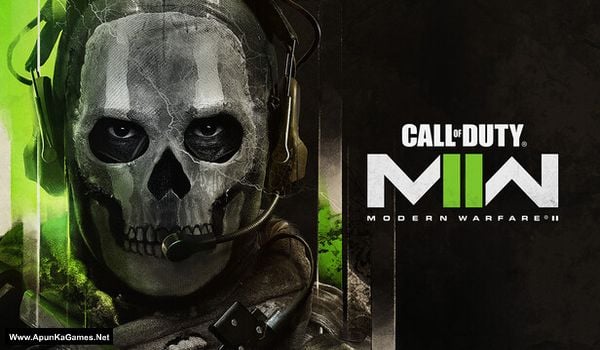
Type of game: Action, FPS
PC Release Date: October 23, 2022
Developer/Publishers: Infinity Ward, Raven Software, Beenox, Treyarch, High Moon Studios, Sledgehammer Games, Demonware, Toys for Bob, Activision
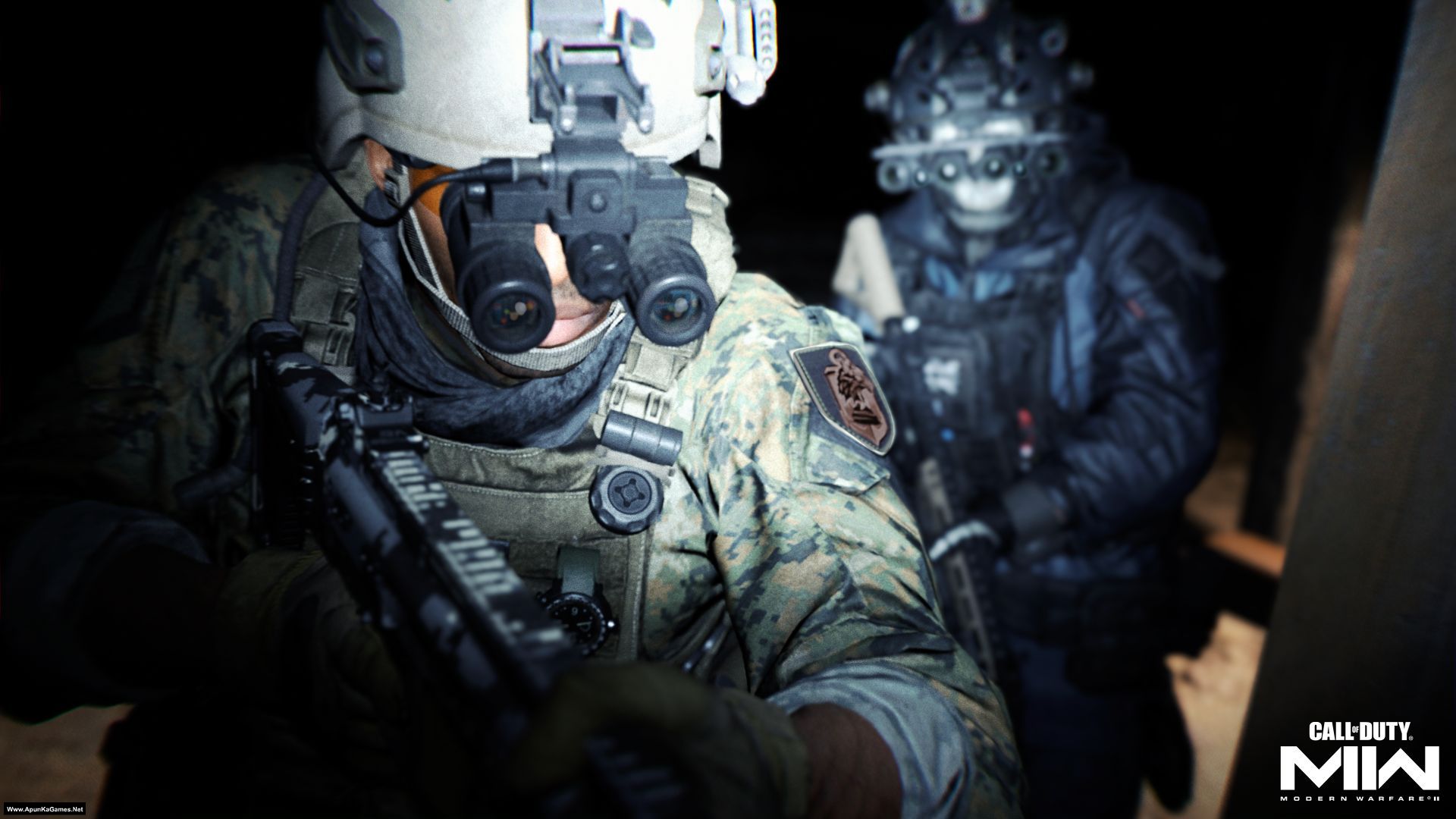
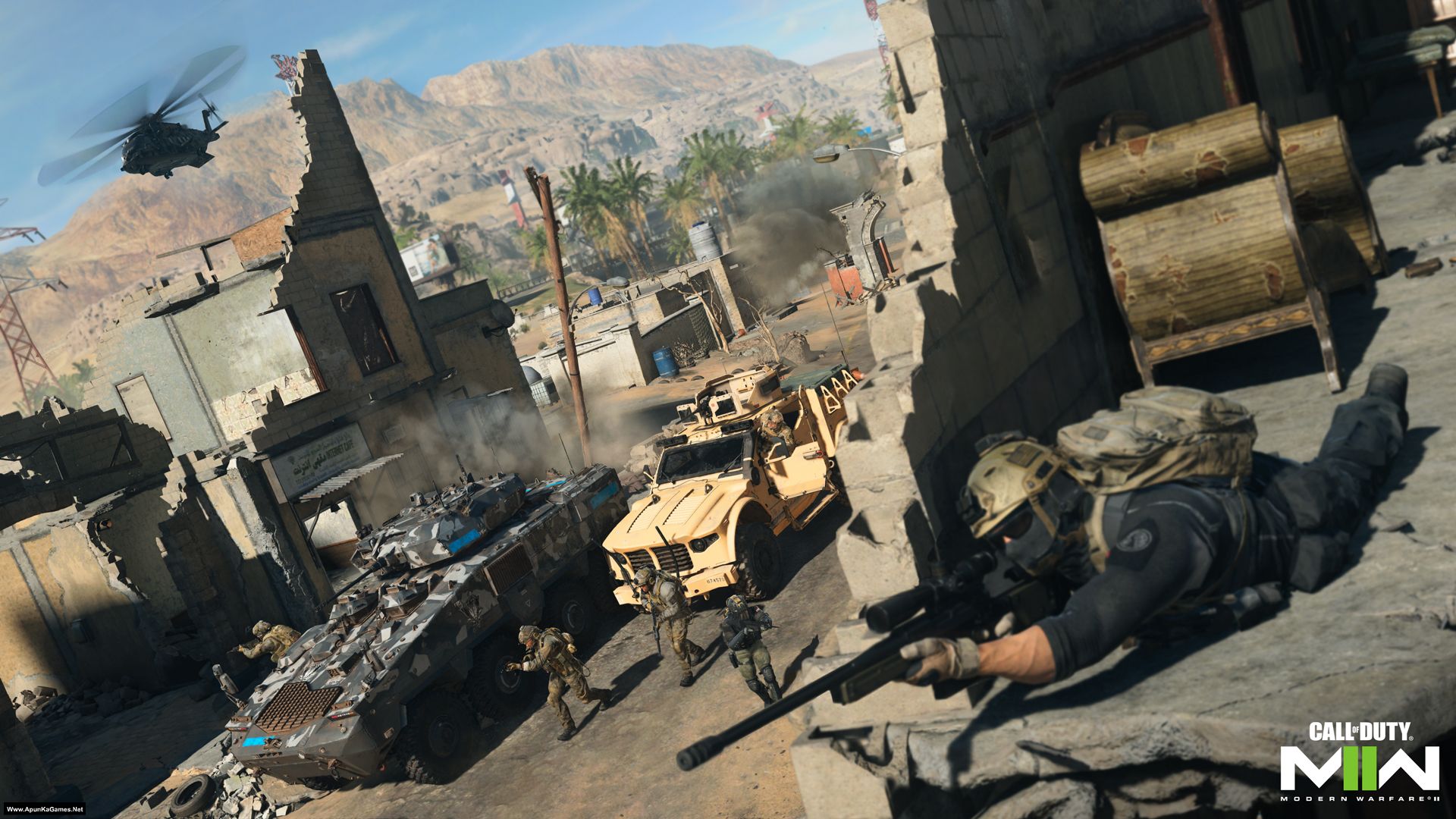
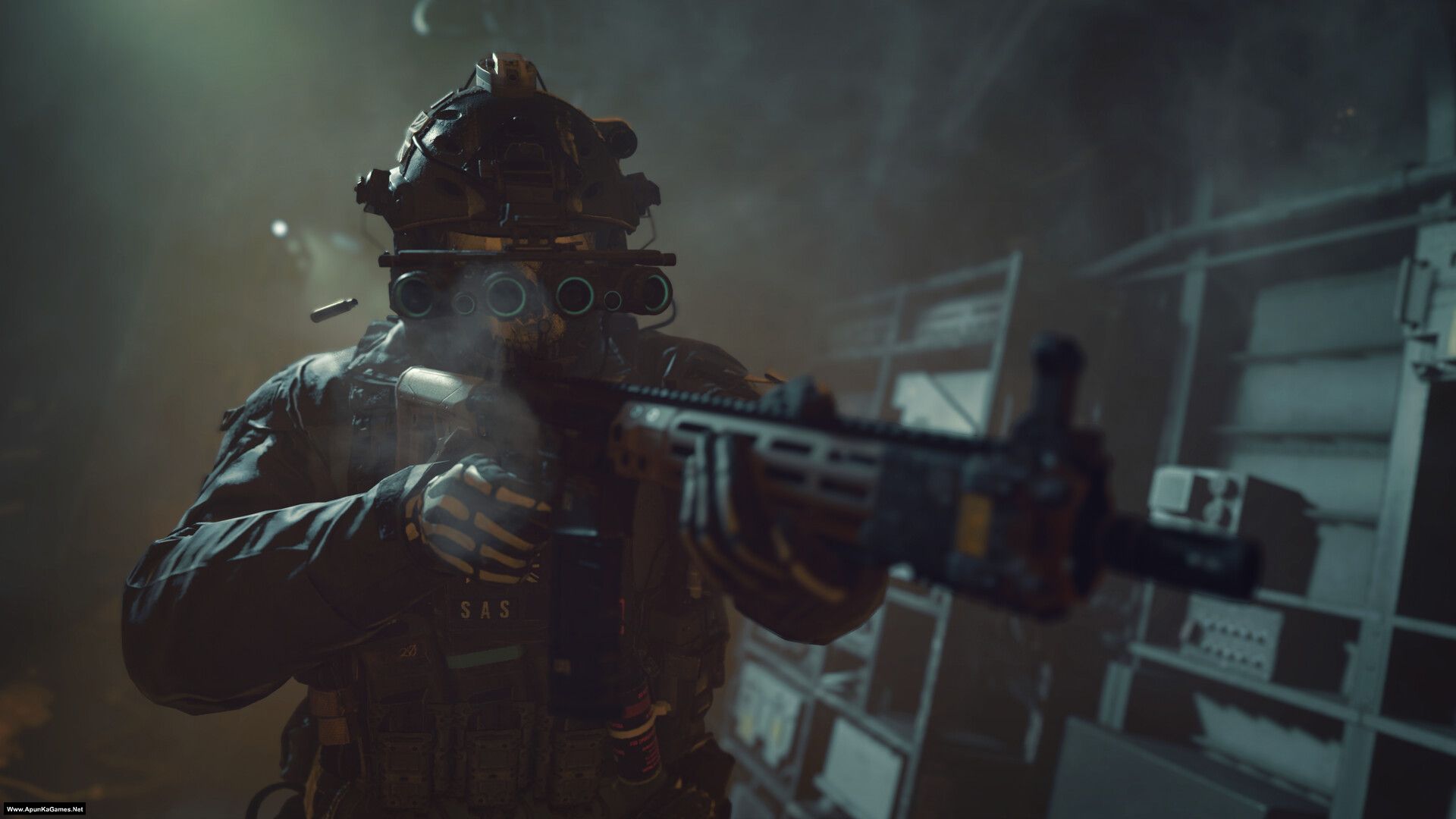
Call of Duty: Modern Warfare II (2022) (21.7 GB) is an Action, FPS video game. Developed and published by Infinity Ward, Raven Software, Beenox, Treyarch, High Moon Studios, Sledgehammer Games, Demonware, Toys for Bob, Activision. It was released on October 23, 2022 for Windows. COD: MW II (2022) delivers a grounded, cinematic shooter experience with hyper-realistic visuals, smarter enemy AI, and refined movement mechanics like swimming and ledge hanging. Its redesigned Gunsmith system emphasizes weapon platforms and customization depth, while tactical multiplayer and co-op modes blend realism with fast-paced action, making it a modern, immersive evolution of the franchise.
Before downloading make sure that your PC meets minimum system requirements.
Minimum System Requirements
- OS: Windows 10 64-Bit (latest update)
- Processor: Intel Core™ i3-6100 / Core™ i5-2500K or AMD Ryzen™ 3 1200
- RAM: 8 GB
- Hard Disk: 125 GB available space
- Graphics Card: NVIDIA GeForce® GTX 960 or AMD Radeon™ RX 470 – DirectX 12.0 compatible
- DirectX: Version 12
How to Install?
- Extract the file using Winrar. (Download Winrar)
- Open “Call of Duty MW2 (2022)” folder, double click on “setup” and install it.
- After installation complete, go to the folder where you install the game.
- Open folder, double click on “!start_sp22.bat” to play the game. Done!
Important Note: Do NOT close the “!start_sp22.bat” background CMD window. Closing it will cause the game to stop working or show an error.
Complete Installation Video Tutorial? We provide complete game installation videos to guarantee that every game works perfectly. Unlike other websites where you download blindly and hope for the best, we show you real proof. Our step-by-step installation videos clearly demonstrate the game running successfully, so you know exactly what you’re getting. With us, there’s no guesswork—only verified, 100% working games you can trust.
Trust / Proof
- 100% Working – Tested by Us
- Game Verified Before Upload
- Working Gameplay Shown
- No Fake Files
- Installed Successfully on Our PC
If your don’t know how to Download this game, just Click Here!
Game Size: 21.7 GB
Password: www.apunkagames.net or apunkagames

Appreciate it. Please upload modern warfare 2019 campaign been waiting for it very long.
Game Noticed… We will upload this game in a week or soon as possible… Thanks!
Can u please upload cyberpunk 2077 , I have been waiting for it for soooo long
Game noticed! We’ll upload Cyberpunk 2077 as soon as possible. Thanks for your patience.
Hey! Where do I get the anti cheat driver to avoid the game from crashing?
01. Download the Crack files (which is given below download link) and extract it..
02. Then Copy “Crack’ folder all files and paste it directory into the game folder and click replace.
03. After that, right click on “_install.bat”, run as administrator and press any key to finish.
04. Run the game by administrator “cod.exe” to play the game. When the game reaches connecting screen press “escape” keyboard then press “Go Offline”.
05. Game is now freey playable, you can press the ‘END’ key on your keyboard to enable mission cheat
Important Notes: Please wait for shader optimization to finish before starting the game. Enjoy!
Game 🎯 💯
Bruh it already uploaded btw
https://www.apunkagames.com/2019/04/call-of-duty-modern-warfare-remastered-game-d10.html
No, Call of Duty: Modern Warfare Remastered (2016) is a graphical update of the original Call of Duty 4: Modern Warfare (2007) Homi. Call of Duty: Modern Warfare (2019) is not the same as Call of Duty: Modern Warfare Remastered (MWR); MWR is a graphically updated version of the original CoD4: Modern Warfare (2007) with the same story, while Modern Warfare (2019) is a complete reboot, telling a new story and introducing different gameplay mechanics, making it part of a separate continuity. Think of MWR as a shiny remake of an old classic, whereas MW2019 is a fresh start with familiar names but a brand new narrative and features…
Ohh thanks for the info dude <3
You’re most welcome sir!
please help me instal.bat its not running on my pc
Before extract you must turn off all anti-virus + Windows Defender. Then Copy all parts into one new folder and then extract part 1. Try it and then tell me if this work for you…
bro I extracted all the files without turning off antivirus and Windows Defender, what should I do now?
Follow this guidance step by step:
01. Download the Crack files (which is given below download link) and extract it..
02. Then Copy “Crack’ folder all files and paste it directory into the game folder and click replace.
03. After that, right click on “_install.bat”, run as administrator and press any key to finish.
04. Run the game by administrator “cod.exe” to play the game. When the game reaches connecting screen press “escape” keyboard then press “Go Offline”.
05. Game is now freely playable, you can press the ‘END’ key on your keyboard to enable mission cheat.
Main point note this: Important Notes: Please wait for shader optimization to finish 100% before start playing the game. Enjoy!
Hey the part 6 is said the file is not found in the server please upload it i downloaded all the parts and that part is missing
All parts are ok you just need to download all parts one by one.. I check all the parts links and it’s working fine. Download one by one, wait first one to finish and then download the second one it will work! cancel all the downloading and then click on part 6 it will work 100%!
Where is modern warfare(2019)…everyday i open this website and fall in vain…i hoped in Christmas this will available…
We will upload this game soon. We are finding a working setup it will take some time also recovering older games deleted links but we will make this game sooner! sorry for late reply!
hello i am having issues to download parts 3,4,5,6 its showing can’t reach this page on clicking the create the download link button in all the parts except 1 and 2 please fix
All parts are working fine… you just need to download all parts one by one. wait 1st part to finish then start 2nd download. At one time 1 part. Thefilelocker can’t support multiple download so you have to download one by one!
Hello,
Your website is really amazing. I often download games from your site and enjoy playing them a lot.
I would like to kindly request you to please add or upload the game Call of Duty: Vanguard on your website if possible.
It would be very helpful for me and many other gamers.
Thank you for your great service.
Hi Ahsan,
Thanks for your Feedback. We appreciate it! Call of Duty: Vanguard game setup is Checked and ready to upload. we will publish this game on apunkagames in 2 to 3 days. Thanks!
Hey Dude its true part 3,4,5,6 is not downloading says fileloclker server cant reach.
The link is working fine. Please download the parts one by one. TheFileLocker does not support multiple downloads at the same time, and attempting to download more than one file at once may cause an error. Make sure to download each file individually.
brother this game will run in 8gb ram corei5 pc ?
OS: Windows 10 64-Bit (latest update)
Processor: Intel Core™ i3-6100 / Core™ i5-2500K or AMD Ryzen™ 3 1200
RAM: 8 GB
Hard Disk: 125 GB available space
Graphics Card: NVIDIA GeForce® GTX 960 or AMD Radeon™ RX 470 – DirectX 12.0 compatible
DirectX: Version 12
If your PC is above or matched from this system requirement then yes
Hii Mr. Apun ka games sir, i am your fan since my childhood.You made available all Call of duty series, But i am desperately waiting for new MW series. Please uplaod COD MW 2019 and COD MW 2023 as uh already upload COD MW 2 . please upload asap and i am also ready to donate on this website if it seems neccessary.
Hi Rishu Singh, thank you for your feedback. We are currently verifying the COD MW setup to ensure a smooth and error-free installation process. Once this verification is complete, we will proceed with uploading the new COD MW game.
Thank you for your patience and continued support. We truly appreciate it and hope you continue to enjoy our content.
i make all that what you say to but all on one folder and disbaled all anti virus but not working
Follow this guidance step by step:
01. Download the Crack files (which is given below download link) and extract it..
02. Then Copy “Crack’ folder all files and paste it directory into the game folder and click replace.
03. After that, right click on “_install.bat”, run as administrator and press any key to finish.
04. Run the game by administrator “cod.exe” to play the game. When the game reaches connecting screen press “escape” keyboard then press “Go Offline”.
05. Game is now freely playable, you can press the ‘END’ key on your keyboard to enable mission cheat.
Main point note this: Important Notes: Please wait for shader optimization to finish 100% before start playing the game. Enjoy!
Brother, when will you upload COD MW (2019)? Also, I wanted to clarify that I recently downloaded cracked games from a torrent site, but I got malware, and my accounts were compromised. Just wanted to ask if it’s safe to download from this website? Got some trust issues lol.
Brother, we mentioned this in the FAQs, but you didn’t read it 🙂
First of all, we scan all files using Avast Premium Antivirus to make sure that it doesn’t contain any virus or malware. Then we test, and play all these games to give you 100% working and safe games. There is no need to worry. The reason you should disable your anti-virus or malware program before extracting is that if your anti-malware program blocks or otherwise interferes with a game installation, you may end up with an installation failure or error. Disabling or exiting the anti-virus software isn’t the same thing as uninstalling it completely. All you need to do is temporarily turn it off during the installation of any game and then re-enable it after the first launch. Thanks!
Much appreciated, mate! Waiting for MW 2019:))
In two days brother campaign only and then full setup!
Much appreciated, mate! Waiting for MW 2019:)
No worries, mate! 😄 Modern Warfare 2019 is definitely worth the wait—get ready for intense firefights and epic multiplayer action!
very slow download
what is anticheat driver?
Brother! I downloaded the COD MWII 2022, but whenever I run startgame batch file, it says cannot find bootstrapper.exe. why’s that? I also don’t have anti cheat driver installed. Can you guide me how to install it?
The same for me
We will post installation video tomorrow. Installation video will help you to install game. Stay in touch
much appreciated!!
where is the installation video?
Installation video coming tomorrow. Stay tuned!
Same problem…but where do we find installation video?
Sooner.. Follow this guide step by step, and we’ll publish the video tomorrow. Stay tuned!
01. Open “Call of Duty Modern Warfare II Campaign” folder.
02. Download the Crack files (which is given below download link) and extract it..
03. Then Copy “Crack’ folder all files and paste it directory into the game folder and click replace.
04. After that, right click on “_install.bat”, run as administrator and press any key to finish.
05. Run the game by administrator “cod.exe” to play the game. When the game reaches connecting screen press “escape” keyboard then press “Go Offline”.
06. Game is now freely playable, you can press the ‘END’ key on your keyboard to enable mission cheat.
Main point note this: Important Notes: Please wait for shader optimization to finish 100% before start playing the game. Enjoy!
The links for the game are not working
Download the files one by one. TheFileLocker does not support multiple downloads at the same time, and downloading more than one file simultaneously may cause errors. Ensure each file is downloaded individually. Let the first download finish, then download the second one. Make sure no other parts are downloading in IDM.
The game crashes after 3 to 5 minutes. Cracked file is not been working. I am been looking for the anti cheat file but in vain. Can you please provide the file.
Download these Crack files and paste it into game folder. After that, right click on “_install.bat”, run as administrator and press any key to finish. Run the game by administrator “cod.exe” to play the game. When the game reaches connecting screen press “escape” keyboard then press “Go Offline”. Game is now freely playable, you can press the ‘END’ key on your keyboard to enable mission cheat.
Main point note this: Please wait for shader optimization to finish 100% before start playing the game. Enjoy!
when I click the MWII.exe it wont show up
Did you download (Game Size: 21.7 GB) or (Game Size: 29.8 GB) setup? also did you paste the crack files before opening MWII.exe….
i am download 5 gb parts all. i am extract the all parts. but part 2 and part3 error. totaly 29 gb waste . my time waste. admin pls check the game.
but many games correctly working.
i love your webside. thank tou admin
Make sure you downloaded all parts complete with same name also Don’t extract all parts just extract only part 1. Copy all parts into one new folder and extract only part 1 and automatically all parts will be extracted. Tomorrow, we will publish the installation video of COD MWII. Stay tuned!
Does it have zombie
Nope!
It constantly crashes every after five minutes what’s the issue
This happens because of shader optimization. Before playing the game, make sure the shader optimization is completed to 100%. If you’re not sure it finished properly, you can restart it manually. Go to Graphics and select Restart Shader Optimization, then let it reach 100%. After that, play the game—it should not crash. and also paste these crack files in game. Thanks!
Follow this guide step by step, and we’ll publish the video tomorrow. Stay tuned!
01. Open “Call of Duty Modern Warfare II Campaign” folder.
02. Download the Crack files (which is given below download link) and extract it..
03. Then Copy “Crack’ folder all files and paste it directory into the game folder and click replace.
04. After that, right click on “_install.bat”, run as administrator and press any key to finish.
05. Run the game by administrator “cod.exe” to play the game. When the game reaches connecting screen press “escape” keyboard then press “Go Offline”.
06. Game is now freely playable, you can press the ‘END’ key on your keyboard to enable mission cheat.
Main point note this: Important Notes: Please wait for shader optimization to finish 100% before start playing the game. Enjoy!
see my comment
hello apunkagames does it run on 12 gb ram i3 2nd gen and amd radeon r5 340x please tell quickly
I think you can try, but it won’t meet the proper minimum requirements, and this is the main bottleneck. The minimum required GPU is NVIDIA GeForce GTX 960 or AMD Radeon RX 470. The R5 340X is an entry-level/office GPU from 2015 and is far weaker than an RX 470, lacking the performance needed for this game. On the CPU side, the minimum requirement is an Intel Core i3-6100 or i5-2500K. A 2nd-generation i3 is likely too slow for the game engine, which may cause heavy stuttering or even prevent the game from launching.
hellllllllooooooooooo
yess!
hi, dear can you please confirm that the game will work fine because the file is only 21gb.
Yes brother it’s working 100%. See this Video How to Install In this video, you can see that it’s working fine. It only includes the campaign mode, which is why.
why is the shader wont go 100% ?
You can manually restart the shader in Modern Warfare II (2022) from the game’s Graphics Settings if it gets stuck. Don’t play until the Shader is completed 100%.