
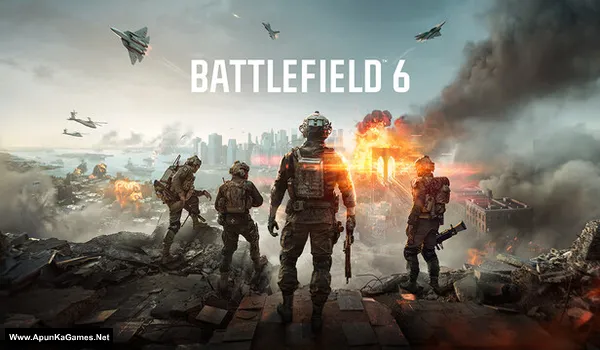
Battlefield 6 v1.0.387 Game + DLCs + Fast Install – Overview – Free Download – PC – Specs – Screenshots – Free
Type of game: Action-First person shooter
PC Release Date: October 10, 2025
Developer/Publishers: Battlefield Studios, Electronic Arts
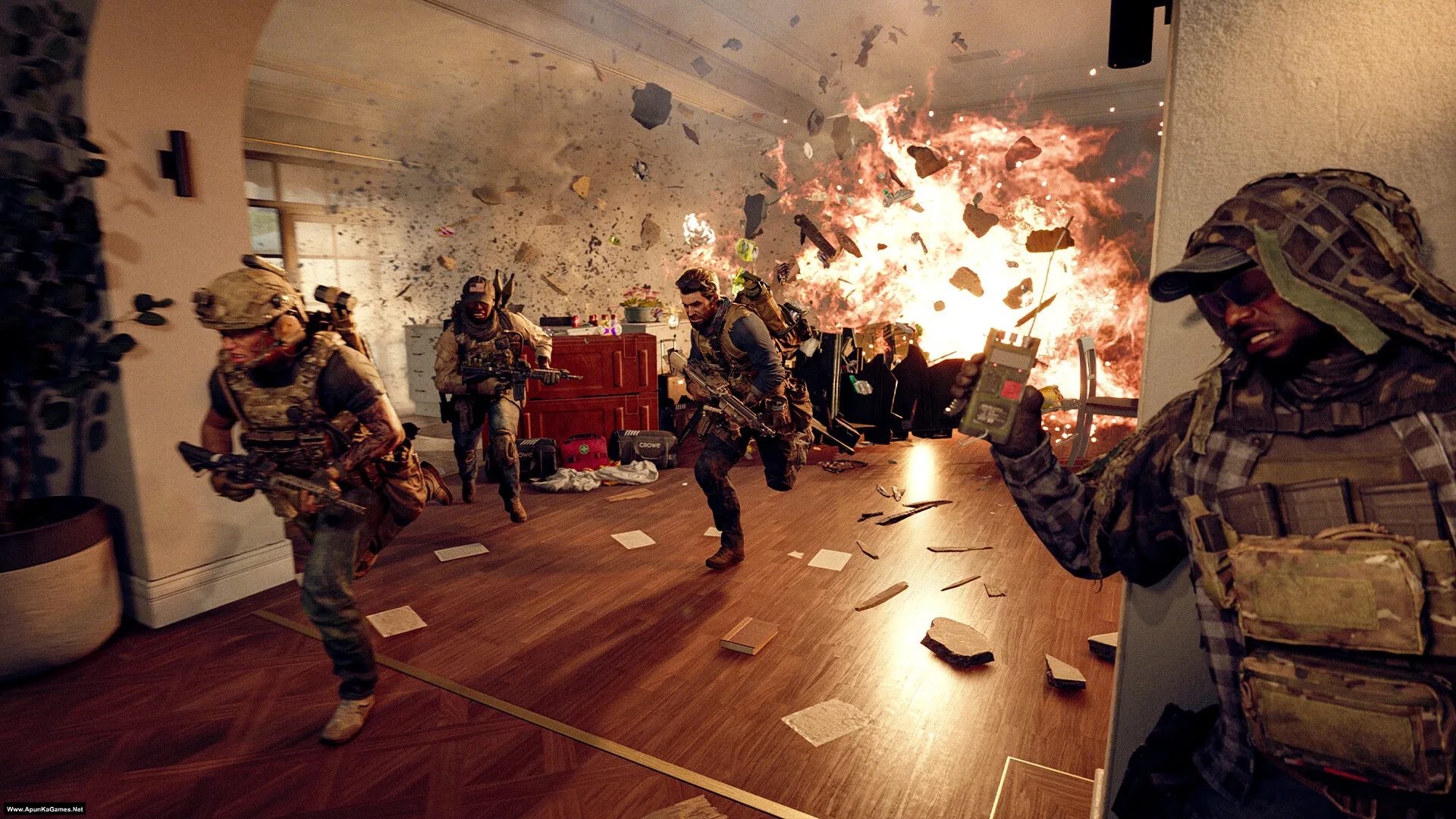
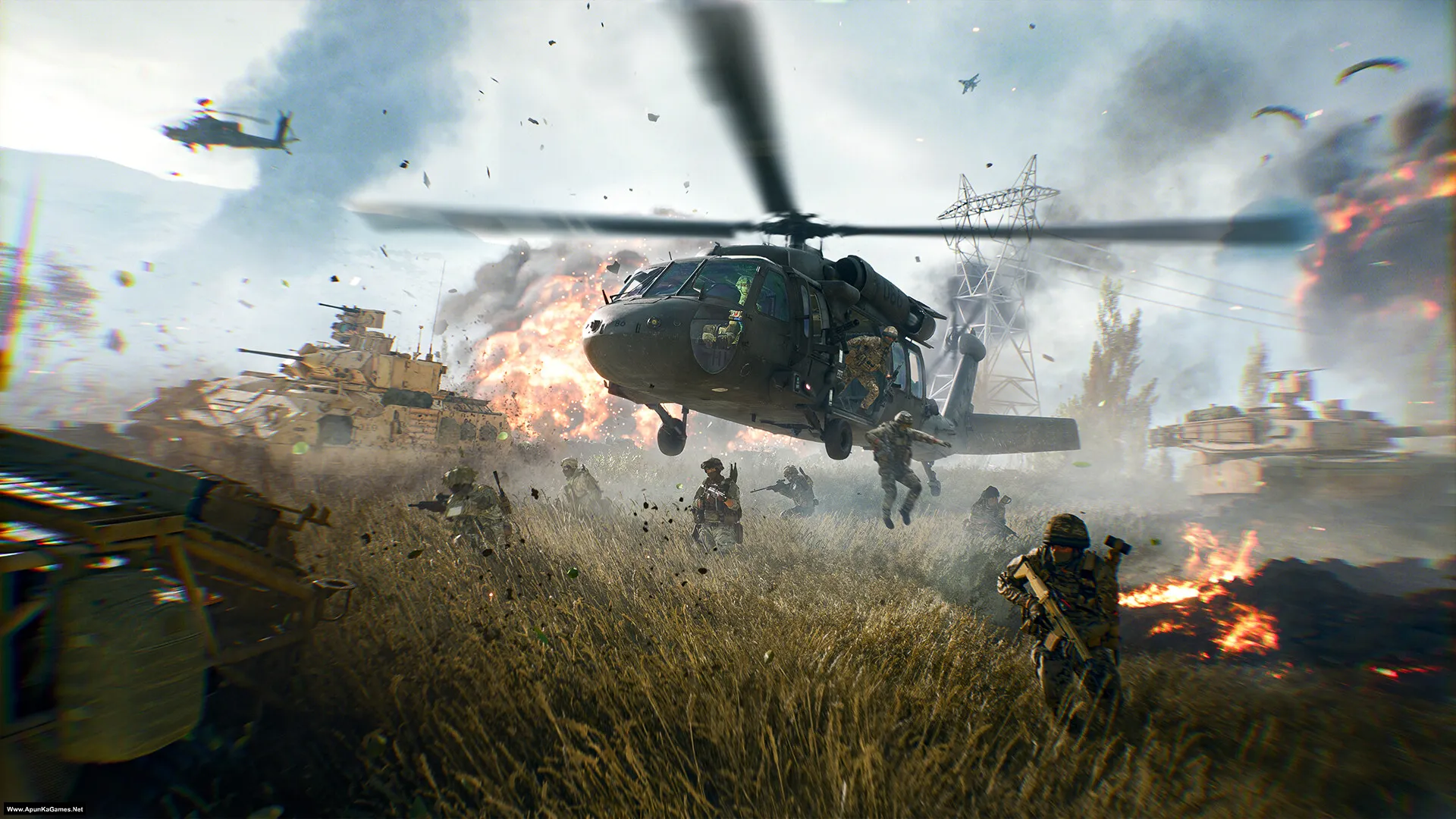
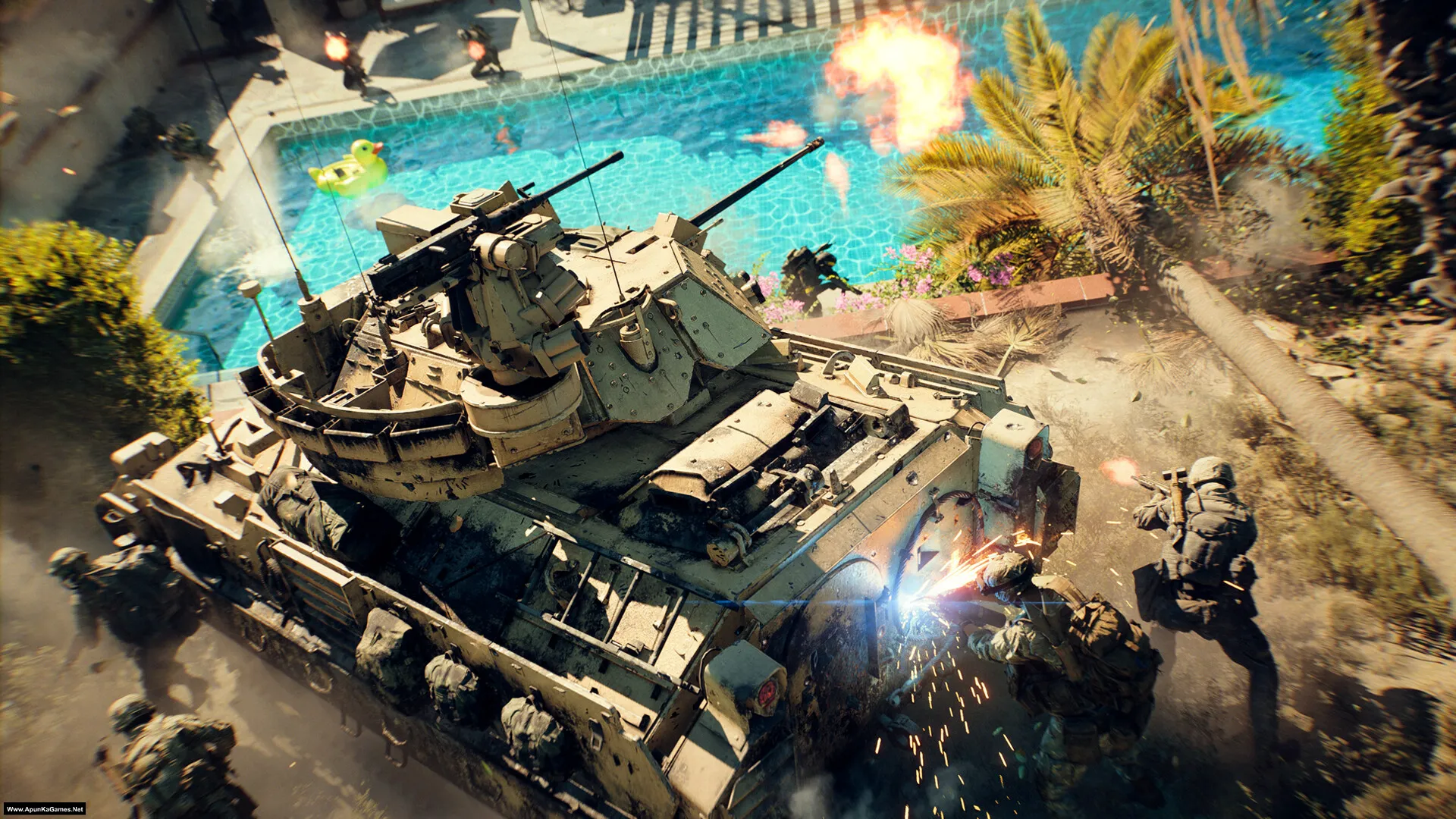
Battlefield 6 (84.4 GB) is an Action-FPS video game. Developed and published by Battlefield Studios, Electronic Arts. It was released on October 10, 2025 for Windows. Battlefield 6 is a modern large-scale shooter focused on all-out warfare and teamwork. Gameplay features massive maps, intense infantry combat, vehicles, and dynamic battles designed around fast action and squad-based play.Included DLCs:
Type of game: Action-First person shooter
PC Release Date: October 10, 2025
Developer/Publishers: Battlefield Studios, Electronic Arts
Battlefield 6 (84.4 GB) is an Action-FPS video game. Developed and published by Battlefield Studios, Electronic Arts. It was released on October 10, 2025 for Windows. Battlefield 6 is a modern large-scale shooter focused on all-out warfare and teamwork. Gameplay features massive maps, intense infantry combat, vehicles, and dynamic battles designed around fast action and squad-based play.Included DLCs:
- Battlefield™ 6 Marker
- Battlefield™ 6 Multiplayer & Single Player Shared Data
- Battlefield™ 6 Single Player
- Battlefield™ 6 Standard Edition Marker
- Battlefield™ 6 Standard Edition Pre-order Marker
- Battlefield™ Standard Edition Marker
- Battlefield™ 6 – Single Player HD Textures
- Battlefield™ 6 Multiplayer & Single Player Shared HD Textures
- Battlefield™ 6 HD Textures
Before downloading make sure that your PC meets minimum system requirements.
Minimum System Requirements
- OS: Windows 10 (64‑bit)
- Processor: Intel Core i5-8400, AMD Ryzen 5 2600
- RAM: 16 GB
- Hard Disk: 80 GB available space
- Graphics Card: Nvidia RTX 2060, AMD Radeon RX 5600 XT 6GB, Intel Arc A380
- Network: Broadband Internet connection
- DirectX: Version 12
Screenshots
How to Install?
- Extract the file using Winrar. (Download Winrar)
- Open “Battlefield 6” folder, double click on “setup” and install it.
- After installation complete, go to the folder where you install the game.
- Open folder, double click on “bf6.exe” to play the game. Done!
How to Download?
If your don’t know how to Download this game, just Click Here!
If your don’t know how to Download this game, just Click Here!
Game Size: 84.4 GB
Password: www.apunkagames.net or apunkagames

hle
yes
amd_ags_x64.dll missing error appears everytime
Download and install the latest Microsoft Visual C++ Redistributable packages from the official Microsoft website, and update your graphics card driver. If you encounter an error, search it on Google — it’s not a setup problem. The setup is 100% working; I’ve personally tested it myself.
Hi it’s in the folder SP. Black icon
Only campaign mode
yes!
Abe to pirated games pe multiplayer nhi chalte uske liye buy karna padta steam se kyuki uske updates aate rehte hai.
I never imagined apunkagames to have such a comeback in 2026
Cheers brother doing god’s work
I’m very thankful to you for providing me with all the peak games in my initial days of gaming…
Well brother, that really means a lot ❤️🙏 We truly appreciate your support and kind words. It’s amazing to hear that we were part of your early gaming days and helped you enjoy some peak titles.
Thank you for sticking with us — messages like this keep us motivated! 🎮🔥
Offline mode is playable or not?
Yes Offline mode is playable.
hi does anyone have any idea on why the pop-up screen freezes after clicking on the setup? Anyone facing the same issue?
It’s simple, toaklo. On the setup, it says to press the “UP” arrow key on your keyboard to unlock the setup, and then you can continue with the installation. 🎮
Ah! my bad I just couldn’t see well. Works now thank you.
No problem at all, brother! 😊 Glad it’s working now. Enjoy the game and happy gaming! 🎮
So amazing since i have my own pc i downloaded my favorite games from your site, thank you so much for making my gaming days so awesome.
Bhai, that’s awesome! 🎮 So glad our website could help you download your favorite games and make your gaming days amazing. Thanks for your support! ❤️
After downloading and extracting the game, when I click on setup, only the red logo appears and it doesn’t install. What should I do to install it? Please help.
If the setup only shows the red logo and does not start the installation, it usually means the installer is incomplete, blocked, or some required files are missing. First, make sure all game parts were downloaded fully and extracted without errors. Run the setup as Administrator, disable antivirus temporarily, and check whether all extracted files are in the same folder. Also install/update DirectX, Visual C++ Redistributables, and .NET Framework. If it still only shows the logo, the setup files may be corrupted, so download the files again carefully and extract them once more.
I can’t install the game. During setup, the red logo only appears at the start of the installation, and nothing else happens after that. Please help.
Wait for 1st parts to finish then click on 2nd download. All links are fine just download one by one. cancel all the active downloads in IDM and then click Part 3 it will download 100%.