
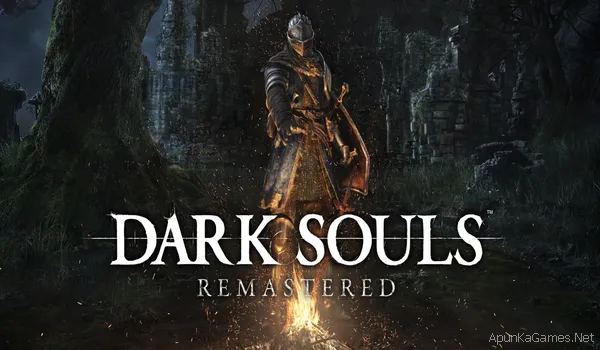
 Dark Souls: Remastered – Overview – Free Download – PC – Specs – Screenshots – Installation Video
Type of game: Action,RPG
PC Release Date: May 23, 2018
Developer/Publishers: QLOC/FromSoftware, Inc, BANDAI NAMCO Entertainment
Dark Souls: Remastered is an action role-playing game developed by FromSoftware and published by Bandai Namco Entertainment. The game is an enhanced version of the original Dark Souls, featuring improved graphics, smoother performance, and updated online features. Players explore the dark and mysterious world of Lordran, battling powerful enemies and challenging bosses while uncovering the game’s deep lore. Known for its difficulty and strategic combat, the game offers a rewarding experience for fans of hardcore RPG adventures.
Before downloading make sure that your PC meets minimum system requirements.
Minimum System Requirements
- OS:Windows 7 Service Pack 1 (64 bit)
- Processor: Intel Core i5-2300 2.8 GHz / AMD FX-6300, 3.5 GHz
- RAM: 6 GB
- Hard Drive: 8 GB available space
- Video Card: GeForce GTX 460, 1 GB / Radeon HD 6870, 1 GB
- DirectX: Version 11
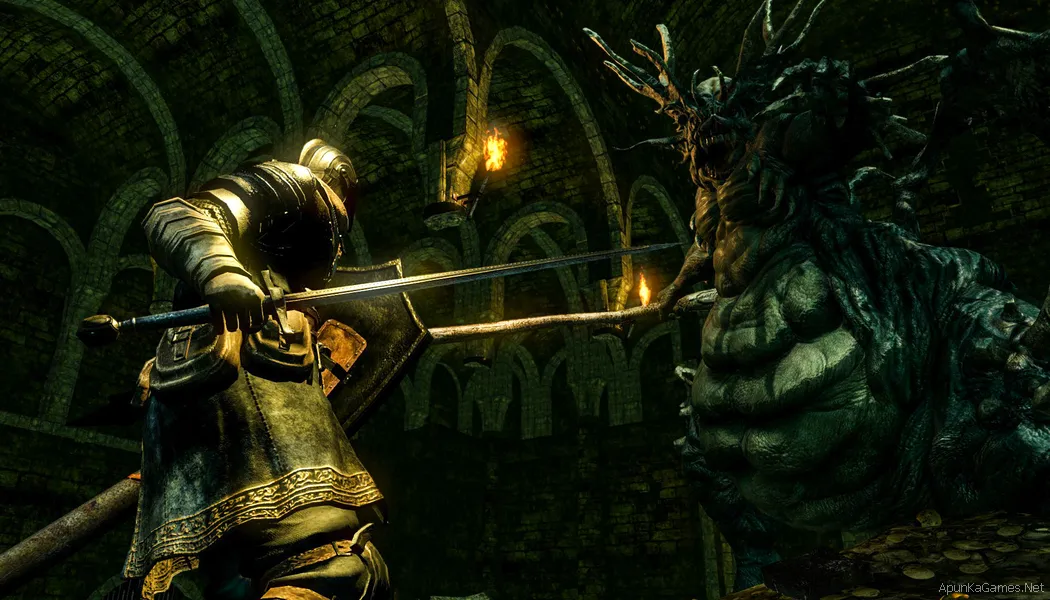
Screenshots


How to Install?
- Extract the file using Winrar. (Download Winrar)
- Open “DARK SOULS REMASTERED” folder, double click on “Setup” and install it.
- After installation complete, go to the folder where you extract the game.
- Open “CODEX” folder, copy all files and paste it where you install the game.
- Then double click on “DarkSoulsRemastered” icon to play the game. Done!
How to Download?
If your don’t know how to Download this game, just Click Here!
If your don’t know how to Download this game, just Click Here!
Dark Souls: Remastered Download
Click Here to Download This Game
Click Here to Download This Game
Game Size: 6.6 GB
Password: www.apunkagames.net or apunkagames

Tiis is best gameing site.
it needs steam to work why??
Did you paste the crack files which is in “CODEX” folder? After installation complete, go to the folder where you extract the game. Open “CODEX” folder, copy all files and paste it where you install the game. Then double click on “DarkSoulsRemastered” icon to play the game. Done!
Thanks u so much man
You’re welcome, brother! ❤️ Enjoy the game, and if you run into any other issues, feel free to ask anytime. Happy gaming! 🎮😊