
One Piece: Pirate Warriors 4 Legendary Edition Game – Overview – Free Download – PC – Specs – Screenshots – Free
Type of game: Action-Fighting
PC Release Date: September 14, 2023
Developer/Publishers: Koei Tecmo, BANDAI NAMCO Entertainment
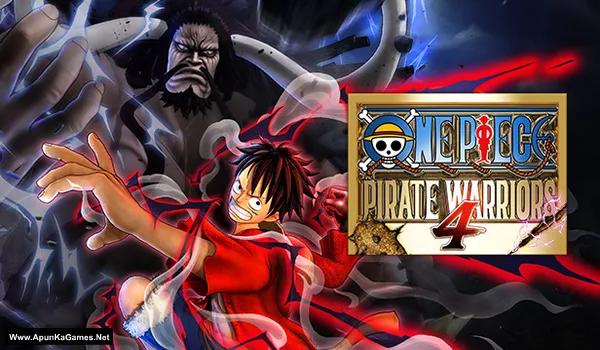
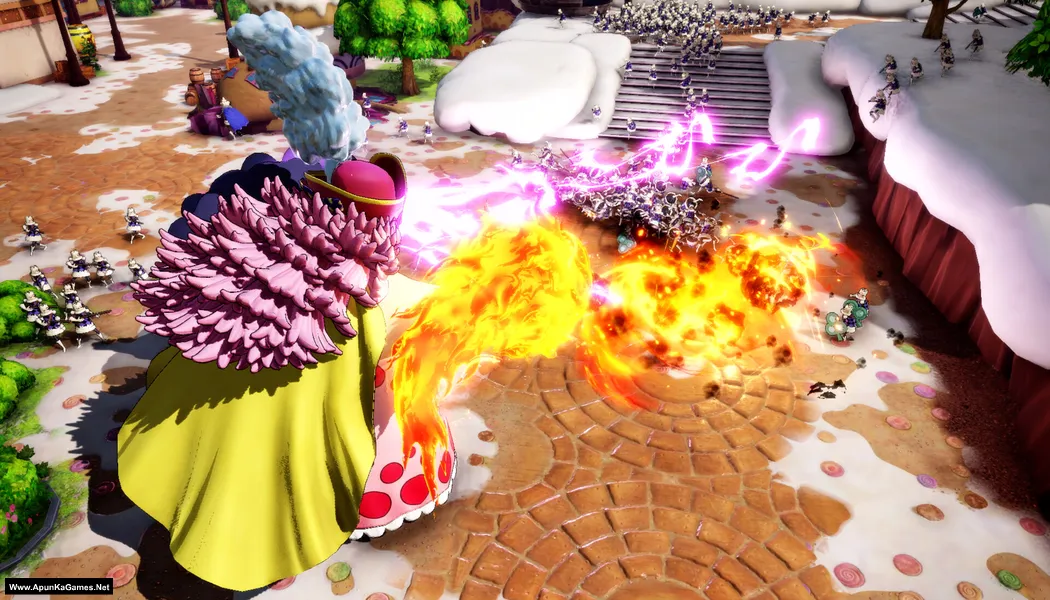
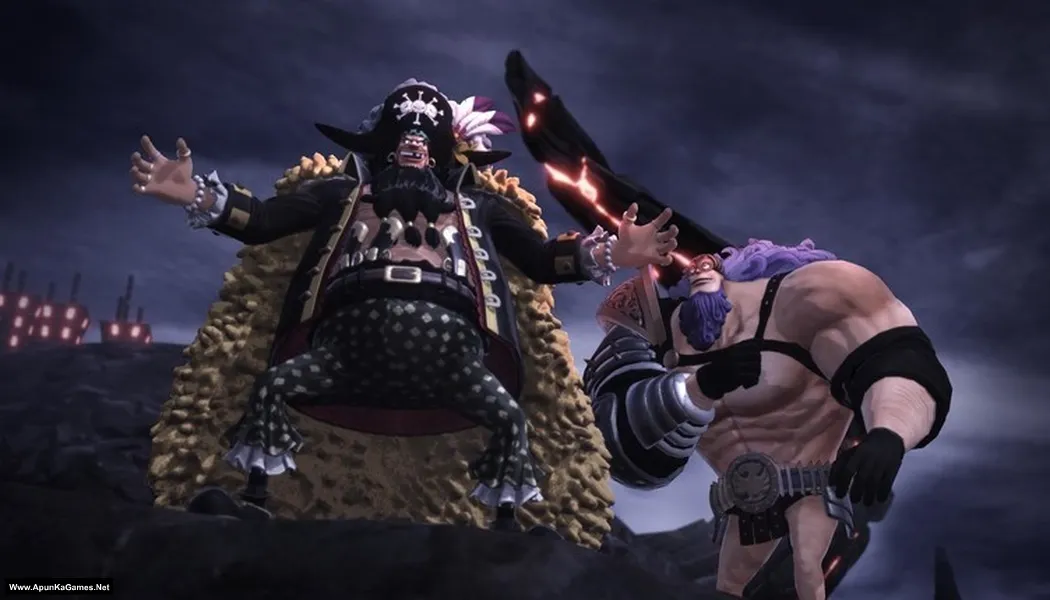
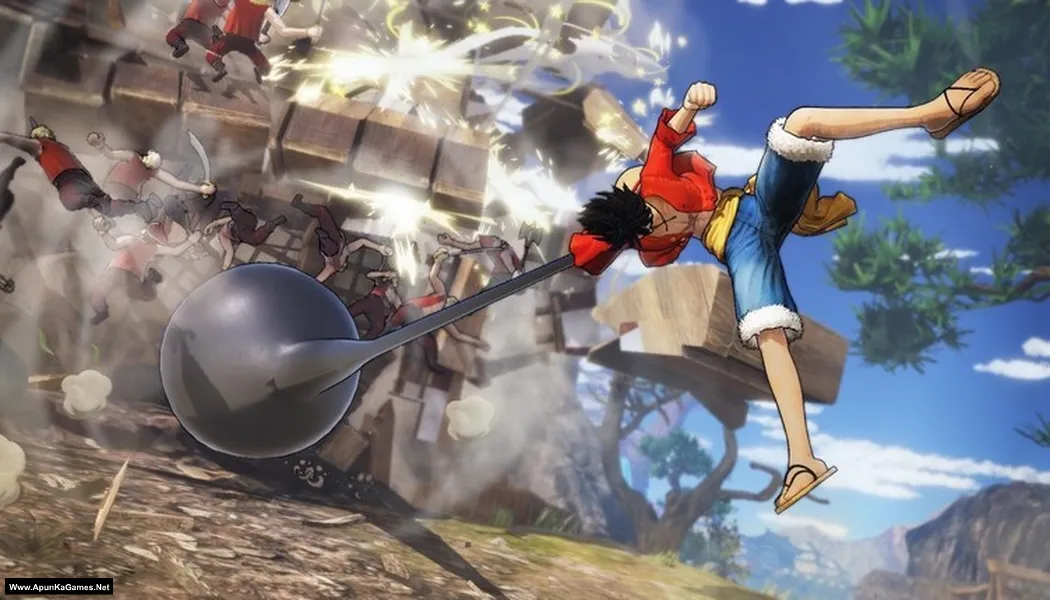
One Piece: Pirate Warriors 4 Legendary Edition (17.1 GB) is an Action-Fighting video game. Developed and published by Koei Tecmo, BANDAI NAMCO Entertainment. It was released on September 14, 2023 for Windows. One Piece: Pirate Warriors 4 Legendary Edition delivers explosive Musou-style action with massive battles and iconic One Piece characters. The gameplay focuses on fast-paced hack-and-slash combat, powerful special attacks, and fighting huge enemy hordes. The Legendary Edition includes all DLCs, adding extra characters, missions, and content for a complete anime action experience.
Type of game: Action-Fighting
PC Release Date: September 14, 2023
Developer/Publishers: Koei Tecmo, BANDAI NAMCO Entertainment
One Piece: Pirate Warriors 4 Legendary Edition (17.1 GB) is an Action-Fighting video game. Developed and published by Koei Tecmo, BANDAI NAMCO Entertainment. It was released on September 14, 2023 for Windows. One Piece: Pirate Warriors 4 Legendary Edition delivers explosive Musou-style action with massive battles and iconic One Piece characters. The gameplay focuses on fast-paced hack-and-slash combat, powerful special attacks, and fighting huge enemy hordes. The Legendary Edition includes all DLCs, adding extra characters, missions, and content for a complete anime action experience.
Before downloading make sure that your PC meets minimum system requirements.
Minimum System Requirements
- OS: Windows 10 (64‑bit)
- Processor: Intel Core i5 3450 / AMD Ryzen 3 1300X
- RAM: 8 GB
- Hard Disk: 25 GB available space
- Graphics Card: NVIDIA GeForce GTX 660 (2GB) / AMD Radeon HD 7870 (2GB)
- Network: Broadband Internet connection
- DirectX: Version 11
Screenshots
How to Install?
- Extract the file using Winrar. (Download Winrar)
- Open “One Piece PW4 Legendary Edition” folder, double click on “setup” and install it.
- After installation complete, go to the folder where you install the game.
- Open folder, double click on “Game” icon to play the game. Done!
How to Download?
If your don’t know how to Download this game, just Click Here!
If your don’t know how to Download this game, just Click Here!
Game Size: 17.1 GB
Password: www.apunkagames.net or apunkagames

thanks for this game sir
You’re welcome… we appreciate it. Enjoy!
how to setup the game after downloads? there’s so many parts
This setup has 4 RAR parts — extract only Part 1 and all parts will extract automatically. Then turn off your antivirus and Windows Defender, and install the setup. After installation, run the game using the desktop Game icon to play.
I clicked setup and all I see is a small screen with the pirate warriors 4 graphic and Dodi Repacks 2018 on my screen. I can’t interact with it either except move it around, i dont know if it’s downloading, installing or not. How long should I wait because the screen has been there for hours? Anyone with help is greatly appreciated.
Just press “up” Arrow Keyboard button to unlock the setup and then install.
Pls drop SIFU game
Noted! we will upload this game soon!
part 4 brokennnnnnnnnnnnnnnn
Cancel all active downloads in IDM and then try downloading again. Brother all parts are working fine… Just download all parts one by one from Thefilelocker. wait 1st part to finish then start 2nd download. At one time 1 part. Thefilelocker can’t support multiple download so you have to download one by one! Try downloading the parts at a different time, such as late at night or during the day when website traffic is low.
available on Chromebook?
One Piece: Pirate Warriors 4 Legendary Edition is available on PC (Windows) and on consoles (PS4/PS5, Xbox, Switch) — not ChromeOS. ChromeOS isn’t a Windows-based system, so there’s no official installable version for Chromebooks like it is for Windows PCs.
brother, why i cant play the game
installation finish already but if i want to open the game, alwasy error XINPUT1_3.dll and D3DCOMPILER_43.dll, how i can fix it? thankyou
This error happens because your PC is missing old DirectX files required by many games. Install the official Microsoft DirectX Runtime and also install both x64 and x86 Microsoft Visual C++ Redistributables, then restart your PC. After that, the XINPUT1_3.dll and D3DCOMPILER_43.dll errors should be fixed.
We check again. This game is 100% working setup. Please follow the instructions step by step: before extracting and installing the game, turn off your antivirus. After installation, you can turn it back on, as antivirus software may block DLL files.
01. Extract the file using Winrar part 1 and automatically all parts will extracted.
02. Open “One Piece PW4 Legendary Edition” folder, run the “setup.exe” and click on the bottom line.
03. Then press “UP” arrow key from your keyboard to unlock the setup to continue the installation.
04. After installation complete, go to the folder where you install the game.
05. Open folder, double click on “OPPW4.exe” to play the game. Done!