
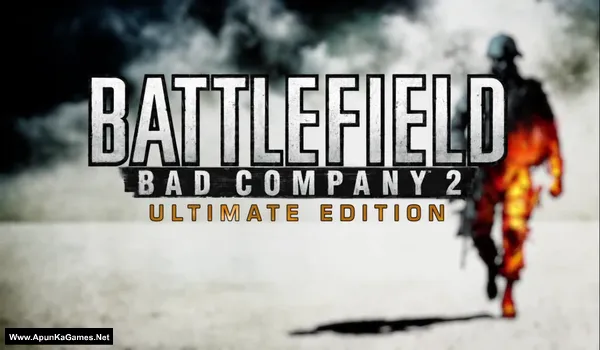
Battlefield: Bad Company 2 Ultimate Digital Edition V1.0 Build: 795745 + All DLCs Game – Overview – Free Download – PC – Specs – Screenshots – Free
Type of game: Action, First person Shooter
PC Release Date: March 2, 2010
Developer/Publishers: EA DICE, Electronic Arts
Battlefield: Bad Company 2 Ultimate Edition (4.77 GB) is an Action-FPS video game. Developed and published by EA DICE, Electronic Arts. It was released on March 2, 2010 for Windows. Battlefield: Bad Company 2 Ultimate Edition delivers explosive modern warfare with a cinematic single-player campaign and intense multiplayer battles. Players experience destructible environments, vehicles, and squad-based combat across large-scale maps. The package also includes Battlefield: Bad Company 2: Vietnam, adding iconic weapons, classic maps, and brutal Vietnam War action for an expanded battlefield experience.
Type of game: Action, First person Shooter
PC Release Date: March 2, 2010
Developer/Publishers: EA DICE, Electronic Arts
Battlefield: Bad Company 2 Ultimate Edition (4.77 GB) is an Action-FPS video game. Developed and published by EA DICE, Electronic Arts. It was released on March 2, 2010 for Windows. Battlefield: Bad Company 2 Ultimate Edition delivers explosive modern warfare with a cinematic single-player campaign and intense multiplayer battles. Players experience destructible environments, vehicles, and squad-based combat across large-scale maps. The package also includes Battlefield: Bad Company 2: Vietnam, adding iconic weapons, classic maps, and brutal Vietnam War action for an expanded battlefield experience.
Before downloading make sure that your PC meets minimum system requirements.
Minimum System Requirements
- OS: Windows XP/Vista/7
- Processor: Core 2 Duo @ 2.0GHz
- RAM: 2 GB
- Hard Disk: 15 GB available space
- Graphics Card: 256 MB (GeForce 7800 GT / ATI X1900)
- DirectX: Version 9.0c
Screenshots
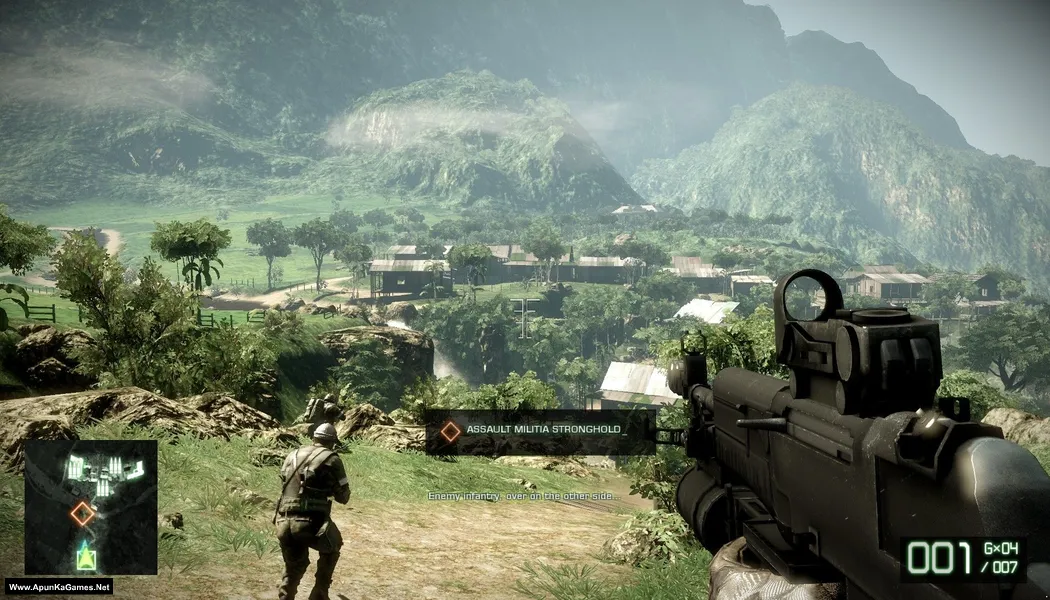
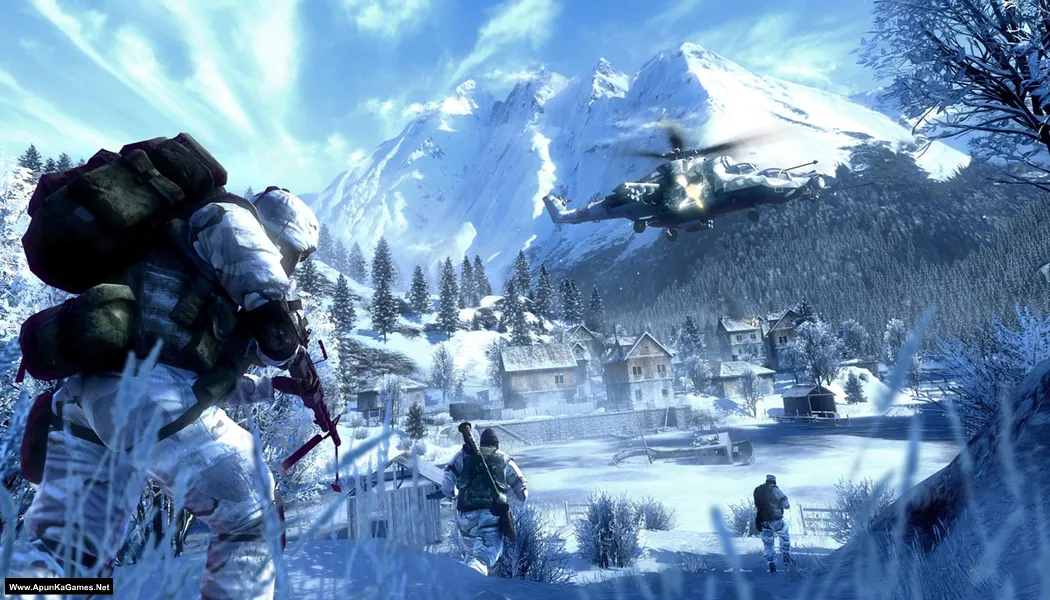
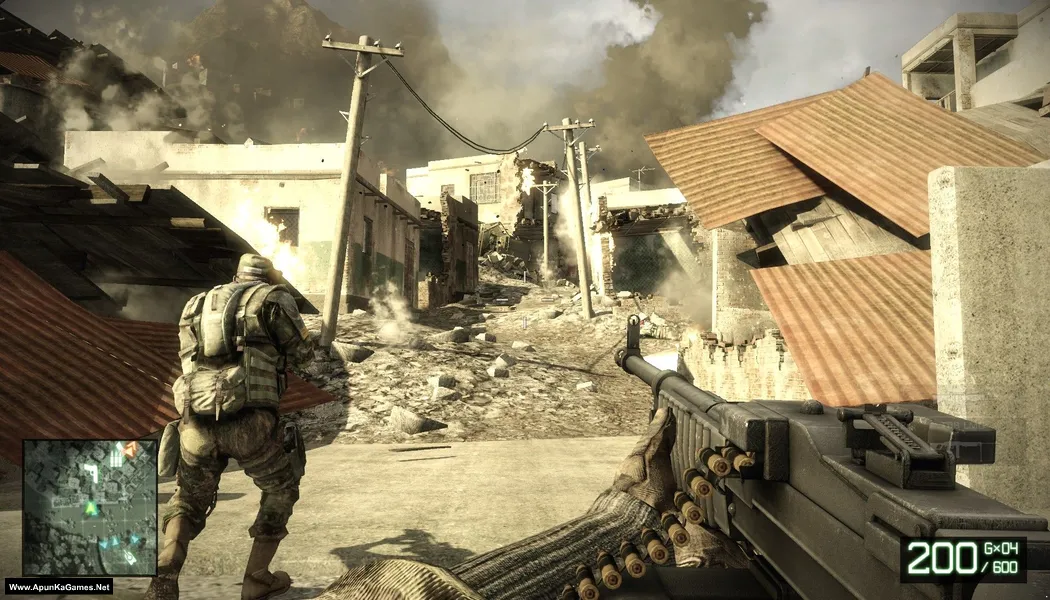
How to Install?
- Extract the file using Winrar. (Download Winrar)
- Open “Battlefield: Bad Company 2 UE” folder, double click on “setup” and install it.
- Once the installation is 100% complete, go to the folder where you install the game.
- Open folder, double click on “BFBC2Game.exe” to play the game. Done!
Complete Installation Video Tutorial?
We provide complete game installation videos to guarantee that every game works perfectly. Unlike other websites where you download blindly and hope for the best, we show you real proof. Our step-by-step installation videos clearly demonstrate the game running successfully, so you know exactly what you’re getting. With us, there’s no guesswork—only verified, 100% working games you can trust.
Trust / Proof
- 100% Working – Tested by Us
- Game Verified Before Upload
- Working Gameplay Shown
- No Fake Files
- Installed Successfully on Our PC
How to Download?
If your don’t know how to Download this game, just Click Here!
If your don’t know how to Download this game, just Click Here!
Battlefield: Bad Company 2 Ultimate Edition Download
Click Here to Download This Game
Game Size: 4.77 GB
Password: www.apunkagames.net or apunkagames
Click Here to Download This Game
Game Size: 4.77 GB
Password: www.apunkagames.net or apunkagames

O jogo está a pedir chave para a instalação o que eu faço?
Type these Serial key of Battlefield Bad Company 2 it will work 100%:
AT44-PPWE-D9KX-TD94-2RLD
ZTP7-9QZ6-CHW3-VCHE-7RLD
VFRR-RJHL-GRSK-3GRA-PRLD
PRHZ-PU9H-245C-U24M-FRLD
ABPX-ZZGH-WLJJ-7WL9-NRLD
It wont run and when i click game updater it says that the game files are corrupted and i installed whilst my antivirus is disabled
Watch the video guide how to download, install and play this game.
HY ADMINS! I HAVE A PROBLEM WITH Installation.when i extract files with win rar and goes in folder Battlefield – Bad Company 2 UE (Www.ApunKaGames.Net) iand i double click on setup and interface has come with (dodi repacks 2018 presents battlefield bad company 2) titeld but there is no option of installion or any else only interface noting more and game can;t install help plz
Just Press “Up” Arrow button from your keyboard to unlock the setup and then install it. TI’s simple just click on setup first and then from your Keyboard “UP” arrow button to install.
after install com i click on game icon nothing happend just loading on cursor ples fix it
Watch the video guide how to download, install and play this game.
can i run it without graphics card? my default video memory is 64 mb and shared is around 1600mb
Bhai Battlefield Bad Company 2 graphics card ke bina nahi chalega, kyunki is game ko kam se kam ek dedicated GPU chahiye hota hai. Tumhari system ka default video memory sirf 64MB hai, jo game ke startup ke liye bhi kaafi nahi hota. Shared memory 1600MB ho bhi to game use directly VRAM ka check karta hai, aur itni low VRAM par textures, DirectX aur shaders load hi nahi ho paate. Isliye game ya to start hote hi crash karega, ya “unable to initialize” kind ka error dega. Ye game integrated graphics par run nahi hota.
i downloaded the game installed it but when i double clicked it… kuch bhi ni hua na game khula na task manager mai show ho raha hai what to do now?
Watch the video guide how to download, install and play this game.
The game is working perfectly fine
does this game support ps4 controller?
he admins i have an issue with the installation
An error occurred while unpacking:does not match checksum!
Unarc.dll returned an error code: -12
ERROR: file C:\Program files(x86)\DODI-Repack\Battlefield Bad Company 2\Dist\win32\overlay-00.fbrb failed CRC check
100% working setup. Watch this video guide How to Download, extract, install and play the game without any error!