
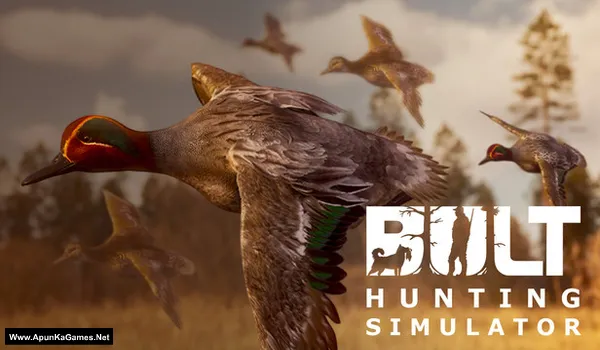
BULT: Hunting simulator Game – Overview – Free Download – PC – Specs – Screenshots – Free
Type of game: Simulation, Adventure
PC Release Date: January 6, 2026
Developer/Publishers: Nordrise, Ykt Games
BULT: Hunting simulator (2.43 GB) is an Adventure, Simulation video game. Developed and published by Nordrise, Ykt Games. It was released on January 6, 2026 for Windows. BULT: Hunting Simulator offers a realistic hunting experience where players track wild animals across vast natural environments. Use advanced weapons, stealth tactics, and survival skills to complete challenging hunts. The game focuses on immersive exploration, precision shooting, and strategic gameplay for true hunting enthusiasts.
Type of game: Simulation, Adventure
PC Release Date: January 6, 2026
Developer/Publishers: Nordrise, Ykt Games
BULT: Hunting simulator (2.43 GB) is an Adventure, Simulation video game. Developed and published by Nordrise, Ykt Games. It was released on January 6, 2026 for Windows. BULT: Hunting Simulator offers a realistic hunting experience where players track wild animals across vast natural environments. Use advanced weapons, stealth tactics, and survival skills to complete challenging hunts. The game focuses on immersive exploration, precision shooting, and strategic gameplay for true hunting enthusiasts.
Before downloading make sure that your PC meets minimum system requirements.
Minimum System Requirements
- OS: Windows 10
- Processor: Intel Core i5—6600 (3.3Ghz) or AMD Ryzen 5 1400 (3.2Ghz)
- RAM: 8 GB
- Hard Disk: 5 GB available space
- Graphics Card: NVIDIA GeForce GTX 960 4GB or AMD Radeon RX 470 4GB
- DirectX: Version 12
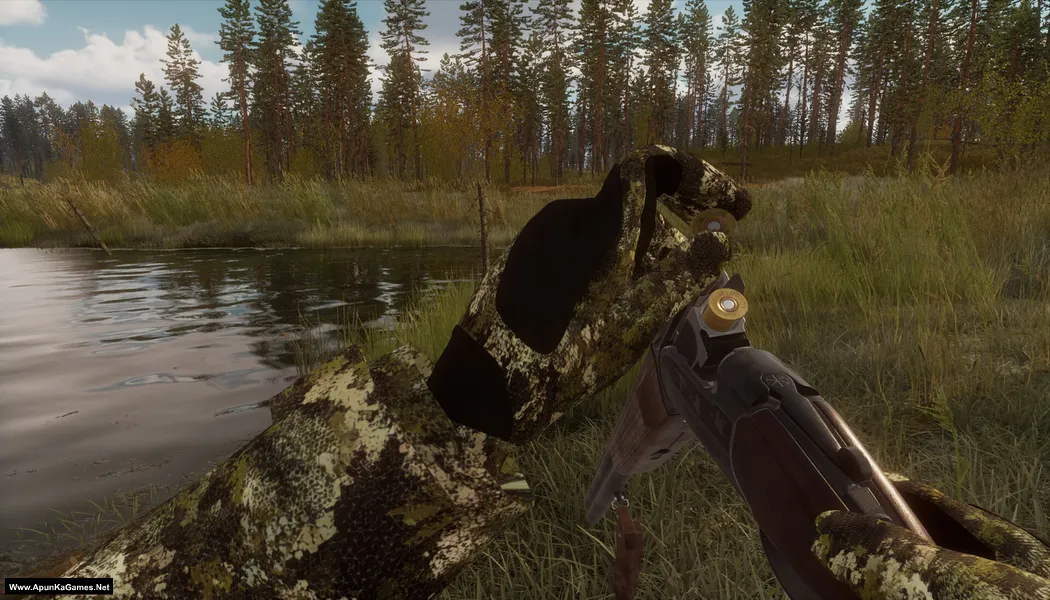
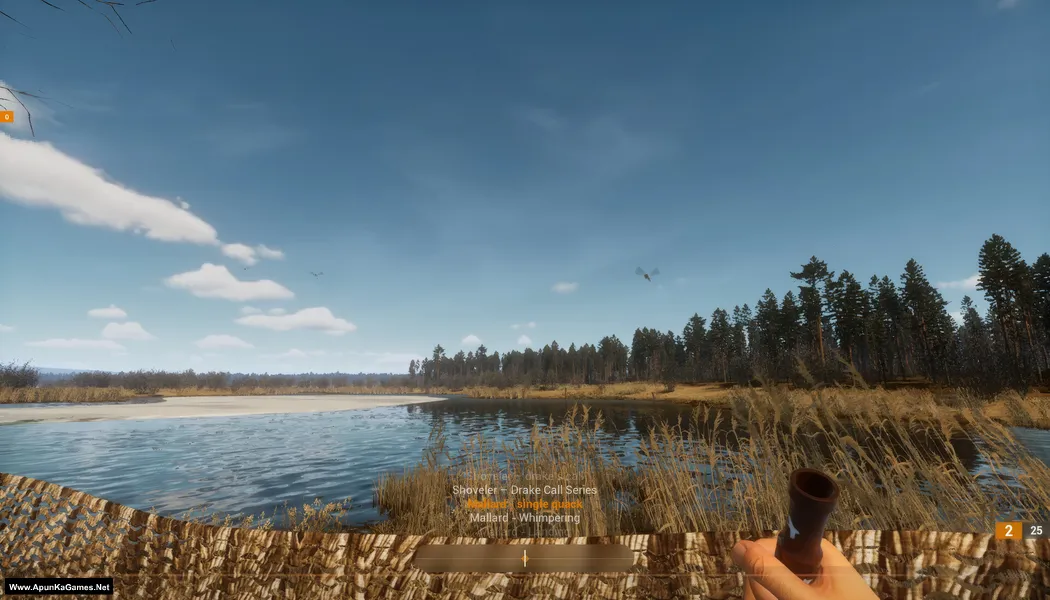
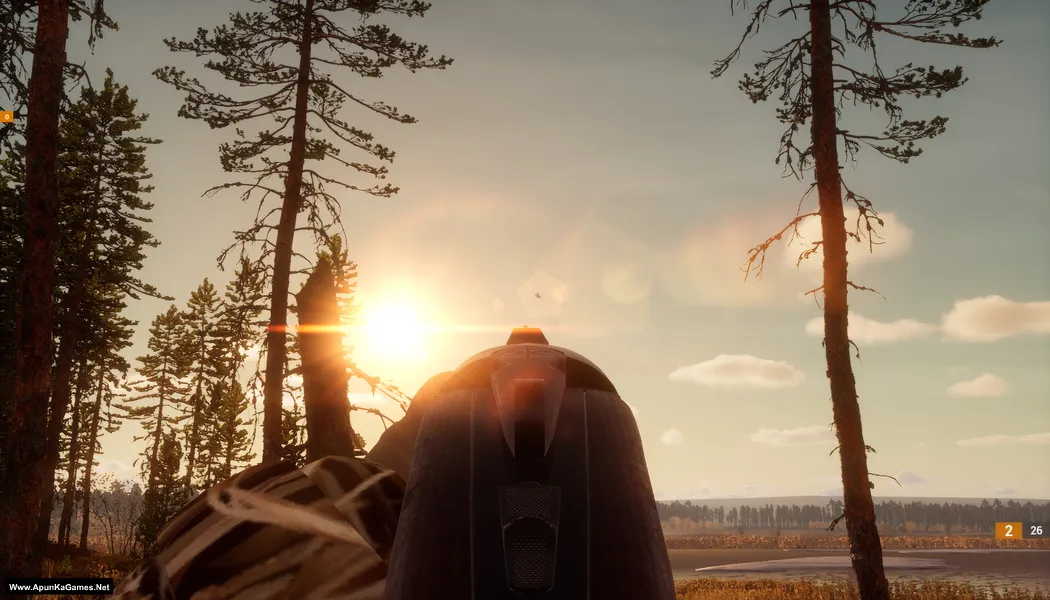
Screenshots
How to Install?
- Extract the file using Winrar. (Download Winrar)
- Open “BULT: Hunting simulator” >> “Game” folder.
- Then double click on “BULT.exe” to play the game. Done!
How to Download?
If your don’t know how to Download this game, just Click Here!
If your don’t know how to Download this game, just Click Here!
Game Size: 2.43 GB
Password: www.apunkagames.net or apunkagames

Brother please uplode rider republic
It’s already on the list, brother. We will publish it soon.