
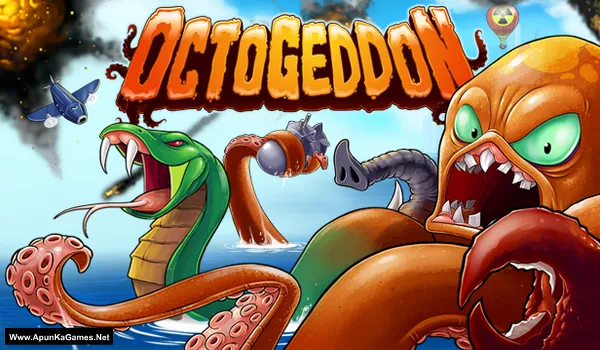
Octogeddon Game – Overview – Free Download – PC – Specs – Screenshots – Free
Type of game: Action-Strategy
PC Release Date: February 8, 2018
Developer/Publishers: All Yes Good
Octogeddon (711 MB) is an Action-Strategy video game. Developed and published by All Yes Good. It was released on February 8, 2018 for Windows. Octogeddon delivers chaotic arcade action where you control a growing, destructive octopus. Smash buildings, defeat enemies, and upgrade your tentacles for maximum havoc. Fast-paced gameplay and strategic upgrades make every level wild and unpredictable.
Type of game: Action-Strategy
PC Release Date: February 8, 2018
Developer/Publishers: All Yes Good
Octogeddon (711 MB) is an Action-Strategy video game. Developed and published by All Yes Good. It was released on February 8, 2018 for Windows. Octogeddon delivers chaotic arcade action where you control a growing, destructive octopus. Smash buildings, defeat enemies, and upgrade your tentacles for maximum havoc. Fast-paced gameplay and strategic upgrades make every level wild and unpredictable.
Before downloading make sure that your PC meets minimum system requirements.
Minimum System Requirements
- OS: Windows 7 or higher
- Processor: 2.0 Ghz Dual core CPU (any Core 2 Duo or AMD X2 or better)
- RAM: 2 GB
- Hard Disk: 800 MB available space
- Graphics Card: 1 GB vram
- DirectX: Version 9.0c
Screenshots
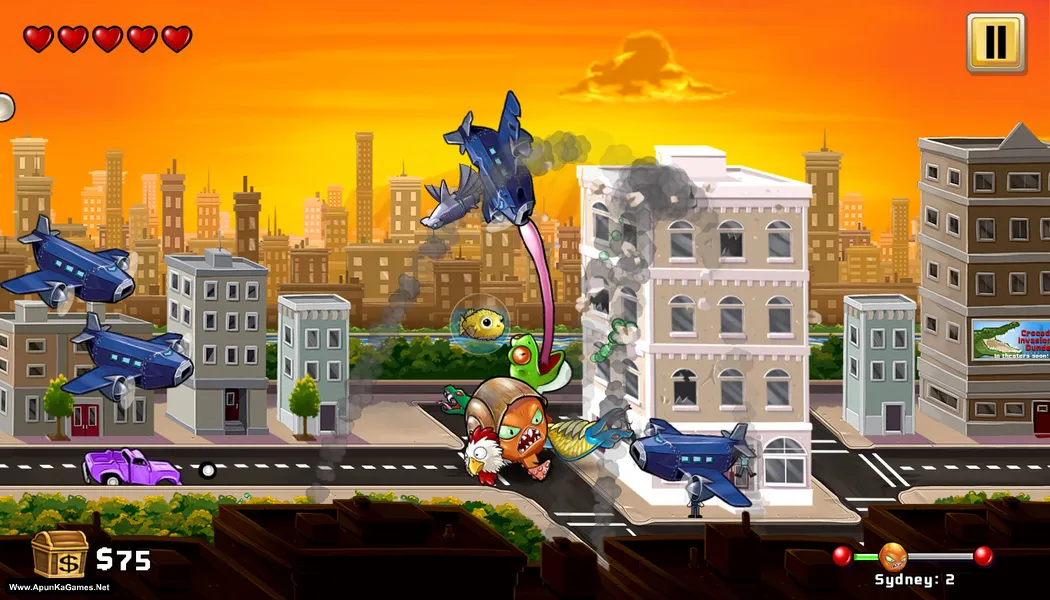
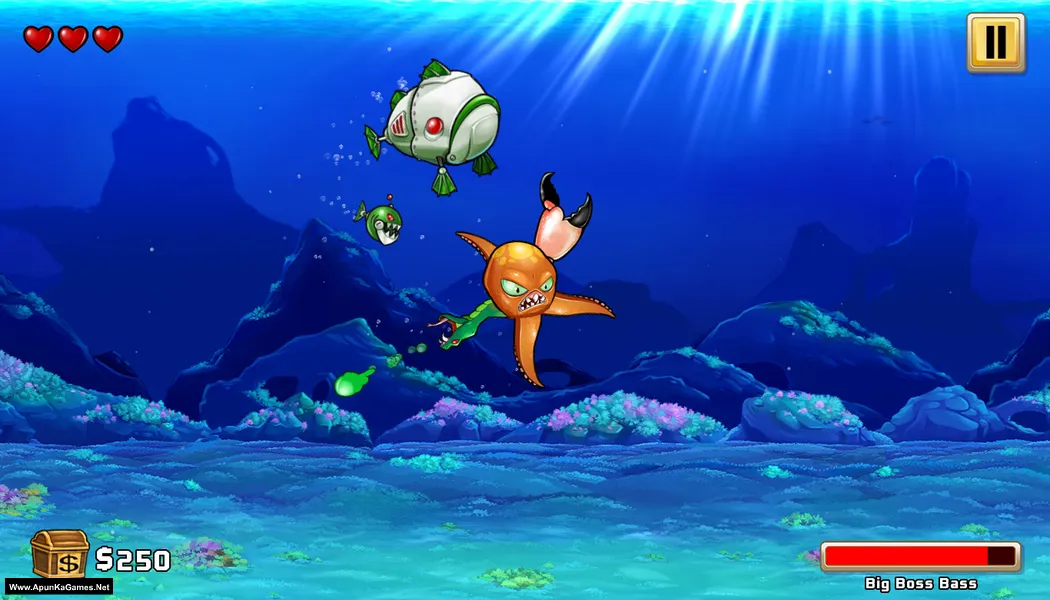
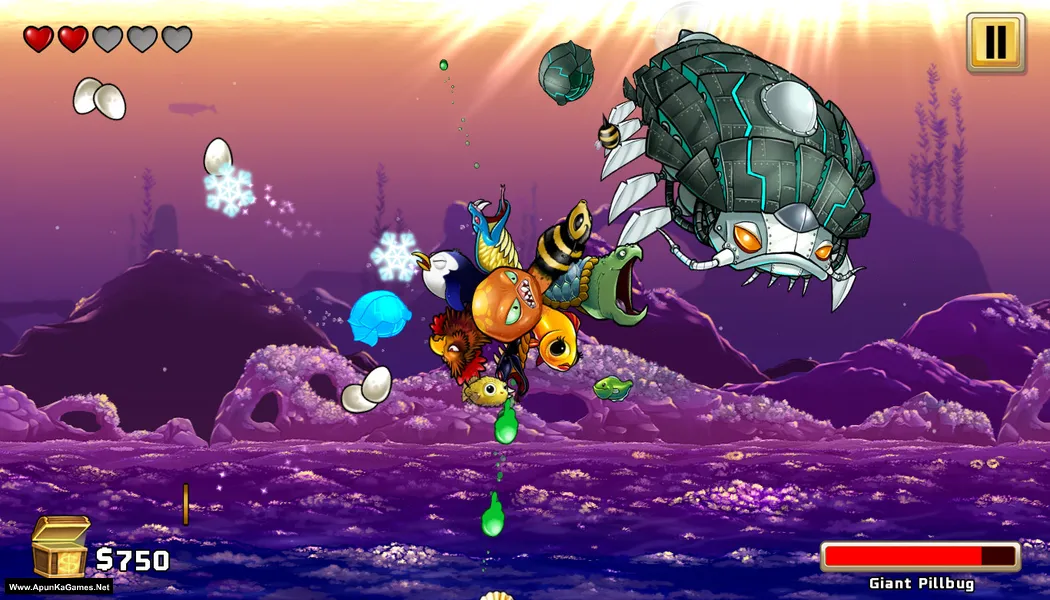
How to Install?
- Extract the file using Winrar. (Download Winrar)
- Open “Octogeddon” folder, double click on “Setup” and install it.
- After installation complete, go to the folder where you extract the game.
- Open “TiNYiSO” folder, copy all files and paste it where you install the game.
- Then double click on “octogeddon” icon to play the game. Done!
How to Download?
If your don’t know how to Download this game, just Click Here!
If your don’t know how to Download this game, just Click Here!
Game Size: 711 MB
Password: www.apunkagames.net or apunkagames
