

Sifu: Digital Deluxe Edition v1.24 – Arenas – Final Update + 3 DLCs/Bonuses Game – Overview – Free Download – PC – Specs – Screenshots – Free
Type of game: Action-Fighting
PC Release Date: March 28, 2023
Developer/Publishers: Sloclap, Kepler Interactive
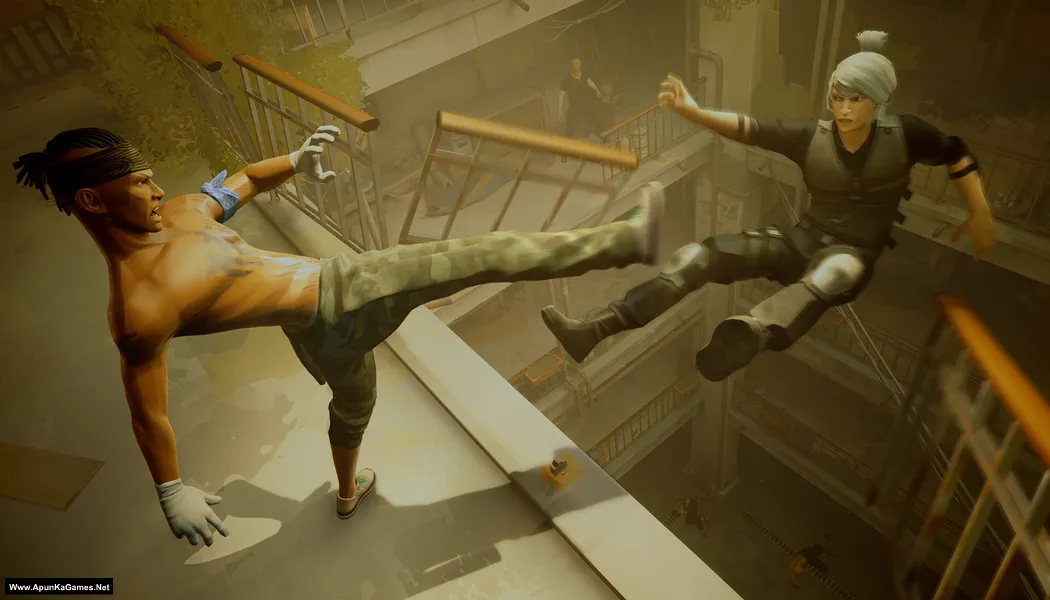
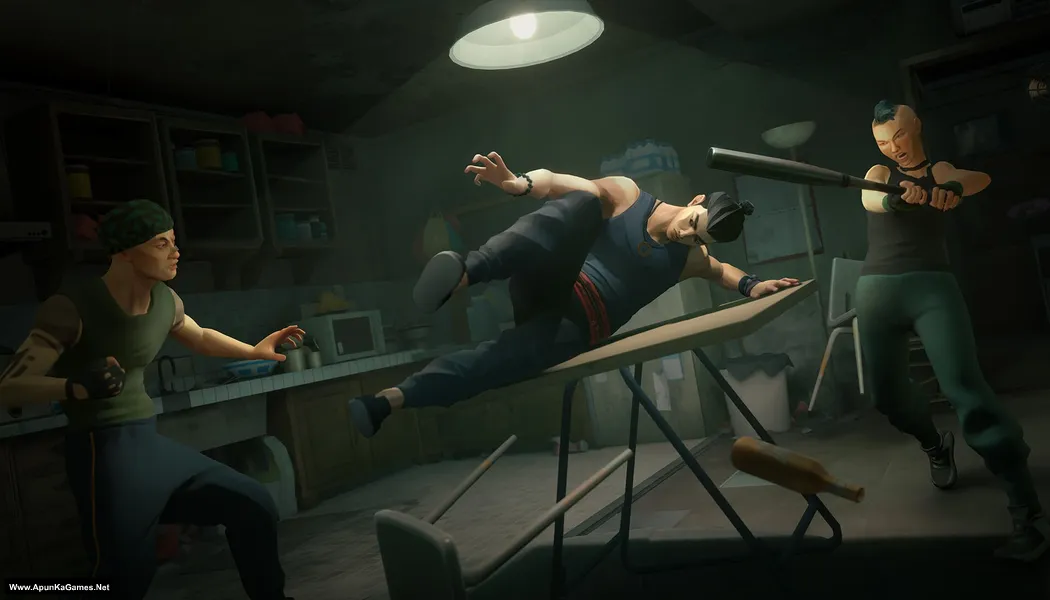
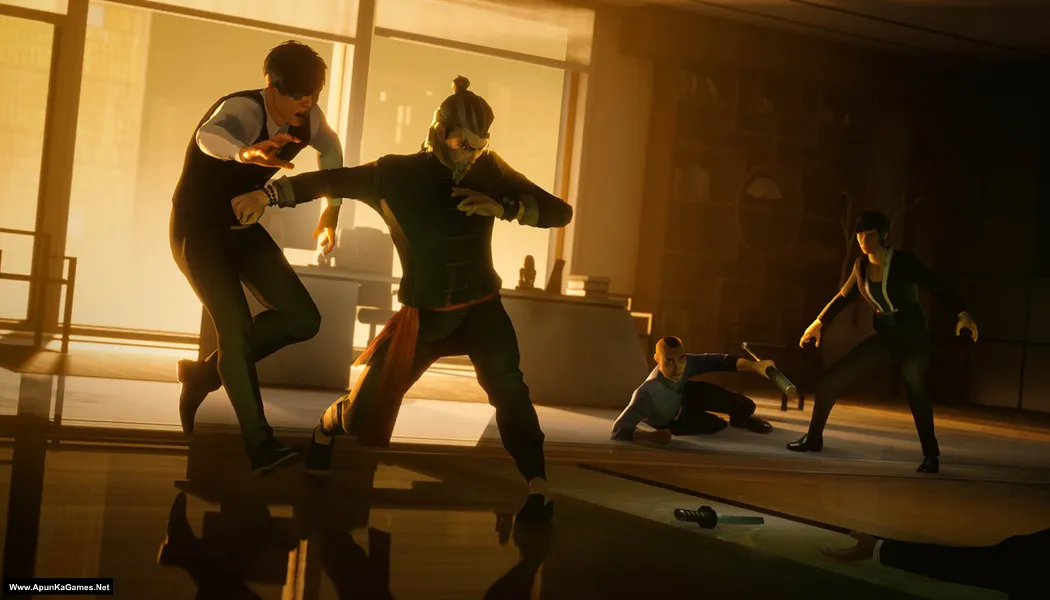
Sifu: Digital Deluxe Edition (12.4 GB) is an Action-Fighting video game. Developed and published by Sloclap, Kepler Interactive. It was released on March 28, 2023 for Windows. Sifu Digital Deluxe Edition delivers intense martial arts action with a unique aging mechanic. Master fast-paced hand-to-hand combat, learn new skills, and fight through stylish levels. Precise gameplay, challenging enemies, and deluxe content make every run rewarding and brutal.
Type of game: Action-Fighting
PC Release Date: March 28, 2023
Developer/Publishers: Sloclap, Kepler Interactive
Sifu: Digital Deluxe Edition (12.4 GB) is an Action-Fighting video game. Developed and published by Sloclap, Kepler Interactive. It was released on March 28, 2023 for Windows. Sifu Digital Deluxe Edition delivers intense martial arts action with a unique aging mechanic. Master fast-paced hand-to-hand combat, learn new skills, and fight through stylish levels. Precise gameplay, challenging enemies, and deluxe content make every run rewarding and brutal.
Before downloading make sure that your PC meets minimum system requirements.
Minimum System Requirements
- OS: Windows 8.1 (64‑bit)
- Processor: AMD FX-4350 or Intel Core i5-3470 or equivalent
- RAM: 8 GB
- Hard Disk: 22 GB available space
- Graphics Card: Radeon R7 250 or GeForce GT 640 or equivalent
- DirectX: Version 11
Screenshots
How to Install?
- Extract the file using Winrar. (Download Winrar)
- Open “Sifu” folder, double click on “setup” and install it.
- After installation complete, go to the folder where you install the game.
- Open folder, double click on “Sifu.exe” to play the game. Done!
How to Download?
If your don’t know how to Download this game, just Click Here!
If your don’t know how to Download this game, just Click Here!
Game Size: 12.4 GB
Password: www.apunkagames.net or apunkagames

url not found in part 2
Cancel all active downloads in IDM and then try downloading again. Brother all parts are working fine… Just download all parts one by one from Thefilelocker. wait 1st part to finish then start 2nd download. At one time 1 part. Thefilelocker can’t support multiple download so you have to download one by one! Try downloading the parts at a different time, such as late at night or during the day when website traffic is low.
Bro after running setup file it doesn’t show any option to install it only shows a pic of sifu
When you run the setup and the Sifu image appears, you will see “Press UP arrow key from your keyboard” at the bottom. To unlock the installer, just click on the Sifu image and press the Up Arrow key on your keyboard. After that, the setup will unlock and you can continue the installation normally. Simple 👍
while extracting the game it says the part 1 file is corrupt. any solutions team??
If you’re getting a “Part 1 file is corrupt” error while extracting, try re-downloading Part 1, as it may have been damaged during the download. Also, make sure all parts are fully downloaded and located in the same folder, then extract using the latest version of WinRAR or 7-Zip.