
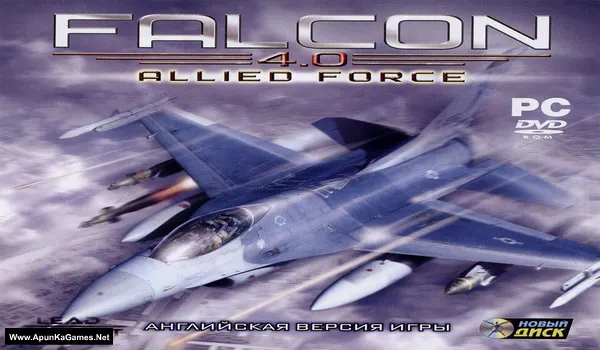
Falcon 4.0: Allied Force Game – Overview – Download – Free – PC – Specs – Screenshots – Installation Guide
Type of game: Simulation
PC Release Date: 2005
Developer/Publishers: Lead Pursuit, Graphsim Entertainment
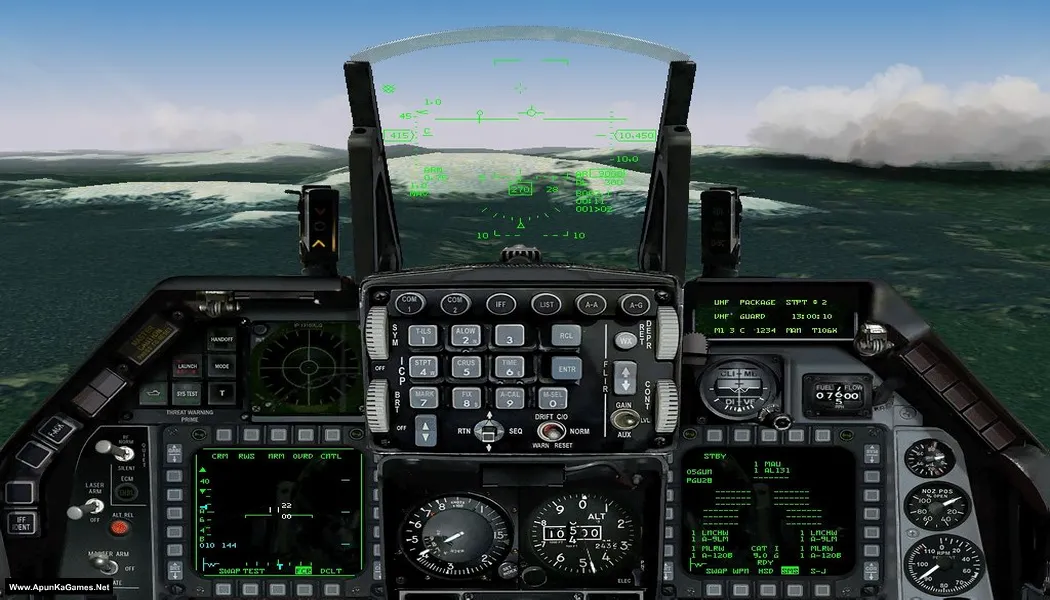
Falcon 4.0: Allied Force (863 MB) is a realistic combat flight simulator that puts players in control of advanced fighter jets during intense military operations. Players complete strategic missions, engage in air-to-air combat, and manage detailed aircraft systems in dynamic battle scenarios. The game features realistic flight physics, immersive campaigns, and challenging gameplay for simulation fans. Falcon 4.0: Allied Force is perfect for PC players who enjoy tactical aerial combat and authentic flight simulation experiences.
Type of game: Simulation
PC Release Date: 2005
Developer/Publishers: Lead Pursuit, Graphsim Entertainment
Falcon 4.0: Allied Force (863 MB) is a realistic combat flight simulator that puts players in control of advanced fighter jets during intense military operations. Players complete strategic missions, engage in air-to-air combat, and manage detailed aircraft systems in dynamic battle scenarios. The game features realistic flight physics, immersive campaigns, and challenging gameplay for simulation fans. Falcon 4.0: Allied Force is perfect for PC players who enjoy tactical aerial combat and authentic flight simulation experiences.
Before downloading make sure that your PC meets minimum system requirements.
Minimum System Requirements
- OS: Windows XP/Vista/7/8/10
- Processor: 1.8 GHz
- RAM: 512 MB
- Hard Disk: 700 MB available space
- Graphics Card: 3D compatible with DirectX 7
- DirectX: Version 9.0
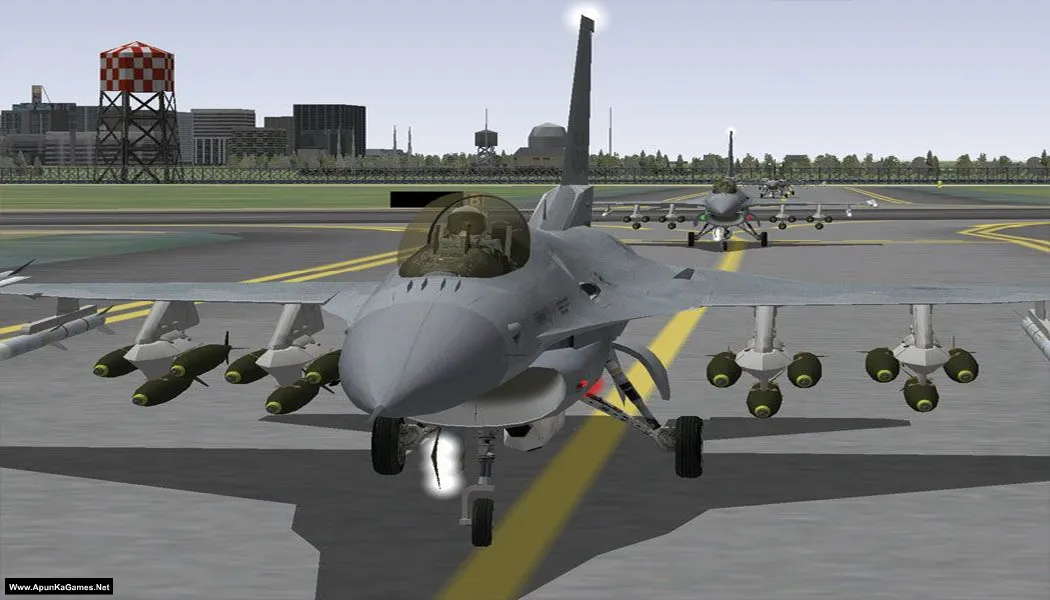
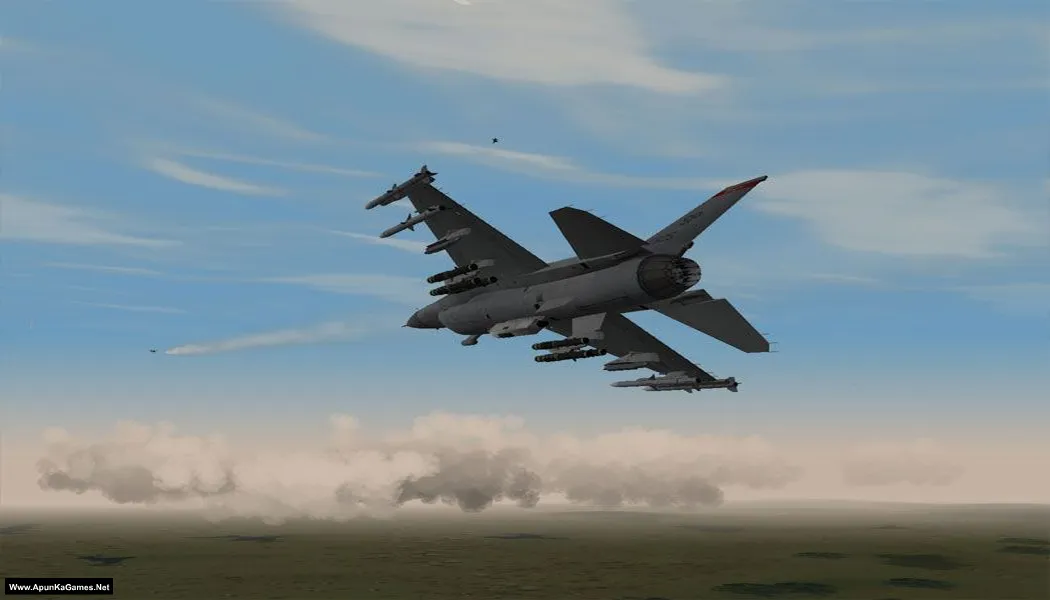
Screenshots
How to Install?
- Extract the file using Winrar. (Download Winrar)
- Open the “Falcon 4.0” >> “Game” folder, mount “Falcon 4.0.img” with Daemon Tools, and run the setup.
- When the installation is complete, go to the folder where you extracted the game.
- Open the “Patch” folder, copy “falcon4af_patch_1.0.13”, and paste it into the directory where you installed the game. Run the patch.
- When it’s complete, click OK and run the game from “FalconAF” in compatibility mode to play. Done!
How to Download?
If your don’t know how to Download this game, just Click Here!
If your don’t know how to Download this game, just Click Here!
Falcon 4.0: Allied Force Download
Click Here to Download This Game
Game Size: 863 MB
Password: www.apunkagames.net or apunkagames
Click Here to Download This Game
Game Size: 863 MB
Password: www.apunkagames.net or apunkagames

Please upload Samson game if possible
Noted! we will add this game soon. Stay Tuned!