
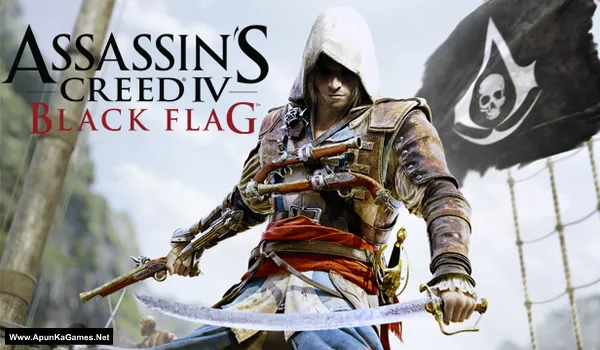
Assassin’s Creed IV: Black Flag + All DLCs Game – Overview – Download – Free – PC – Specs – Screenshots – Installation Guide
Type of game: Action-adventure, Stealth
PC Release Date: October 29, 2013
Developer/Publishers: Ubisoft Montreal, Ubisoft
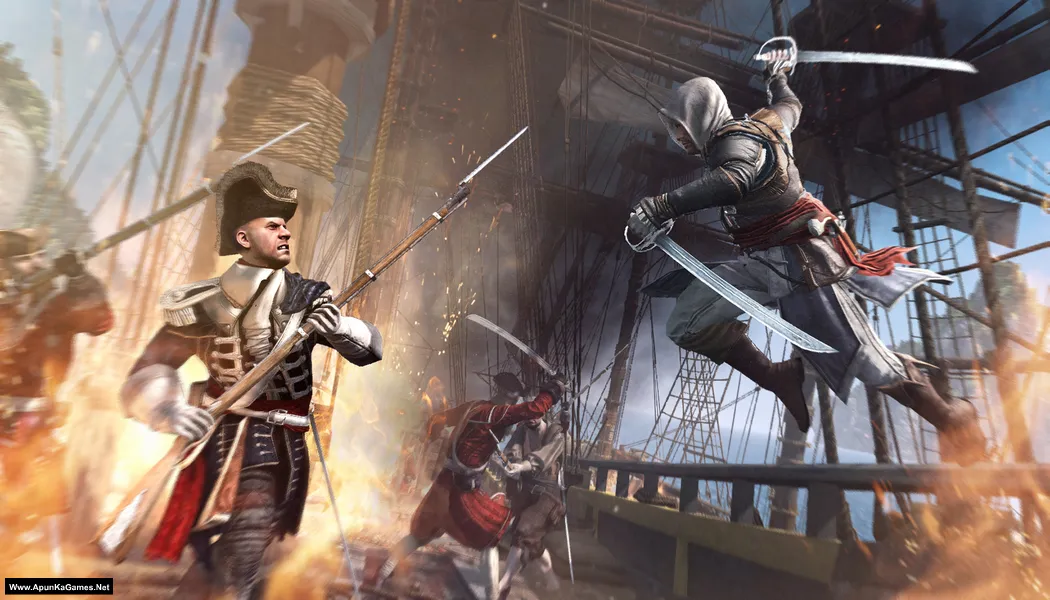
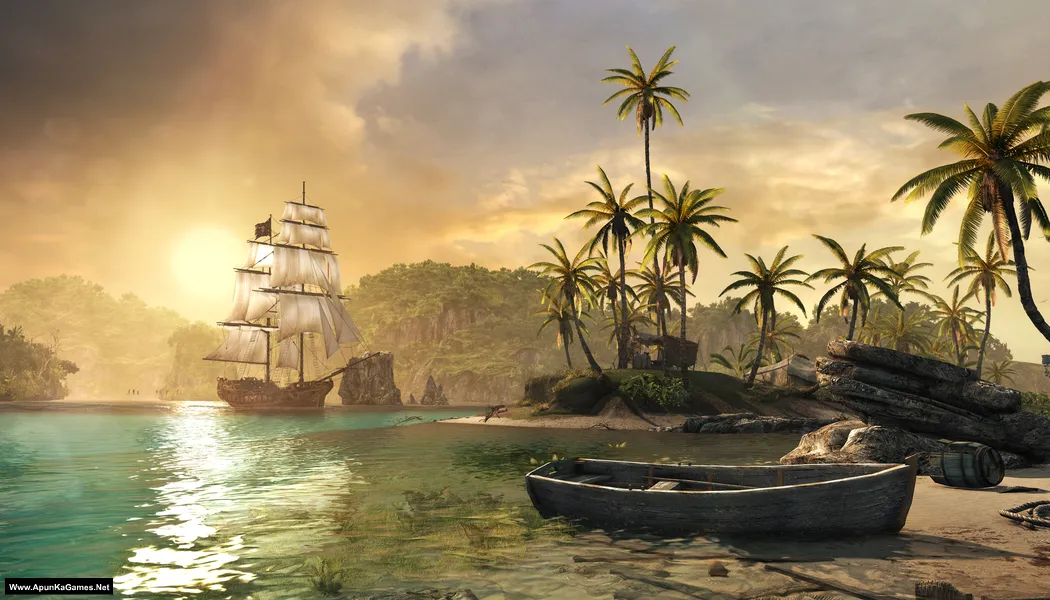
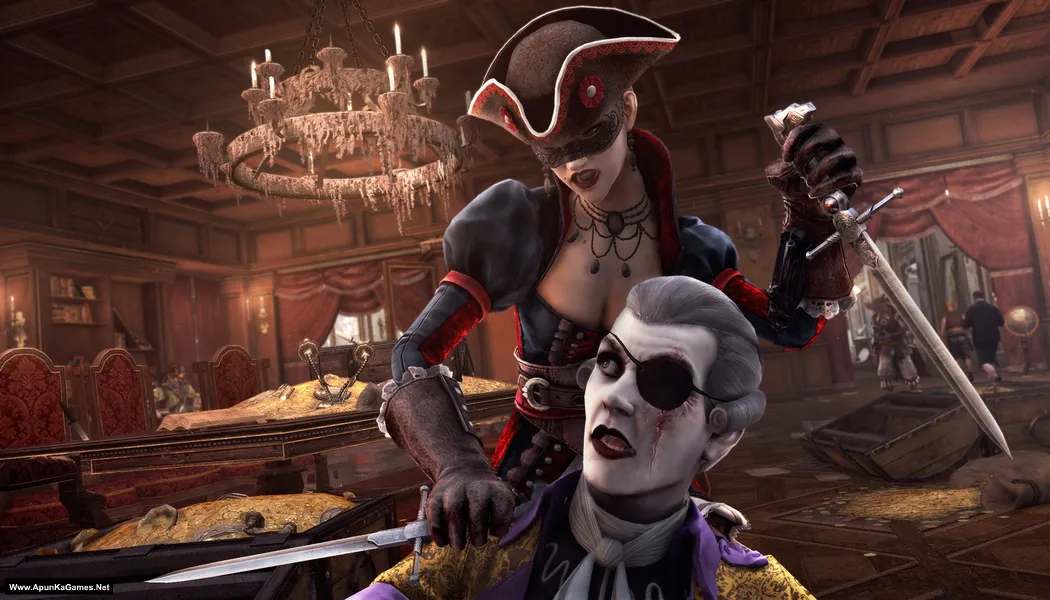
Assassin’s Creed IV: Black Flag + All DLCs (12.4 GB) is an open-world action-adventure game where players take on the role of Edward Kenway, a pirate and Assassin exploring the Caribbean during the Golden Age of Piracy. The game features naval combat, ship customization, stealth missions, treasure hunting, and a rich storyline. With all DLCs included, players gain access to additional missions, outfits, weapons, and extra content, making it perfect for fans of action, exploration, and pirate adventures on PC.
Type of game: Action-adventure, Stealth
PC Release Date: October 29, 2013
Developer/Publishers: Ubisoft Montreal, Ubisoft
Assassin’s Creed IV: Black Flag + All DLCs (12.4 GB) is an open-world action-adventure game where players take on the role of Edward Kenway, a pirate and Assassin exploring the Caribbean during the Golden Age of Piracy. The game features naval combat, ship customization, stealth missions, treasure hunting, and a rich storyline. With all DLCs included, players gain access to additional missions, outfits, weapons, and extra content, making it perfect for fans of action, exploration, and pirate adventures on PC.
Before downloading make sure that your PC meets minimum system requirements.
Minimum System Requirements
- OS: Windows Vista SP2
- Processor: Intel Core2Quad Q8400 @ 2.6 GHz or AMD Athlon II X4 620 @ 2.6 GHz
- RAM: 2 GB
- Hard Disk: 30 GB available space
- Graphics Card: Nvidia Geforce GTX 260 or AMD Radeon HD 4870 (512MB VRAM with shader Model 4.0 or higher)
- DirectX: Version 11
Screenshots
How to Install?
- Extract the file using Winrar. (Download Winrar)
- Open “Assassin’s Creed 4 – BF + All DLCs” >> “Game” folder.
- Then double click on “AC4BFSP.exe” to play the game. Done!
How to Download?
If your don’t know how to Download this game, just Click Here!
If your don’t know how to Download this game, just Click Here!
Assassin’s Creed IV: Black Flag + All DLCs Download
Click Here to Download This Game
Game Size: 12.4 GB
Password: www.apunkagames.net or apunkagames
Click Here to Download This Game
Game Size: 12.4 GB
Password: www.apunkagames.net or apunkagames

beo can you create a vide installion to guide me? thankyou
Brother, this is a simple Direct Play setup, so a video installation guide isn’t needed. Just follow the instructions given in the post step by step, and you’ll be able to play the game without any issues. 👍
Turn off your antivirus. After installation, you can turn it back on, as antivirus software may block DLL files.
01. Extract the file using Winrar part 1 and automatically all parts will extracted.
02. Open “Assassin’s Creed 4 – BF + All DLCs” >> “Game” folder.
03. Then double click on “AC4BFSP.exe” to play the game. Done!
Ok i have find a solution. Just use a vpn connection and the problem resolved.
Glad you found a solution, brother! 👍 Just use a VPN connection and the problem should be resolved. Thanks for sharing—it may help other users facing the same issue. 😊
DURING EXTRACTION IT IS DEMANDING ME TO PROVIDE FOLLOWING VOLUME TO CONTINUE EXTRACTION AND ITS NOT PROCEDING NOW PLEASE HELP ME THROUGH THIS……..
This game has 3 parts, so please make sure you have downloaded all three parts completely without using resume if your previous download was interrupted. After downloading, try opening each part one by one in WinRAR to check if any of them is corrupted. If any part shows an error, download only that part again. Once all three parts are confirmed to be working, place them together in the same folder and extract Part 1 only. WinRAR will automatically detect and extract the remaining parts without asking for another volume.
its is showing me poblem while extraction that volume is absent and extraction fail
The “Volume is absent” error usually means that one or more archive parts are missing, incomplete, corrupted, or not placed in the same folder. Please make sure all parts have been downloaded completely, keep every part in a new folder with their original file names unchanged, and start the extraction by opening Part 1 only using the latest version of WinRAR or 7-Zip. If the error still points to a specific part, that archive is most likely corrupted and should be downloaded again.