

Kohan 2: Kings of War Game – Overview – Download – Free – PC – Specs – Screenshots – Installation Guide
Type of game: Strategy
PC Release Date: September 21, 2004
Developer/Publishers: TimeGate Studios
Kohan II: Kings of War (303 MB) is a real-time strategy game where players command powerful armies, build thriving kingdoms, and wage large-scale battles across a fantasy world. The game features strategic resource management, hero units, city development, and tactical warfare that rewards careful planning and battlefield control. With an engaging campaign and challenging AI, it’s perfect for fans of classic RTS games and fantasy strategy on PC.
Type of game: Strategy
PC Release Date: September 21, 2004
Developer/Publishers: TimeGate Studios
Kohan II: Kings of War (303 MB) is a real-time strategy game where players command powerful armies, build thriving kingdoms, and wage large-scale battles across a fantasy world. The game features strategic resource management, hero units, city development, and tactical warfare that rewards careful planning and battlefield control. With an engaging campaign and challenging AI, it’s perfect for fans of classic RTS games and fantasy strategy on PC.
Before downloading make sure that your PC meets minimum system requirements.
Minimum System Requirements
- OS: Windows 98/SE/Me/2000/XP/Vista/7
- Processor: Pentium IV 1.5 GHz or AMD Athlon equivalent
- RAM: 256 MB
- Hard Disk: 700 MB available space
- Graphics Card: 64 MB NVIDIA GeForce 3 / ATI Radeon 8500 or equivalent
- DirectX: Version 9.0b
Screenshots
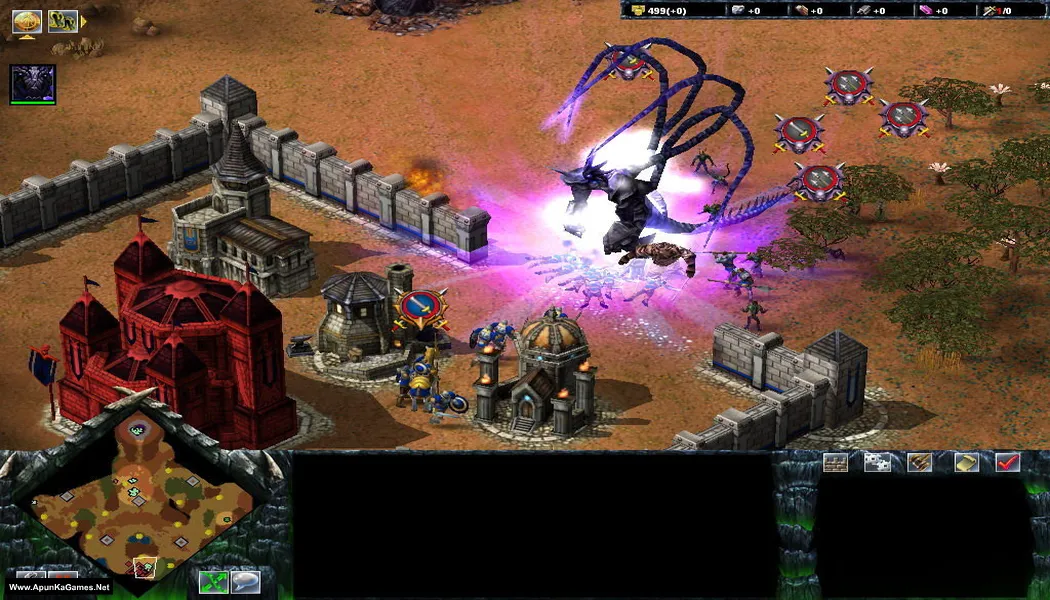
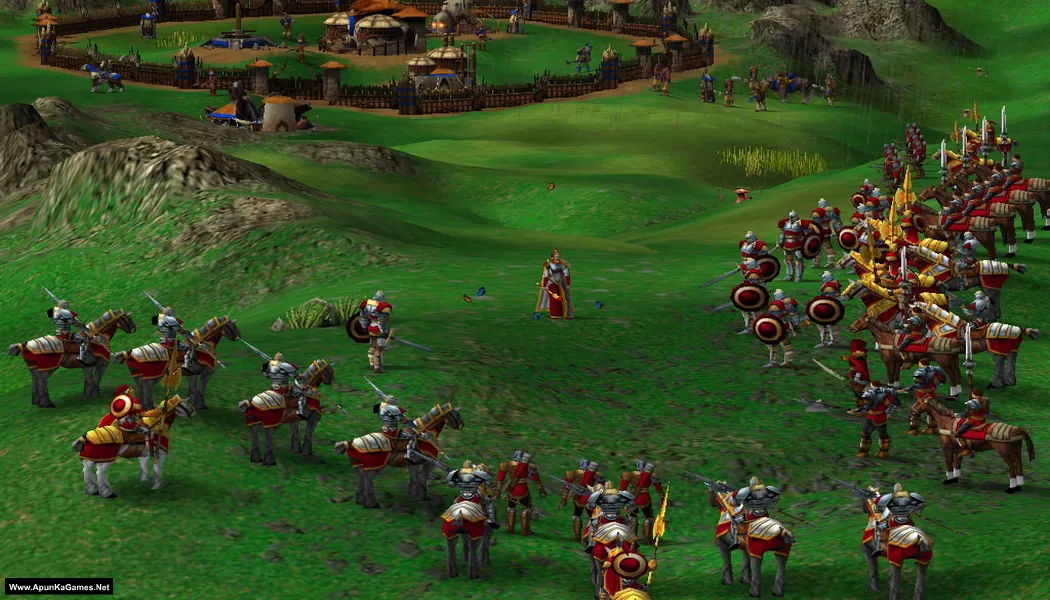
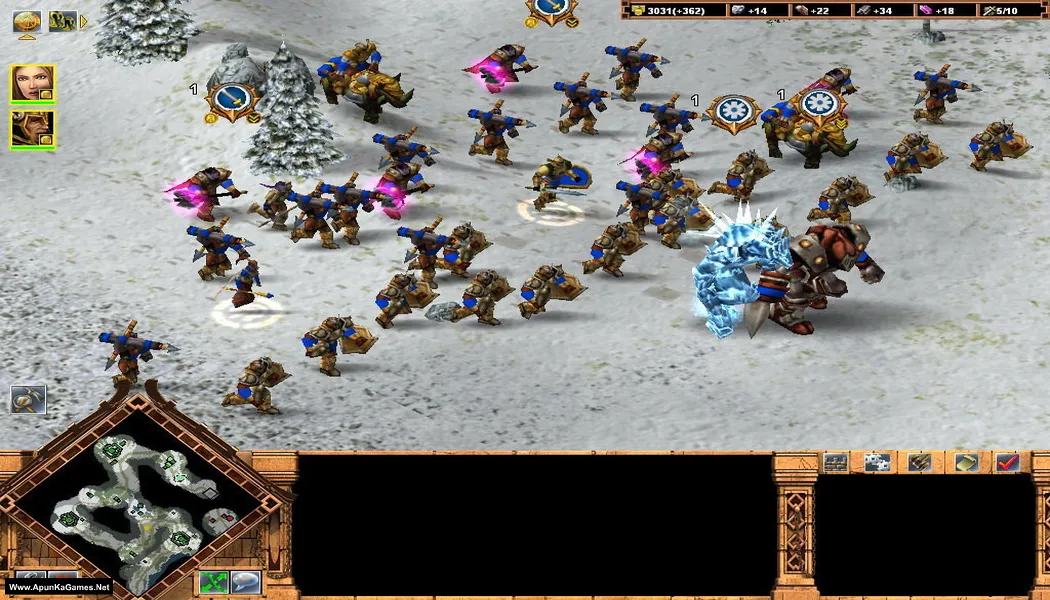
How to Install?
- Extract the file using Winrar. (Download Winrar)
- Open “Kohan II: Kings of War” >> “Game” folder.
- Then double click on “k2.exe” to play the game. Done!
How to Download?
If your don’t know how to Download this game, just Click Here!
If your don’t know how to Download this game, just Click Here!
Kohan II: Kings of War Download
Click Here to Download This Game
Game Size: 303 MB
Password: www.apunkagames.net or apunkagames
Click Here to Download This Game
Game Size: 303 MB
Password: www.apunkagames.net or apunkagames
