

International Cue Club Game – Overview – Free Download – PC – Specs – Screenshots – Installation Video
Type of game: Pool, Simulation
Type of game: Pool, Simulation
PC Release Date: November 10, 2000
Developer/Publishers: Midas Interactive Entertainment, Takara, Bulldog Interactive
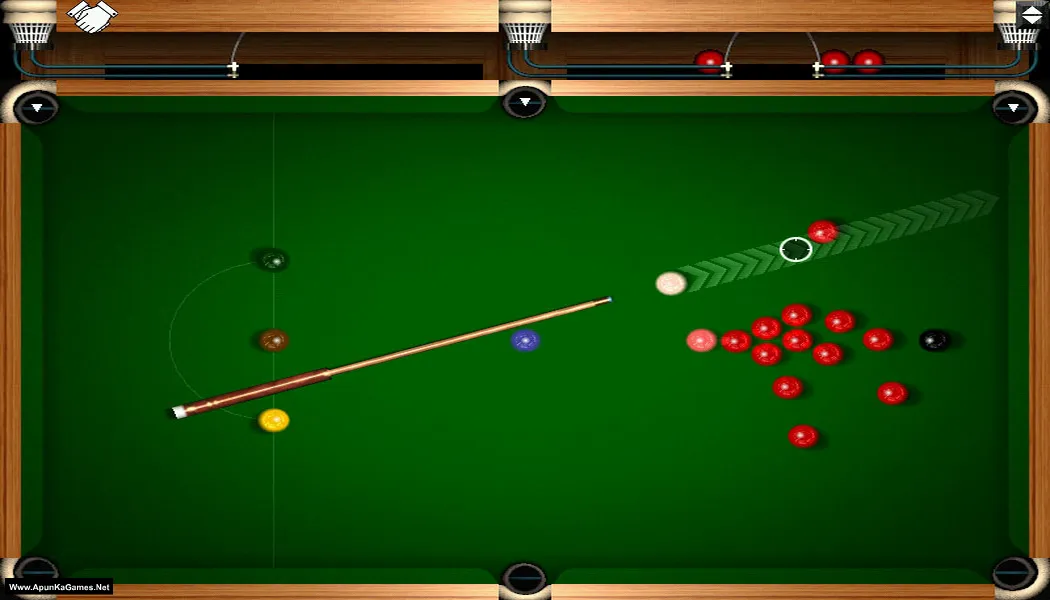
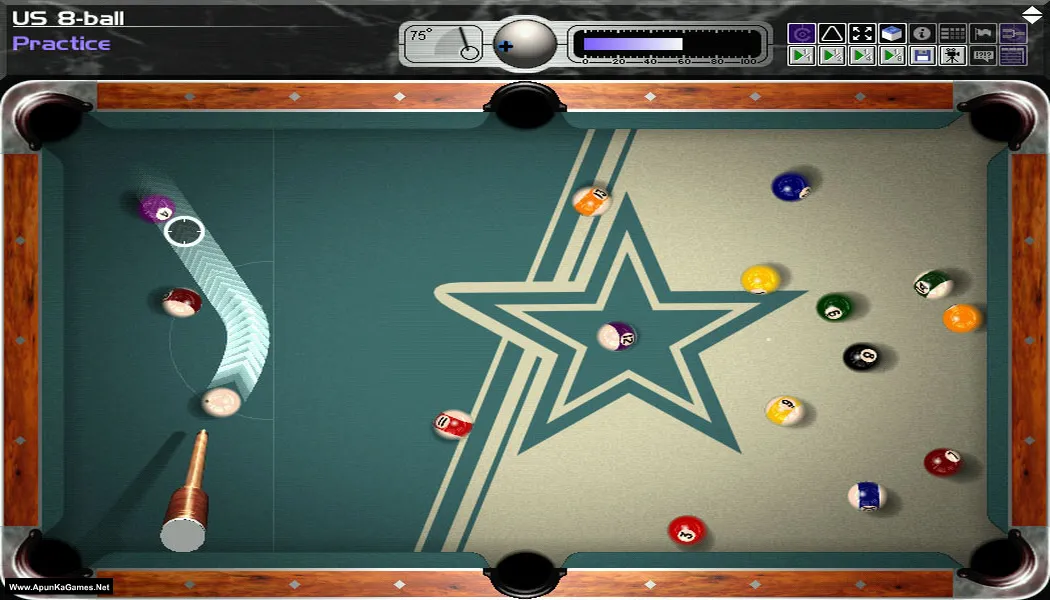
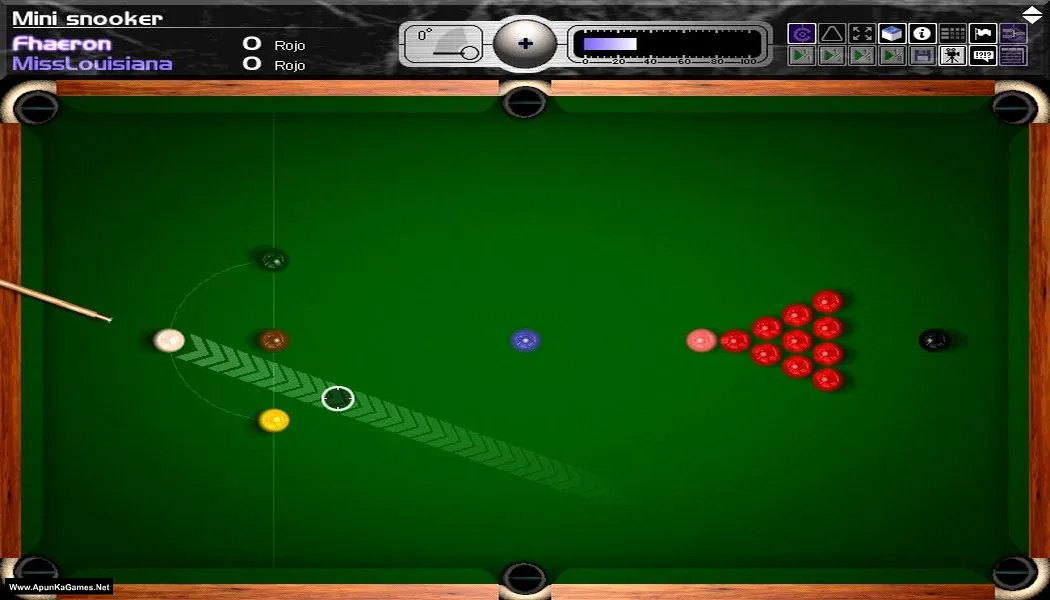
International Cue Club (21 MB) is a realistic pool and billiards simulation developed by Bulldog Interactive and published by Midas Interactive Entertainment. The game offers multiple cue sports including 8-ball, 9-ball, snooker, and English pool. Players can compete against AI opponents in tournaments or casual matches across different game modes. With accurate ball physics, detailed environments, and smooth controls, International Cue Club provides an authentic cue sports experience for fans of classic pool games.
Developer/Publishers: Midas Interactive Entertainment, Takara, Bulldog Interactive
International Cue Club (21 MB) is a realistic pool and billiards simulation developed by Bulldog Interactive and published by Midas Interactive Entertainment. The game offers multiple cue sports including 8-ball, 9-ball, snooker, and English pool. Players can compete against AI opponents in tournaments or casual matches across different game modes. With accurate ball physics, detailed environments, and smooth controls, International Cue Club provides an authentic cue sports experience for fans of classic pool games.
Before downloading make sure that your PC meets minimum system requirements.
Minimum System Requirements
- OS: Windows 2000/95/98/XP
- Processor: Pentium 166 MHz
- RAM: 16 MB
- Hard Drive: 165 MB
- Video Card: 3D Video Card
- Sound Card: 16-bits Sound Card
- DirectX: 7.0
Screenshots
How to Install?
- Extract the file using Winrar. (Download Winrar)
- Open “Cue Club” folder, double click on “Setup” and install it.
- After installation go to the folder Where you install the game.
- Open folder, double click on “cueclub” icon to play the game. Done!
How to Download?
If your don’t know how to Download this game, just Click Here!
Game Size: 21 MB
Password: www.apunkagames.net or apunkagames
