

Hulk (2003) Game – Overview – Free Download – PC – Specs – Screenshots – Installation Video
Type of game: Action, Stealth
Type of game: Action, Stealth
PC Release Date: May 27, 2003
Developer/Publishers: Radical Entertainment, Universal Interactive
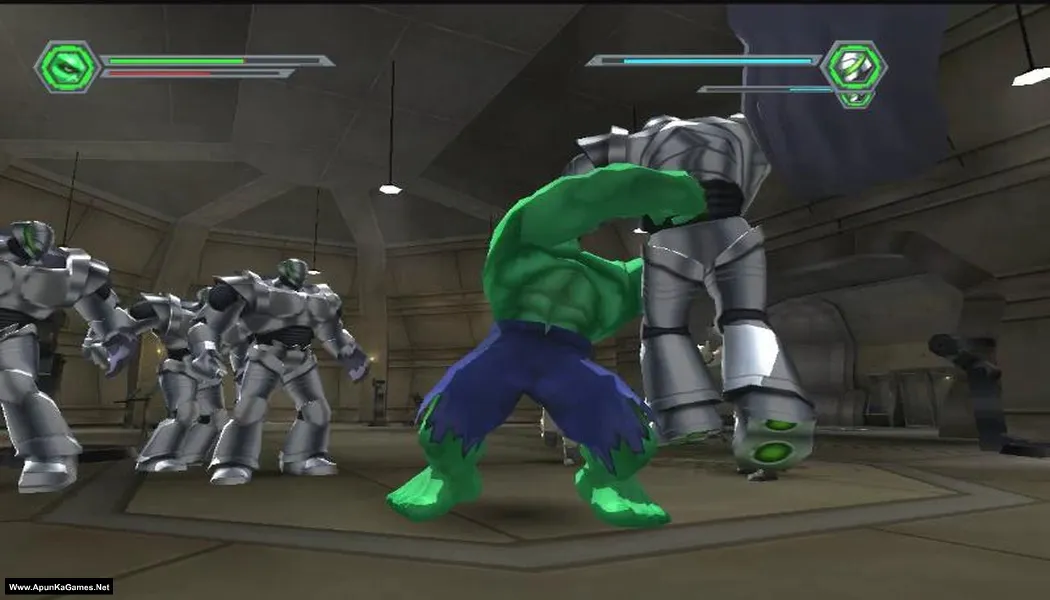
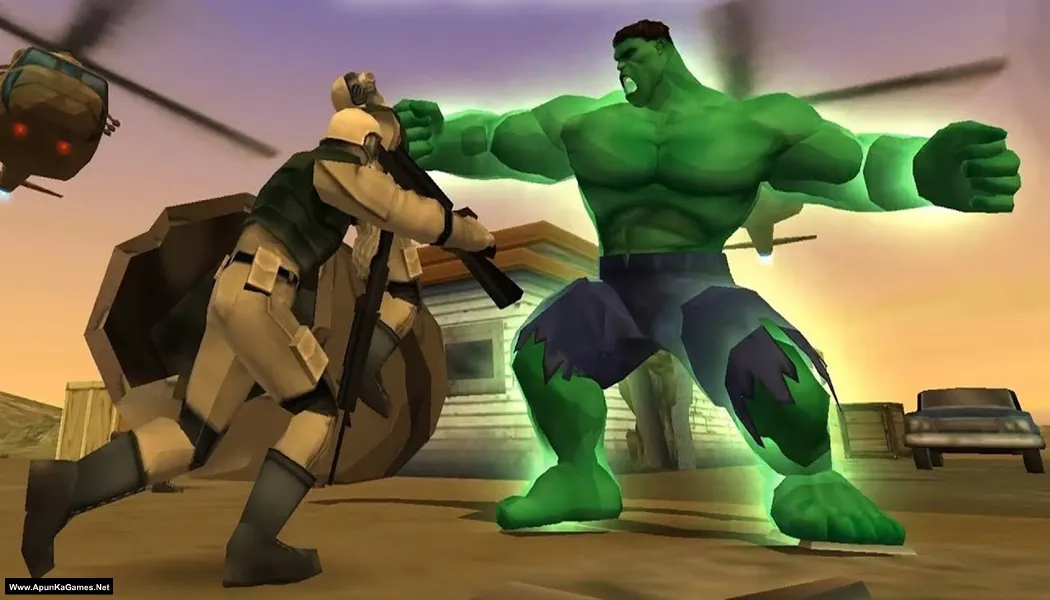
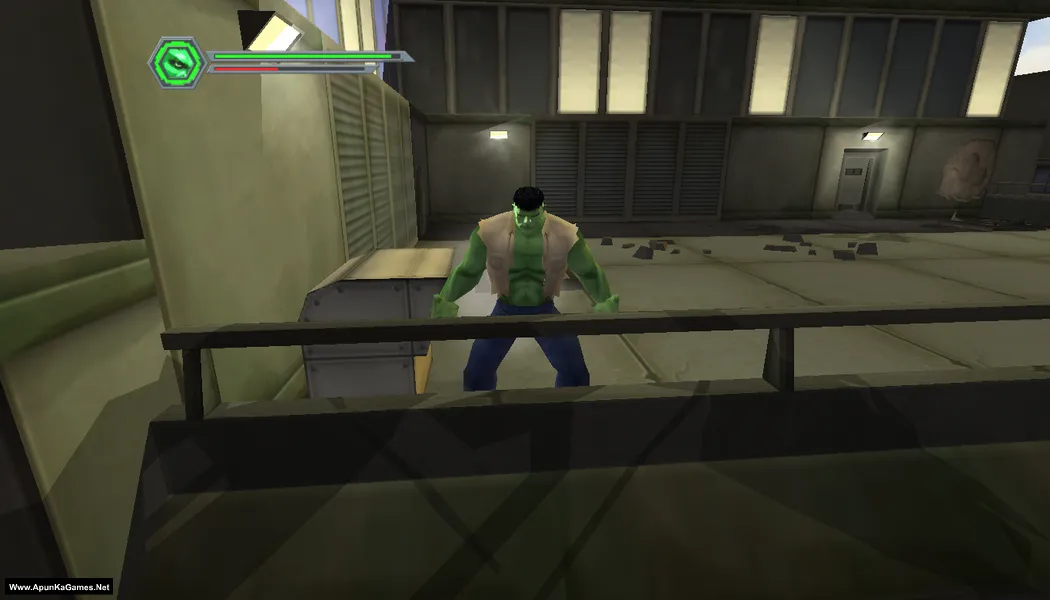
Hulk (2003) (163 MB) is an action-adventure game developed by Radical Entertainment and published by Universal Interactive. Based on the Marvel character, players control Bruce Banner and his alter ego Hulk as they battle enemies and uncover secrets tied to the Gamma experiment. The game features a mix of stealth sections as Banner and destructive combat as Hulk. With comic-inspired visuals, intense action, and a storyline connected to the film, it delivers a classic superhero experience.
Developer/Publishers: Radical Entertainment, Universal Interactive
Hulk (2003) (163 MB) is an action-adventure game developed by Radical Entertainment and published by Universal Interactive. Based on the Marvel character, players control Bruce Banner and his alter ego Hulk as they battle enemies and uncover secrets tied to the Gamma experiment. The game features a mix of stealth sections as Banner and destructive combat as Hulk. With comic-inspired visuals, intense action, and a storyline connected to the film, it delivers a classic superhero experience.
Before downloading make sure that your PC meets minimum system requirements.
Minimum System Requirements
- OS: Windows 98/ME/2000/XP
- Processor: Pentium 3 @ 700 MHz
- Memory: 192 MB
- Hard Drive: 1.5 GB Free
- Video Memory: 32 MB
- Sound Card: DirectX Compatible
- DirectX: 8.0
Screenshots
How to Install?
- Extract the file using Winrar. (Download Winrar)
- Open “Hulk – Apun Ka Games” folder, double click on “Setup” and wait for installation.
- After installation complete, double click on “hulk” icon to play the game.
- Then direct play without installation.
How to Download?
If your don’t know how to Download this game, just Click Here!
Game Size: 163 MB
Password: www.apunkagames.net or apunkagames

Settings are set to default and it’s not changing no matter how many times I update the in game settings