
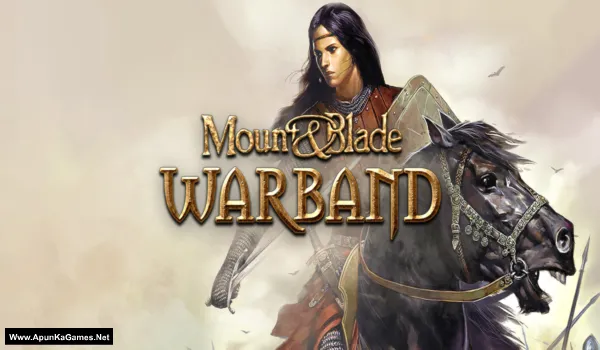
Mount & Blade: Warband Game – Overview – Free Download – PC – Specs – Screenshots – Installation Video
Type of game: Action, RPG, Strategy
Type of game: Action, RPG, Strategy
PC Release Date: March 30, 2010
Developer/Publishers: TaleWorlds Entertainment, Paradox Interactive
Mount & Blade: Warband (451 MB) is an open-world action RPG developed by TaleWorlds Entertainment. Set in the medieval land of Calradia, players can become a warrior, merchant, or ruler while building armies and conquering territories. The game features large-scale battles, strategic diplomacy, and deep character progression. Players recruit troops, lead sieges, and shape their own story in a dynamic sandbox world. With mod support and multiplayer modes, Warband remains a beloved medieval combat experience.
Developer/Publishers: TaleWorlds Entertainment, Paradox Interactive
Mount & Blade: Warband (451 MB) is an open-world action RPG developed by TaleWorlds Entertainment. Set in the medieval land of Calradia, players can become a warrior, merchant, or ruler while building armies and conquering territories. The game features large-scale battles, strategic diplomacy, and deep character progression. Players recruit troops, lead sieges, and shape their own story in a dynamic sandbox world. With mod support and multiplayer modes, Warband remains a beloved medieval combat experience.
Before downloading make sure that your PC meets minimum system requirements.
Minimum System Requirements
- OS: Windows 98/ME/2000/XP/7
- CPU: Pentium IV @ 2.1 GHz Processor
- RAM: 1 GB
- Hard Drive: 850 MB Free
- Video Memory: 128 MB
- Sound Card: DirectX Compatible
- DirectX: 9.0
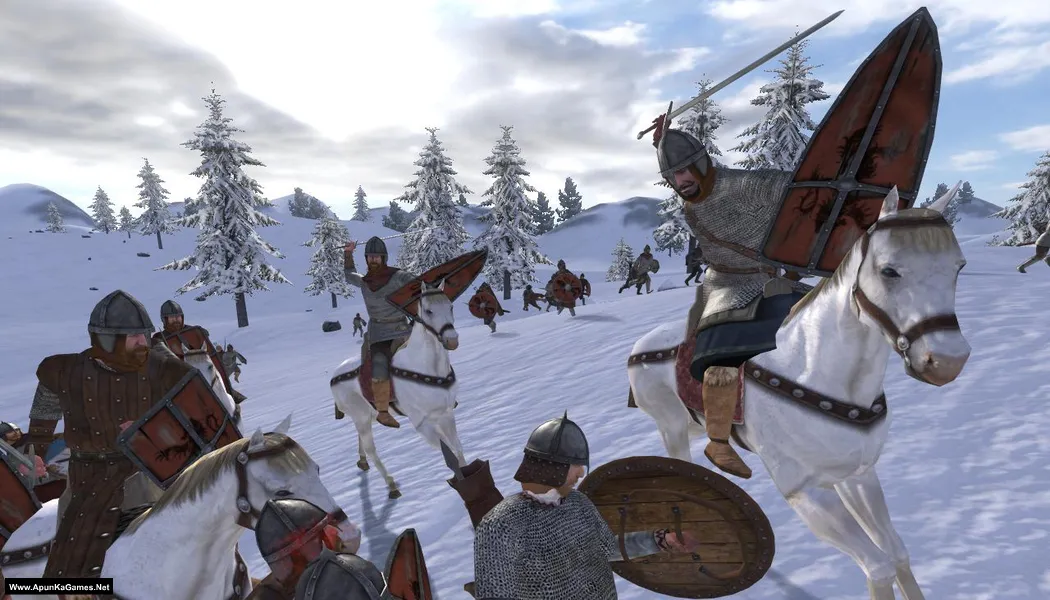
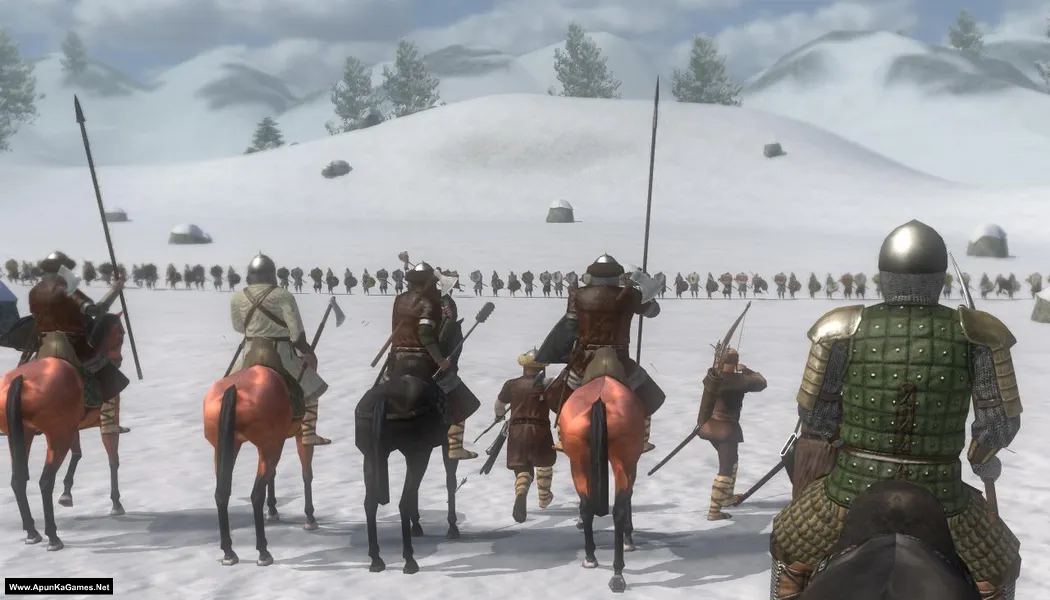
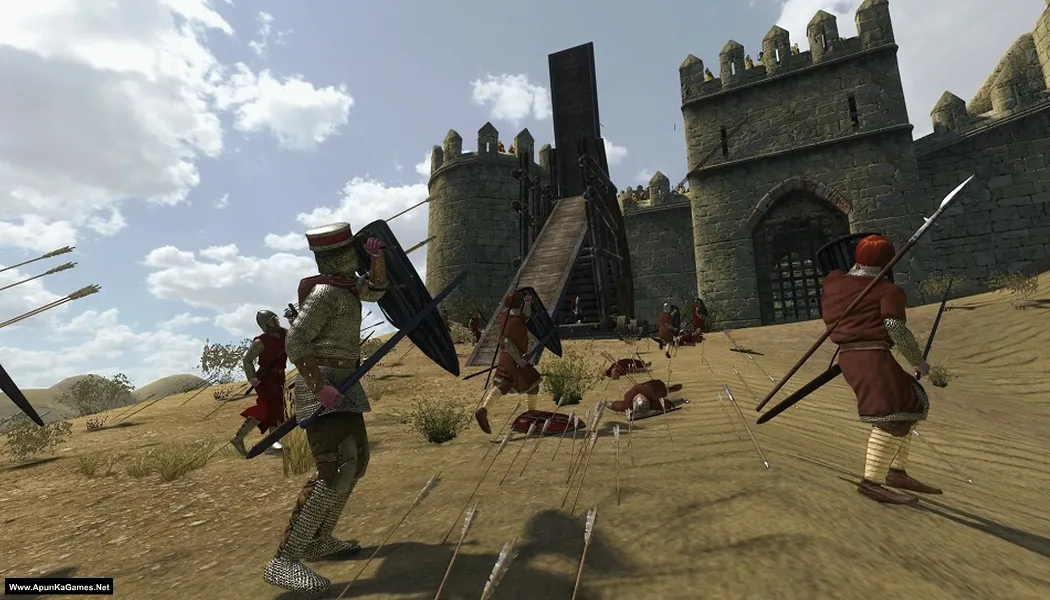
Screenshots
How to Install?
- Extract the file using Winrar. (Download Winrar)
- Open “Mount & Blade Warband” >> “Game” folder.
- Then double click on “mb_warband” icon to play the game. Done!
How to Download?
If your don’t know how to Download this game, just Click Here!
Game Size: 451 MB
Password: www.apunkagames.net or apunkagames
